

OptGpt
TechOptima · Coding · Other
OptGPT is an on-premise LLM and private enterprise AI model from TechOptima that companies train on their own data. Teams run it on their own hardware to keep sensitive information in-house rather than sending it to a public cloud.
About OptGpt
What Is OptGPT
OptGPT is a private large language model built by TechOptima, an Indian AI company based in Hyderabad. Unlike general-purpose chatbots that answer anyone who asks, OptGPT is designed for one organization at a time. A company fine-tunes it on its own documents, tickets, and internal records, then runs it inside its own network. TechOptima calls it India's first private LLM, and it shipped in February 2025.
The core problem it targets is data leakage. When employees paste contracts, customer records, or source code into a public chatbot, that text can leave the building. OptGPT keeps every prompt and answer on hardware the company controls, either on-premise or in a private cloud. That matters most for regulated industries such as IT services, finance, and healthcare, where data residency rules and compliance audits are not optional.
The trade-off is scope. A private model trained on a narrow data set won't match the open-ended knowledge of a frontier model like GPT or Gemini on general trivia. OptGPT leans into internal tasks, where deep familiarity with a company's own material beats raw world knowledge. Deployment also demands real infrastructure, so a small team without servers or IT staff will find the setup heavy.
Getting Started
- Contact TechOptima through the official site to scope the deployment and confirm hardware requirements.
- Install the private AI server on your own hardware or a private cloud instance.
- Connect internal data sources so the model can be fine-tuned on your organization's unique content.
- Wire applications to the OpenAI-compatible API endpoint so existing tools keep working.
- Test the model on real IT operations and service desk tasks, then tune access and privacy settings before rolling it out.
Product Information
A quick look at OptGpt's pricing, supported platforms, and performance.
Best for
The users, tasks, and scenarios where this tool fits best.
Users
- Enterprise IT teams
- Compliance-focused organizations
- Security-conscious developers
Tasks
- Drafting answers to internal IT tickets
- Summarizing proprietary documents
- Writing internal code and scripts
Scenarios
- Handling sensitive data that can't leave the building
- Building a domain-specific assistant
- Meeting in-house AI policy
Key features
On-Premise and Private Cloud Deployment
OptGPT runs on hardware the company owns or a private cloud it controls. Nothing routes through a shared public service, so prompts, documents, and outputs stay inside the organization's own network. For teams bound by data residency rules, this is the feature that makes the tool usable at all.
Fine-Tuning on Proprietary Data
The model is meant to be trained on a single organization's unique data, such as internal tickets, manuals, and records. That focus produces answers grounded in how the company actually works rather than generic internet knowledge. The result is a specialist assistant, not a general-purpose encyclopedia.
OpenAI-Compatible API
OptGPT exposes an OpenAI-compatible API, so tools already built for OpenAI can point at the private server with minimal code changes. That compatibility shortens the migration path for teams with existing AI features. It also means common libraries and SDKs keep working.
Built for IT Operations and Services
TechOptima tuned OptGPT around IT operations and service desk workflows rather than broad consumer chat. It handles ticket triage, response drafting, and technical troubleshooting tied to a company's own systems. That narrow focus is where a private model can outpace a big public one.
Full Customization and Control
Businesses control the model, the data, and the compute, which is the company's stated promise. They decide what data feeds training and who can reach the system. That level of control suits organizations that need to audit or restrict how AI is used internally.
Private Web Chat Interface
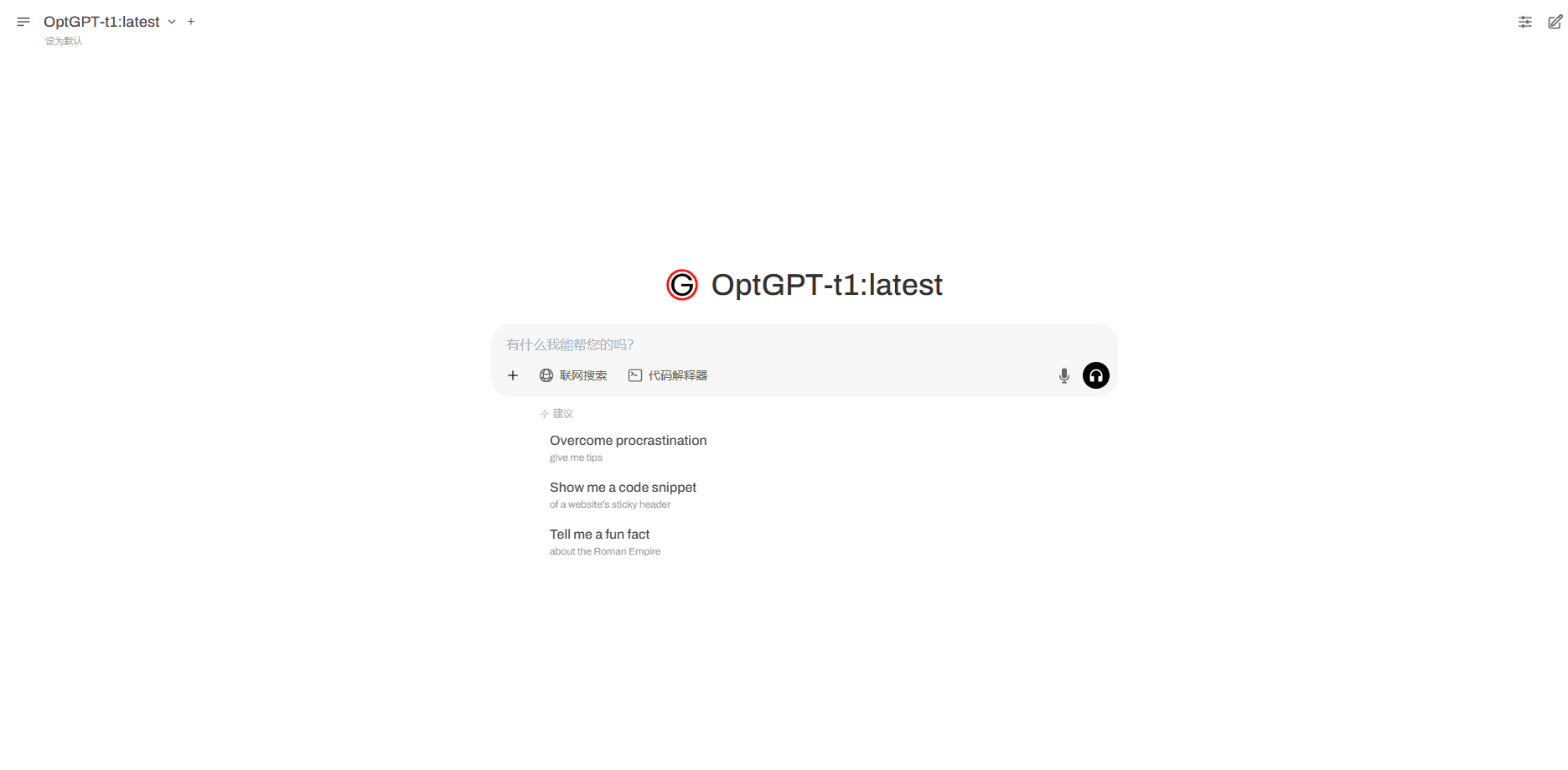
Beyond API access, TechOptima offers a hosted chat interface where staff interact with the private model. It gives non-technical employees a simple way in without touching the API. Admins keep the run inside their own environment.
Pros and cons
Pros
- Keeps sensitive prompts and outputs inside the company's own network, which suits regulated industries.
- OpenAI-compatible API means existing integrations need little rework.
- Fine-tuning on internal data produces answers tied to a company's real workflows.
- Full control over data, model, and compute helps teams pass internal AI policy and audits.
- Focused on IT operations, where deep familiarity with internal systems beats raw world knowledge.
Cons
- Requires a custom quote through sales, so there's no transparent public price list to compare.
- Deployment needs real servers or private cloud capacity, which puts it out of reach for teams without infrastructure.
- A narrowly trained model will trail large frontier models on open-ended general knowledge.
- Setup and fine-tuning take time, so the first useful answer comes slower than with a hosted chatbot.
Frequently asked questions
OptGPT is a private large language model aimed at enterprise IT operations and services. Companies fine-tune it on their own data and run it on-premise so internal tickets, documents, and code stay inside their network.
Related content
Explore related tools, skills, and articles for OptGpt.
OptGpt Alternatives

Udon
Udon · Coding · ProductivityUdon turns an Apple Silicon Mac into a home server you run from a browser, with container controls, file shares, and an optional AI sysadmin.

offstage
offstage cloud · Coding · Productivityoffstage gives AI coding agents and CI jobs a real Mac: a fresh macOS account on Apple silicon, driven over an API and billed by the second.

BotBus
Chengdu Tuyang Tusen Technology Co., Ltd. · Coding · ProductivityBotBus lets you control AI coding agents from your phone and watch: approve commands, start tasks and read results while the code stays on your desktop.