

Orchids
Orchids (team joined Figma in 2025) · Coding
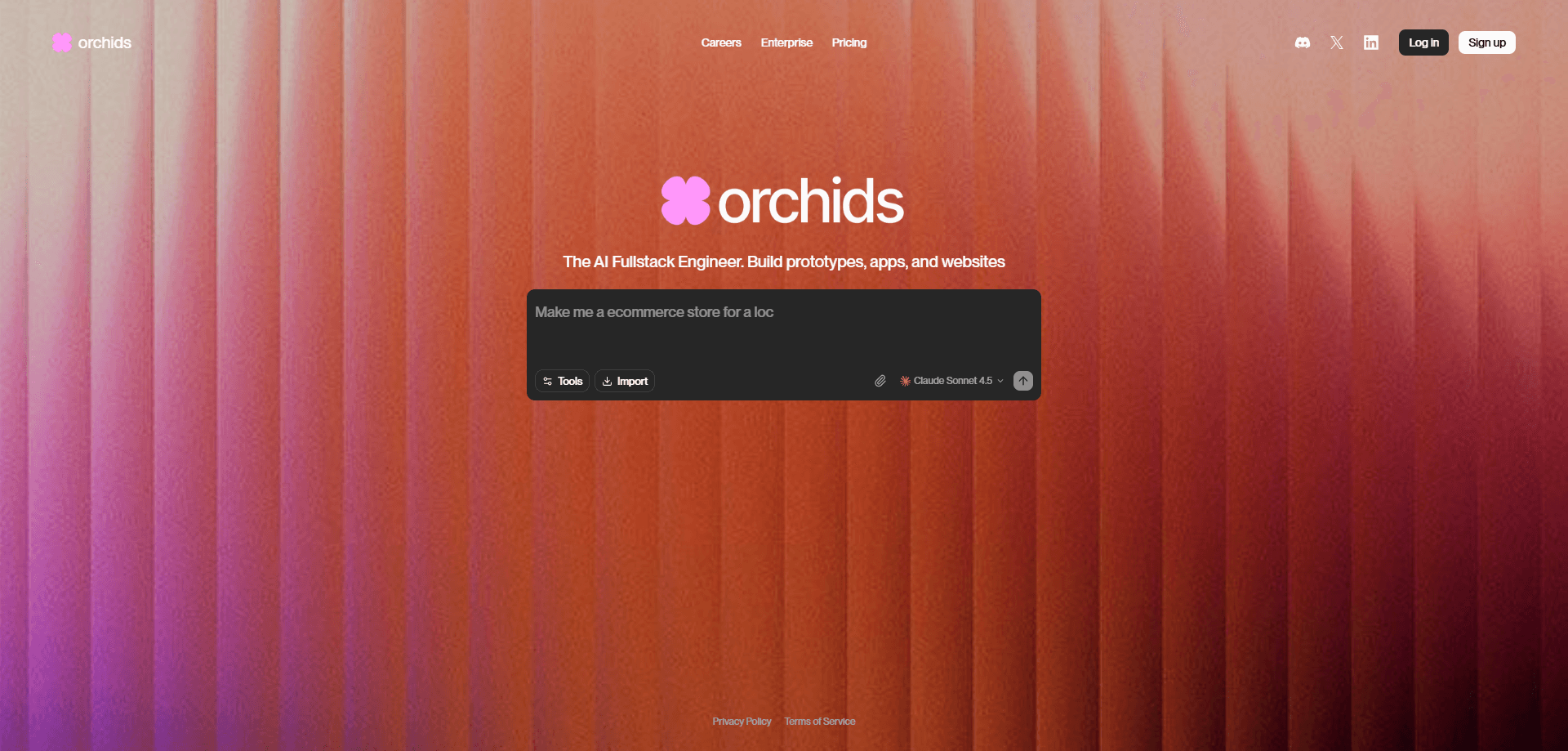
Orchids was an AI full stack engineer that let anyone build websites and web apps by talking to it in plain language. So what did that look like in practice? Instead of dragging blocks or writing code, you described what you wanted and Orchids generated a working project. It connected a front end, a database, and hosting on your behalf. The pitch was breadth. One chat handled design, logic, and deployment, not just a landing page. The team behind it has since joined Figma, and the product itself was retired on July 18, 2025.
About Orchids
What Is Orchids
Orchids was a browser-based AI builder aimed at people who had an idea for a website or web app but no interest in learning a full development stack. You typed a request in natural language, and the tool produced a runnable project rather than a static mockup. It offered a way to build websites with AI that went past a tidy landing page. That included the pieces you'd normally wire together by hand: an interface, application logic, and a database.
Its selling point was the "full stack" part. Many AI builders stop at a polished front page. Orchids tried to go further by standing up the backend too, so a signup form actually stored data and a dashboard actually read from it. That made it useful for small tools, internal utilities, and quick prototypes. You needed something that worked, not just something that looked finished.
The big limitation is that Orchids no longer runs. Announced on July 7, 2025, the team joined Figma, and both Orchids and its sibling service Bud went offline on July 18, 2025. Projects hosted or deployed there had to be moved to another host. So anyone reading this should treat Orchids as a closed chapter, not a tool you can sign up for today. That's the short version.
No. The product was retired on July 18, 2025.
Getting Started
- Create an account on the Orchids website and open a new project.
- Describe the site or app you want in plain language. List the main pages and any data you need to store.
- Review the generated project in the live preview and ask for changes in the chat until the layout and behavior look right.
- Connect a managed database if your app needs to save user input, then test the flow end to end.
- Deploy the project from the dashboard so it runs on a public URL you can share.
Product Information
A quick look at Orchids's pricing, supported platforms, and performance.
Best for
The users, tasks, and scenarios where this tool fits best.
Users
- Non-developers with a product idea
- Founders testing a concept
- Developers who want a head start
Tasks
- Building a landing page with a working contact form
- Spinning up a small internal tool
- Prototyping a web app with login and stored data
Scenarios
- Weekend side projects
- Client demos and pitch decks
- Learning by example
Key features
Natural Language Project Generation
You described the app you wanted and Orchids produced a project instead of a picture of one. That meant real files and real components you could run. Not a design mockup you'd still have to build by hand. For people without a coding background, this was the whole appeal. The catch? Vague prompts produced vague results. Output quality tracked the clarity of your description. With no code to fix by hand, you had to get the description right the first few times.
Full Stack Scaffolding
Orchids didn't stop at the front end. It set up the backend pieces a working app needs, with application logic and a database, so features like forms and accounts persisted real data. That's the difference between a site that looks done and one that works. It made Orchids suitable for small web apps, not just brochure pages. Anything complex still needed a human to check the output.
Live Preview and Iteration
Every change showed up in a live preview, and you refined the result by chatting rather than editing code. You could ask for a different layout, a new field, or a color change and see it applied. That loop made the tool approachable. You judged the app by looking at it, not by reading source files. It also meant most of your time went into describing intent clearly, which some people found harder than expected. Natural language coding sounds simple until you have to be specific.
Managed Database
Projects that needed to store data could use a managed database provisioned for you. A signup form, a to-do list, or a small customer tracker could hold real records without you setting up a server or writing migration scripts. For non-technical users this removed one of the biggest blockers to building anything interactive. No server to babysit. The trade-off was control. You worked within the managed setup rather than tuning the database yourself.
Deployment and Hosting
Orchids handled deployment, so a finished project could go live on a public URL from inside the dashboard. No separate hosting account. No CI pipeline. You could show your work without leaving the tool. When the service shut down, that convenience became the problem: deployed projects stopped running and had to be claimed or moved to another host. It's a reminder that hosting tied to a single tool lives and dies with that tool.
Desktop App
Alongside the web version, Orchids offered a desktop app that kept your projects saved locally, usually in a folder on your machine. For people who cared about keeping their work, that local copy mattered. It survived the shutdown with no migration step at all. A small feature that turned out to be one of the more useful ones in hindsight.
Pros and cons
Pros
- Turned plain-language prompts into runnable full stack projects, not just static pages.
- Handled the backend and database, so forms and small apps actually worked.
- Live preview made it easy to see and refine results without reading code.
- Built-in deployment put your project online without extra hosting setup.
- The desktop app kept a local copy of projects, which outlasted the service.
Cons
- The product was retired on July 18, 2025, so you can't sign up or run it now.
- Deployed projects stopped working at shutdown and had to be moved to a new host.
- Output quality depended heavily on how clearly you described what you wanted.
- Managed database and hosting left little room to tune things at a deeper level.
Frequently asked questions
Orchids was an AI full stack engineer that built websites and web apps from plain-language descriptions. You told it what you wanted, and it generated a working project with a front end, backend logic, and a database, then let you deploy it. It was aimed at people who had an idea but didn't want to build it by hand.
Related content
Explore related tools, skills, and articles for Orchids.
Orchids Alternatives
Forefront
Forefront · CodingForefront is a web platform for building with open-source AI. It lets you fine-tune leading open-source language models on your own data, evaluate how they perform, and run them through an API or export them to host yourself. Developers who want the convenience of a closed-source platform but insist on owning their models and data are the target audience here.

Startkit
StartKit.AI · CodingStartkit is a boilerplate for building AI SaaS and AI wrapper products. Think of it as an AI startup boilerplate with the boring parts already wired up: authentication, Stripe and Lemon Squeezy payments, usage limits, transactional email, and an AI API starter that talks to OpenAI, Anthropic, Groq, or Llama. You clone the repo, set your price, and start on the part of your product that people actually pay for. It's Next.js under React and Tailwind, so most of the boilerplate code already feels familiar.
Testim
Tricentis · CodingTestim is an AI-powered test automation platform for building and running end-to-end tests across web, mobile, and Salesforce applications. It leans on machine learning to keep tests stable when an interface changes, so teams spend less time fixing broken selectors. Not bad for an automated testing tool you can start using today. You create tests by recording actions in a browser, then optionally add JavaScript when you need more control. It's a solid pick for busy QA teams.