

Otherhalf: AI Anime Friend
Azimov, Inc. · Image · Chatbot
Otherhalf is a 3D anime AI companion app where lifelike characters talk back in real time using animated expressions and their own voice, letting you chat, roleplay, and create a custom companion.
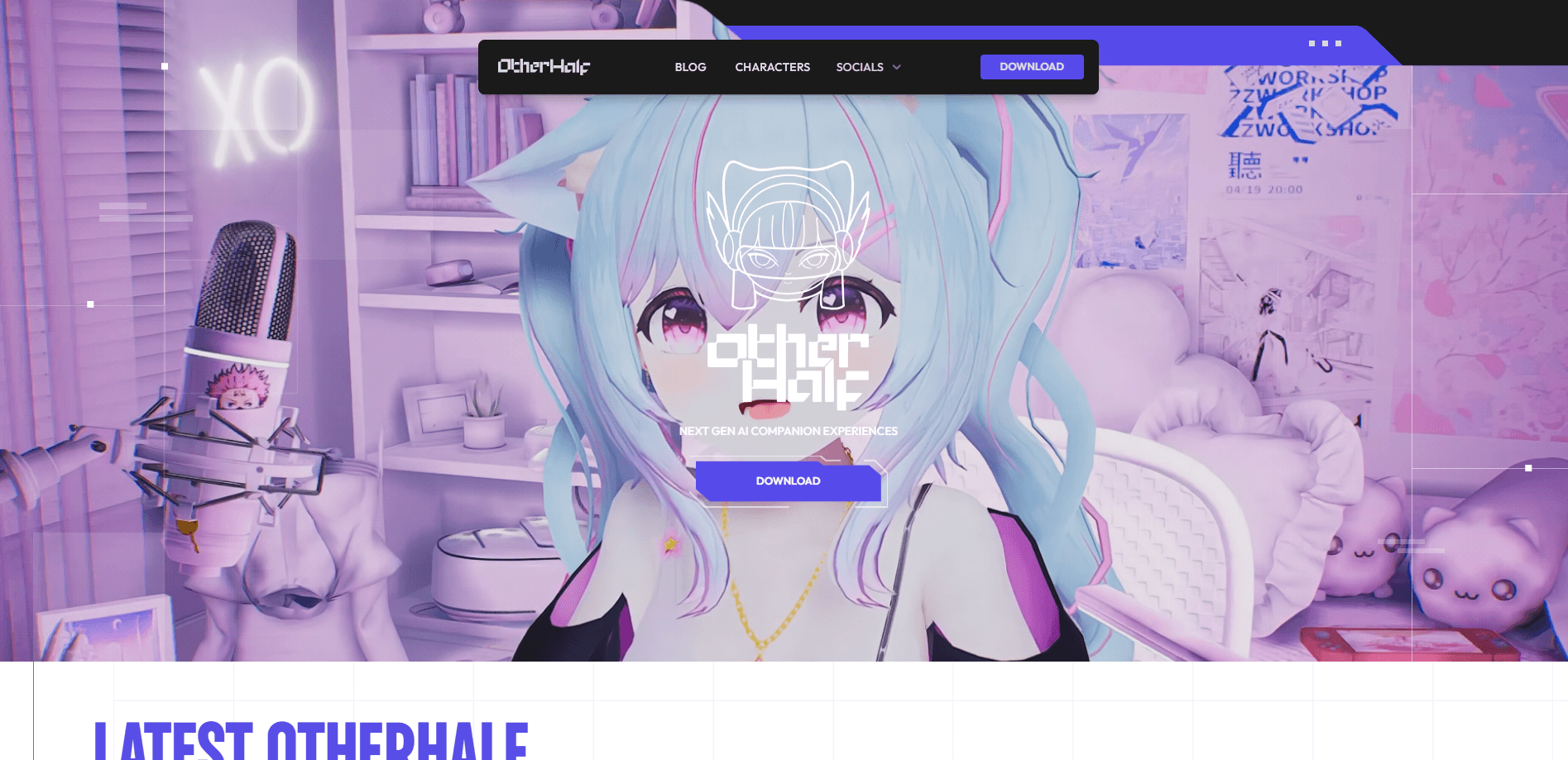
About Otherhalf: AI Anime Friend
What Is Otherhalf
Otherhalf is an AI companion platform built by Azimov, Inc., a studio that has worked on conversational AI since 2021. Instead of plain text bubbles, it puts an anime-style 3D character on screen who reacts with body language, facial expressions, and spoken replies. The pitch is simple: a companion you can see and hear, not just read.
The app solves a specific frustration. Most AI chat apps feel like typing into a box, and the personality you get is whatever the prompt produces that day. Otherhalf ships a library of handcrafted characters, each with a set backstory and a distinct voice, so you pick someone rather than build from a blank page. If you want, you can still create your own companion and shape how they look and act.
Two limits are worth knowing up front. The platform leans on 3D rendering and voice, so it asks for a reasonably recent device, and full conversations run on a paid subscription. It is entertainment and companionship software, not a productivity tool, so judge it on how the chats feel rather than on tasks it finishes.
Getting Started
- Download the app for iPhone, Android, or Windows from the official Otherhalf site and create an account.
- Browse the character library and open the profiles of the Otherhalves you want to meet.
- Start a chat, or open the character builder if you would rather design your own companion from scratch.
- Talk or type, and let the conversation carry on. Short replies and long scenes both work.
- Save the characters you click with, then pick up the same thread the next time you open the app.
Product Information
A quick look at Otherhalf: AI Anime Friend's pricing, supported platforms, and performance.
Best for
The users, tasks, and scenarios where this tool fits best.
Users
- Anime fans
- People who find text-only chatbots flat
- Introverts testing social waters
Tasks
- Casual daily chat
- Creative roleplay
- Emotional venting
Scenarios
- Unwinding after work
- Solo time on the couch
- Exploring an idea for a story
Key features
Lifelike 3D Anime Characters
Each Otherhalf is a fully rendered 3D character rather than a static portrait. They move, gesture, and change expression while they talk, which is the main thing that separates Otherhalf from text-based AI companions. Anime fans get the visual style they already like, rendered with enough detail to hold up on a phone screen.
Real-Time Voice Conversations
The characters reply out loud in their own voices, and the back-and-forth runs fast enough to feel like a call rather than a message thread. Voice is the default interaction here, so you can talk hands-free while cooking or lying down. Typing still works when you are somewhere you cannot speak.
Handcrafted Character Library
Otherhalf ships a roster of characters, each written with a backstory, a personality, and a consistent way of speaking. You meet them through profiles, the same way you would read about a character in a show. The library grows over time, so there is usually someone new to try without designing anything yourself.
Custom Companion Builder
If none of the presets fit, you can build a custom AI character and decide how they look and how they behave. This is the route for people who want a specific personality or appearance rather than the closest match. It takes longer than picking a preset, but the result is a companion shaped around you.
Cross-Platform Access
One account works across iPhone, Android, and Windows, but the desktop build asks for a more capable machine with 8 GB of RAM and a DirectX 10 graphics card. That means a conversation started on your phone can continue on your PC. Device requirements are real, so check the official download page before you commit.
Expressive Body Language
Beyond the voice, the characters use posture and movement to carry emotion, which is unusual for AI companion apps that stop at a face and a voice track. When a character reacts with a shrug or a laugh, the conversation reads more like a scene than a chatbot exchange. It is the feature the developers lean on hardest.
Pros and cons
Pros
- 3D visuals and voice give conversations a presence that text-based AI companions cannot match.
- The handcrafted character library lets you start chatting in minutes without writing a single prompt.
- Voice-first design means you can talk hands-free, and typing is there when you need quiet.
- One account covers iOS, Android, and Windows, so you are not locked to a single device.
- The custom builder gives you a real say in how your companion looks and behaves.
Cons
- Device requirements are steep. Older phones and low-end PCs will not run the 3D characters smoothly.
- Full use runs on a paid subscription, so the free tier is best treated as a trial.
- It is entertainment software, not a productivity tool, so it will not help you finish work.
- The character library is smaller than the message-based AI companion apps with hundreds of user-made bots.
Frequently asked questions
Otherhalf is an AI companion app for chat, voice conversation, and roleplay with 3D anime-style characters. People use it for casual company, creative storytelling, and low-stakes emotional conversations.
Related content
Explore related tools, skills, and articles for Otherhalf: AI Anime Friend.
Otherhalf: AI Anime Friend Alternatives

Google EmbeddingGemma 2
Google DeepMind · Writing · Image · CodingGoogle EmbeddingGemma 2 is a 740M-parameter open model that turns text, code, images, audio, and video frames into vectors in one 768-dimension space, running on phones and laptops.

Tractionwave
TractionWave · Image · MarketingTractionWave is an AI attention heatmap tool for static ads. Upload a PNG or JPG and it returns predicted attention, ranked hotspots, and fixes before you spend budget.

Imejis.io
Imejis.io · Image · MarketingImejis.io is an AI design studio for agents and marketing teams. Describe an image in plain words, and it writes the copy, builds the layout, reflows it to every size, then exports a finished file.