

Otio: AI Research Assistant
Frontdoor Labs Ltd · Productivity · Business
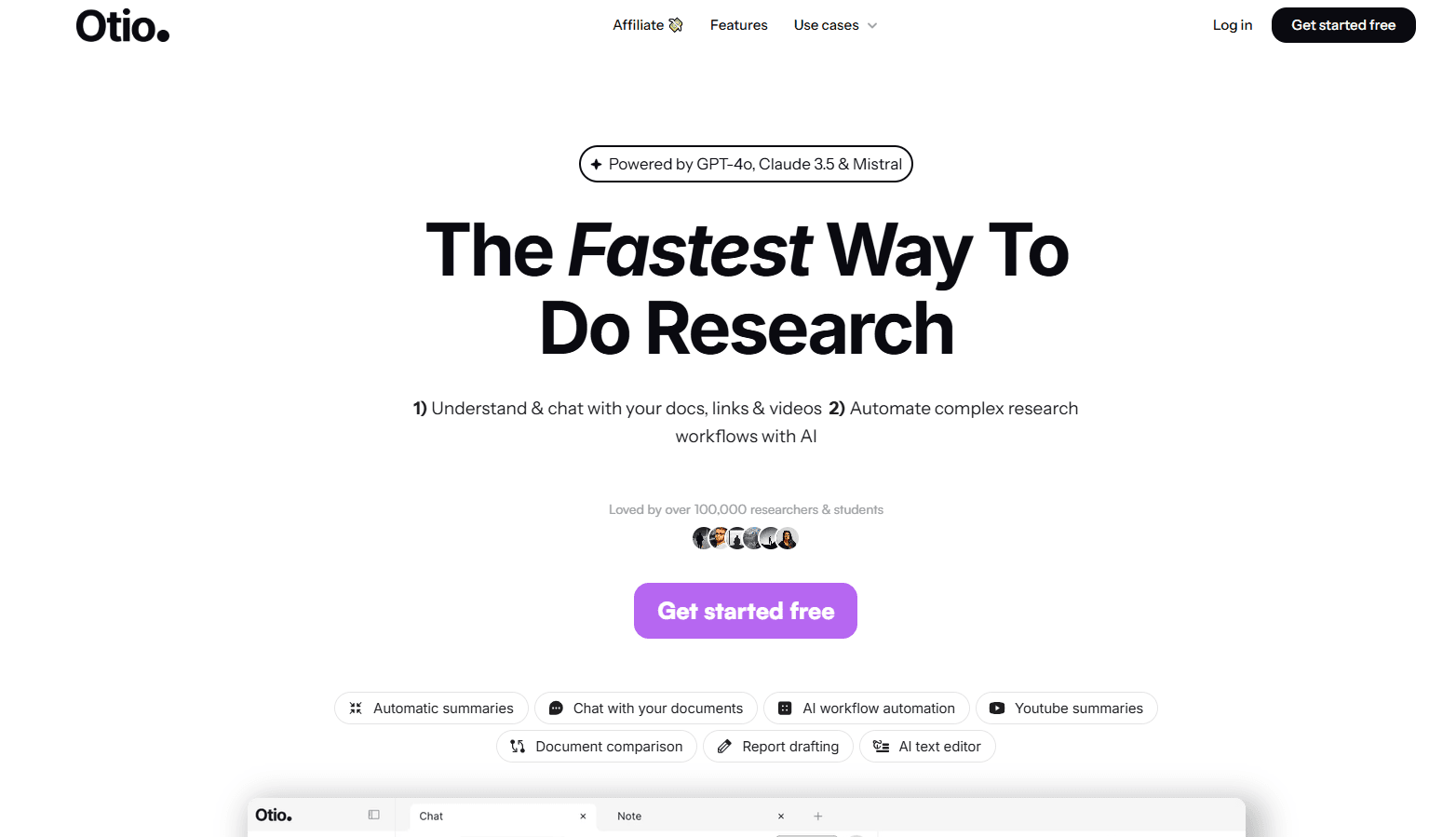
Otio is an AI research assistant that keeps hundreds of PDFs, videos, and pages in one workspace, with every answer cited.
About Otio: AI Research Assistant
What Is Otio
Otio is an AI research assistant built for people who drown in sources before they can start writing. It works as an AI PDF reader and a chat with PDFs workspace at the same time. That single library is the whole idea, and it's the reason researchers upload hundreds of files instead of copying text into a chatbot that forgets them an hour later. You drop your PDFs, web pages, YouTube videos, podcasts, and spreadsheets into a single library, then ask questions across all of them at once. Every reply points back to the exact page or timestamp, so you can check the claim instead of trusting it. No guessing. No fake page numbers to chase down. That matters.
The pitch is simple: ChatGPT forgets your files when a session ends, and NotebookLM caps you at 50 sources per notebook. Otio treats research as a workspace that grows for months, not a chat you restart. Upload 60 papers in January, add 30 client docs in March, and ask about all 90 in May without re-uploading anything at all.
It runs on the major models rather than one. ChatGPT, Claude, Gemini, Grok, Llama, DeepSeek, and Moonshot are all available on every plan, including Free. That's unusual, since most tools save the best models for a top tier, and it's the core of the multi-model research approach Otio is selling. Want to see where Claude and Gemini disagree on the same paper? Otio lets you run both side by side on identical sources.
The main limit is that Otio only answers from what you feed it. Empty library, empty answer. It won't research a topic cold the way a general chatbot will, and it'll tell you when your sources don't cover something instead of guessing, which is the honest behavior but also a hard stop. If you want open-ended brainstorming with no files attached, it's the wrong tool.
Getting Started
- Create a free account at otio.ai. No card is needed, and the Free plan includes all AI models.
- Create a Space for your project, then drag your PDFs, links, videos, and spreadsheets into it.
- Open a chat inside that Space and ask a question across every source at once.
- Click any citation to jump to the exact page or timestamp and verify the answer.
- Pick a different model or run Deep Research when a task needs multi-step digging, then export your notes as markdown.
Product Information
A quick look at Otio: AI Research Assistant's pricing, supported platforms, and performance.
Best for
The users, tasks, and scenarios where this tool fits best.
Users
- Graduate students and PhD candidates
- Consultants and analysts
- Lawyers and policy professionals
- Journalists and writers
Tasks
- Literature reviews
- PDF and video summarization
- Spreadsheet analysis
- Cross-model comparison
Scenarios
- A thesis or legal case that unfolds over weeks
- Sunday-night prep before a client deliverable
- Revisiting a specific case study from a podcast you heard six weeks ago
- Checking a claim before it leaves your desk
Key features
Every AI Model on Every Plan
Otio gives you ChatGPT, Claude, Gemini, Grok, Llama, DeepSeek, and Moonshot on all plans. Free included. Otio Auto picks a model for the job, or you can switch mid-chat with Auto, Fast, and Expert quick picks. You can also put two models side by side on the same sources to see where they differ.
Page-Level and Timestamp Citations
Every answer Otio produces is tied to the exact page or timestamp in your sources. That matters most when accuracy is non-negotiable, like legal discovery or compliance review, where a fabricated reference costs you real time and where verified citations are the whole point. Click a citation. Check the passage yourself.
Permanent Research Library
Your files stay in the workspace instead of resetting between sessions. There are no source caps, so a library of 700 papers works the same as a library of 10, and nothing you've uploaded disappears when you close the tab. Big or small, same rules. Search across everything you've ever uploaded and surface a source from months back in seconds. It just works.
Spaces for Project Separation
Spaces keep separate projects apart, each with its own source library, chat history, and outputs. Simple. Keep thesis research away from client work and switch between them without mixing sources or losing context. Free gives you 1 space, Lite 2, Go 5, and Pro more.
Deep Research Grounded in Your Sources
Deep Research runs multi-step investigations across your library and the live web, and it's included on Free instead of being locked behind the top tier the way most tools do it. Otio keeps the reasoning visible along the way, so the answer isn't a black box. Ask once. Watch it work.
Multi-Format Ingestion
Otio reads PDFs, web pages, YouTube videos, podcasts, audio, CSVs, and pasted notes. No conversion needed. An OCR feature handles scanned documents, and PDF length goes up to 2,000 pages on Pro. You don't have to convert anything before uploading. It doubles as an AI podcast summarizer and a book or textbook summarizer. Long audio, long reading, one library.
Delivery to Where You Work
Results can be pushed out through email, Google Drive, Telegram, and other channels instead of sitting in the app, which matters when the finished summary needs to reach a teammate who never opens Otio themselves. Otio also connects to Zotero, Mendeley, Dropbox, and OneDrive on desktop. Export notes as markdown when you're ready to move into a writing tool. Done.
Pros and cons
Pros
- All major AI models are available on every plan, so you aren't paying extra just to reach Claude or Gemini.
- No cap on library size or source count, which separates it from NotebookLM's 50-source limit.
- Citations point to the exact page or timestamp, making verification fast.
- The free plan includes Deep Research and every model, so you can judge it before paying. Start free.
- Spaces keep long-running projects organized across weeks and months.
Cons
- It only answers from the sources you upload, so it can't research a topic from scratch and needs your files present before it's useful at all.
- The Free plan caps uploads at 10 files and 50MB total, which runs out fast for a real literature review.
- Desktop integrations like Zotero and Mendeley are desktop-only, so browser users miss them.
- API access isn't publicly documented, so you can't wire Otio into your own pipelines.
Frequently asked questions
Otio is an AI research workspace that stores your sources and answers questions across all of them at once. Each answer cites the exact page or timestamp, and you can compare how different AI models respond to the same question.
Related content
Explore related tools, skills, and articles for Otio: AI Research Assistant.
Otio: AI Research Assistant Alternatives

Udon
Udon · Coding · ProductivityUdon turns an Apple Silicon Mac into a home server you run from a browser, with container controls, file shares, and an optional AI sysadmin.

offstage
offstage cloud · Coding · Productivityoffstage gives AI coding agents and CI jobs a real Mac: a fresh macOS account on Apple silicon, driven over an API and billed by the second.

BotBus
Chengdu Tuyang Tusen Technology Co., Ltd. · Coding · ProductivityBotBus lets you control AI coding agents from your phone and watch: approve commands, start tasks and read results while the code stays on your desktop.