

Oxus: Family Food Weight Loss
Oxus · AI Assistant
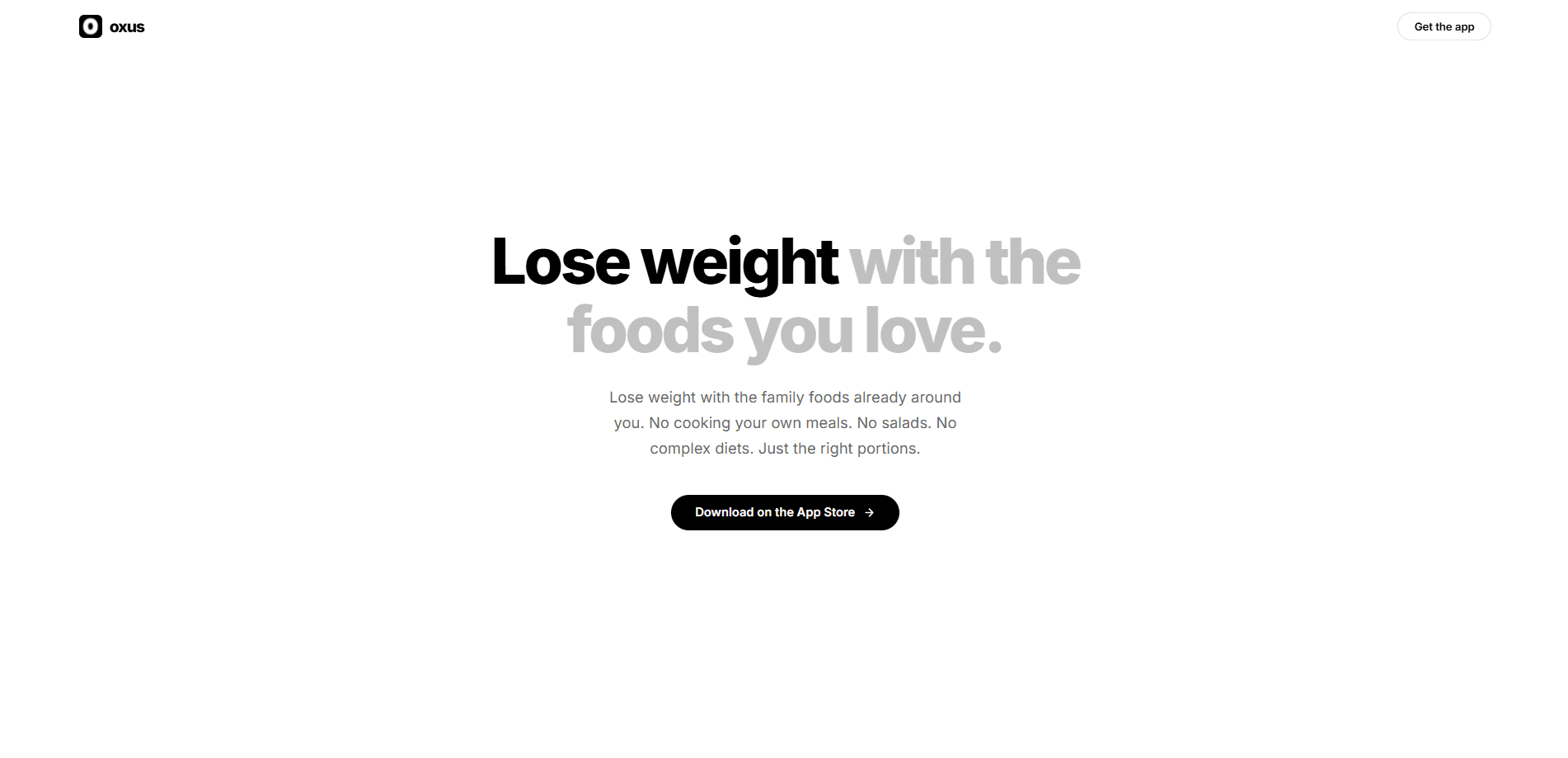
Oxus is a weight-loss and portion-control app built around one question: how much of your food should you actually eat? You snap a photo or type a quick description of a family meal, and this food portion tracker tells you the exact grams to put on your plate. It then adapts your calorie target as your weight changes, so you don't recalculate anything. There's no special diet, no separate low-calorie cooking, and no rigid meal plan to follow.
About Oxus: Family Food Weight Loss
What Is Oxus
Oxus is a mobile app that handles portion sizes instead of pushing a diet. Most weight-loss apps hand you a menu to follow. Oxus works with the food already on your table and tells you the amount to eat. That difference matters if your meals are home-cooked, shared with family, or regional dishes that no food database recognizes.
The app's core loop is short. You photograph your meal or type what you're eating. Oxus returns a gram target for your serving. If you've set a goal and logged your weight, the number is already tuned to your progress. It reads any food, from a takeout box to a home-cooked dinner, which is where standard calorie counters tend to fall short.
The main limit is precision. Oxus estimates portions from a photo or a short description, so it's less exact than weighing and logging every single ingredient yourself on a scale before you sit down to eat. It's also not a medical tool. Anyone managing a health condition should treat its numbers as guidance, not prescription.
Getting Started
- Download Oxus from the App Store and open it.
- Enter your weight goal and current details so it can set a calorie target.
- Snap a photo of your meal, or type a quick description of what you're eating.
- Follow the gram number it gives you for your portion.
- Log your weight as you go, and let the app adjust your calories automatically.
Product Information
A quick look at Oxus: Family Food Weight Loss's pricing, supported platforms, and performance.
Best for
The users, tasks, and scenarios where this tool fits best.
Users
- People who eat home-cooked or shared family meals
- Anyone who has quit calorie counting
- People eating regional or cultural dishes
Tasks
- Portioning a shared dinner
- Handling takeout and treats
- Staying on track without meal prep
Scenarios
- Family dinners where everyone eats the same pot
- Weeks when logging feels like a second job
- Weight-loss plateaus
Key features
Photo or quick-input portioning
Oxus takes a photo of your meal or a short text description and returns the grams you should eat. No weighing. No database search. For a plate of rice and stew that no app has catalogued, that's the whole workflow in one step.
Gram targets instead of calories alone
The app outputs a weight for your serving, which is something you can act on immediately. Put the plate on a scale. Follow the number. You're done. It removes the guesswork of eyeballing "one cup" from a shared pot.
Adaptive calorie target
Rather than freezing your goal, Oxus adjusts your calories as you log weight and meals. If you're losing too fast, too slow, or stalling, the target moves with you. No manual math. You don't have to recalculate anything, and you aren't stuck with a number you set months ago.
No diet swap required
Oxus doesn't push keto, fasting, or meal-replacement shakes, and it doesn't ask you to cook a separate portion while everyone else eats normally. Most AI diet apps hand you a menu. This one adjusts quantity, not the menu. That makes it easier to keep up with long term.
Works with any food
Home-cooked dinners, takeout, and treats all go through the same loop. There's no off-limits list and no food you have to give up. That flexibility is the reason people who would never stick to a strict diet plan, and who have watched every previous app get deleted within a fortnight, can actually keep this one around.
Pros and cons
Pros
- Portion guidance in grams for the food you already eat, including home-cooked and regional dishes
- No special diet, meal prep, or separate low-calorie cooking
- Calorie target adapts automatically as your weight changes
- Fast enough per meal to keep using over months
- Handles takeout, family meals, and treats in the same simple flow
Cons
- Estimates portions from a photo or description, so it's less precise than weighing and logging every ingredient
- Accuracy depends on how clearly you photograph or describe your meal
- It's a portion tool, not a medical app, so it can't replace advice from a doctor or dietitian
- Built for phones, so it's a weaker fit if you want a desktop meal-logging workflow
Frequently asked questions
No. Oxus gives you a gram target for your portion, and you can follow it without weighing anything. Some people keep a scale for the first week anyway, just to calibrate their eye for portion sizes.
Related content
Explore related tools, skills, and articles for Oxus: Family Food Weight Loss.
Oxus: Family Food Weight Loss Alternatives

Iplan AI
Iplan AI · Productivity · AI AssistantIplan AI is an AI travel planner that turns a few trip details into a full day-by-day itinerary in seconds. You answer questions about your destination, interests, budget, and travel companions, and the tool builds a plan you can edit, share, and carry with you on any device. It targets travelers who want a solid draft without spending hours in spreadsheets and browser tabs. Think of it as an itinerary generator that does the tedious part for you.

Screenhelp
Screenhelp · Productivity · AI AssistantScreenhelp is an AI screen assistant that turns a single keyboard shortcut into real-time help. You press Ctrl+Shift+Space, it captures what's on your screen, and it streams an answer into a private panel in about two seconds. Think of it as an AI screenshot helper you trigger on demand. It runs on Mac, Windows, and the web, starts free with 30 answers a month, and stays invisible during screen sharing on Zoom, Teams, and Google Meet.

Rainbow
Rainbow · AI AssistantRainbow is an AI weather forecast app built around short-term precipitation nowcasting. Its engine pushes min-by-min rain and snow predictions up to four hours ahead, blending live satellite and radar feeds into hyperlocal forecasts. The app adds live rain radar, a seven-day outlook, precipitation alerts, home-screen widgets, and a hurricane tracker, and it runs on both Android and iOS with a free tier plus paid upgrades.