

Pacdora
Pacdora · Image
Pacdora is an online packaging design platform with thousands of 3D mockups and dieline templates. You upload artwork, render it in 3D, and export print-ready files without installing any software.
About Pacdora
What Is Pacdora
Pacdora is a browser-based packaging design tool built for packages and product mockups. It replaces the usual tangle of tools, where you draw a flat design in one app, build a 3D scene in another, and chase dieline templates from a print shop in a third. Most package design software makes you stitch those together yourself. On Pacdora you pick a mockup, drop in your artwork, and see a realistic 3D preview in the same tab.
The company launched in 2021 and now serves more than 4 million users and 15 million design projects, according to its own figures. The library covers boxes, bottles, pouches, cans, cups, bags and beyond, plus non-packaging items such as books and T-shirts. A dieline generator lets you set dimensions, materials and paper thickness, then download print-ready templates.
The main limits are around customization depth and export. The free plan leaves watermarks on renders and caps resolution, so anyone doing client work needs a paid tier. The 3D scenes are polished but not a full industrial modeling suite, so unusual structures may still send you back to dedicated CAD software. Commercial rights are also tier-gated, which matters if you sell the results.
Getting Started
- Create a free account and open a new project.
- Pick a mockup or dieline template from the library.
- Upload your artwork and adjust material, size, background and lighting.
- Preview the result in 3D, then tweak angle, shadows and color until it looks right.
- Export the render as a JPG or PNG image, an MP4 video, or a print-ready dieline file.
Product Information
A quick look at Pacdora's pricing, supported platforms, and performance.
Best for
The users, tasks, and scenarios where this tool fits best.
Users
- Small business owners
- Freelance and in-house designers
- Ecommerce sellers
- Print shops and packaging teams
Tasks
- Building 3D product mockups
- Generating printable dielines
- Making product videos
- Creating AI backgrounds
- Producing lifestyle scenes
Scenarios
- Preparing a client pitch
- Launching a new product line
- Updating an online store
- Handing off to print
Key features
3D Mockup Generator
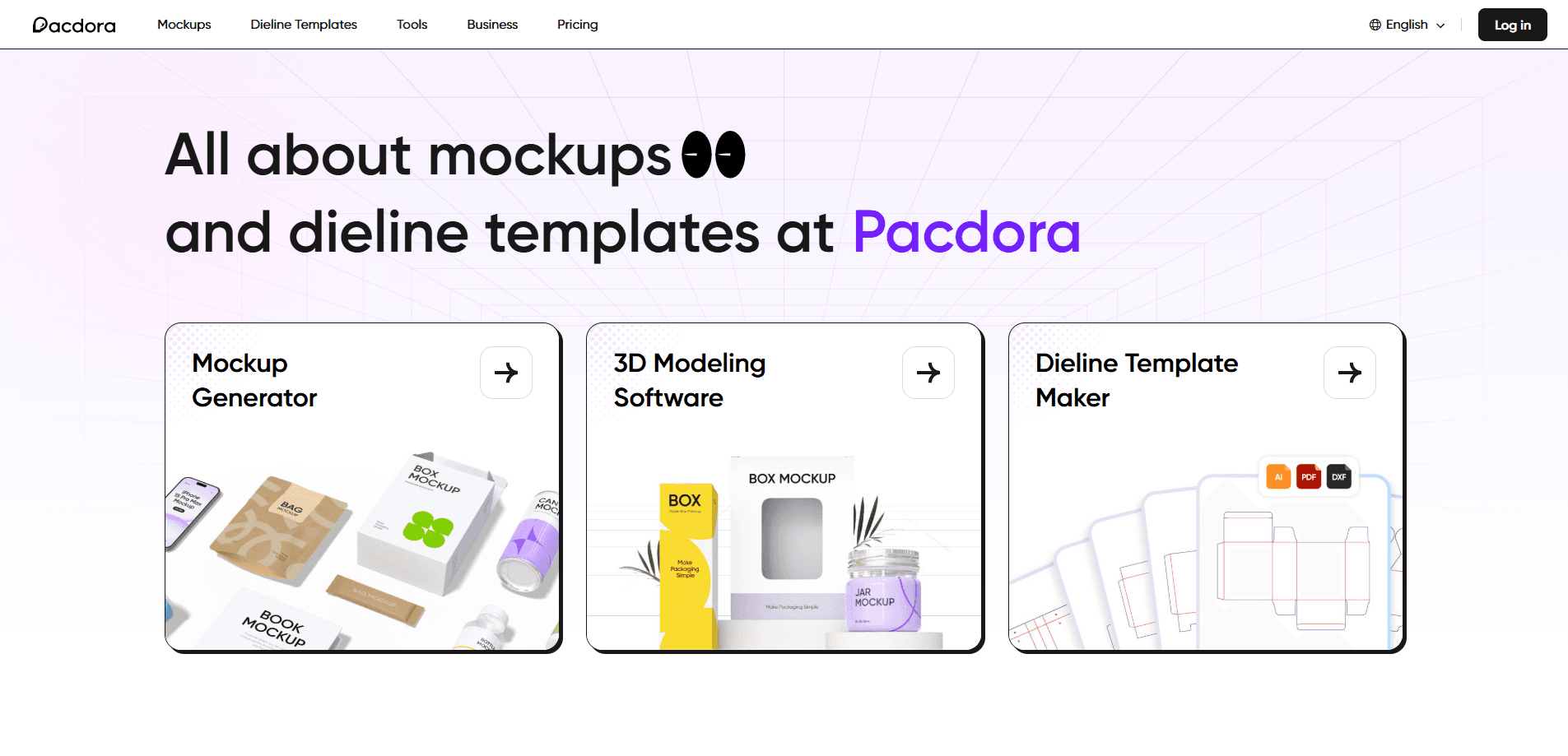
Pacdora's core tool renders your flat artwork on a chosen container in 3D. The library holds 5,000+ mockups spanning boxes, bottles, cans, pouches, cups, books and apparel. You adjust angle, background, material and lighting to match the product, then export in seconds.
Dieline Template Maker
The dieline generator builds print-ready templates for folding boxes, bags, trays, rigid boxes and envelopes. You can treat it as a box mockup maker that also produces the structural file. You set dimensions, pick a material such as white card or kraft, choose paper thickness and export in AI, PDF or DXF. That keeps structure and artwork aligned, so a reprint doesn't start from scratch.
Built-In 3D Modeling
A scene editor lets you place a product in realistic studio settings with props, backgrounds and adjustable light. You rotate the object, change its angle and shift the lighting to get a shot that reads like a photo session. It needs no prior 3D experience, which lowers the bar for non-designers.
AI Background Generator
Upload a product image and the AI background tool suggests scenes that blend with it. That removes the cost and scheduling of a real photo shoot for routine catalog and ads. You pick a suggested background or adjust it rather than building a scene by hand.
AI Design Assistants
Paid tiers bundle AI credits for AI packaging design, video, background and logo generation. Credits scale by plan, from 300 a month on Lite to 10,000 on Business, and tie into the same mockup and dieline workflow. Free-plan renders are public, while paid plans keep your generations private.
Workspace and Collaboration
Higher tiers add workspace members, content permissions and consolidated billing, so a team can share projects under one account. Business plan users also get a reseller license, which fits agencies and shops that resell the work. Live webinars and live chat support sit at the top end.
Pros and cons
Pros
- Runs in the browser, so there's nothing to install and it works across devices.
- Huge mockup and dieline library covers packaging and non-packaging items alike.
- Real-time 3D preview and adjustable lighting make renders look like studio photos.
- AI credits and background tools cut the cost of product photography for everyday listings.
- Dieline exports in AI, PDF and DXF slot into standard print workflows.
Cons
- The free plan watermarks renders and limits resolution, so paid work needs a subscription.
- Commercial use sits behind the Business plan, which matters if you sell the designs.
- 3D scenes are presentation-grade, not an industrial modeling suite, so complex structures still need CAD.
- AI credits are metered monthly and can run out mid-project on the lower tiers.
Frequently asked questions
Pacdora creates packaging and product mockups online. You upload artwork, preview it on a 3D container and export images, videos or print-ready dielines. It's a packaging design tool aimed at boxes, bottles and labels, not general graphic work.
Related content
Explore related tools, skills, and articles for Pacdora.
Pacdora Alternatives

Google EmbeddingGemma 2
Google DeepMind · Writing · Image · CodingGoogle EmbeddingGemma 2 is a 740M-parameter open model that turns text, code, images, audio, and video frames into vectors in one 768-dimension space, running on phones and laptops.

Tractionwave
TractionWave · Image · MarketingTractionWave is an AI attention heatmap tool for static ads. Upload a PNG or JPG and it returns predicted attention, ranked hotspots, and fixes before you spend budget.

Imejis.io
Imejis.io · Image · MarketingImejis.io is an AI design studio for agents and marketing teams. Describe an image in plain words, and it writes the copy, builds the layout, reflows it to every size, then exports a finished file.