
PaceBar
PaceBar · Productivity
PaceBar is a Mac menu bar app that doubles as a work-pace monitor and focus monitor. It watches your working rhythm and turns it into a single 0-100 pace score you can read at a glance. It tracks interaction timing, app switching, focus streaks, and time of day, then adapts its baseline to what's normal for you instead of a generic threshold. For anyone doing work-pace tracking on a Mac, that means a light burnout prevention tool that runs entirely on your machine, with no account, no subscription, and no cloud processing involved.
About PaceBar
What Is PaceBar
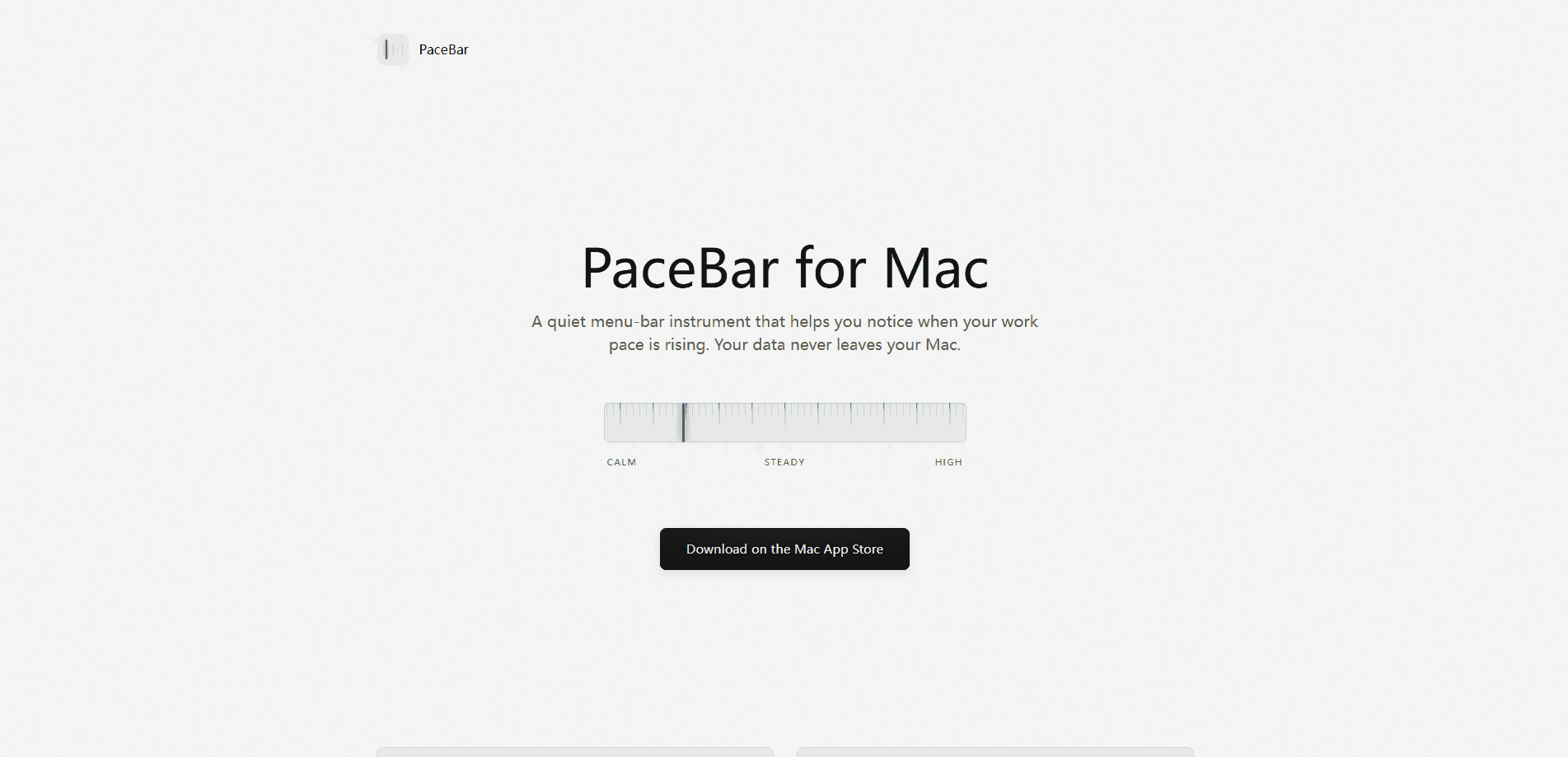
PaceBar is a quiet work-pace monitor that sits in the macOS menu bar and tells you when you're pushing harder than usual. Rather than counting hours or logging tasks, it reads the timing and frequency of interaction events to estimate how heavy a session feels, then shows the result as a simple 0-100 gauge. The idea is to catch a rising pace before it turns into a long, draining day.
The main problem it addresses is invisible load. AI tools let anyone run several threads at once, and the extra parallelism often goes unnoticed until focus is already gone. PaceBar makes that load visible without recording what you type or see. It reads only timestamps through standard, unprivileged macOS APIs, so the contents of your work stay private.
The biggest limitation is scope. This is a native Mac app for a single kind of signal, so it won't help you on Windows, iPhone, or Android. It can tell you that your pace is high, but not why. If you want detailed task analytics or cross-device sync, you'll need something else.
Getting Started
- Buy PaceBar ($7.99, one-time) from the Mac App Store and install it on a Mac running macOS 15 or later.
- Launch the app and let it sit in the menu bar; no account, sign-in, or special permissions are needed.
- Work as usual for a few days so PaceBar can learn your normal rhythm and set an adaptive baseline.
- Check the pace score at a glance, then act on the nudges when it suggests a reset.
Product Information
A quick look at PaceBar's pricing, supported platforms, and performance.
Best for
The users, tasks, and scenarios where this tool fits best.
Users
- Remote and hybrid knowledge workers
- Developers and AI power users
- Privacy-conscious Mac owners
Tasks
- Monitoring daily work pace
- Protecting a focus block
- Timing short resets
Scenarios
- Back-to-back meeting days
- Deep-focus mornings
- Late-afternoon slumps
Key features
Simple 0-100 Pace Score
PaceBar boils a lot of quiet signals into one number. The gauge is meant to be read in a second, so you don't have to open a dashboard or parse a chart to know where you stand. That simplicity is the point: a glanceable score is easier to act on than a report you never open.
Adaptive Baseline
Most tools judge you against a fixed threshold, which makes the numbers meaningless the moment your routine shifts. PaceBar learns your working rhythm over time and adjusts the gauge to your own normal pace. A score of 70 means more when it's measured against your baseline, not someone else's. So what counts as heavy? Only you and your own history decide that.
Local, Private Modeling
All the modeling happens on your Mac, and the app never talks to the network. It reads the timing and frequency of interaction events to estimate load, but it never records what you type or see. PaceBar doesn't ask for Accessibility or Screen Recording permission, which removes one of the biggest worries people have about monitoring apps.
Focus and App-Switching Readouts
The app folds app switching, focus streaks, and time of day into its score. That mix matters because a high pace often shows up as constant context switching, not just long hours. Seeing that pattern on a menu bar readout makes it easier to notice when you've been bouncing between windows for an hour straight.
Gentle Nudges
PaceBar keeps its prompts small and only shows them when they're useful. When load is low and focus is stable, it points out the headroom so you can protect the next block. When the session gets heavy, it suggests a brief reset. No streaks to maintain. No guilt. No gamified metrics to chase.
Made for Parallel Work
The rise of AI tools makes it easy to run several threads at once, and that extra parallelism quietly raises your pace. PaceBar is built to make that visible. See one more task you're tempted to start? The gauge will show what it costs.
One-Time Price, No Account
PaceBar costs $7.99 once on the Mac App Store, with no subscription and no sign-up. You can clear your history in the app whenever you like, and uninstalling removes everything. That pricing model keeps the app out of the habit-building loop subscription trackers often fall into. Pay once. Move on.
Pros and cons
Pros
- Single 0-100 pace score is easy to read at a glance without opening a dashboard.
- Adaptive baseline adjusts to your own rhythm instead of a fixed threshold.
- Fully on-device processing with no account, no telemetry, and no network calls.
- No Accessibility or Screen Recording permission required.
- One-time $7.99 price with no subscription.
- Explicitly designed around parallel work, where AI tools make overload common.
Cons
- Mac only, and it requires macOS 15 or later, so older machines and other platforms are out.
- It tells you your pace is high but not why, so diagnosis is still up to you.
- No API and no integrations, which limits use in custom or team workflows.
- As a newer menu-bar app, its long-term track record is still short.
Frequently asked questions
No. PaceBar reads only the timing and frequency of interaction events through standard, unprivileged macOS APIs. It never reads the contents of your typing or your screen content.
Related content
Explore related tools, skills, and articles for PaceBar.
PaceBar Alternatives

Base Code
Base44 (Wix) · Coding · ProductivityBase Code is a shared cloud development environment from Base44. Teammates describe changes to an existing GitHub codebase in chat, preview them live and send them back as pull requests.

Knocket
Knocket (Tencent RTC team) · Productivity · Business · ChatbotKnocket is a free live chat and contact page tool that lets visitors message you from your website, app, or a shareable link, with every reply handled from Telegram or one inbox.

FloorGen
Vinit Kumar (FloorGen) · Productivity · China AIFloorGen is a browser-based floor plan maker that turns a sentence or a sketch into an editable 2D plan and a 3D walkthrough. Export to PDF, DXF or video, and draw without an account.