
Paintit AI
PAINTITAI LTD · Image · China AI
Paintit AI is an AI interior design tool that redesigns a room from a single photo. You upload a picture of a space, pick a direction, and the platform returns styled versions of that same room in minutes rather than hours. No 3D software. No floor plans. It covers interior, exterior, and commercial spaces. It's built for design professionals and homeowners alike, anyone who wants to see an AI room makeover before committing to it.
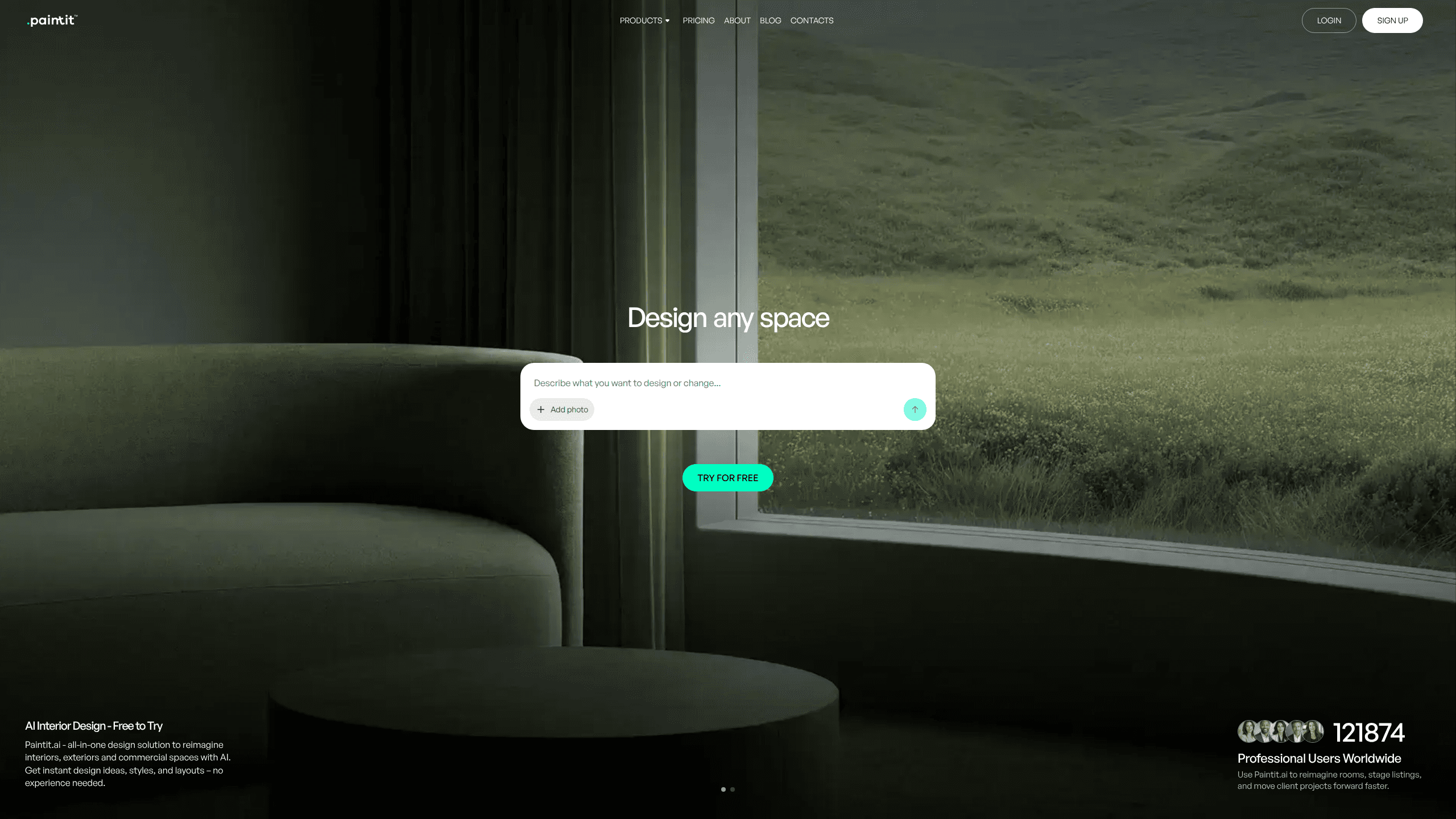
About Paintit AI
What Is Paintit AI
Paintit AI is a web-based design platform that uses generative AI to reimagine rooms, exteriors, and commercial spaces. Instead of drafting a floor plan or learning 3D software, you give it a photo of what's already there, and it re-renders the surfaces, furniture, and lighting to match a style you choose. The output looks like the room you photographed. It works from your actual walls, windows, and floor lines, and it ignores the blank-template approach that makes so many AI room renders feel interchangeable.
Its maker is PAINTITAI LTD, based in London. The site says more than 110,000 professional users worldwide. It splits its audience into four groups: design professionals, real estate and staging teams, short-term rental hosts, and homeowners running DIY projects. That range matters when you look at pricing, since a solo homeowner and a staging agency don't need the same volume of renders.
The main limitation is the one every photo-to-render tool shares: the AI interprets your photo, and it can still move something you wanted left alone. If you need exact measurements, structural plans, or drawings a contractor will build from, this isn't that kind of tool. Think of it as visualization, not construction. It's for iterating on how a space could look.
Getting Started
- Go to paintit.ai and create a free account.
- Upload a clear photo of the room or space you want to redesign.
- Pick a design direction or describe the look you want in plain language.
- Generate the redesign, then compare options and refine the layout you like.
- Save the version you want and download it.
Product Information
A quick look at Paintit AI's pricing, supported platforms, and performance.
Best for
The users, tasks, and scenarios where this tool fits best.
Users
- Homeowners planning a refresh
- Design professionals
- Real estate agents and stagers
- Short-term rental hosts
Tasks
- Redesigning a single room
- Exterior makeovers
- Commercial space mockups
- Virtual staging
Scenarios
- Deciding between renovation options before committing money
- Preparing a property for sale
- Refreshing a rental's photos
- Testing an idea for one corner
Key features
Photo-to-design generation
Paintit AI reads the structure of your uploaded photo and re-renders the room in a new style while keeping the room recognizable. You start with a direction, iterate quickly, and save the version you like. That's the core workflow. It's also what separates a usable render from a random image. Want to compare a modern layout against a warmer one? Regenerate and diff them.
Interior, exterior, and commercial modes
Most AI room tools stop at interiors. Paintit AI also handles exteriors and commercial spaces, which is why cafes, restaurants, hotels, and showrooms show up in its use cases. That spread lets a stager handle a full listing, inside and out, without switching tools. Design pros get one workflow from first mood to final presentation.
Real furniture feature
The platform's Real Furniture feature lets you work with actual furniture rather than generic AI-invented pieces. That matters if a design is meant to move past inspiration toward a real setup, since the pieces shown can be sourced. It closes some of the gap between a pretty render and a plan you can act on. Availability can vary, so check the current product before you rely on it.
Partial room editing
You don't have to redesign a whole space to change one thing. Paintit AI supports modifying just part of a room, so you can swap a single element and keep the rest intact. For homeowners, that means testing one wall color or one sofa without redoing everything. For pros, it means fast revisions when a client likes most of a concept but not all of it.
Data protection by default
The site states that photos and projects use encrypted storage and secure cloud infrastructure, with your data staying yours from upload to final render. That claim matters more here than in some categories, because room photos often show a client's home or a property that isn't listed yet. If privacy is a hard requirement, confirm the current policy and any commercial-use terms on the site.
Style and direction control
You start from a direction and refine it, rather than accepting a single fixed output. That keeps the tool useful across very different briefs, from a homeowner trying a coastal look to an agent needing a neutral, buyer-friendly staging style. The more specific your direction, the closer the first render lands. A one-line description of the vibe saves a round of regeneration.
Pros and cons
Pros
- Turns a single room photo into styled redesigns in minutes
- Covers interior, exterior, and commercial spaces in one tool
- Works for both non-designers and professional design workflows
- Real Furniture feature links designs toward actual, sourceable pieces
- Lets you modify one part of a room instead of the whole space
Cons
- AI interprets your photo, so it can still shift details you wanted kept
- Not a measurement or floor-plan tool, so it can't replace build-ready drawings
- Free and paid limits mean heavier project use needs a paid plan
Frequently asked questions
It takes a photo of a room or space and generates redesigned versions of it using AI. You upload an image, choose a direction, and get styled results for interiors, exteriors, or commercial spaces in minutes.
Related content
Explore related tools, skills, and articles for Paintit AI.
Paintit AI Alternatives

Google EmbeddingGemma 2
Google DeepMind · Writing · Image · CodingGoogle EmbeddingGemma 2 is a 740M-parameter open model that turns text, code, images, audio, and video frames into vectors in one 768-dimension space, running on phones and laptops.

Tractionwave
TractionWave · Image · MarketingTractionWave is an AI attention heatmap tool for static ads. Upload a PNG or JPG and it returns predicted attention, ranked hotspots, and fixes before you spend budget.

Imejis.io
Imejis.io · Image · MarketingImejis.io is an AI design studio for agents and marketing teams. Describe an image in plain words, and it writes the copy, builds the layout, reflows it to every size, then exports a finished file.