

Pane
Pane · Productivity
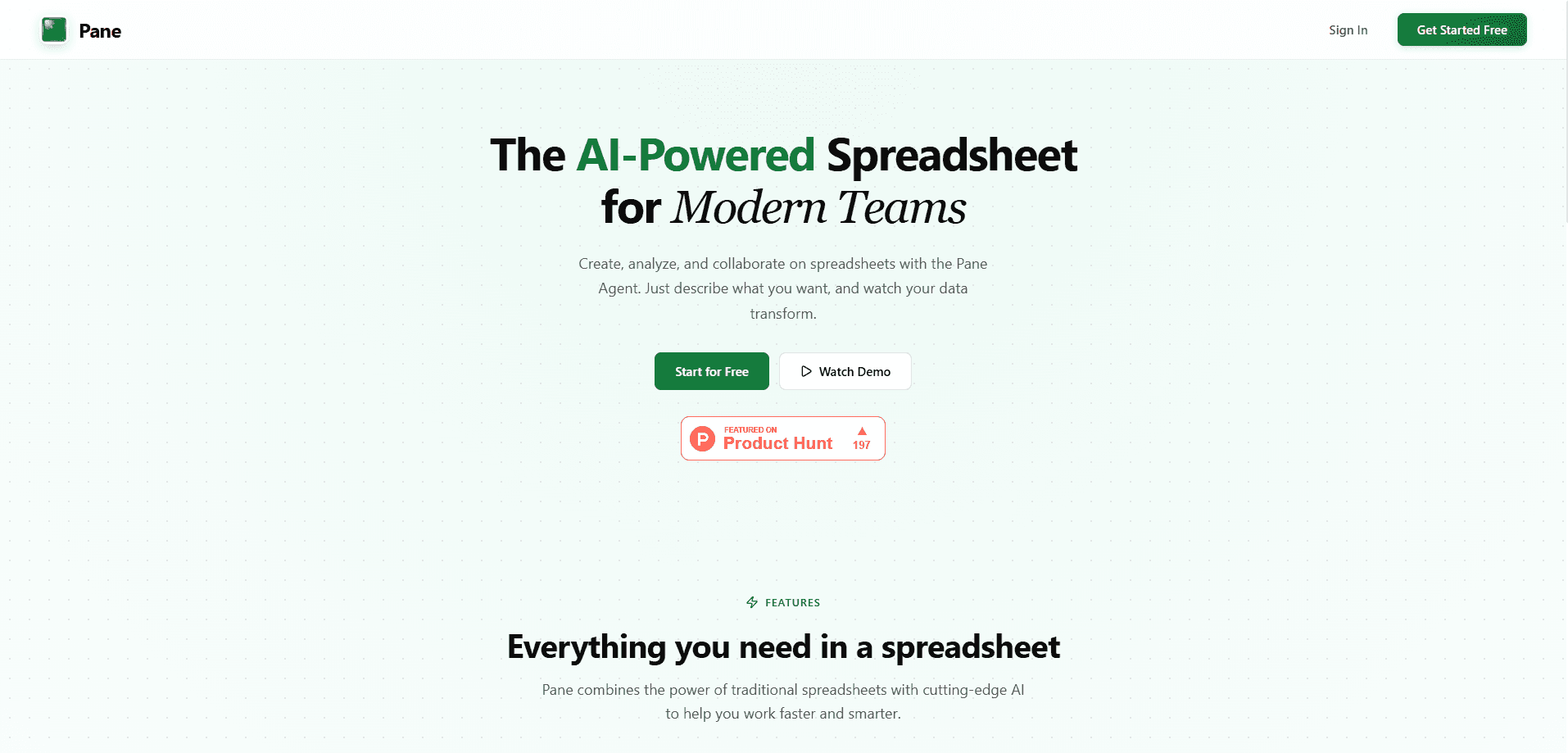
Pane is an AI-native spreadsheet that keeps the rows, formulas, and cell references you already know, then layers automation on top for the repetitive parts of data work. It's built for teams that live in spreadsheets every day, especially in operations, finance, and analytics. Instead of bolting a chatbot onto a grid, Pane treats the spreadsheet itself as the place where modeling, reporting, and dashboard building all happen. Put simply, it's spreadsheet automation aimed at teams. If your weekly routine involves fixing the same messy export, Pane wants that job gone. That's the whole idea.
About Pane
What Is Pane
Pane is a web-based spreadsheet app that pairs classic grid editing with AI-assisted automation. The idea is straightforward: most people don't want to leave the flexibility of a spreadsheet, they just want the boring parts handled for them. Pane keeps that flexibility and targets the work that eats hours, like cleaning up tables, restructuring data, and rebuilding the same report every single week without ever touching the underlying logic. It's a clean pitch, and the team behind it stays honest about the goal: make data workflows faster without forcing people off the grid.
That positioning puts Pane in the same conversation as tools that try to bolt AI onto a spreadsheet. Pane's angle is that the sheet stays the center of the work.
The product is aimed at working teams rather than solo hobbyists. Pane's own description names operations, finance, and analytics groups as its core audience, and the pitch centers on trustworthy workflows for modeling, reporting, and dashboard creation. So the value isn't really "AI writes your formulas." It's that your data pipeline from raw import to finished dashboard stays inside one tool. One tool, one source of truth.
The main limitation to keep in mind is scope. Pane is a young product, its pricing lives behind a login, and there's no native mobile app or public API documented at the time of writing. That's a real check before you commit. If you need airtight version history, deep enterprise governance, or offline access, verify directly before you move a whole team onto it.
Getting Started
- Go to paneapp.com and create an account with your email.
- Create a new spreadsheet or import an existing sheet to bring your data in.
- Ask Pane in plain language to clean up columns, restructure rows, or generate a formula, then check the result before trusting it.
- Connect your cleaned data to a report or dashboard view so the output refreshes as the sheet changes.
- Share the sheet or dashboard with your team and adjust access as needed.
Product Information
A quick look at Pane's pricing, supported platforms, and performance.
Best for
The users, tasks, and scenarios where this tool fits best.
Users
- Operations teams
- Finance analysts
- Analytics and reporting staff
Tasks
- Cleaning exported data
- Building a dashboard builder workflow
- Maintaining a recurring report
Scenarios
- A weekly ops review where someone always reformats the same export before the meeting.
- A finance team updating a forecast model when the underlying figures change.
- A small analytics group that wants dashboards but doesn't want to stand up a full BI stack.
Key features
Natural Language Spreadsheet Edits
You describe the change you want in plain English and Pane works it into the sheet, whether that's generating a formula, reorganizing columns, or transforming values. The point is to skip the syntax lookup on functions you rarely use. For anything that touches numbers you report on, read the generated logic before you rely on it. Trust, but verify.
Data Cleanup Automation
Pane targets the grunt work that slows teams down: messy imports, inconsistent formats, and duplicated entries. Rather than a one-time script, the automation sits inside the spreadsheet so repeated cleanups don't need to be rebuilt. This is the feature that most directly answers the "I spend my Monday fixing a CSV" complaint. Sounds familiar? Same here.
Reporting and Dashboards
The app builds reporting and dashboard views directly from your sheet data instead of pushing you toward a separate tool. When the underlying numbers change, the connected views follow. For teams that already treat a spreadsheet as their source of truth, this removes the export-and-rebuild step entirely. No copy-paste. No stale chart from last month.
Built for Team Workflows
Pane is positioned around shared team use, not single-user number crunching. Multiple people working from the same sheet means the modeling, reporting, and dashboard pieces stay consistent across the group. The trade-off is real. Collaborative editing makes data hygiene a shared responsibility, so naming and structure discipline matter more.
Familiar Grid Foundation
Underneath the automation, Pane still works like a spreadsheet. Rows, columns, and cell references behave the way you'd expect, which keeps the learning curve short for anyone coming from Excel or Google Sheets. You don't have to relearn data entry to get the automation benefits. That matters. A tool nobody on the team can open is a tool nobody uses.
Pros and cons
Pros
- Keeps standard spreadsheet mechanics, so experienced users don't start from zero.
- Automation targets real time sinks like data cleanup and recurring report formatting.
- Reporting and dashboards live in the same tool as the data, cutting out an export step.
- Aimed at shared team workflows rather than single-user tasks.
Cons
- Pricing isn't visible without signing in, so you can't budget from the public site.
- No native mobile app or documented public API, which rules it out for some integration-heavy teams.
- As a newer product, its long-term track record and enterprise controls are unproven compared with established spreadsheet platforms.
Frequently asked questions
Pane is an AI-native spreadsheet for teams that need to model data, build reports, and create dashboards in one place. It's aimed at operations, finance, and analytics work rather than casual personal spreadsheets.
Related content
Explore related tools, skills, and articles for Pane.
Pane Alternatives

Base Code
Base44 (Wix) · Coding · ProductivityBase Code is a shared cloud development environment from Base44. Teammates describe changes to an existing GitHub codebase in chat, preview them live and send them back as pull requests.

Knocket
Knocket (Tencent RTC team) · Productivity · Business · ChatbotKnocket is a free live chat and contact page tool that lets visitors message you from your website, app, or a shareable link, with every reply handled from Telegram or one inbox.

FloorGen
Vinit Kumar (FloorGen) · Productivity · China AIFloorGen is a browser-based floor plan maker that turns a sentence or a sketch into an editable 2D plan and a 3D walkthrough. Export to PDF, DXF or video, and draw without an account.