

Pause.do
Pause.do · Productivity
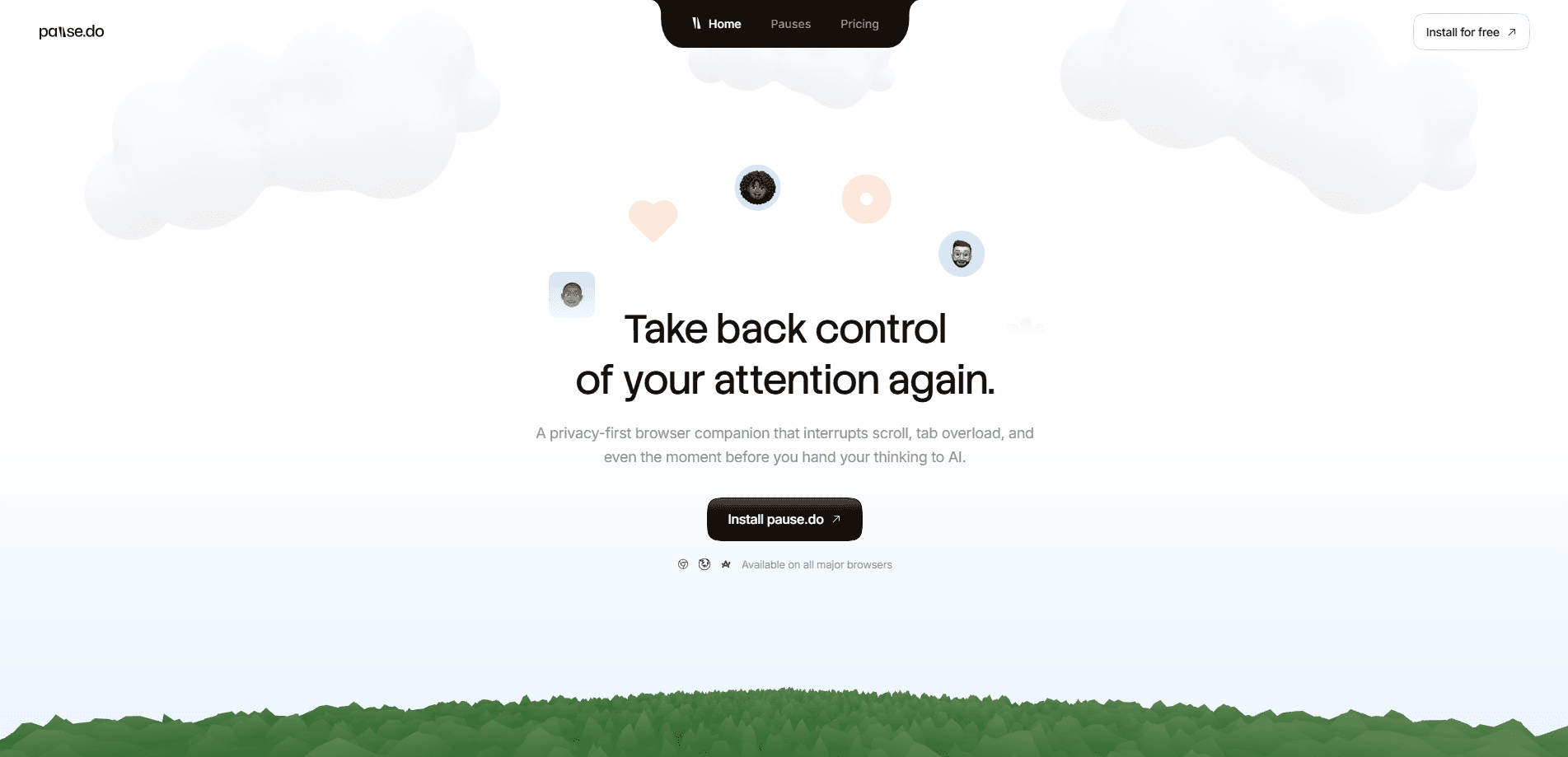
Pause.do is a browser extension built for intentional browsing. It adds a short, deliberate pause at the moments you're most likely to drift, like endless scrolling, opening one more tab, or firing off an AI prompt you haven't thought through. Instead of blocking sites or shaming you with streaks, it makes it visible through an Attention Map and a set of pause types you control. Call it attention awareness, not control. It runs across all major browsers, and it sells for a one-time £6.99 license rather than a subscription.
About Pause.do
What Is Pause.do
Pause.do is a privacy-first attention tool built for people who keep losing fifteen minutes to a tab they opened "for one second." It doesn't block anything. It slips a small gap between impulse and action, then lets you decide what to do with it. That gap is the whole product.
The extension tracks where your focus actually goes and turns it into something you can look at. Attention awareness works better than a watchful guess. An Attention Map shows where you drift, which tabs pile up, and how your patterns shift over a week. The angle is blunt: awareness changes behavior, and most digital distraction tools get that backwards by trying to control you instead.
The main limit is philosophical as much as technical. Pause.do won't force you off a site, so if you want hard blocks or app timers, this isn't that tool. It also works only inside your browser, so phone scrolling stays out of its reach.
Getting Started
- Install the Pause.do extension from your browser's extension store and pin it to the toolbar.
- Open your first page and let it settle in. The pause types activate as you browse, not through a setup wizard.
- Choose which pause types you want on. You can keep all five running or trim them down to the ones that fit your habits.
- Browse normally for a few days, then open the Attention Map to see where your focus actually went.
- Check the tab clear log to see how many tabs you've closed and adjust your pauses from there.
Product Information
A quick look at Pause.do's pricing, supported platforms, and performance.
Best for
The users, tasks, and scenarios where this tool fits best.
Users
- Knowledge workers who live in a browser all day and want to see where their attention leaks, provided they're willing to notice rather than be forced.
- Developers and designers who jump between dozens of tabs and lose the thread of what they were doing.
- People who open AI chat tools out of habit before they've actually formed a question.
Tasks
- Catching the moment before you open yet another AI prompt
- Clearing tab clutter without losing anything
- Reviewing your week honestly
- Tracking how often you tab switch in a loop, so you can spot the trigger that starts it.
Scenarios
- A workday where you sit down to finish a report and end up three sites deep instead.
- Late-night scrolling that starts as "checking one thing" and ends forty minutes later.
- Research sessions where the tab count climbs past forty and your laptop fan kicks in.
Key features
Intentional Pauses at the Right Moments
Pause.do places a small interruption at the exact points where people tend to drift: endless scrolling, long unbroken sessions, tab overload, and the moment right before you prompt an AI. It's not a pop-up nag. It's a beat of silence you get to fill however you want. The design assumption is that a second of awareness does more than a hard block.
Think First for AI Prompts
Think First targets a habit that's easy to miss: opening ChatGPT or a similar tool before you've worked out what you actually want to ask. The pause nudges you to form the question first. Users report their prompts improved because they stopped outsourcing the thinking to the model. If you use AI chat daily, this is the feature most likely to change how you work.
Attention Map and Insights
The Attention Map turns ordinary browsing into something you can look at. It shows where your focus shifted, where drift began, and how your patterns changed over time. Nothing here is a score or a grade. It's a mirror. Whatever you decide to do next stays your call. Over a week, the focus tracking picture gets clearer than any gut feeling. Is that not the point?
Tab Freeze
Tab Freeze tackles tab overload without making you close anything. Background tabs freeze, which cuts the memory and CPU they're eating, and your laptop stops sounding like it's about to take off. The tabs stay where they were, so you don't lose your place. It's the kind of fix you notice most when it's working quietly in the background.
Tab Clear Log
The tab clear log keeps a running record of how many tabs you've closed and when. One user checked it after a week and found they'd closed 340 tabs without registering any of it. That number says more about a busy week than a time tracker does. It's a small feature, but it makes an invisible habit visible, and seeing a habit clearly is usually the first step toward changing it for good.
One-Time License, No Subscription
Pause.do sells as a single £6.99 purchase that you keep forever. You get all five pause types, Think First, the full Attention Map, and future updates included. There's no subscription and no upsell path. Plenty of productivity tools charge you every month for less. For something you might use every day for years, that pricing is refreshingly simple.
No Blocking, No Shame, No Streaks
The extension doesn't block sites, doesn't gamify your behavior, and doesn't shame you when you slip. There are no streaks to break and no productivity theater to perform. The stance is that most focus tools try to control you, and Pause.do just gives you a second to control yourself. Whether that works depends on you, but it's an honest design choice.
Pros and cons
Pros
- Doesn't block anything, so nothing breaks your workflow or your research
- Think First genuinely improves how you frame AI prompts
- Attention Map shows real patterns instead of vague guilt
- Tab Freeze cuts memory use without closing a single tab
- One-time £6.99 license, no recurring subscription
- Works across all major browsers
Cons
- Only works inside the browser, so mobile scrolling is untouched
- No hard blocking means it relies on your own willingness to notice
- Attention Map needs a few days of data before it says anything useful
- One-time license model means no free tier to test first
Frequently asked questions
It adds a short, intentional pause at the moments you tend to drift, such as scrolling, tab overload, and right before you prompt an AI. It also shows you an Attention Map of where your focus went. It doesn't block sites or force you off anything.
Related content
Explore related tools, skills, and articles for Pause.do.
Pause.do Alternatives

Base Code
Base44 (Wix) · Coding · ProductivityBase Code is a shared cloud development environment from Base44. Teammates describe changes to an existing GitHub codebase in chat, preview them live and send them back as pull requests.

Knocket
Knocket (Tencent RTC team) · Productivity · Business · ChatbotKnocket is a free live chat and contact page tool that lets visitors message you from your website, app, or a shareable link, with every reply handled from Telegram or one inbox.

FloorGen
Vinit Kumar (FloorGen) · Productivity · China AIFloorGen is a browser-based floor plan maker that turns a sentence or a sketch into an editable 2D plan and a 3D walkthrough. Export to PDF, DXF or video, and draw without an account.