

PDF Reader App: Read All PDF
Trusted PDF Tools · Productivity
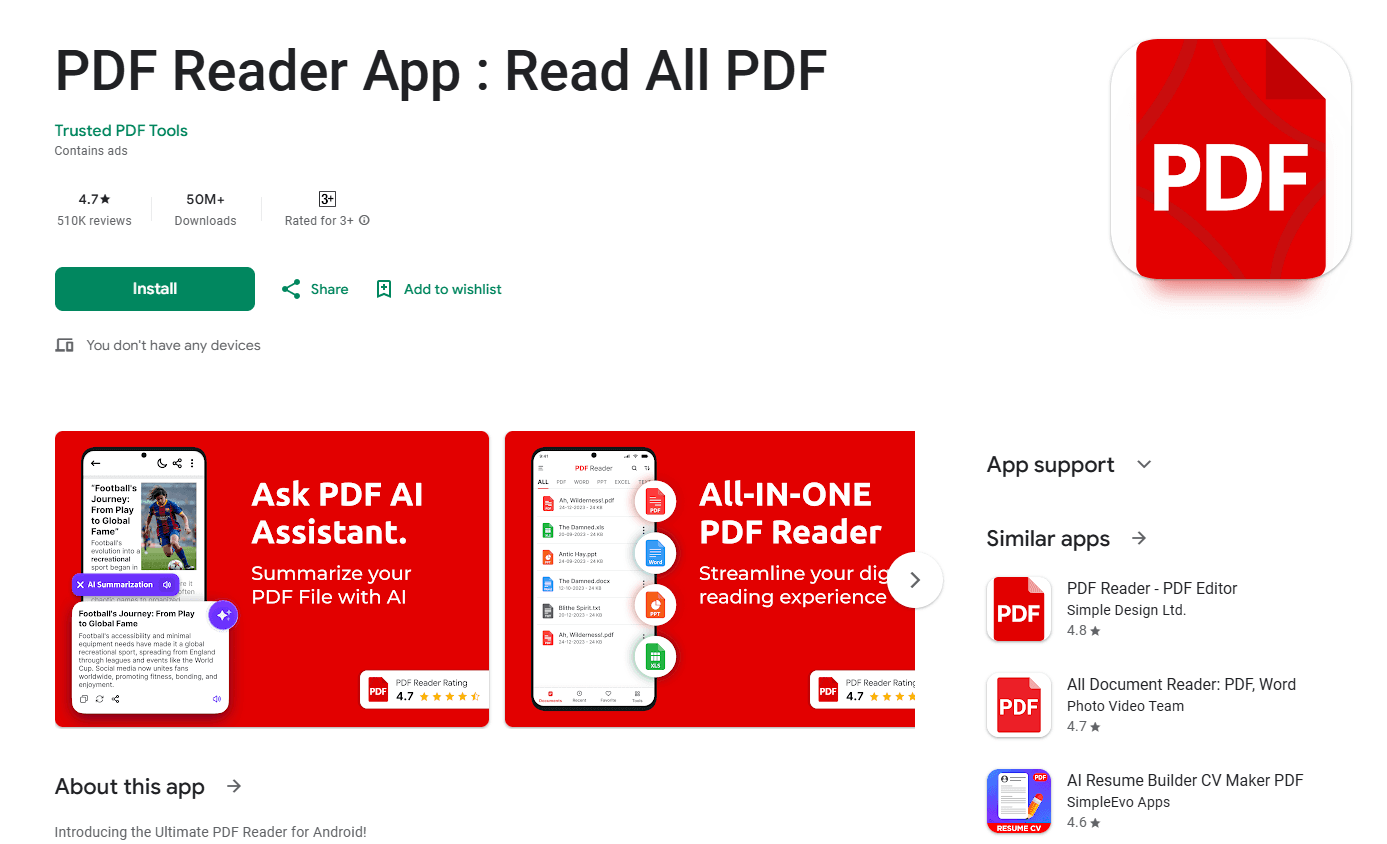
PDF Reader App: Read All PDF is an Android reader and converter that summarizes documents with AI, chats with PDFs, reads text aloud, and turns images or text into PDF files.
About PDF Reader App: Read All PDF
What Is PDF Reader App: Read All PDF
PDF Reader App: Read All PDF is an Android app from Trusted PDF Tools that handles reading, converting, and managing PDF files in one place. It opens PDFs alongside Word, Excel, PowerPoint, and plain text documents, so you can keep a mix of files in a single reader.
The app leans on AI for two jobs. It can summarize a long PDF into a short version, and it lets you ask questions about a document and get answers pulled from its contents. Around that sit the everyday tools: convert images or text into PDF, merge and split files, annotate pages, and sign documents from your phone.
There is a catch worth knowing up front. The app is Android only, it shows ads on the free version, and the deeper tools sit behind in-app purchases. Basic reading and conversion stay free, but the AI features and the ad-free experience need a purchase.
Getting Started
- Install the app from Google Play and open it on your Android phone or tablet.
- Allow file access so the reader can see PDFs, images, and office documents on your device.
- Open a file from the recent list or browse your storage, or import an image or text file to convert.
- Tap the AI tools to summarize the document or ask a question about its contents.
- Save, share, sign, or export the result as a PDF.
Product Information
A quick look at PDF Reader App: Read All PDF's pricing, supported platforms, and performance.
Best for
The users, tasks, and scenarios where this tool fits best.
Users
- Students
- Office workers
- Frequent travelers
- People buried in paperwork
Tasks
- Summarizing a report
- Asking about a document
- Listening to a PDF
- Converting an image to PDF
- Merging and splitting files
- Signing a document
Scenarios
- Studying for an exam
- Reviewing a contract on the go
- Scanning paperwork at home
- Reading on a flight
Key features
AI PDF summary
The app condenses a long document into a short version you can skim before digging in. Feed it a report, a contract, or a research paper and it pulls out the main points, which saves time when you only need the gist. The summary is a starting point, not a replacement, so check the original before you act on a detail.
Chat with PDF
You can ask questions about a document and get answers based on what it contains, rather than scrolling through dozens of pages. This suits dense files like manuals, policies, or study material, where finding one fact takes longer than reading it. Answers come from the file itself, so the quality tracks how clearly the document is written.
Text to speech
Text to speech reads a PDF aloud, which turns dead time into reading time. You can let the app work through a book or an article while you drive, cook, or tidy up. It supports multiple languages, so learners and multilingual readers can pick the voice that fits them.
Image and text to PDF
The converter takes JPG, PNG, and JPEG images and turns them into PDF files, and it handles plain text the same way. Snap a receipt, a form, or a whiteboard, then export it as a single document you can send or store. This covers the common case of turning a photo into something official looking.
Merge, split, and page editing
Page tools let you combine several PDFs into one file, split a document apart, and rotate, crop, add, or delete pages. Contrast adjustment sharpens a faded scan so the text is easier to read on a small screen. Together these handle the job of shaping a final document from scattered pieces.
E-signatures and annotations
You can e-sign PDF files from the phone by hand or with a saved signature and place it on the page. Annotation tools add marks and notes, which helps when you review a draft or fill in a form. For contracts and paperwork, this removes the need to print, sign, and scan.
Offline reading and file management
Saved PDFs open without a connection, so a downloaded ebook or report stays readable on a flight or in a dead zone. The reader also sorts files, keeps a recent list, and supports bookmarks, dark mode, and a go-to-page jump. It opens Word, Excel, PowerPoint, and text files too, so one app covers most of what you read.
Pros and cons
Pros
- It reads PDFs, office documents, and text files in one app, so there's less switching between tools.
- The AI summary and chat features cut down the time it takes to work through a long document.
- Text to speech turns commutes and chores into reading time, with several languages supported.
- Offline reading keeps saved files open when there's no signal, which matters on flights and trips.
- The free version covers basic reading, converting, and annotation.
Cons
- The app is Android only, so iPhone, iPad, Mac, and Windows users need a different tool.
- The free version shows ads and locks the strongest AI features behind in-app purchases.
- AI summaries and chat answers depend on the document's clarity, so a messy scan gives weaker results.
- In-app purchases run from $3.99 to $45.99, which can add up if you buy several tools.
Frequently asked questions
PDF Reader App: Read All PDF is an Android app from Trusted PDF Tools for reading, converting, and managing PDF files. It opens PDFs plus Word, Excel, PowerPoint, and text documents, and adds AI summaries, a chat with PDF tool, and text to speech.
Related content
Explore related tools, skills, and articles for PDF Reader App: Read All PDF.
PDF Reader App: Read All PDF Alternatives

Udon
Udon · Coding · ProductivityUdon turns an Apple Silicon Mac into a home server you run from a browser, with container controls, file shares, and an optional AI sysadmin.

offstage
offstage cloud · Coding · Productivityoffstage gives AI coding agents and CI jobs a real Mac: a fresh macOS account on Apple silicon, driven over an API and billed by the second.

BotBus
Chengdu Tuyang Tusen Technology Co., Ltd. · Coding · ProductivityBotBus lets you control AI coding agents from your phone and watch: approve commands, start tasks and read results while the code stays on your desktop.