

PDF to Google Sheets
PDF2Sheets.app · Productivity
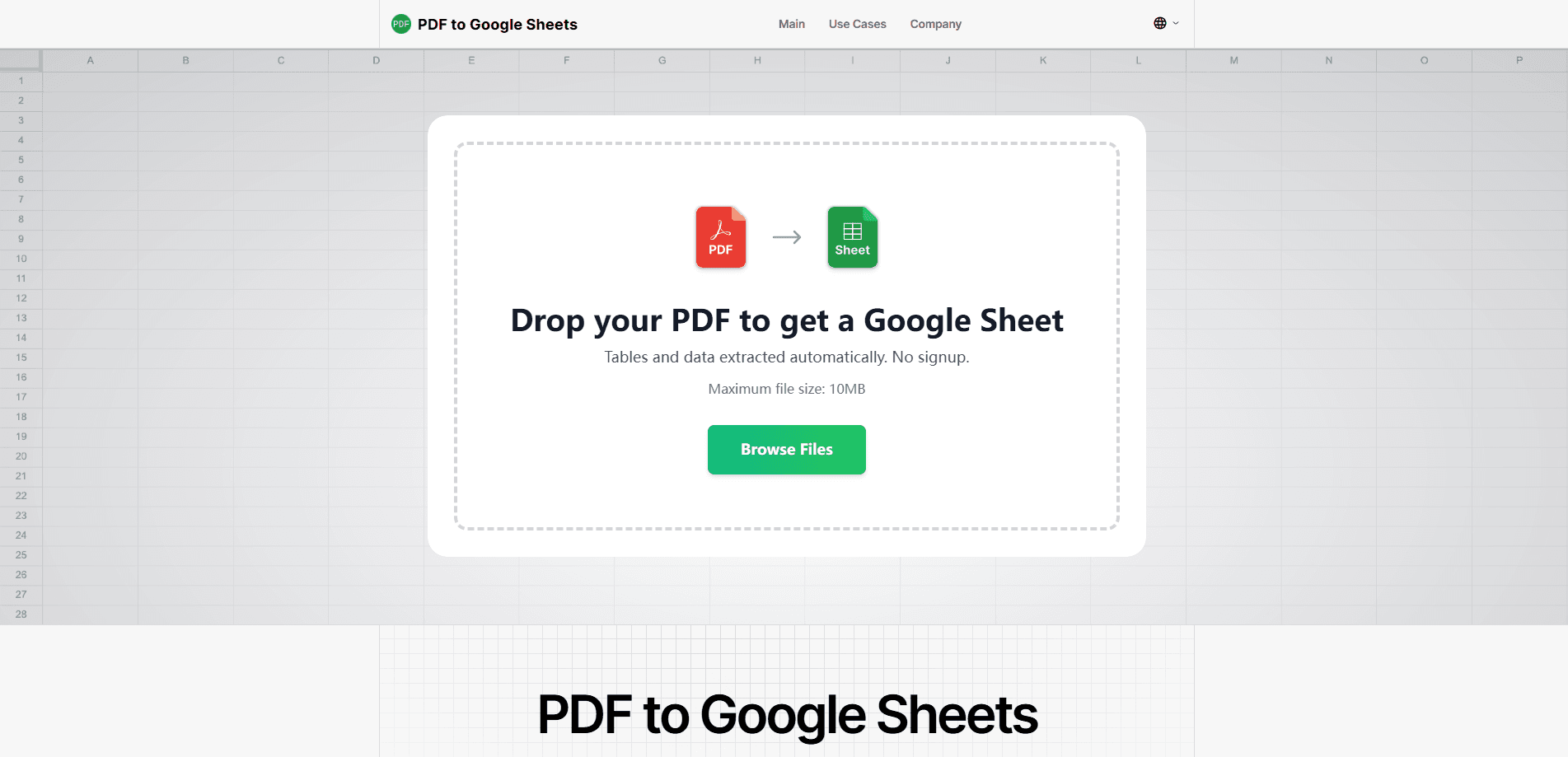
PDF to Google Sheets is a free web tool that pulls tables out of PDF files and drops them into an editable Google Sheets document within seconds. Instead of retyping rows by hand or fighting copy-paste that scrambles your columns, you upload a file, pick the pages you want, and get a link to a fresh sheet. It also exports to XLSX, CSV, ODS and TSV, so the same PDF table converter fits spreadsheets outside Google's world too. Want to know if it fits your workflow? Here's what it does, what it costs, and where it stops.
About PDF to Google Sheets
What Is PDF to Google Sheets
PDF to Google Sheets is a browser-based PDF table converter built around one job: getting tabular data out of a PDF and into a spreadsheet you can actually work with. Anyone who has copied a table from a scanned invoice or a bank statement knows the result is usually a mess of merged cells and broken numbers. This tool exists to skip that step entirely.
You upload a PDF, choose which pages matter, and the service returns a Google Sheet with rows and columns already separated. It handles scans and low-quality files as well as clean digital PDFs, and it works with longer reports by keeping pages split neatly. You don't need an account, and you don't have to connect a Google login.
The limits are worth stating plainly. The free tier caps you at 100 pages per day, so heavy batch work on a paid plan may need a waitlist spot. There's no public API, which rules out scripting it into an automated pipeline. And output quality? It still depends on how clean the original table is.
Getting Started
- Open pdf2sheets.app in your browser. No signup or account is required.
- Upload the PDF whose tables you want to extract.
- Select the specific pages you need, instead of converting the whole document.
- Wait for the conversion and open the Google Sheet link it generates.
- Use "Make a copy" to save it to your own Google Drive, or download it as XLSX, CSV, ODS or TSV.
Product Information
A quick look at PDF to Google Sheets's pricing, supported platforms, and performance.
Best for
The users, tasks, and scenarios where this tool fits best.
Users
- Accountants and finance staff
- Data analysts
- Students and professors
- Office and admin teams
Tasks
- Converting a single PDF table fast
- Extracting tables from PDF reports
- Pulling tables from scanned PDFs
- Converting PDF to spreadsheet formats
Scenarios
- Monthly bank statements
- Research data collection
- Invoice processing for small business owners
- Quick one-off conversions
Key features
AI-powered table detection
The converter uses layout recognition to find and extract tables from tricky PDFs where borders are missing or the structure is irregular. It reads the page for the grid, not just the text in order. That matters most on files where a basic PDF to Excel tool would return a single jumbled column.
Scanned and low-quality PDF support
Scans and imperfect files are where most converters fall apart. This one is built to handle them, so a photographed receipt or a photocopied statement stands a real chance of coming through with usable rows. Want to extract tables from PDF scans? That's exactly the case this tool targets. Results still depend on the source quality, which no converter can fix.
Multi-page conversion with separated output
Long reports don't get mashed into one giant sheet. The tool keeps exported data separated page by page, so a 40-page financial document stays traceable instead of becoming an undifferentiated wall of rows. You can also limit the job to specific pages. Useful when one table is all you need.
No registration required
You upload a PDF and get the result without creating an account or linking a Google login. That's a real convenience for one-off jobs where you don't want to hand over credentials or sign up for something you'll use twice. No email, no password, no friction.
Flexible export formats
Results come out as Google Sheets by default, but you can also download XLSX, CSV, ODS and TSV. That means the PDF to spreadsheet flow works whether your team lives in Google Workspace or in desktop Excel and LibreOffice. The core move, convert PDF to spreadsheet data without retyping it, is the same either way.
Privacy-minded handling
Files move over HTTPS, get deleted right after conversion, and aren't reviewed by a person. If you're handling financial or business documents, that auto-delete behavior is the detail that decides whether the tool is usable at all.
Pros and cons
Pros
- Free tier covers 100 pages per day, enough for most individual or small-team needs.
- No signup and no Google account connection required, which keeps one-off jobs frictionless.
- Handles scanned and low-quality PDFs that many PDF table converters struggle with.
- Exports to XLSX, CSV, ODS and TSV, so you aren't locked into Google Sheets.
- Auto-deletes files after conversion, reducing the risk of sensitive documents sitting on a server.
Cons
- No public API means you can't wire it into an automated workflow, everything runs through the browser.
- The 100-page daily free cap will throttle anyone processing large document sets in a single session.
- Output accuracy depends on the source PDF, so messy tables may still need manual cleanup.
- The paid tier is only available through a waitlist, so higher volume isn't something you can buy on the spot.
Frequently asked questions
No. The tool creates a Google Sheets file and hands you a link to it. If you want the result in your own Drive, click "Make a copy" and the copy shows up in your account. Nothing gets connected or authorized on your side.
Related content
Explore related tools, skills, and articles for PDF to Google Sheets.
PDF to Google Sheets Alternatives

Base Code
Base44 (Wix) · Coding · ProductivityBase Code is a shared cloud development environment from Base44. Teammates describe changes to an existing GitHub codebase in chat, preview them live and send them back as pull requests.

Knocket
Knocket (Tencent RTC team) · Productivity · Business · ChatbotKnocket is a free live chat and contact page tool that lets visitors message you from your website, app, or a shareable link, with every reply handled from Telegram or one inbox.

FloorGen
Vinit Kumar (FloorGen) · Productivity · China AIFloorGen is a browser-based floor plan maker that turns a sentence or a sketch into an editable 2D plan and a 3D walkthrough. Export to PDF, DXF or video, and draw without an account.