

PeakRoutine
PeakRoutine · AI Assistant
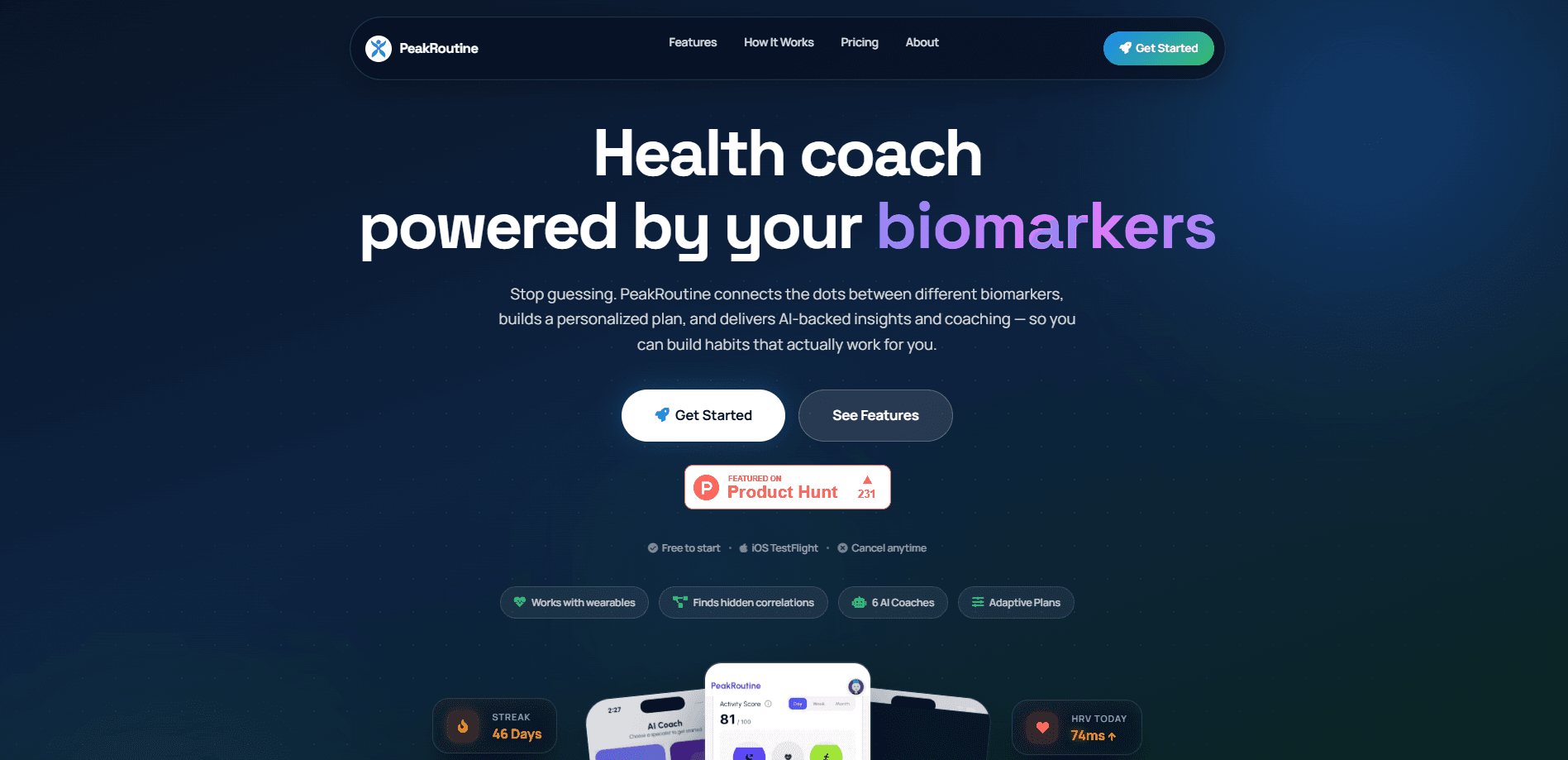
PeakRoutine is an AI health coach for iPhone that pulls sleep, heart rate variability, steps, and active calories from Apple Health, then turns those signals into a daily habit plan. Rather than piling on another dashboard, it pairs you with six specialist coaches for sleep, fitness, nutrition, stress, sunlight, and recovery. It's aimed at people who already wear a tracker and want their health data to actually mean something.
About PeakRoutine
What Is PeakRoutine
PeakRoutine is an iOS app that reads your biometric data from Apple Health and looks for the patterns behind it. Your sleep, HRV, resting heart rate, steps, and calories usually sit in separate apps, each showing one slice of the picture, and none of them tell you how those slices relate to each other over weeks of real life. PeakRoutine connects them and flags correlations you probably wouldn't notice on your own.
The selling point is coaching, not charting. Six AI specialists cover sleep, fitness, nutrition, stress, sunlight, and recovery, and each one reads your history before answering. Insights turn into concrete routines with targets and streaks, so the plan changes as your data changes. No two weeks look the same.
The main limit is reach. PeakRoutine is iOS only and leans entirely on Apple Health, so you need an iPhone plus a wearable or another source feeding that data. Android users and anyone without a tracker are out of luck here.
Getting Started
- Download PeakRoutine from the App Store and create an account.
- Grant the app access to Apple Health so it can read sleep, HRV, steps, resting heart rate, and active calories.
- Confirm your tracker is syncing, then let PeakRoutine run its first correlation pass over your history.
- Pick a specialist coach, set a target habit, and start a streak loop.
- Review your AI insights each morning and adjust the plan as your biometrics shift.
Product Information
A quick look at PeakRoutine's pricing, supported platforms, and performance.
Best for
The users, tasks, and scenarios where this tool fits best.
Users
- iPhone owners who already wear an Apple Watch or another tracker
- People chasing better sleep and recovery
- Anyone burned out on manual food and workout logging
Tasks
- Finding why your recovery numbers move
- Building a habit that sticks
- Getting a straight answer about a health question
Scenarios
- Morning check-ins
- Training blocks
- Travel and time-zone changes
Key features
Automated Apple Health Sync
PeakRoutine pulls sleep, HRV, steps, resting heart rate, and active calories straight from Apple Health, with no manual logging. Your metrics stay current, which matters because stale data would make every downstream insight useless. If your tracker writes to Apple Health, it feeds PeakRoutine. Sync once and forget it.
AI Pattern Insights
The correlation engine scans thousands of data points to surface physiological triggers unique to your body. On the site, a sample insight reads "Sleep before 10pm boosts HRV by 18%." PeakRoutine labels these as illustrative rather than guaranteed. Good. That's the honest way to present a correlation, and it's the kind of sleep tracking app insight you can actually test. Use them as leads, not medical facts.
Six Specialized AI Coaches
Instead of one general chatbot, you get six specialists: sleep, fitness, nutrition, stress, sunlight, and recovery. Each coach reads your health history continuously and answers within that context. A recovery coach knows what your last week looked like, so its advice doesn't start from zero every time you ask. Specific beats general.
Consistent Habit Loops
Insights are easy to collect and easy to ignore, so PeakRoutine pushes them into routines. You set targets, build gamified streak loops, and earn milestone rewards at 7, 14, 30, and 90 days. Does a streak badge really change behavior? For a lot of people, yes, especially when the reward arrives right after a run of consistent days. The framing is a nudge, not a gimmick, and it's what turns a one-off insight into something you keep doing.
Adaptive Daily Plans
The daily plan reflects your current state rather than a static template. When your sleep or HRV drops, the plan shifts. This is the difference between a habit tracker and a coach: the app responds to your body instead of asking you to force a fixed routine. That gap matters on bad weeks, when a rigid plan sets you up to feel like you failed rather than simply adjusting the load. Small shift. Real recovery.
AI-Backed Coaching Chat
The chat coaches answer health questions in conversational language, backed by your own data. Ask why your sleep has been rough or how to structure a training week, and the answer accounts for what your metrics actually show, which is more useful than a generic tip you could have found anywhere. It's built for iPhone users with no technical background.
Pros and cons
Pros
- Syncs automatically from Apple Health, so there's no manual logging to keep up with.
- Six specialist coaches give more targeted answers than a single general assistant.
- Correlation insights point to specific triggers worth testing, not vague advice.
- Habit streaks and milestone rewards make consistency easier to maintain.
- Free to start, so you can test the fit before paying. No card needed upfront.
Cons
- iOS only, which rules out Android users entirely.
- Data depends on Apple Health, so a wearable is effectively required, and without one the app has nothing to correlate.
- Correlation insights show patterns, not proof, and they're not medical advice.
- No public API means you can't pull the data into your own tools.
Frequently asked questions
It's an AI health coach that reads your Apple Health data and turns it into personalized habits and coaching. You use it to spot patterns in sleep, HRV, and activity, then act on them through daily plans and specialist chat.
Related content
Explore related tools, skills, and articles for PeakRoutine.
PeakRoutine Alternatives

Iplan AI
Iplan AI · Productivity · AI AssistantIplan AI is an AI travel planner that turns a few trip details into a full day-by-day itinerary in seconds. You answer questions about your destination, interests, budget, and travel companions, and the tool builds a plan you can edit, share, and carry with you on any device. It targets travelers who want a solid draft without spending hours in spreadsheets and browser tabs. Think of it as an itinerary generator that does the tedious part for you.

Screenhelp
Screenhelp · Productivity · AI AssistantScreenhelp is an AI screen assistant that turns a single keyboard shortcut into real-time help. You press Ctrl+Shift+Space, it captures what's on your screen, and it streams an answer into a private panel in about two seconds. Think of it as an AI screenshot helper you trigger on demand. It runs on Mac, Windows, and the web, starts free with 30 answers a month, and stays invisible during screen sharing on Zoom, Teams, and Google Meet.

Rainbow
Rainbow · AI AssistantRainbow is an AI weather forecast app built around short-term precipitation nowcasting. Its engine pushes min-by-min rain and snow predictions up to four hours ahead, blending live satellite and radar feeds into hyperlocal forecasts. The app adds live rain radar, a seven-day outlook, precipitation alerts, home-screen widgets, and a hurricane tracker, and it runs on both Android and iOS with a free tier plus paid upgrades.