

Peek
Peek Technologies Pte Ltd · AI Assistant
Peek is an AI personal finance app for iPhone and iPad that chats with you about spending instead of handing you a spreadsheet. It tracks purchases and helps you spot your money patterns.
About Peek
What Is Peek
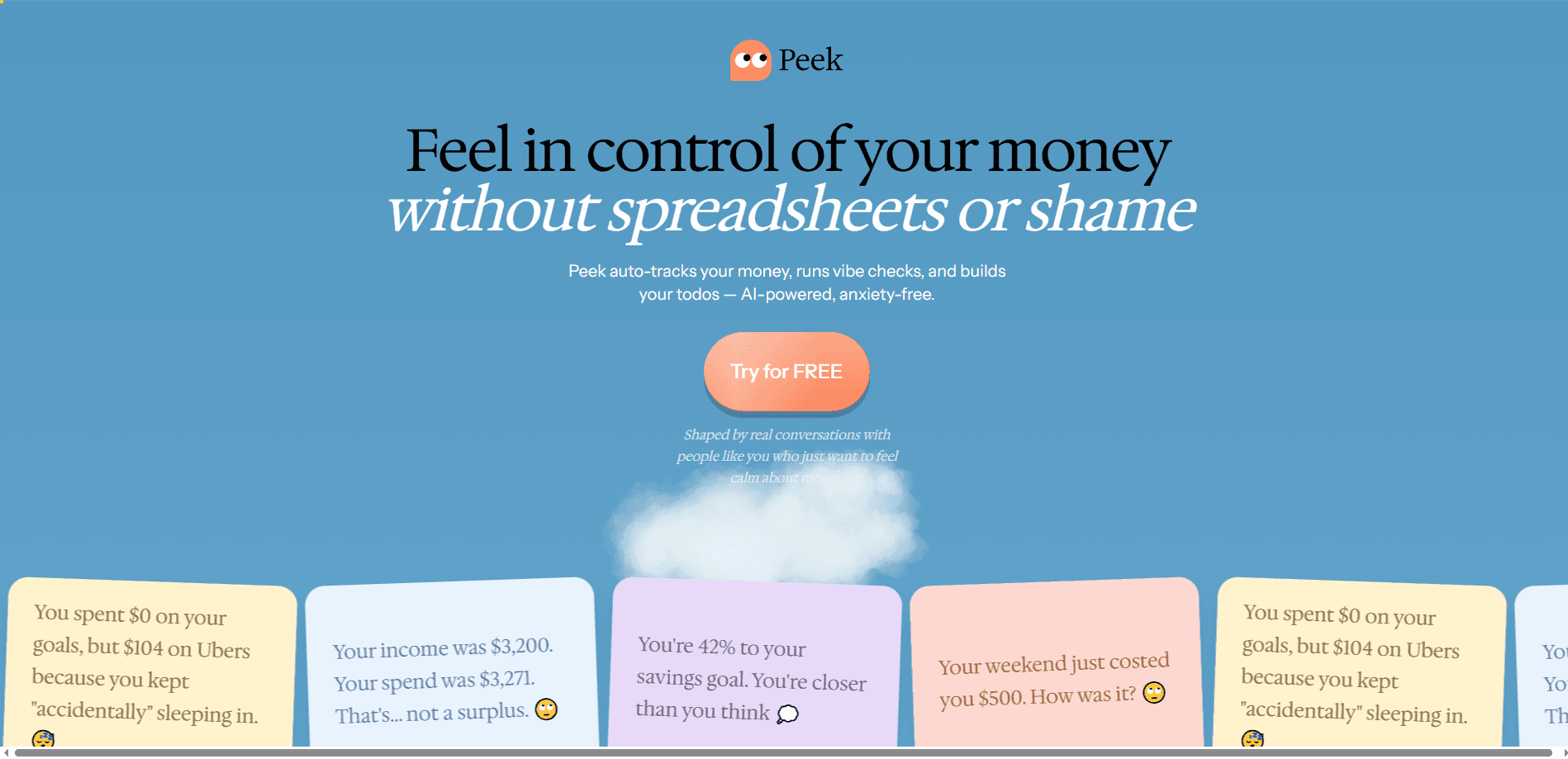
Peek is a money app built around conversation rather than charts. It checks in about recent charges, asks why a purchase happened, and builds a picture of how you relate to money. The pitch comes straight from its maker: your bank sees transactions, Peek sees you.
The app targets people who abandon traditional budgets fast. Peek does not set hard limits or shame you for spending. It watches for patterns, like the impulse buy when you are stressed or the coffee you grab every Friday, and reflects them back so you can decide what to do. The team behind it is Peek Technologies Pte Ltd, based in Singapore.
The biggest limit is platform. Peek runs only on iPhone and iPad, needs iOS 15.1 or later, and its interface is English only right now. It is also young, so features and reliability are still evolving. Users will notice it is early software, and reviews so far are mixed.
Getting Started
- Download Peek from the App Store and create your account with an email or a linked social profile.
- Connect the accounts or spending sources you want the app to review, and opt in to personalized recommendations if you want them. The company says it only uses financial data for this when you explicitly agree.
- Answer Peek's check-ins about recent charges. Reply in plain language about what a purchase was and how you felt about it.
- Read the weekly insights and pattern summaries the app generates, then decide which habits you want to adjust.
Product Information
A quick look at Peek's pricing, supported platforms, and performance.
Best for
The users, tasks, and scenarios where this tool fits best.
Users
- Gen Z spenders who want to understand their habits rather than be scolded by a budget
- People who have quit budgeting apps before
- Anyone curious about the "why" behind their spending
Tasks
- Spotting recurring spending patterns
- Talking through a purchase without judgment
- Building self-awareness over time
Scenarios
- Reviewing a week of charges in a few minutes
- Handling an impulse purchase in the moment
- Testing whether an AI money coach fits your life
Key features
Conversational Spending Check-Ins
Peek reviews your recent charges by starting quick, casual conversations instead of showing a wall of numbers. It asks about specific purchases and what led to them, then records how you respond. This turns tracking into a chat rather than a form, which is the core of how the app works.
Behavior Pattern Recognition
Over time, Peek builds a picture of how you think about money and reflects it back. It looks for habits like buying something whenever you are stressed or repeating a weekly ritual. The goal is to help you notice patterns you might not see on your own.
Weekly Insights
The app generates weekly summaries of your spending so you can catch up in one short session. A recent update added these insights, and they are the main way Peek turns scattered purchases into something readable.
Judgment-Free Framing
Peek avoids budgets you will abandon and skips the guilt. It will not tell you to stop buying oat milk; it will point out that you buy it whenever you feel stressed, then leave the decision to you. This framing is aimed at people who shut down when money apps lecture them.
Personalized Recommendations
If you opt in, Peek uses your financial data to tailor advice to how you spend. The company says it only does this with your explicit consent and never sells the data. That opt-in model matters if you care about where your transaction history goes.
Built Around Gen Z Money Habits
The whole approach is designed for how younger users actually relate to money: conversations over spreadsheets, self-awareness over restriction. It is a deliberate bet that this audience wants understanding, not another rigid plan, which is what separates a Gen Z budgeting app like this from a standard expense tracker.
A Clear Alternative to Rigid Trackers
This Peek AI review keeps coming back to one idea: the app is not trying to be a stricter spreadsheet. It drops the budgets you will abandon and the guilt trips, and it leans on self-awareness instead. For anyone who has bounced off a traditional spending tracker, that shift is the whole point.
Pros and cons
Pros
- Reframes budgeting as a casual conversation, which lowers the barrier for people who dread finance apps.
- Free to download and use on iPhone and iPad, so trying the conversational approach costs nothing.
- Focuses on patterns and feelings rather than hard limits, which suits users who quit strict budget apps.
- Backed by a clear privacy stance: financial data is used for recommendations only with opt-in, and the company says it does not sell it.
Cons
- Only available on iPhone and iPad with iOS 15.1 or later, so Android and web users are shut out.
- Interface is English only, which limits it for non-English speakers.
- Young product with a small rating base and mixed early reviews, so stability and features are still maturing.
- Pricing beyond the free tier is not clearly published, which makes long-term cost hard to judge.
Frequently asked questions
Peek tracks your spending and then talks it through with you. Instead of charts, it asks quick questions about recent charges and builds a picture of your money habits over time.
Related content
Explore related tools, skills, and articles for Peek.
Peek Alternatives
Agibot
Agibot · Productivity · AI Assistant · ChatbotAgibot is a personal AI agent for Mac that keeps running after you close the window, runs routines on a schedule, and works from Telegram or Slack with your own API keys.

Foley
Hanamori Labs, LLC · Voice & Language · Productivity · AI AssistantFoley is a voice to-do list that turns a spoken sentence into a filed task, complete with project, date and time, then helps you plan the day around what is already there.

Ghost Core
Ghost · Productivity · AI AssistantGhost Core is a $3,499 screenless personal AI computer that runs local AI models on its own hardware, builds context from your apps and devices, and acts without waiting for a prompt.