

Pensieve
Pensieve · Leaning
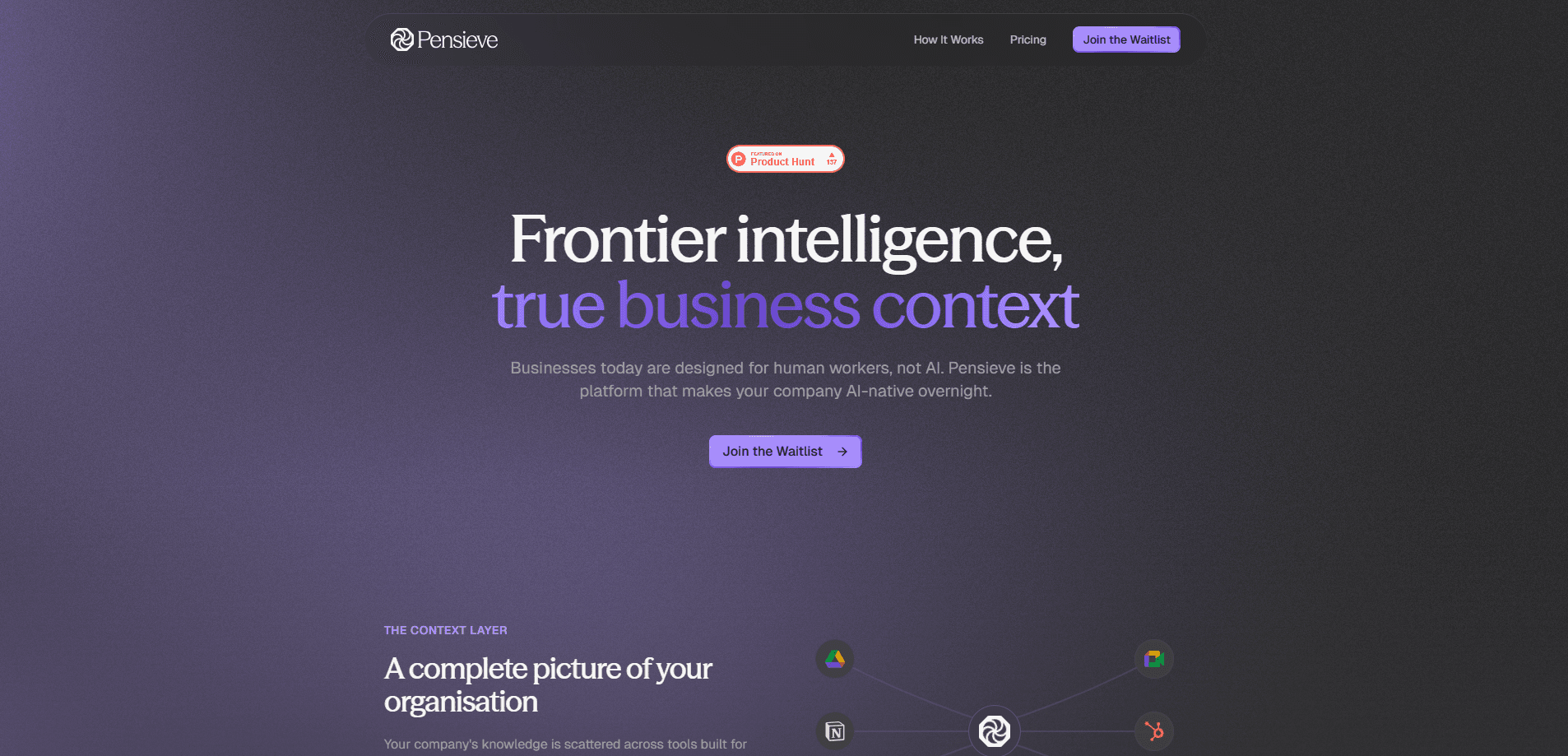
Pensieve is an AI context layer that builds a living map of your company from the tools your team already uses. It reads Slack, Notion, Google Drive, GitHub, HubSpot and more, then distils them into one accurate picture of people, projects and decisions. That map works as a company knowledge base your agents can read. You keep the AI you already have, whether that's Claude, Cursor or ChatGPT, and Pensieve gives it the business context it was missing.
About Pensieve
What Is Pensieve
Pensieve is a company brain that your existing AI tools can read. It connects to the platforms where your team works and turns their scattered knowledge into a single structured map, so an AI can understand who's who and how things connect before it does any work. Think of the picture a sharp new hire builds in their first few months, except it's always current and available to your agents instantly.
The problem it targets is simple. A new employee spends their first weeks getting oriented, and once they have that context, every conversation builds on it. Your AI does the opposite, starting from nothing in every session, re-researching the same facts and quietly filling gaps with guesses. Pensieve closes that gap by giving your agents ground truth about your business. If you run AI for business tasks and keep correcting the same wrong assumptions, that gap is the reason.
The important limitation is what Pensieve isn't. It's not an answer engine and it's not a second chatbot, so it won't answer questions on its own. It's the map your AI reads to get oriented, while your agent still does the reasoning and queries its own tools. You bring the AI, Pensieve supplies the context.
Getting Started
- Create an account. Choose Try for free in the header, and sign-up returns you to the app to build your first context.
- Create a context. Pick an archetype such as Organisation for the whole company, Project for a single initiative, Personal, or General for anything else.
- Connect a source. Notion or Google Drive give the fastest result, since both are dense enough to surface real people and projects within minutes. You choose what's in scope before saving.
- Watch the context take shape. Follow progress in Changes, and check your maintained knowledge usage under Settings.
- Plug in your AI. Connect Claude, Cursor, ChatGPT or your own agents over the Pensieve MCP server, and from then on they read the map first.
Product Information
A quick look at Pensieve's pricing, supported platforms, and performance.
Best for
The users, tasks, and scenarios where this tool fits best.
Users
- Small teams with scattered knowledge
- Founders and operators
- Developers using AI coding agents
Tasks
- Onboarding an AI to your business
- Grounding AI answers in real facts
- Keeping an overview current
Scenarios
- A new project kickoff
- Daily AI-assisted work
- Scaling company knowledge
Key features
Connectors for the tools you already use
Pensieve connects to Slack, Notion, HubSpot, Google Drive, GitHub and other platforms, so it builds itself from what's already there. You don't tag anything or prepare data. Each connector exposes data types you can pick from, like HubSpot notes but not calls, and unticking a type after a first read deletes what it brought in.
One living company map
Rather than a pile of documents, Pensieve distils everything into a structured map of people, projects, decisions and customers, and how they relate. The map stays current as your connected tools change, which is the difference between a snapshot and something your AI can actually trust.
MCP server for every AI client
Pensieve runs an MCP server, the open standard for letting AI tools talk to outside services. You connect a URL, sign in once, and your AI can search the map, open the pages behind an answer, and cite what it found. It works with Claude, Cursor, ChatGPT and your own agents, and Pensieve doesn't replace them.
Contexts for different scopes
A context is one map, and you can run several. The default Organisation context covers your whole company, while Project, Personal and General archetypes map a single initiative, your own work, or anything else you want to track. You pin one to a session, so an agent reads the right map for the job.
Three reading modes for accuracy
So how does the map stay accurate as your data grows? Not every source deserves the same treatment. Pensieve reads deliberate artefacts as Literal documents it compresses faithfully, drains unbounded conversations as Distilled streams that keep only durable facts, and understands connected structures as Source Trees. This is why the map stays sharp instead of drowning in noise.
Predictable knowledge footprint
Pricing runs on knowledge units, where one unit covers 10,000 weighted bytes of maintained knowledge. Content its source reports untouched for a month counts at 75%, and for three months at half, so stale material costs less. Remove knowledge and the units are free again straight away.
Pros and cons
Pros
- Builds the company map automatically from tools you already use, with no tagging or data prep.
- Keeps your existing AI in place, since it works with Claude, Cursor, ChatGPT and custom agents over MCP.
- Grounds AI answers in citations back to the source, which cuts down confident wrong answers.
- Knowledge units are readable and controllable, and removing data frees space immediately.
- A free plan with 100 knowledge units lets a small team try it without a card.
Cons
- It isn't an answer engine, so it won't respond to questions on its own; your AI still does the reasoning.
- Most powerful connectors such as Slack and Website are admin or owner only, which slows down a member who wants to connect them.
- The unit-based pricing takes some reading to understand, and content above the plan allowance is billed per unit.
- Enterprise terms above 2,000 units require a conversation with sales rather than self-serve checkout.
Frequently asked questions
No. Pensieve is designed to sit behind whatever AI you already use. You connect Claude, Cursor, ChatGPT or your own agents over its MCP server, and they read your company map as part of their normal workflow. Pensieve doesn't try to be a chatbot itself.
Related content
Explore related tools, skills, and articles for Pensieve.
Pensieve Alternatives

HireKey
HireKey · Voice & Language · Productivity · LeaningHireKey is an AI job search copilot built by a former tech recruiter. It checks role fit, tailors resumes, runs interview practice and tracks every application.

Lune
Retrograde Labs · Productivity · LeaningLune is a research search engine for scientific AI agents. It runs as an MCP server that lets Claude, ChatGPT and Cursor search peer-reviewed computer science papers and cite them.
Coddy
Coddy · Coding · LeaningCoddy is a gamified platform to learn to code through short interactive lessons in 20+ languages, with a browser editor, an AI tutor and free certificates.