

PhoneDiffusion
AKRO-in. d.o.o. · Image
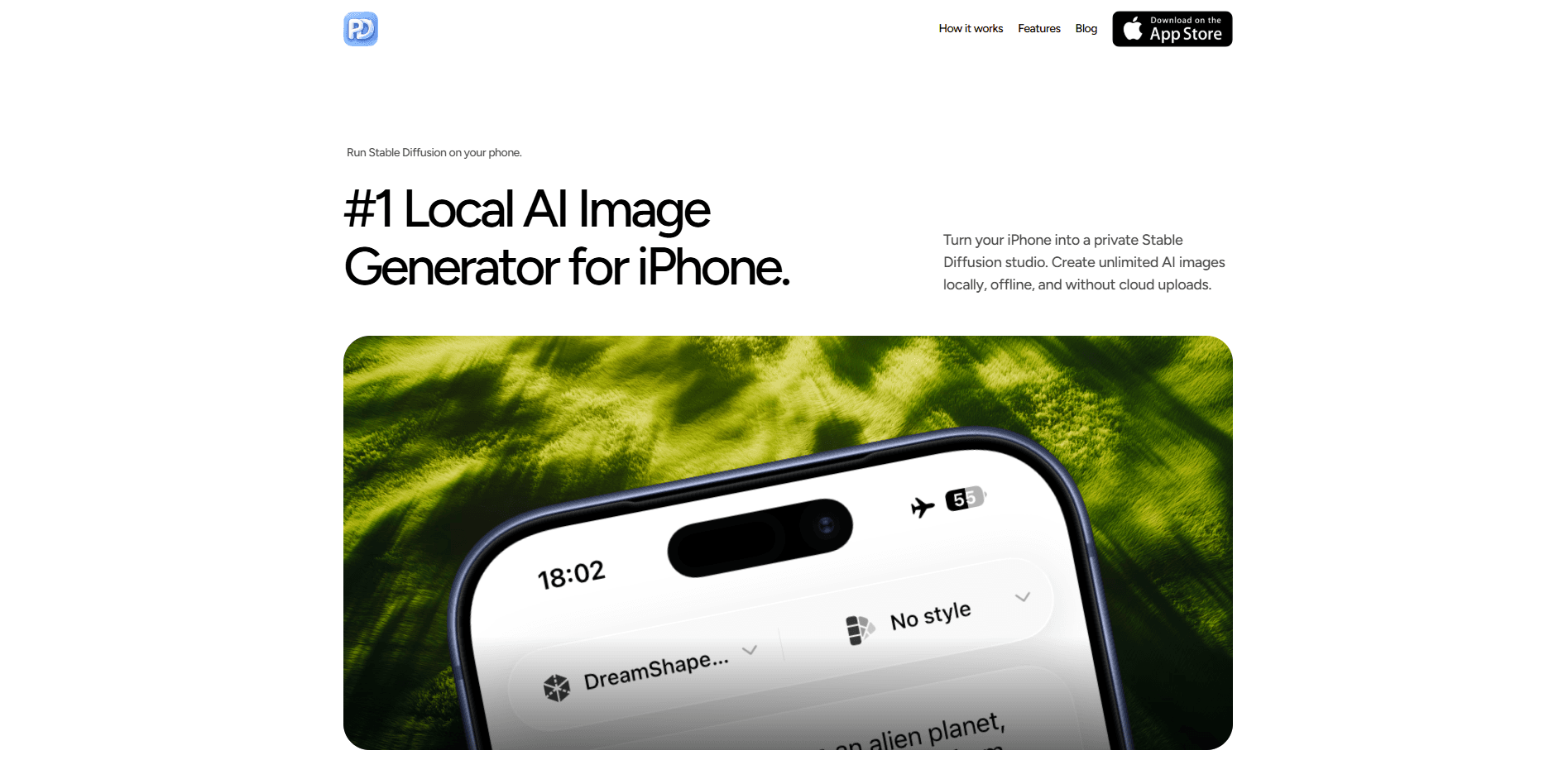
PhoneDiffusion is a local AI image generator for iPhone that runs Stable Diffusion models directly on your device instead of a cloud server. You pick a workflow, download a model pack once, and then turn text into images, edit photos, inpaint specific areas, remove backgrounds, and upscale results without an account, a credit counter, or an internet connection. Think of it as an on-device AI image app for people who want private AI art generation on the phone in their pocket. No queues. No uploads. Just your iPhone doing the work.
About PhoneDiffusion
What Is PhoneDiffusion
PhoneDiffusion is an iPhone app that turns your phone into a private Stable Diffusion workspace. It's a private AI art generator that runs SD 1.5 and SDXL-class model packs locally, so your prompts, source images, and generated results stay on the device. AKRO-in. d.o.o. builds it, a small software outfit that ships the app through the App Store.
The core promise is control over where your images live. Most AI art tools upload your prompt to a server, render it there, and hand back a file. PhoneDiffusion does the work on-device, which means no account, no credits, and no render queue. You download a model once over Wi-Fi, and after that you can create with airplane mode on.
The catch is hardware and setup. This isn't a cloud app that runs on anything. You need an iPhone 12 or newer, and you'll wait through a 6-12 GB model download on first launch. So can an older iPhone handle it? Barely. Generation speed and the models you can run depend on your chip, memory, and how warm the phone gets.
Getting Started
- Download PhoneDiffusion from the App Store and open it. No sign-up or login is required.
- Pick a workflow (text to image, image to image, inpainting, background removal, or upscale) and accept the recommended model for your device.
- Let the model pack download over Wi-Fi. This is the one-time 6-12 GB setup step.
- Describe your image, or adjust controls like negative prompts, image size, steps, and guidance.
- Refine the result, then save it to Photos or keep it in the on-device gallery.
Product Information
A quick look at PhoneDiffusion's pricing, supported platforms, and performance.
Best for
The users, tasks, and scenarios where this tool fits best.
Users
- iPhone photographers who edit on the go
- Privacy-minded creators
- Indie designers and marketers
- AI art hobbyists
Tasks
- Text-to-image generation
- Photo transformation
- Targeted edits
- Cutouts and cleanup
- Upscaling
Scenarios
- Working offline on a flight or in a dead-zone cafe
- Turning a rough idea into a visual before a client call
- Building a consistent set of images for a small brand
- Personal projects you'd rather keep private
Key features
On-Device Stable Diffusion
PhoneDiffusion runs Stable Diffusion model packs locally using on-device processing, so the prompt-to-image step happens on your iPhone instead of a cloud render farm. You can start with fast SD 1.5 packs or move to higher-quality SDXL workflows on supported hardware. That makes it a genuine SDXL iPhone app on newer chips, not just a thin client for a server. Because nothing gets uploaded, there's no per-image cost and no waiting behind other users' jobs.
Live Generation
This is the feature that changes how you prompt. Instead of submitting a prompt and waiting for a finished file, you watch the image evolve as you tweak the text, and you pause when the composition looks right. It turns prompting into something closer to sketching, which helps when you're not sure what you want yet. No guessing. Just watch and stop.
Inpainting and Image to Image
Inpainting lets you paint over one region and describe what should replace it, while the rest of the picture stays put. Image to image takes a photo, sketch, or earlier generation and makes a variation, with an edit-strength control that decides how far the result drifts from your source. Together they cover most day-to-day retouching and restyling.
Background Removal and Upscaling
Background removal cuts a subject out on-device and produces a clean transparent background, handy for product shots and profile images. Upscaling enlarges finished work up to 4x, which matters when a phone-sized render needs to hold up in a larger layout or on a print. Both run without a cloud round-trip.
Creator Controls
You get the knobs that heavy users expect: negative prompts, image size, steps, guidance, variations, and edit strength. There are built-in styles for a fast start, and voice dictation if typing a long prompt on a phone screen is a pain. None of this is hidden behind cloud credits.
Custom Workflows
You can save the models, styles, settings, and processing steps you use most as a reusable workflow. If you generate the same kind of image repeatedly, this cuts the setup time down to a couple of taps. It's the difference between a toy and a tool you actually return to.
Private On-Device Gallery
Prompts, generated images, and history live in a local gallery on your phone. You can revisit earlier generations, see the settings that produced them, and reuse a strong result as the starting point for the next one. Nothing is stored on a PhoneDiffusion server unless you export it or attach it to a support request.
Pros and cons
Pros
- Runs Stable Diffusion and SDXL-class models entirely on-device, so prompts and images don't go to a cloud server.
- Works offline after the initial model download, which matters on flights or anywhere with weak signal.
- No account, no credit counter, and no per-image fee once you've installed a model.
- Solid control set for a phone app: negative prompts, steps, guidance, edit strength, and saved workflows.
- Free to download, with a one-time or subscription upgrade rather than pay-per-render.
Cons
- Hardware-gated: you need an iPhone 12 or newer, and SDXL-class workflows want the more recent chips.
- The first-run model download is 6-12 GB, so you'll want Wi-Fi and free storage before you start.
- Long generations can warm the phone and slow down under thermal throttling, so heavy batches aren't its strength.
- No public API, so it can't slot into an automated pipeline or a custom toolchain.
Frequently asked questions
PhoneDiffusion is an iPhone app that runs Stable Diffusion locally for private, offline AI image generation. You download a model pack once, then create and edit images on-device without an account or cloud upload.
Related content
Explore related tools, skills, and articles for PhoneDiffusion.
PhoneDiffusion Alternatives

Google EmbeddingGemma 2
Google DeepMind · Writing · Image · CodingGoogle EmbeddingGemma 2 is a 740M-parameter open model that turns text, code, images, audio, and video frames into vectors in one 768-dimension space, running on phones and laptops.

Tractionwave
TractionWave · Image · MarketingTractionWave is an AI attention heatmap tool for static ads. Upload a PNG or JPG and it returns predicted attention, ranked hotspots, and fixes before you spend budget.

Imejis.io
Imejis.io · Image · MarketingImejis.io is an AI design studio for agents and marketing teams. Describe an image in plain words, and it writes the copy, builds the layout, reflows it to every size, then exports a finished file.