

Photo Editor - Polish
InShot Inc. · Image
Photo Editor - Polish from InShot is a free photo editor for Android with more than 500 AI filters, one-tap enhancement, object removal, collage tools, and portrait retouching.
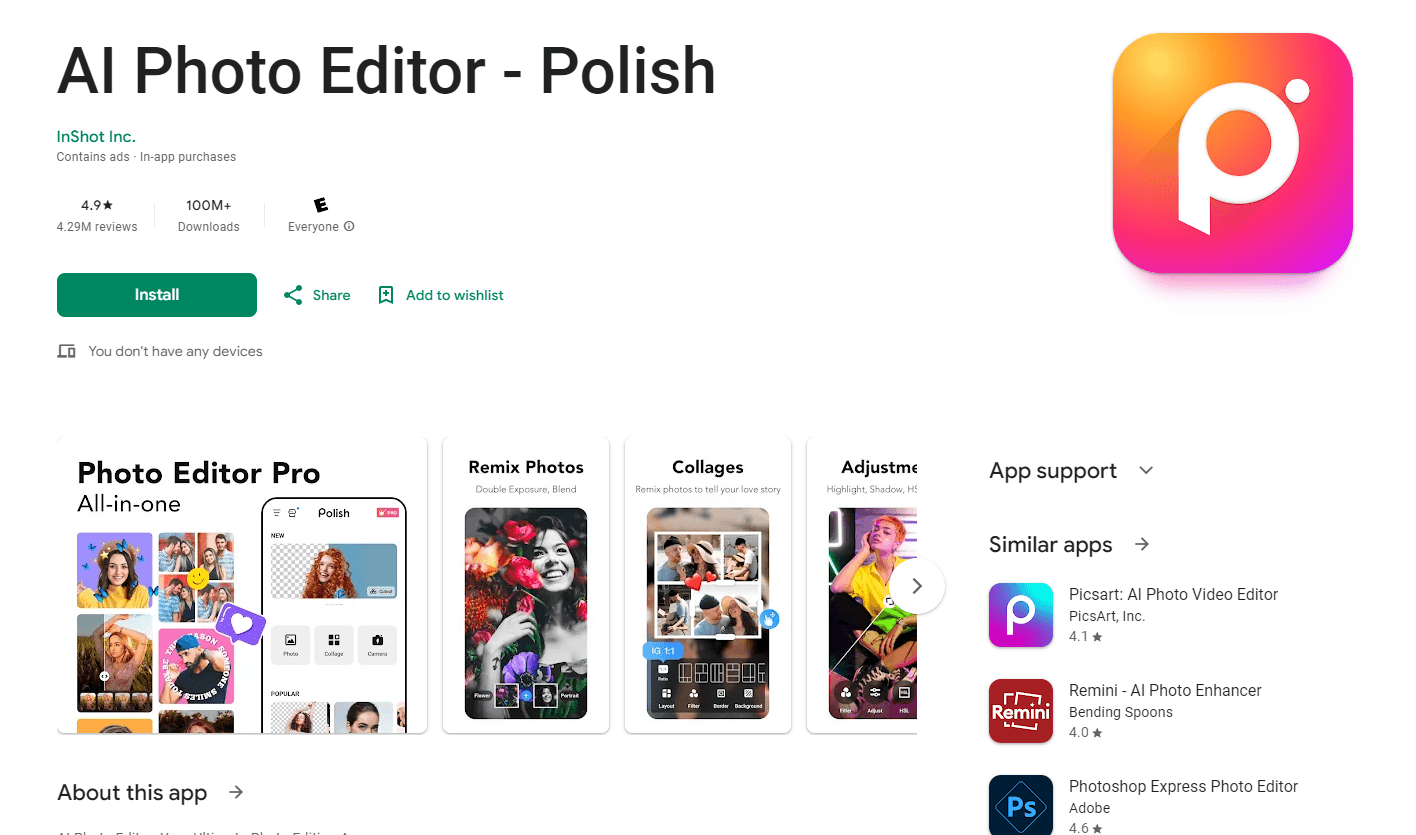
About Photo Editor - Polish
What Is Photo Editor - Polish
Photo Editor - Polish is the Android app most people know as Polish. InShot builds it, and it has passed 100 million installs on Google Play with a 4.9 rating across millions of reviews. The pitch is simple: open a photo, tap a tool, and get a result that looks edited by someone who knows what they're doing.
The gap it fills is skill. Professional retouching tools ask you to understand layers, masks, and curves. Polish puts the same jobs behind one-tap buttons: clean up a background, sharpen a blurry shot, generate a headshot, or drop a trend filter on a selfie. Most edits finish in seconds, which is why casual users stick with it.
The limit is control and platform. You get presets and sliders rather than a full layer stack, exports stay in standard photo formats, and there's no desktop or web version. Anyone who needs precise color work or RAW files still needs a different tool.
Getting Started
- Install Photo Editor - Polish from Google Play and open it. The app works without an account for basic edits.
- Pick a photo from your gallery or shoot one inside the app.
- Choose a tool from the bottom bar, such as AI filters, the photo enhancer, object removal, or collage.
- Apply the edit, then save to your gallery or share straight to Instagram or TikTok.
Product Information
A quick look at Photo Editor - Polish's pricing, supported platforms, and performance.
Best for
The users, tasks, and scenarios where this tool fits best.
Users
- Casual phone photographers
- Social media creators
- Job seekers and freelancers
Tasks
- Cleaning up a snapshot
- Building a collage
- Rescuing an old or soft photo
Scenarios
- Posting daily to social accounts
- Preparing a profile picture
- Designing quick marketing visuals
Key features
AI Filters
Polish ships more than 100 filters, including CCD, Flash, VHS, Y2K, and Glitch looks. Each one is a single tap, so you can compare styles on the same shot and keep the version that fits the platform you're posting to.
AI Photo Enhancer
The enhancer takes a soft or blurry image and rebuilds detail while lifting brightness, contrast, and saturation. Auto Adjust handles the same job with fewer decisions, which suits photos taken in poor light or with an older phone camera.
AI Remove
This tool erases unwanted objects and people and fills the space with surrounding texture. On simple backgrounds the result looks clean; on busy patterns you may still see a soft patch, so it works best on skies, walls, and floors.
AI Portrait
The AI headshot generator produces studio-style portraits for LinkedIn, ID photos, and passport photos from a phone snapshot. You pick a style and the app returns a set of options, which is faster than booking a session for a single image.
Background Remover and AI Expand
The background remover cuts a subject out with AI and drops in a new backdrop. AI Expand goes the other way: it extends the frame so a square photo fits a story format without cropping the subject.
Collage Maker and Text Tools
The collage maker combines up to 18 images with adjustable layouts, borders, and backgrounds. Text, stickers, fonts, and light effects such as Bokeh and Lens Flare sit in the same editor, so a finished post doesn't need a second app.
Pros and cons
Pros
- Free tier with real tools: filters, collages, and basic retouching work without paying, and exports carry no watermark.
- Fast AI edits: enhancement, object removal, and background cuts finish in seconds on a normal phone.
- Large install base: more than 100 million downloads and a 4.9 rating mean the app is well tested on many devices.
- Everything in one place: photo edits, collages, text, and portrait generation share a single workspace.
Cons
- Android only: there's no iOS app, desktop version, or web editor, so iPhone users and desktop workflows are out.
- Ads and paywalls: the free version shows ads, and the strongest AI tools sit behind a subscription that runs up to $179.99 per item.
- Limited manual control: you work with presets and sliders rather than layers, masks, or curves.
- No RAW support: exports are standard JPEG or PNG files, which limits serious photo work.
Frequently asked questions
It's an Android photo editor for quick retouching, AI filters, background removal, collages, and AI headshots. Most people use it to make social posts look better without opening a desktop program.
Related content
Explore related tools, skills, and articles for Photo Editor - Polish.
Photo Editor - Polish Alternatives

Google EmbeddingGemma 2
Google DeepMind · Writing · Image · CodingGoogle EmbeddingGemma 2 is a 740M-parameter open model that turns text, code, images, audio, and video frames into vectors in one 768-dimension space, running on phones and laptops.

Tractionwave
TractionWave · Image · MarketingTractionWave is an AI attention heatmap tool for static ads. Upload a PNG or JPG and it returns predicted attention, ranked hotspots, and fixes before you spend budget.

Imejis.io
Imejis.io · Image · MarketingImejis.io is an AI design studio for agents and marketing teams. Describe an image in plain words, and it writes the copy, builds the layout, reflows it to every size, then exports a finished file.