
Photo Lab Picture Editor & Art
Photo Lab DMCC · Image
Photo Lab Picture Editor & Art is a mobile photo montage app with 900+ effects, automatic face swap scenes, neural art styles, frames, and collages.
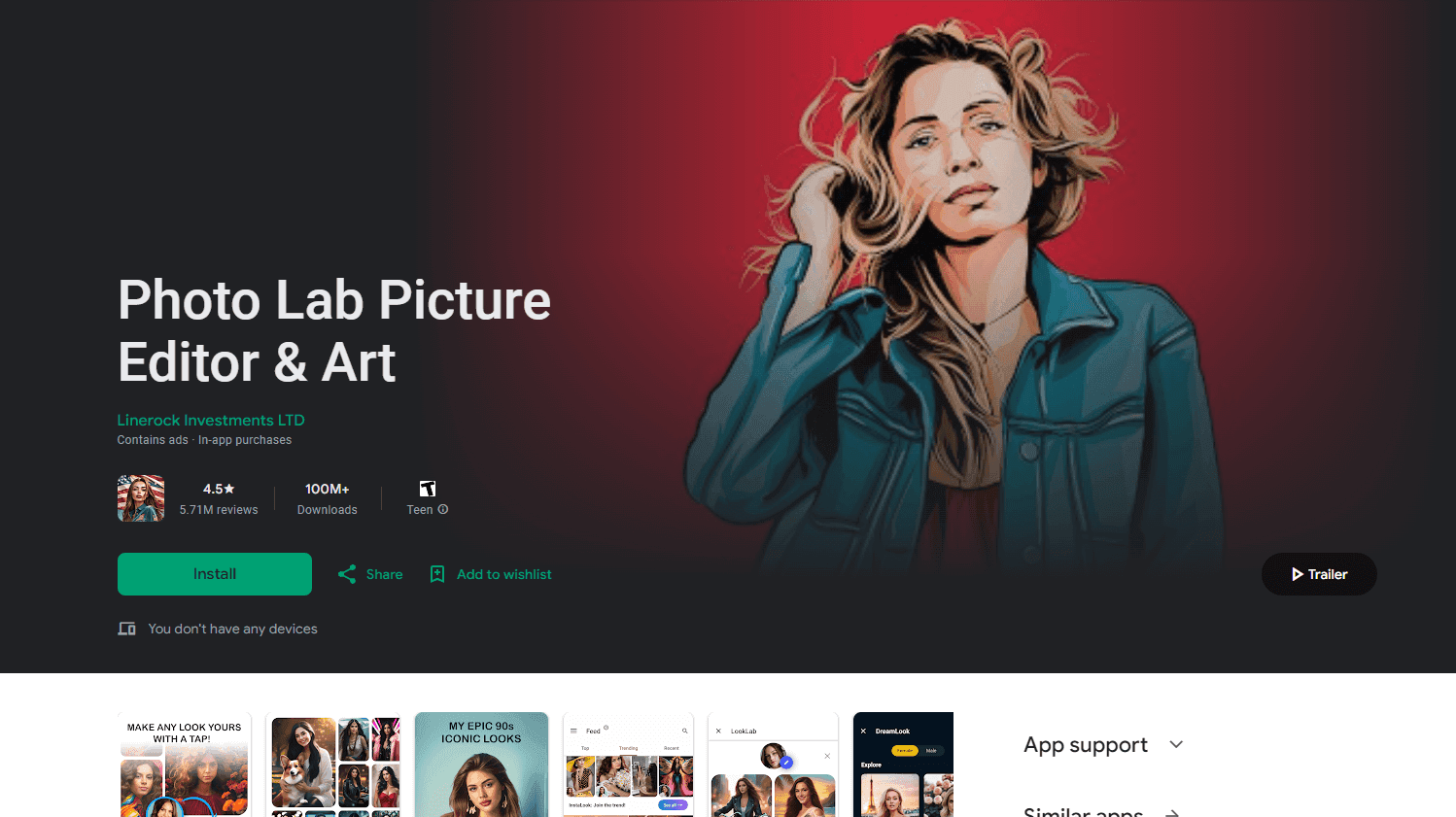
About Photo Lab Picture Editor & Art
What Is Photo Lab Picture Editor & Art
Photo Lab Picture Editor & Art is a photo montage app for phones. You pick a scene from a library of more than 900 effects, drop in a picture, and the app fits your image into the template. Face detection lines up eyes and chins on the scenes that need a face, so you don't cut anything out by hand. It's built for a finished-looking image in a couple of minutes, not for layer-by-layer retouching.
The catalog is the product. Scenes cover holidays, film posters, cartoon bodies, pets, cars, and beach prints, and the set grows with almost every update. A neural art section turns ordinary shots into paintings and illustrations, while newer picture generator styles add looks such as PS2 and clay render. As an AI photo editor it stays inside presets, so expect a strong look rather than a subtle grade. If you want one image that reads as a joke, a greeting card, or a fresh profile photo, the template route gets there faster than a manual editor.
Two limits matter before you install it. The app works online, because effects render on servers. That keeps phone storage free, but it also means no editing on a plane or in a dead zone. And the best scenes sit behind a PRO subscription, so the free download works more like a demo than a full editor.
Getting Started
- Install Photo Lab from the App Store or Google Play and open it. You can browse the catalog without making an account.
- Pick a category or search the effects library, then choose a scene.
- Add a photo from your gallery or shoot one with the camera. The app finds the face and places it in the template, and you can drag or zoom to adjust the fit.
- Add extras if the image needs them: a frame, a filter, text, or stickers.
- Save to your gallery or share straight to a social app. PRO removes the ad breaks and opens the locked scenes.
Product Information
A quick look at Photo Lab Picture Editor & Art's pricing, supported platforms, and performance.
Best for
The users, tasks, and scenarios where this tool fits best.
Users
- People who post to social feeds
- Families making keepsakes
- Beginners who find layer-based editors confusing
Tasks
- Putting a face into a themed scene
- Turning a snapshot into wall art
- Building a trip collage
- Framing a photo for a message or a card
Scenarios
- A gift needed tonight
- A group chat joke
- A profile refresh
Key features
Montage Library With Face Detection
The core is a template catalog of 900+ effects, sorted into categories such as holidays, professions, animals, and film scenes. Face detection finds eyes and chin lines and scales your face to the template, which removes the manual cutout step that slows down other montage tools. On a straight-on portrait it usually lands well; odd angles and crowded group shots may need a manual nudge.
Neural Art Styles
A separate section converts a photo into artwork using preset styles, with more than 50 options at last count. Each style applies in one tap and renders on the server, so the phone does no heavy lifting. Results lean toward illustration and painting rather than photorealism, which is the point for profile pictures and prints.
Face Swap Scenes
Dedicated swap templates put your face on a cartoon character, a doll, a pirate, or a monster. The app matches skin tone and lighting to the scene where it can, and you can swap two faces in one image for a couple's joke. Hair and glasses edges are where the seams show most, so a photo with a plain background helps.
Photo Frames and Animated Effects
Frames cover holidays, birthdays, and simple borders, and animated effects add motion to an export for social posts. New frames and effects arrive with updates, usually around a dozen at a time according to the developer. If a specific effect is missing, the team takes requests through the app.
Collage Layouts
Collage grids make the app a basic photo collage maker: several photos in one image with fixed spacing and alignment, which is handy when a single scene can't hold the whole story. You choose the layout, drop photos into the slots, and export at phone resolution.
Everyday Editing Tools
Behind the templates sit ordinary tools: crop, rotate, brightness, contrast, blur, text with font choices, and stickers. They cover small fixes such as straightening a horizon or adding a caption without sending you to a second app. They won't replace a full Android photo editor for RAW work or selective color.
Pros and cons
Pros
- The montage library is genuinely large, with 900+ scenes and new drops in most updates, so repeat use doesn't feel stale.
- Face detection removes the hardest part of montage work, which is aligning and scaling a face into a scene.
- Results arrive in minutes on a phone, with no layers, masks, or desktop software involved.
- The same app exists on iOS and Android, so a family or friend group can share the workflow across devices.
- Free download lets you test the output quality before any money changes hands.
Cons
- Effects render on servers, so the app needs a live connection. No offline editing, and a weak signal means waiting.
- The PRO subscription is the only route to the good scenes, and weekly billing adds up fast for casual use.
- Free sessions include ads between steps, which breaks the flow when you're editing several photos in a row.
- Face detection struggles with profiles, sunglasses, and group shots, and fixing those cases takes manual dragging that the templates otherwise spare you.
Frequently asked questions
Photo Lab edits photos by placing them into ready-made scenes. You pick a montage, frame, art style, or collage layout, add a picture, and export a finished image. It's aimed at social posts, cards, and profile pictures rather than professional retouching.
Related content
Explore related tools, skills, and articles for Photo Lab Picture Editor & Art.
Photo Lab Picture Editor & Art Alternatives

Google EmbeddingGemma 2
Google DeepMind · Writing · Image · CodingGoogle EmbeddingGemma 2 is a 740M-parameter open model that turns text, code, images, audio, and video frames into vectors in one 768-dimension space, running on phones and laptops.

Tractionwave
TractionWave · Image · MarketingTractionWave is an AI attention heatmap tool for static ads. Upload a PNG or JPG and it returns predicted attention, ranked hotspots, and fixes before you spend budget.

Imejis.io
Imejis.io · Image · MarketingImejis.io is an AI design studio for agents and marketing teams. Describe an image in plain words, and it writes the copy, builds the layout, reflows it to every size, then exports a finished file.