

Photo Studio AI
PhotoStudioGen · Image
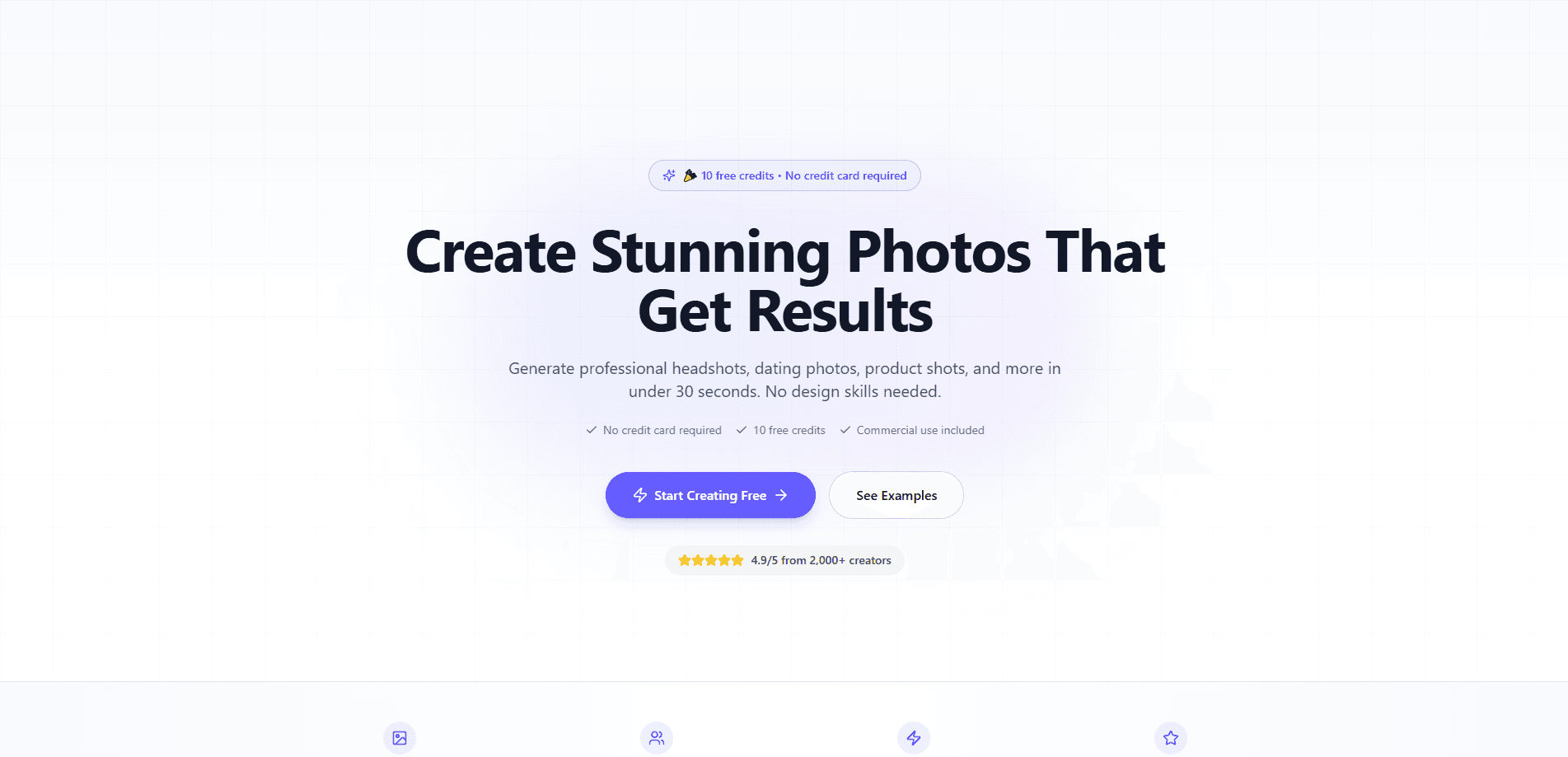
Photo Studio AI is a web-based AI photo and video studio that turns a single selfie or product photo into finished images and short clips. You can try an outfit on yourself, build a creator set with the same face in every shot, or drop a phone snap onto a clean backdrop for listings. Outputs go up to 2K, and the credits you buy never expire.
About Photo Studio AI
What Is Photo Studio AI
Photo Studio AI is an online studio for people who need good photos but don't want to book a photographer. Upload one reference photo of yourself or a product, pick a tool, and the platform returns stills or a 5-12 second clip. The whole thing runs in a browser, so there's nothing to install.
Most photo tools make you handle retouching, masking, and lighting by hand. This one skips that. You describe the change you want in plain English, and the AI keeps your face, pose, and body intact while it swaps the outfit, backdrop, or pose. It's aimed at sellers, creators, and anyone who needs a steady stream of images without a studio budget.
The limits are worth knowing up front. Everything is credit-based, and video eats credits fast, at 11 credits per second of 480p footage. There's no free tier to poke around in for hours, either, since even the starter pack costs $1. That $1 buys about 15 photos. You can still test real results before spending more.
Getting Started
- Sign up with an account and pay the $1 starter pack, which gives you 75 credits (roughly 15 photos).
- Upload a clear reference photo of yourself or the product you want to feature, front-facing and well lit works best.
- Pick a tool such as Virtual Try-On, Pro Headshots, Product Shots, or Image to Video.
- Describe what you want in plain English (the outfit, the backdrop, the motion) and generate the result.
- Download at up to 2K, or animate a still into a short clip if you need video.
Product Information
A quick look at Photo Studio AI's pricing, supported platforms, and performance.
Best for
The users, tasks, and scenarios where this tool fits best.
Users
- Online sellers who need listing photos
- Content creators building a posting schedule
- Job seekers and professionals
Tasks
- Trying on clothes before buying
- Making product photos
- Turning a still into video
Scenarios
- Refreshing a store listing without a reshoot
- Filling a week of social posts from one photo
- Testing an outfit from a screenshot
Key features
Virtual Try-On
This is the tool the site leans on hardest. Upload a photo of yourself and a photo of any outfit, from a hanger shot to a flat-lay or a shop screenshot, and the AI dresses you in it. Your face, pose, and body stay exactly as they were. Fabric and fit read as real, not pasted on. You can turn the result into a video with one click.
Pro Headshots
A phone selfie becomes a studio portrait here. You get four looks, from a suit-and-backdrop shot to an editorial portrait to an office scene, without leaving your living room. The catch is the input. Flat lighting and a busy background in the original will show up in the result, so a little prep pays off.
Product Shots
Sellers get the most obvious win. Snap a product on your counter and tell this product photo generator what backdrop you want, then watch the same item land on clean white, marble, concrete at golden hour, or a studio sweep. The product's real wear and scuffs stay put, so the listing still looks honest.
Image to Video
Any still you've made can start moving. Type the motion you want in plain English, and the platform returns a 5-12 second clip in portrait or square framing. Video is billed per second of footage. Budget for it if you plan to generate a lot of clips.
Pose Transfer
Found a pose you like on a magazine page or someone's grid? Pose Transfer puts you in it while keeping your face, body, outfit, room, and light unchanged. Only the pose moves. Trust me, it's a neat trick for creators who want variety without restaging a shoot.
Edit Photo
Change one thing at a time and keep the rest. As an AI photo editor, you can shift the hair, outfit, pose, city, or weather on a single image, and the platform holds everything else steady. It's the Swiss-army tool of the set, useful when you need a small fix rather than a full regeneration.
Creator Sets
Pick your scenes, and you get a full set back with the same identity in every shot. These AI creator sets start from one selfie, which saves creators the reshoot grind. The output is meant to be posting-ready, so you can plan a week of content from one upload.
Pros and cons
Pros
- One reference photo drives every tool, so you don't need a full shoot to start.
- Outputs reach up to 2K, which holds up on social media and most listings.
- Purchased credits never expire, and there's no subscription requirement.
- Full commercial rights come with everything you generate, at no extra cost.
- Uploads and results aren't shared, sold, or used to train models.
Cons
- No free plan, so testing costs $1 and there's no way to browse the tool for free.
- Video burns credits fast at 11 per second of 480p footage, which adds up on longer clips.
- Output quality leans on your input photo, and a poorly lit selfie will drag the result down.
Frequently asked questions
It's an AI photo and video studio for making professional-looking images and short clips from a single reference photo. The main jobs are trying on outfits, building creator sets, generating product photos, and animating stills into short videos. One upload goes a long way.
Related content
Explore related tools, skills, and articles for Photo Studio AI.
Photo Studio AI Alternatives

Google EmbeddingGemma 2
Google DeepMind · Writing · Image · CodingGoogle EmbeddingGemma 2 is a 740M-parameter open model that turns text, code, images, audio, and video frames into vectors in one 768-dimension space, running on phones and laptops.

Tractionwave
TractionWave · Image · MarketingTractionWave is an AI attention heatmap tool for static ads. Upload a PNG or JPG and it returns predicted attention, ranked hotspots, and fixes before you spend budget.

Imejis.io
Imejis.io · Image · MarketingImejis.io is an AI design studio for agents and marketing teams. Describe an image in plain words, and it writes the copy, builds the layout, reflows it to every size, then exports a finished file.