
PhotoEditor.AI
PhotoEditor.ai · Image
PhotoEditor.ai is a browser-based AI photo editor with 30+ single-task tools for object removal, background swaps, upscaling, and image generation.
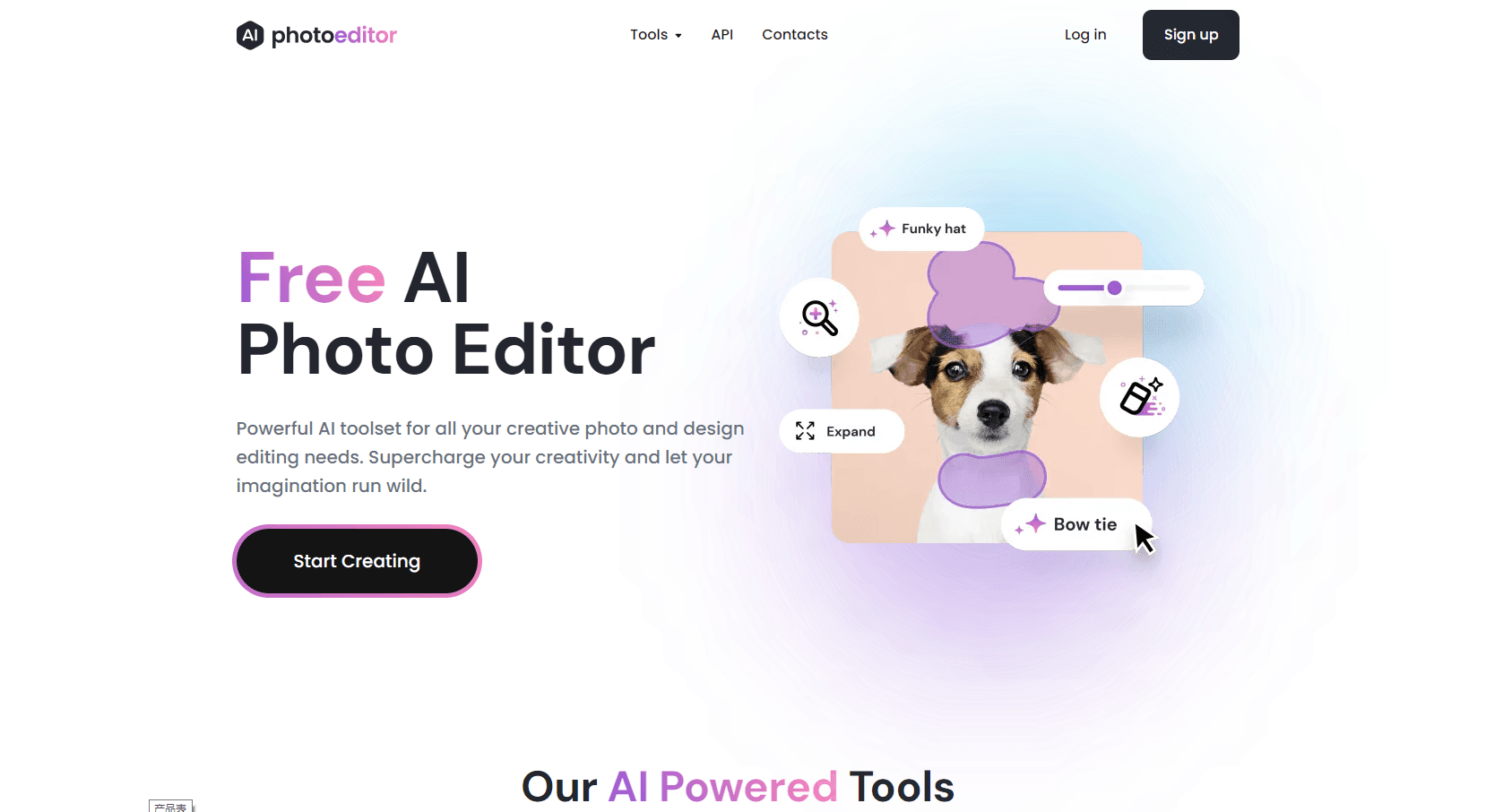
About PhotoEditor.AI
What Is PhotoEditor.ai
PhotoEditor.ai is a web app that splits photo work into more than 30 small tools instead of one crowded editor. Each tool handles a single job, such as Cleanup, Remove BG, or Upscale, and runs on a model the team picked for that task. You describe or brush what you want gone, fixed, or bigger, and the AI does the pixel work.
Most people arrive with one specific mess. A product shot with a stray cable. A family photo with a stranger in the frame. A scan that lost its detail years ago. PhotoEditor.ai answers those cases in seconds and keeps the learning curve close to zero.
The limits are worth knowing before you pay. Free exports cap at 720px, HD and 4K need a subscription, and results still depend on the source file. A badly lit phone photo gives the model less to work with than a clean one does. For layer-level retouching, a desktop editor still wins, and that's the honest limit of a photo editor AI built around one-click jobs.
Getting Started
- Open photoeditor.ai in any browser. The free tools work without an account.
- Upload a JPG, PNG, HEIC, AVIF, or WEBP file up to 15MB.
- Pick the tool that matches your problem, such as Cleanup for unwanted objects or Remove BG for a transparent cutout.
- Adjust the brush or prompt if the tool offers one, then download the result in standard quality, or in HD on a paid plan.
Product Information
A quick look at PhotoEditor.AI's pricing, supported platforms, and performance.
Best for
The users, tasks, and scenarios where this tool fits best.
Users
- Online sellers
- Photographers
- Social media creators
Tasks
- Removing objects or people
- Swapping backgrounds
- Restoring old photos
- Generating brand assets
Scenarios
- A marketplace batch before a launch
- A quick fix before posting
- Print prep for a gift
Key features
Cleanup and Object Removal
Brush over a stranger, a sign, a caption, or a watermark and the object remover fills the gap with what should be there. Edges usually hold up on grass, walls, and fabric. Complex patterns can smear, so check the result at full size before you export.
Background Removal and Replacement
Remove BG cuts a subject out with clean edges on hair, fur, and glass, then exports a transparent PNG. You can drop in a new backdrop or blur the original one. It's the fastest route for anyone who needs to remove background online for a shop listing or a profile photo.
Enhance and Upscale
The photo enhancer sharpens soft focus, cuts low-light grain, and repairs compression artifacts. Upscale works as an AI image upscaler that pushes a small file to 4K or 8K for print, and Creative Upscale adds detail instead of stretching pixels. Results look best when the original isn't badly blurred.
Generative Fill and Expand
Inpaint lets you type a change or brush an area, and the model rebuilds that region. Expand pushes the frame past its original edges, so a tight crop gains room for a headline or a vertical story format. Both tools keep lighting and texture consistent with the rest of the shot.
AI Image Generator and Logo Maker
The AI image generator turns a prompt or a reference image into portraits, product shots, vectors, or illustrations. The Logo Maker returns a clean SVG you can scale without pixel loss. Each generator sits on its own page with its own settings, not inside a chat box.
One Workspace with Swappable Models
Every tool runs a default model, and you can switch to another from the settings rail to compare output on the same file. The lineup includes Nano Banana, GPT Image, Gemini, SeeDream, and Qwen. That flexibility matters when one model handles text inside an image better than another.
Pros and cons
Pros
- 30+ tools under one subscription, so you can drop separate background remover and upscaler bills.
- Most cleanup, cutout, and sharpen jobs finish in under 10 seconds.
- Runs in a browser on desktop, iPhone, and Android with no app install.
- Commercial license on Pro and Business, which covers client work and ads.
- Uploads are deleted within an hour and never used for model training.
Cons
- Free exports stop at 720px, which is too small for print or most marketplace listings.
- No RAW support, so photographers have to convert files before uploading.
- Credit limits bite on big batches: Pro gives 600 credits a month and Business gives 1700.
- The public API is still marked as coming soon, so there's no programmatic access yet.
Frequently asked questions
It handles single photo jobs in a browser: removing objects or people, cutting out backgrounds, sharpening old files, upscaling to 4K, and generating images from prompts.
Related content
Explore related tools, skills, and articles for PhotoEditor.AI.
PhotoEditor.AI Alternatives

Google EmbeddingGemma 2
Google DeepMind · Writing · Image · CodingGoogle EmbeddingGemma 2 is a 740M-parameter open model that turns text, code, images, audio, and video frames into vectors in one 768-dimension space, running on phones and laptops.

Tractionwave
TractionWave · Image · MarketingTractionWave is an AI attention heatmap tool for static ads. Upload a PNG or JPG and it returns predicted attention, ranked hotspots, and fixes before you spend budget.

Imejis.io
Imejis.io · Image · MarketingImejis.io is an AI design studio for agents and marketing teams. Describe an image in plain words, and it writes the copy, builds the layout, reflows it to every size, then exports a finished file.