

Pickaxe
Pickaxe · Coding
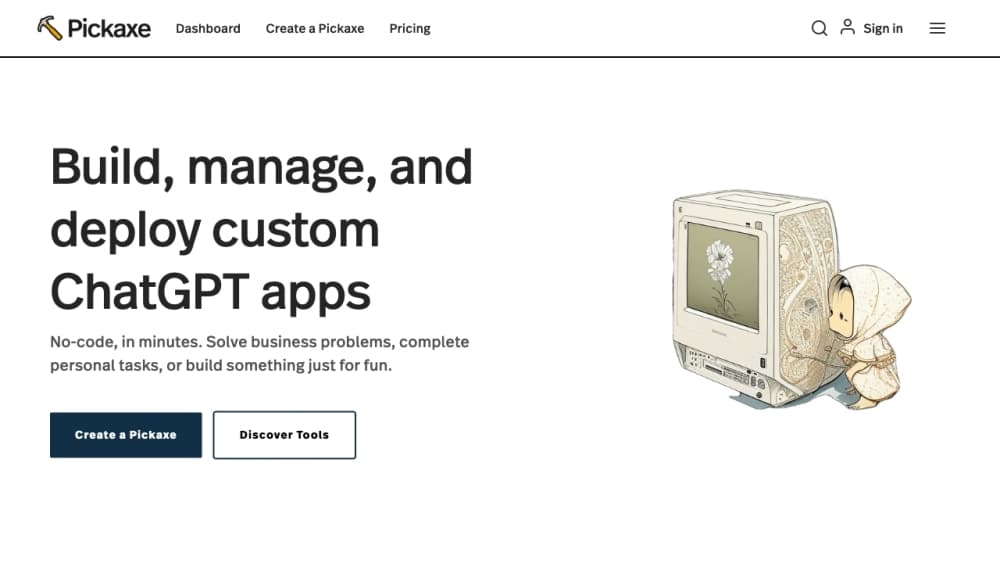
Pickaxe is a no-code platform for building AI agents, packaging them into client-ready products, and selling access through branded portals with billing and usage tracking included.
About Pickaxe
What Is Pickaxe
Pickaxe is a hosted builder for AI agents aimed at people who know their subject but do not write code. It sits somewhere between a chatbot widget and a full agent framework: you describe what the agent should do, attach the documents or live data it should draw on, pick a model, and publish. No local install, no server to keep alive. Everything runs on Pickaxe's infrastructure.
The product is built around a commercial idea, not just a technical one. Pickaxe calls itself "Shopify for agent-powered businesses" on its homepage, and the framing fits. The point is not to own the smartest agent. The point is to turn expertise into a product you can charge for, with paywalls, subscriptions, and customer accounts handled for you.
The biggest limitation is scope. Pickaxe is a hosted platform, so you inherit its model choices, its pricing ladder, and its monthly credit system. Anyone who needs a custom retrieval stack, on-premise deployment, or fine-grained control over every token will end up fighting the abstraction. It is also not a general automation tool. If your task doesn't involve a language model in the loop, a Zapier or n8n workflow will usually be cheaper.
Getting Started
- Sign up at pickaxe.co with an email address or Google account and open your first workspace.
- Describe the agent's job in the Instructions field, then choose a model from the catalog. Pickaxe advertises access to the latest models and lets you switch at any time.
- Add knowledge: upload PDFs, spreadsheets, or documents, paste text, or connect a source such as Google Drive, Notion, YouTube, or a website.
- Add actions if the agent needs to do something, such as search the web, generate a PDF, create a chart, or send data to a spreadsheet.
- Test the agent in the preview pane, adjust the prompt frame if you built a form, then publish to a portal, an embed, or one of the messaging channels.
Product Information
A quick look at Pickaxe's pricing, supported platforms, and performance.
Best for
The users, tasks, and scenarios where this tool fits best.
Users
- Solo creators who want to sell expertise as a product
- AI consultants building client tools
- Small teams that need internal assistants
Tasks
- Turning a course or framework into an interactive tool
- Answering questions from a company document library
- Building a lead magnet
Scenarios
- Launching a paid AI product without engineering support
- Running a client-facing tool for a small agency
- Prototyping an agent before committing
Key features
No-Code Agent Builder
Pickaxe works as a no-code AI agent builder because the core editor is a form, not a code file. You write instructions, pick a tool type such as chat or form, attach knowledge, and toggle actions. A preview pane sits next to the settings so you can test a change the moment you make it. The trade-off is familiar to anyone who has used a visual builder: the easy path is genuinely easy, and the unusual request usually isn't possible.
Knowledge Base That Syncs
Pickaxe accepts more than a dozen content types, including PDFs, docs, spreadsheets, Notion, OneNote, SharePoint, YouTube, RSS feeds, audio, video, images, CSV, JSON, and plain web pages. Connected sources refresh automatically each day, so an updated policy document reaches every agent that uses it. Knowledge bases can be shared across a workspace, which saves uploading the same handbook five times.
Build AI Tools With Actions and 500+ Integrations
Actions are how you build AI tools that do more than answer questions. A connected action gives an agent hands. Search the web, generate a PDF or a Word document, build a chart, clone a voice, send data to Google Sheets, or fire a webhook into Zapier, Make, or n8n. Pickaxe also exposes MCP servers for tools such as GitHub, Slack, Notion, Gmail, and Google Calendar. On Gold you can wire up to three actions per agent, which is tight if the workflow has several steps.
White-Label AI Agent Portals
As an AI agent platform, every agent can live inside a portal with your logo, your colors, and your own domain. Billing runs through Stripe, and Pickaxe keeps a cut of the revenue that flows through your workspace: 90% retained on Gold, 92% on Pro, 98% on Business. That revenue share is the real pricing to model before you launch.
Conversational Forms
Set an agent's tool type to form and a Prompt Frame section appears. You define how answers are collected, validated, and turned into an output, so the AI asks follow-up questions instead of accepting an empty field. On submission, actions can generate a document, push a row into a spreadsheet, or trigger an external workflow.
Agent API and Deployments
Each agent gets its own API key, with cURL, Node, Python, Ruby, and Go samples generated alongside it. One endpoint handles both streaming and non-streaming requests, conversation IDs persist server-side, and responses include a usage block. Agents also deploy to Slack, WhatsApp, Telegram, Discord, email, and as embeds on your own site.
Pros and cons
Pros
- Building a working agent takes minutes, and the builder never asks you to touch code or a terminal.
- The knowledge base covers documents, Notion, Google Drive, YouTube, and websites, with daily refresh on connected sources.
- Billing, paywalls, customer accounts, and usage analytics come with the platform, which removes the hardest part of selling access.
- White-labeling and custom domains are available on every paid plan, not locked behind the top tier.
- The AI agent API turns any finished agent into an endpoint, so the same build can serve a web app and a backend job.
Cons
- Revenue is shared with Pickaxe on every sale, and Business keeps the most at 98%, so high-volume sellers lose a meaningful slice of margin.
- The Gold plan allows only three workspaces and three actions per agent, which gets cramped once a client project needs more than a simple chain.
- Credits burn with usage, and heavy action use such as image generation or document rendering can outrun the monthly allowance quickly.
- Custom retrieval tuning and self-hosting are not on the menu, so teams with strict data residency rules will need a different stack.
Frequently asked questions
Pickaxe is a hosted platform for building AI agents without code and selling access to them. You describe the agent's task, ground it in your own documents, and publish it as a portal, embed, messaging bot, or API endpoint.
Related content
Explore related tools, skills, and articles for Pickaxe.
Pickaxe Alternatives

Udon
Udon · Coding · ProductivityUdon turns an Apple Silicon Mac into a home server you run from a browser, with container controls, file shares, and an optional AI sysadmin.

offstage
offstage cloud · Coding · Productivityoffstage gives AI coding agents and CI jobs a real Mac: a fresh macOS account on Apple silicon, driven over an API and billed by the second.

BotBus
Chengdu Tuyang Tusen Technology Co., Ltd. · Coding · ProductivityBotBus lets you control AI coding agents from your phone and watch: approve commands, start tasks and read results while the code stays on your desktop.