

PicLumen AI Image Generator
Grand Vision Tech Software Limited · Image
PicLumen is a browser-based AI creative studio that turns text prompts into images and short videos, bundling dozens of models, editing tools, and a shared canvas in one place.
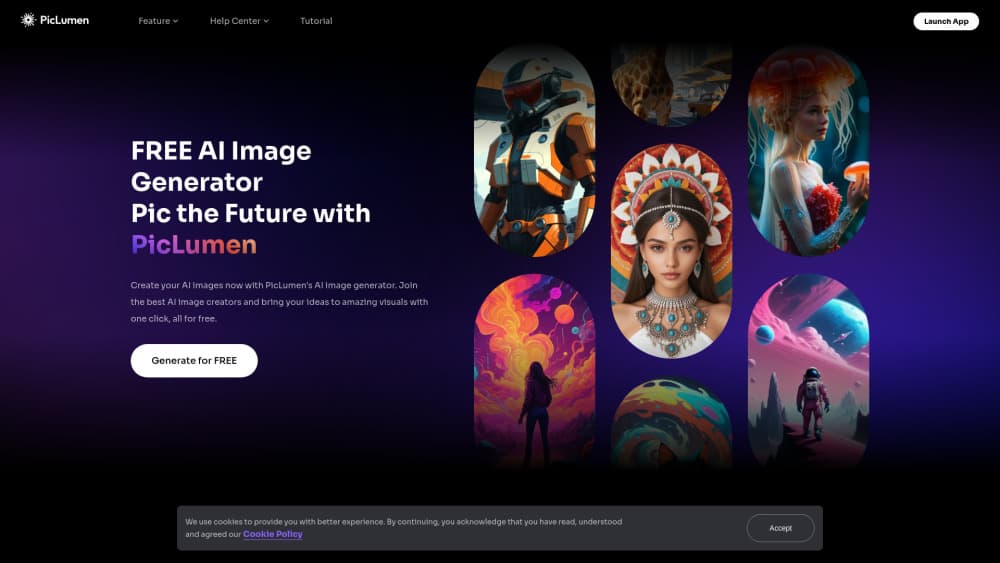
About PicLumen AI Image Generator
What Is PicLumen
PicLumen is an AI image generator and video studio that runs in a browser. Type a prompt, pick a model, and an image lands in a few seconds. The same workspace also handles short video clips, upscaling, background removal, and product shots for online stores.
PicLumen AI is built by Grand Vision Tech Software Limited, a company registered in Hong Kong, and the platform has been live since July 2024. The core text to image flow stays the same no matter which engine you choose, which makes comparing models cheap. Instead of paying for three separate tools, you get GPT Image, Nano Banana, Seedream, FLUX, and others behind one credit balance called Lumens.
The free tier is real, but the limits matter. Free accounts get 100,000 tokens a day, standard generation speed, and no commercial rights. Paid plans start at $7.59 a month and open up faster queues, full commercial licensing, and watermark-free saves.
Getting Started
- Sign up at piclumen.com with an email address or a Google account.
- Open the Image tab and pick a model. Newer engines cost more Lumens per picture.
- Write a prompt, then add a style preset or a reference image if you want tighter control.
- Press generate and wait in the queue. Free accounts sit in the slowest lane.
- Download the result, or send it to the canvas for edits like outpainting and upscaling.
Product Information
A quick look at PicLumen AI Image Generator's pricing, supported platforms, and performance.
Best for
The users, tasks, and scenarios where this tool fits best.
Users
- Hobbyists learning prompts
- Social media creators
- Small online sellers
- Indie game and comic artists
Tasks
- Turning a written idea into a first draft
- Upscaling a low-resolution photo
- Cutting a background out of a product photo
- Making a short promo clip from a still
Scenarios
- Pitching a concept before art gets commissioned
- Running a small store's seasonal campaign
- Practising prompt writing
Key features
Multiple image models in one place
PicLumen doesn't train its own models. It rents access to a rotating list that includes GPT Image, Nano Banana, Seedream, FLUX, Qwen Image, and Grok Imagine. Each engine has a different strength. Some render text inside a picture cleanly, some nail photoreal skin, some are cheap and quick. Switching costs one click and a different amount of Lumens.
AI video generator for short clips
The video side turns a prompt or a still image into a clip of a few seconds. Seedance, Wan, Kling, Veo, and PixVerse sit in the same picker as the image models. Motion looks convincing on a single subject. Crowds and camera moves are where it falls apart.
Canvas for repeatable pipelines
Canvas is an infinite board where you drop generated images, attach prompts, and chain steps into a pipeline you can rerun. It suits people who repeat the same process, like building a character once and then applying the same background to twenty product shots.
Editing tools inside the same account
Background remover, image upscaler, object remover, image extender, and a clothes changer all live in one dashboard. Most are single operations with a preview before you commit Lumens.
Commercial licensing on paid plans
Standard and above include a full commercial license. Pro adds extension rights. Free accounts get no commercial rights at all, which rules the site out for client work until you pay.
Prompt helper and community feed
Describe Image reads an uploaded picture and writes a prompt from it. The community feed opens any public image with its prompt and model attached, which is the fastest way to learn how an engine reacts to phrasing.
Pros and cons
Pros
- One credit balance covers images, video, and editing, so you skip three separate subscriptions.
- The free tier hands out 100,000 tokens daily, enough to practise without a card on file.
- The model list is broad and refreshed often, with new releases showing up within weeks.
- Watermark-free downloads start at the $7.59 Lite plan, not just the expensive ones.
- The community feed exposes prompts and settings, which shortens the learning curve a lot.
Cons
- Queue times on free and Lite accounts can stretch past a minute at peak hours.
- Lumens expire. Subscription credits reset each month, and purchased packs die after a year.
- There is no public developer API, so PicLumen can't be wired into an automated pipeline.
- Video clips stay short, and character consistency drops fast across multiple shots.
Frequently asked questions
Yes. Every account gets 100,000 free tokens a day with no card required, so it works as a free AI image generator for light daily use. Free output carries no commercial license and runs in the slowest queue.
Related content
Explore related tools, skills, and articles for PicLumen AI Image Generator.
PicLumen AI Image Generator Alternatives

Google EmbeddingGemma 2
Google DeepMind · Writing · Image · CodingGoogle EmbeddingGemma 2 is a 740M-parameter open model that turns text, code, images, audio, and video frames into vectors in one 768-dimension space, running on phones and laptops.

Tractionwave
TractionWave · Image · MarketingTractionWave is an AI attention heatmap tool for static ads. Upload a PNG or JPG and it returns predicted attention, ranked hotspots, and fixes before you spend budget.

Imejis.io
Imejis.io · Image · MarketingImejis.io is an AI design studio for agents and marketing teams. Describe an image in plain words, and it writes the copy, builds the layout, reflows it to every size, then exports a finished file.