
PicMa: AI Video&Photo Enhancer
MTTech Ltd. (Magictiger) · Image · China AI
PicMa is an AI photo and video enhancer for iPhone, Android and the web. It repairs old photos, sharpens video, and turns stills into short clips with one tap.
About PicMa: AI Video&Photo Enhancer
What Is PicMa
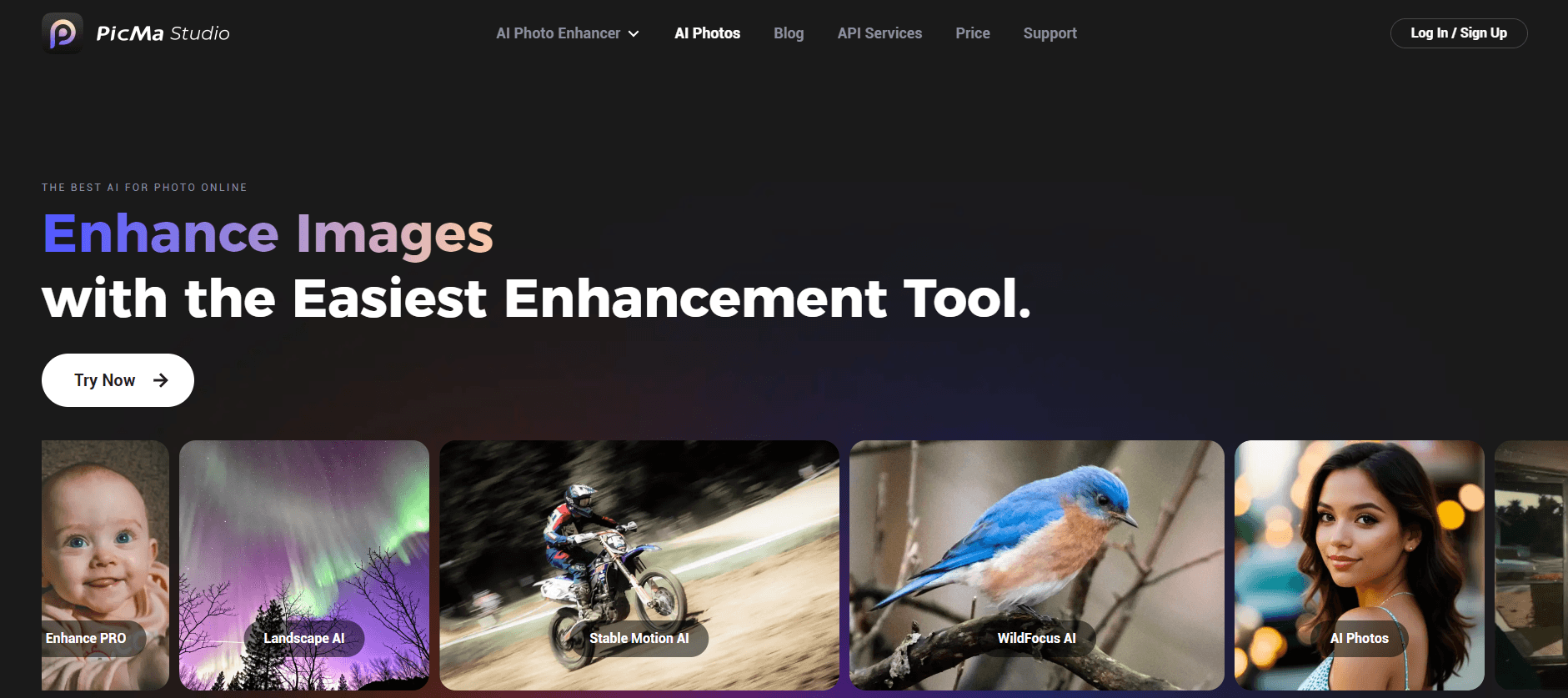
PicMa is a consumer photo and video editor built around AI models rather than manual sliders. MTTech Ltd., the team behind the Magictiger brand, ships it as a mobile app on iOS and Android plus a browser version called PicMa Studio. The app has passed 5 million Android downloads and holds a 4.7 rating on Google Play, which puts it in the same weight class as Remini and other mass-market restoration tools.
The product solves a narrow problem well. Most people have a phone full of soft, noisy, badly lit pictures and a drawer of faded prints. PicMa takes one tap to clean up a portrait, remove scratches from a scan, or push a shaky clip to a sharper frame. Recent versions also lean on third-party generative models, Nano Banana 2 for image edits and Seedance 2.0 for motion, so the same app covers photo to video work from a single still.
The limits matter as much as the features. This is not a layered editor. You get templates and presets, not curves, masks or frame-accurate trims. Heavy jobs are metered by a credit system tied to the paid plan, and free users hit watermarks and queues.
Getting Started
- Install PicMa from the App Store or Google Play, or open PicMa Studio in a browser.
- Sign in with an Apple, Google or email account so credits and history follow you across devices.
- Pick a tool: Photo Enhance, Restore, Video Enhance, or one of the video templates such as AI Hug.
- Upload a picture or clip, let the model process it, then compare the before and after view.
- Export to your camera roll or share straight to a social app.
Product Information
A quick look at PicMa: AI Video&Photo Enhancer's pricing, supported platforms, and performance.
Best for
The users, tasks, and scenarios where this tool fits best.
Users
- Families with boxes of scanned prints
- Social media creators on a phone-only workflow
- Small shop owners shooting products on a phone
Tasks
- Repairing a faded wedding or graduation photo
- Sharpening a dim phone video before posting
- Making a short tribute clip from one portrait
- Refreshing old travel shots for a photo book
Scenarios
- Prepping a slideshow for a family anniversary
- Reviving a shaky concert clip for a story post
- Filling a week of social posts from an old album
Key features
One-Tap Photo Cleanup
The default one-tap mode reads the scene and applies sharpening, denoise and color correction together. Portraits, pets and landscapes each get a different treatment, so you rarely need to pick a preset. Results land in seconds on a mid-range phone.
Old Photo Restoration
Scans with creases, dust and yellowing go through a repair pass that rebuilds missing detail and brings back natural skin tones. The before and after slider is the useful part here, because it lets you dial back an over-smoothed face before export.
AI Video Enhancer
One run adds denoise, sharpness and color correction to short clips. The tool targets phone footage shot in low light, which is where most of the visible gain shows up. Long videos take longer and eat more credits.
AI Hug and AI Kiss Videos
These templates take two portraits and animate them into a hug or a kiss. Output is short, vertical and built for sharing. Faces need to be clear and roughly front-facing, otherwise the motion looks warped.
Revive: Stills Into Motion
Revive adds gentle movement to a single photo, so a static portrait blinks, turns or sways. It is the lightest of the video tools and the one most people try first. Expect a few seconds of output, not a full scene.
Generative Edits With Nano Banana 2 and Seedance 2.0
Newer builds plug in external models for prompt-based image edits and video generation. You can swap an outfit, change a background or generate a clip from a text description. These credits burn faster than the classic enhancement tools.
Pros and cons
Pros
- Restoration quality on faces is close to dedicated competitors, and the before and after view makes the result easy to judge.
- One app covers photo repair, video cleanup and short video templates, which cuts the number of subscriptions you need.
- The free tier is usable for testing, with real output instead of a demo.
- Video templates are tuned for vertical social formats, so exports do not need reframing.
- A browser version handles the same jobs when you want a bigger screen.
Cons
- Credits run out fast on video and generative tools, and the weekly plan is poor value for occasional users.
- Free exports carry a watermark, which rules out client work without a subscription.
- There is no layer editing, masking or manual color control, so fine corrections are out of reach.
- Results on group photos and side profiles can look plastic, and heavy damage still needs a human retoucher.
Frequently asked questions
PicMa cleans up photos and short videos with AI. It sharpens soft images, repairs old scans, reduces video noise and turns stills into short animated clips.
Related content
Explore related tools, skills, and articles for PicMa: AI Video&Photo Enhancer.
PicMa: AI Video&Photo Enhancer Alternatives

Google EmbeddingGemma 2
Google DeepMind · Writing · Image · CodingGoogle EmbeddingGemma 2 is a 740M-parameter open model that turns text, code, images, audio, and video frames into vectors in one 768-dimension space, running on phones and laptops.

Tractionwave
TractionWave · Image · MarketingTractionWave is an AI attention heatmap tool for static ads. Upload a PNG or JPG and it returns predicted attention, ranked hotspots, and fixes before you spend budget.

Imejis.io
Imejis.io · Image · MarketingImejis.io is an AI design studio for agents and marketing teams. Describe an image in plain words, and it writes the copy, builds the layout, reflows it to every size, then exports a finished file.