

PicWish: AI Photo Editor
Wangxu Technology · Image · China AI
PicWish is an AI photo editor for background removal, unblurring, object cleanup, and product shots. It runs in the browser and on iOS and Android, with a free tier and paid credits.
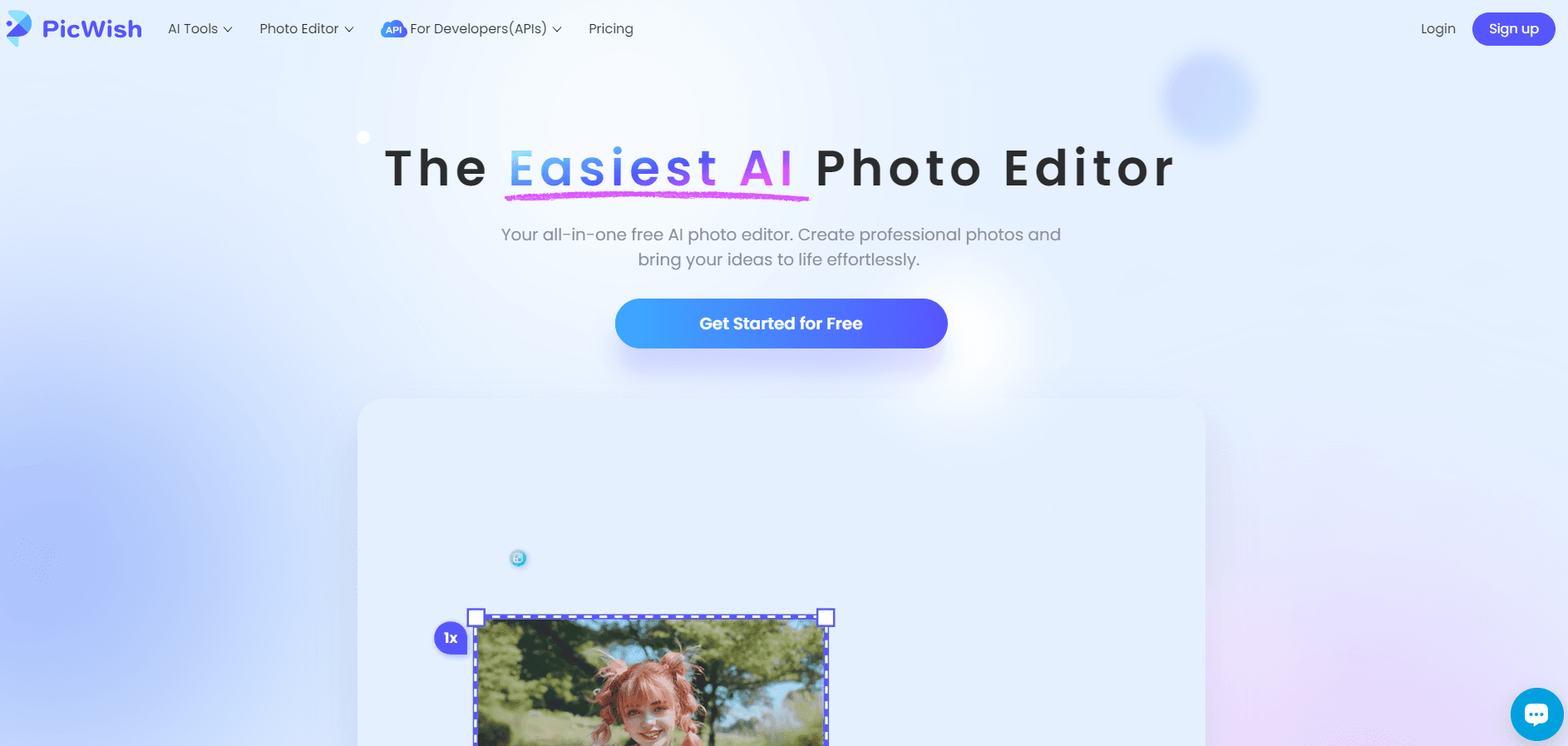
About PicWish: AI Photo Editor
What Is PicWish
PicWish is a web and mobile photo editor built around a set of single-purpose AI tools. You pick a task from the dashboard: strip a background, sharpen a blurry picture, erase a stray object, drop a product onto a clean backdrop. Each tool takes an upload and returns a result in seconds, so you skip the layer-and-mask routine that desktop editors demand.
The product leans toward sellers and small teams. As a product photo editor, it covers batch background removal for 30 files at a time, ID photo tools that cut and resize portraits for documents, and an AI Designer that turns a chat prompt into a product image. Photos are processed on the company's servers, and PicWish says it holds ISO/IEC 27001 and 27701 certification plus GDPR compliance.
The tradeoff is control. You get one strong result per tool, not a full canvas with curves, blend modes, and masking. Anyone who needs precise retouching will still open Photoshop or Affinity Photo. Credits also run out. Heavy tools like the image upscaler and old photo restoration are metered, and batch work burns them faster than single edits.
Getting Started
- Open picwish.com in a browser, or install the iOS or Android app, and sign in with an email address or a Google account.
- Pick a tool from the dashboard, then drag in a photo or choose one from your phone.
- Adjust the result: set a backdrop color, change the sharpen level, or paint over the area you want gone.
- Download the file, or jump to another tool to keep working on the same image.
Product Information
A quick look at PicWish: AI Photo Editor's pricing, supported platforms, and performance.
Best for
The users, tasks, and scenarios where this tool fits best.
Users
- Online sellers
- Social media creators
- Job seekers and students
- Small marketing teams
Tasks
- Cleaning up product shots
- Repairing old family photos
- Clearing distractions
Scenarios
- Listing 200 items before a weekend sale
- Preparing documents at short notice
- Testing ad creative
Key features
Background Removal With Batch Mode
The background remover isolates people, products, and animals, then drops in a solid color, a transparent PNG, or a generated scene. Batch mode accepts up to 30 images per run, and that's the feature that separates PicWish from free single-image cutters. Edge handling on hair and fur is decent, not perfect, so check the outline before you export.
Photo Enhancer for Blurry Shots
The standard photo enhancer sharpens soft focus and lifts detail in low light, and the HD pass pushes further for print sizes. It works best on motion blur and compression artifacts, not on a frame that's fundamentally out of focus. Faces can come back over-smoothed, so look at skin texture before you send a portrait to a client.
AI Designer
AI Designer runs like a chat window. Type what you want, such as a bottle on a marble counter or a model holding a bag, and it returns an image you can refine with the standard tools. The Max plan adds a monthly allowance of Nano Banana 2 Lite renders. It's the fastest route from a rough idea to a mockup you can show someone.
Object, Watermark, and Text Removal
Object removal paints over a distraction and fills the gap with surrounding pixels. The watermark remover targets text overlays, timestamps, and marks on PDF pages. Both expect photos you have the rights to use. Dense patterns and heavy text leave smears, and you'll notice them at full resolution.
ID Photo Maker and Face Cutout
Upload a portrait and the tool crops to a document size, swaps the background to the required color, and exports a print sheet. Face cutout handles the same isolation for avatars and profile pictures. Covered formats include the common passport, visa, and resume sizes. Unusual local rules may still need a manual crop.
Image Upscaler and Photo Restoration
The image upscaler raises resolution on small files, with credit costs tied to the output size. Restoration brings back faded color, scratches, and noise from scanned prints. Neither is a free core feature, so budget credits before you promise a client a 4K file.
Pros and cons
Pros
- Single-purpose tools with almost no learning curve: upload, choose an option, download.
- Batch background removal covers 30 files per run, which matters for catalog work.
- The browser, iOS, and Android versions share one credit balance and one file history.
- The free tier does real work, with daily downloads on core tools and trial images on AI tools.
- A public API covers background removal, photo enhancement, and ID photos, so developers can automate the same jobs.
Cons
- Credits drain fast on metered tools, and unused recurring credits don't roll into the next cycle.
- No layer-based canvas, so anything past cleanup and cutout means opening another editor.
- Edges on hair, fur, and transparent objects still need manual touch-up.
- Prices show up only after you pick a billing cycle, which makes comparison shopping harder.
Frequently asked questions
Yes, within limits. Core tools such as background removal and the standard photo enhancer allow a set number of free downloads, and AI tools come with a few trial images. After that you buy a subscription or pay-as-you-go credits.
Related content
Explore related tools, skills, and articles for PicWish: AI Photo Editor.
PicWish: AI Photo Editor Alternatives

Google EmbeddingGemma 2
Google DeepMind · Writing · Image · CodingGoogle EmbeddingGemma 2 is a 740M-parameter open model that turns text, code, images, audio, and video frames into vectors in one 768-dimension space, running on phones and laptops.

Tractionwave
TractionWave · Image · MarketingTractionWave is an AI attention heatmap tool for static ads. Upload a PNG or JPG and it returns predicted attention, ranked hotspots, and fixes before you spend budget.

Imejis.io
Imejis.io · Image · MarketingImejis.io is an AI design studio for agents and marketing teams. Describe an image in plain words, and it writes the copy, builds the layout, reflows it to every size, then exports a finished file.