

PingPolls
PingPolls · Productivity · Marketing
PingPolls is an AI survey platform that rebuilds the old online form builder into something people actually talk to. You describe the questionnaire you want, its AI form builder drafts the questions, and respondents answer through conversational forms and voice notes. The hook is Certiscore, a reaction-time based signal that flags when someone is confident and when they're just clicking through. It sits closest to an AI market research tool for small teams that care more about signal quality than respondent volume.
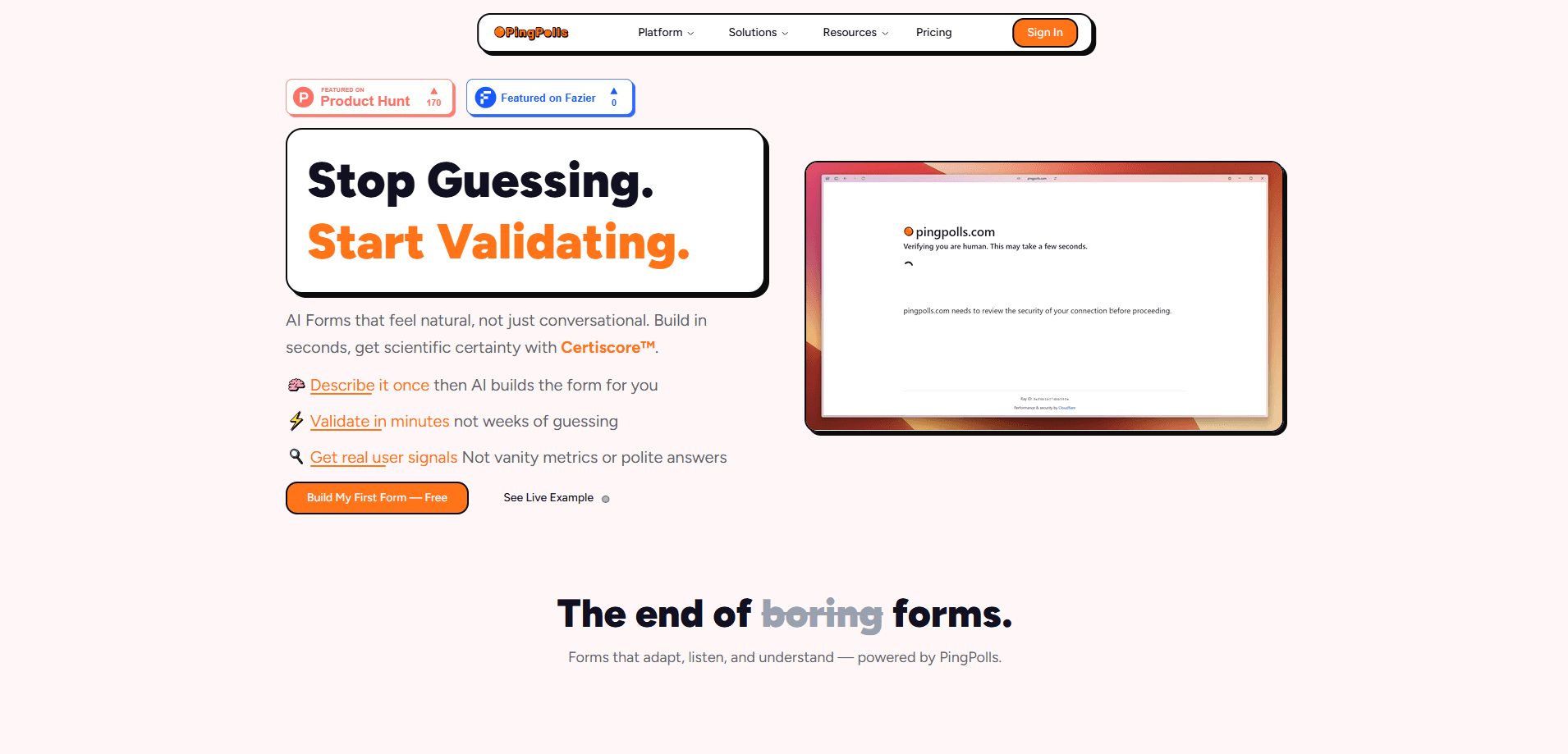
About PingPolls
What Is PingPolls
PingPolls is a web based research tool built around one complaint. Traditional survey software collects answers. It rarely tells you whether those answers mean anything. A 5-minute grid of radio buttons gives you data. It doesn't tell you which rows a respondent rushed or second-guessed.
The platform answers that by making the form itself feel like a chat. Respondents get one question at a time, delivered as cards, and they can reply with a tap or a spoken voice note. Then PingPolls layers analysis on top, including its own certainty scoring method that watches response timing to separate a firm choice from a hesitant one that merely looks the same in a results table.
The catch is scale. The free tier caps responses at 100 a month, and features like logic branching and calculated fields sit behind the Pro and Teams plans. If you need thousands of completed surveys per week, this isn't built for that volume out of the box. It's aimed at teams that want fewer, cleaner answers.
The site was offline for maintenance when we checked, so pricing for the paid tiers wasn't visible. The official feature page does confirm the plan names (Free, Pro, Teams) and the free tier's included limits.
Getting Started
- Create a free account on the PingPolls website. No credit card needed.
- Describe the form you need in plain language and let the smart builder generate a first draft, or start from a template.
- Adjust the questions, add logic and branching if you're on Pro or Teams, and turn on voice notes if you want spoken replies.
- Share the form link with respondents and collect responses one card at a time.
- Open the analysis view to read natural language insights and check which answers carry low certainty scores.
Product Information
A quick look at PingPolls's pricing, supported platforms, and performance.
Best for
The users, tasks, and scenarios where this tool fits best.
Users
- Product managers
- UX researchers
- Startup founders
- Content and brand teams
Tasks
- Preference testing
- Quote and assessment forms
- Long branching questionnaires
- Qualitative interviews at scale
Scenarios
- Early idea validation before a build decision
- Pricing research where forced answers mislead
- Post-launch feedback with open-ended questions
- Screening respondents for a longer study
Key features
AI Form Builder
Describe the questions you want and PingPolls drafts the form for you. It's fast. You get a working draft in seconds instead of building every field by hand, then you edit wording and flow before sharing it, and if the first draft misses the point you just describe the fix in plain language and let the builder redo it.
Certiscore Certainty Scoring
Certiscore is PingPolls' own method for judging how sure a respondent really is. It reads reaction time on preference and sentiment cards, so a fast tap and a long pause don't get treated the same way. A quick yes isn't the same as a slow yes. The company publishes the full method as an open whitepaper. That's unusual for survey tools, and it's worth reading yourself.
Voice Notes
Respondents can answer by speaking instead of typing. That gets more natural replies on open-ended questions. The audio is transcribed and then deleted. PingPolls states the app keeps no audio, so there's no recording sitting around afterward. If your respondents are sensitive about voice data, verify it.
Logic and Branching
Branching builds conditional paths based on earlier answers, so each respondent only sees the questions that apply to them. That keeps a form short. It stops people from abandoning a long questionnaire. This sits on the Pro and Teams plans, not the free tier.
Calculated Fields
Calculated fields run math on responses as they come in. You can score an assessment or produce a quote without exporting to a spreadsheet and rebuilding the logic. Useful when the form is doing screening or pricing work, not just collecting opinions.
Natural Language Analysis
The analysis view turns responses into plain language insights rather than raw tables. You can ask what the data shows and get a written summary, which saves the step of building charts before you understand the results. Accuracy still depends on how much data you've collected.
Conversational Response Flow
Questions arrive one at a time as cards, which reads more like a chat than a form. It's a small change on paper, but it changes how respondents behave: less scrolling, less fatigue, fewer skipped rows. Why does that matter for a research team? Because a respondent who reaches the end without zoning out gives you answers you can actually use. Answer quality is the whole game here, and a form that feels light keeps people engaged long enough to finish it honestly.
Pros and cons
Pros
- The AI builder turns a rough description into a working form quickly, cutting setup time for short studies down from an afternoon of field-by-field building to a few minutes of editing a draft the tool already wrote.
- Certiscore adds a certainty signal that most mainstream survey tools simply don't offer. That's the whole reason to consider it.
- Voice notes with a transcribe-then-delete policy suit interviews where people talk more freely than they type and where keeping raw audio around would be a compliance headache you'd rather avoid.
- Calculated fields handle scoring and quotes inside the form, so there's no spreadsheet step, and that alone can save a researcher an hour of cleanup on a single study.
Cons
- The free tier caps responses at 100 per month, so validation studies at any real scale need a paid plan.
- Logic and branching are locked to Pro and Teams, which limits the free tier to fairly simple forms.
- The official site was offline during our check, so live paid-tier pricing couldn't be confirmed.
- Certiscore is proprietary and self-published, so you're trusting PingPolls' own whitepaper until outside researchers weigh in, and for a research tool that's a real gap until independent studies back the scoring method.
Frequently asked questions
PingPolls is a tool for building AI powered forms and surveys that feel like a conversation, and teams use it for preference testing, pricing research, screening, and feedback, with an emphasis on answer quality rather than raw response counts.
Related content
Explore related tools, skills, and articles for PingPolls.
PingPolls Alternatives

Udon
Udon · Coding · ProductivityUdon turns an Apple Silicon Mac into a home server you run from a browser, with container controls, file shares, and an optional AI sysadmin.

offstage
offstage cloud · Coding · Productivityoffstage gives AI coding agents and CI jobs a real Mac: a fresh macOS account on Apple silicon, driven over an API and billed by the second.

BotBus
Chengdu Tuyang Tusen Technology Co., Ltd. · Coding · ProductivityBotBus lets you control AI coding agents from your phone and watch: approve commands, start tasks and read results while the code stays on your desktop.