

Pinly
Pinly · Productivity
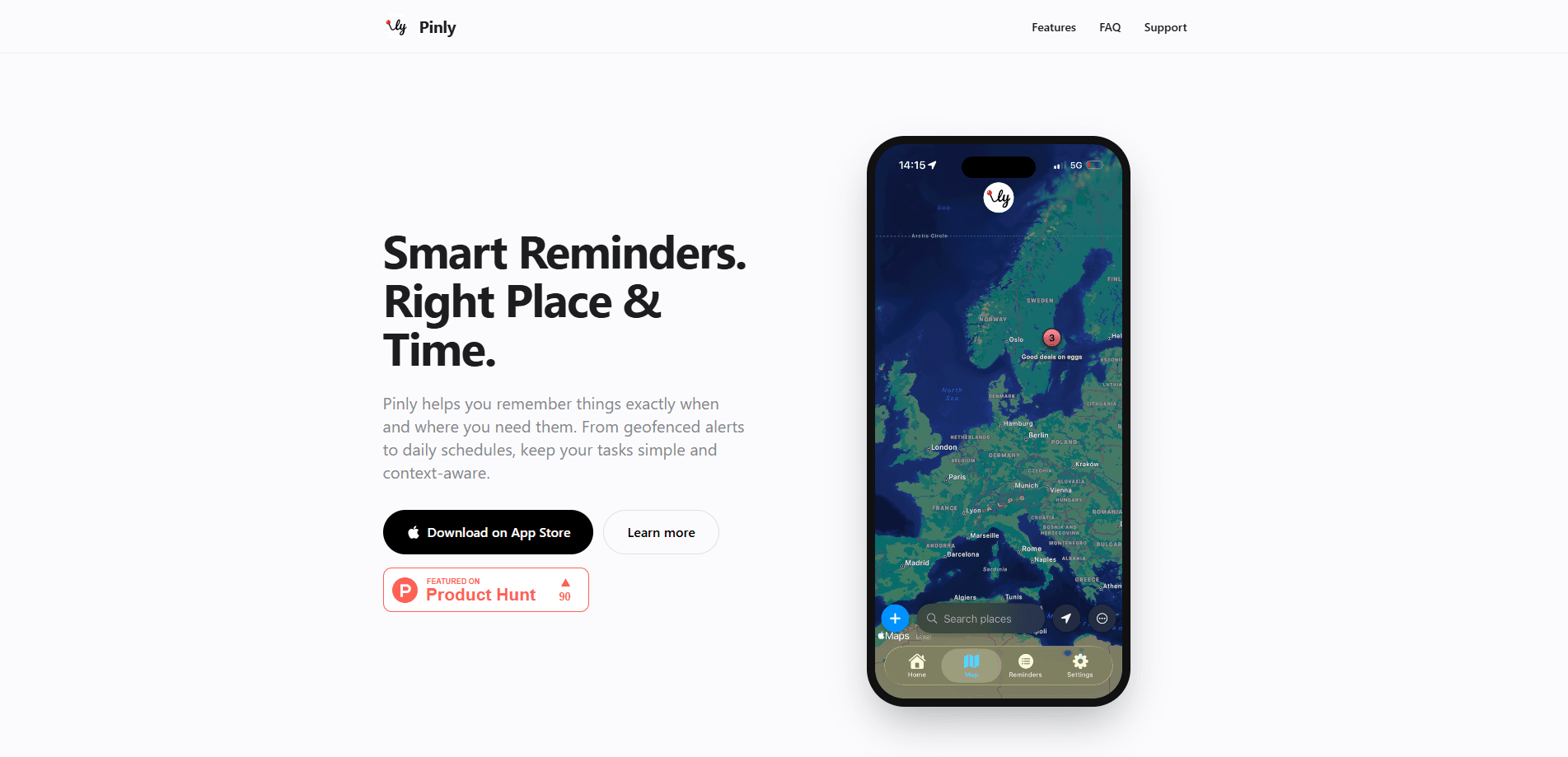
Pinly is a smart location reminder app for iOS that nudges you when you reach or leave a place, when a set time arrives, or both. Instead of one long list you scroll past, it splits location-based reminders from timed ones, then lets you tag and filter them so only the pins that matter show up. It's built for people who forget errands tied to specific spots. Grab milk at the store. Return a package at the post office. The app does the remembering.
About Pinly
What Is Pinly
Pinly organizes your to-dos around two triggers: where you're standing and what the clock says. Drop a pin on the store and write "pick up milk," and your phone pings when you walk in. Set a date and time instead, and it behaves like a normal reminder that can repeat daily or skip certain weekdays. Same list. Two kinds of nudge.
The app keeps location handling on your device. According to Pinly, geofence data is processed locally and never sent to a server, so the company never sees where you go. That's a real difference from apps that lean on the cloud. Your movements stay yours.
The main limit is the platform. Pinly ships as an iOS app, so Android users can't install it. It also leans on iOS geofencing, which means alerts depend on your iPhone's background location permissions working as expected. Lock those down too hard and some proximity reminders won't fire until you open the app.
Getting Started
- Install Pinly on your iPhone and grant location access when prompted.
- Create a pin by dropping it on the map at the place you want to trigger the reminder.
- Add a short note like "buy groceries" or "drop off keys."
- Pick a trigger, either arriving at or leaving the spot, or a set date and time.
- Tag the pin with a label such as Work or Groceries, then filter your list to focus.
Product Information
A quick look at Pinly's pricing, supported platforms, and performance.
Best for
The users, tasks, and scenarios where this tool fits best.
Users
- Commuters who pass the same stores and offices daily and want a nudge at the door rather than at a random hour.
- Students juggling classes, errands, and shared club tasks tied to specific buildings on campus.
- Privacy-minded iPhone owners who want reminders without handing their location history to a server.
Tasks
- Remembering a shopping list the moment you reach the supermarket.
- Returning a book or package when you arrive at the library or post office.
- Setting quiet, repeatable timed reminders for daily routines like taking medicine or checking email.
Scenarios
- A quick errand run where you'd otherwise drive straight past the store.
- A workday at the office where you want a reminder when you leave about something to grab on the way home.
- Evening downtime when you'd rather your phone stayed silent, which is what the Pro quiet hours are for.
Key features
Location Alerts
Drop a pin anywhere on the map and Pinly watches for you to arrive or leave that area. These geofence alerts fire when you cross the boundary, so the reminder lands exactly when it's useful. That's the feature that sets Pinly apart from a plain to-do list. Pro users can widen or tighten the geofence radius. Tighter radius, sharper trigger.
Timed Reminders
Set a date and time and Pinly treats it like a conventional reminder. You can repeat it daily or exclude certain weekdays, which helps for routines that don't run seven days a week. It's the familiar half of the app. The two kinds of reminder mix in one list. So what happens when a timed reminder and a location pin land at once? They both show, tagged and sorted.
Smart Organization
Every pin can carry a tag like Groceries or Work, and filters then let you see only the tags you care about right now, so a busy list never turns into a wall of noise you learn to ignore. It's a small touch, but it's the difference between a cluttered list and a short, relevant set you actually read. When you've got twenty reminders and only three matter today, that filter earns its keep.
Quiet Hours
Available on Pro, quiet hours silence notifications during your downtime, whether that's evenings, nights, or a focus block where you'd rather not be pulled away from the thing you're trying to finish. For anyone who's been woken by a reminder that could've waited until morning, this is the fix you want. You keep the reminders. You just stop them landing at the wrong hour.
Simple Notes
Not every reminder needs a time or a place. Pinly also handles lightweight, non-timed notes for quick checklists, so you've got one place for both scheduled tasks and loose thoughts. It keeps you from opening a second app just to jot something down.
Data Control and Backup
Pinly saves data locally and supports iCloud backup and restore, plus JSON export on the Pro tier. If you switch phones or just want your own copy of everything you've logged, you're not locked into the app forever. That export option matters for people who like to actually own their records rather than trust a company to hold them.
Pros and cons
Pros
- Location alerts fire right when you arrive or leave, not on a guess.
- Location data stays on-device, so you're not feeding a server your movements.
- Tags and filters keep a long list from turning into clutter.
- iCloud backup and JSON export give you a way out with your data.
- Free to use, with Pro extras rather than a hard paywall.
Cons
- iOS only, so there's no Android version if you switch platforms.
- Alerts depend on background location permissions, which can be finicky.
- Several useful features, like quiet hours and custom geofence radius, sit behind Pro.
Frequently asked questions
Pinly is an iOS reminder app that triggers alerts based on where you're standing or on what the clock says. You drop a pin on a location for a proximity reminder, or set a date and time for a standard one, then manage both in a single list.
Related content
Explore related tools, skills, and articles for Pinly.
Pinly Alternatives

Udon
Udon · Coding · ProductivityUdon turns an Apple Silicon Mac into a home server you run from a browser, with container controls, file shares, and an optional AI sysadmin.

offstage
offstage cloud · Coding · Productivityoffstage gives AI coding agents and CI jobs a real Mac: a fresh macOS account on Apple silicon, driven over an API and billed by the second.

BotBus
Chengdu Tuyang Tusen Technology Co., Ltd. · Coding · ProductivityBotBus lets you control AI coding agents from your phone and watch: approve commands, start tasks and read results while the code stays on your desktop.