
Pixelcut AI Photo Editor
Pixelcut Inc. · Image
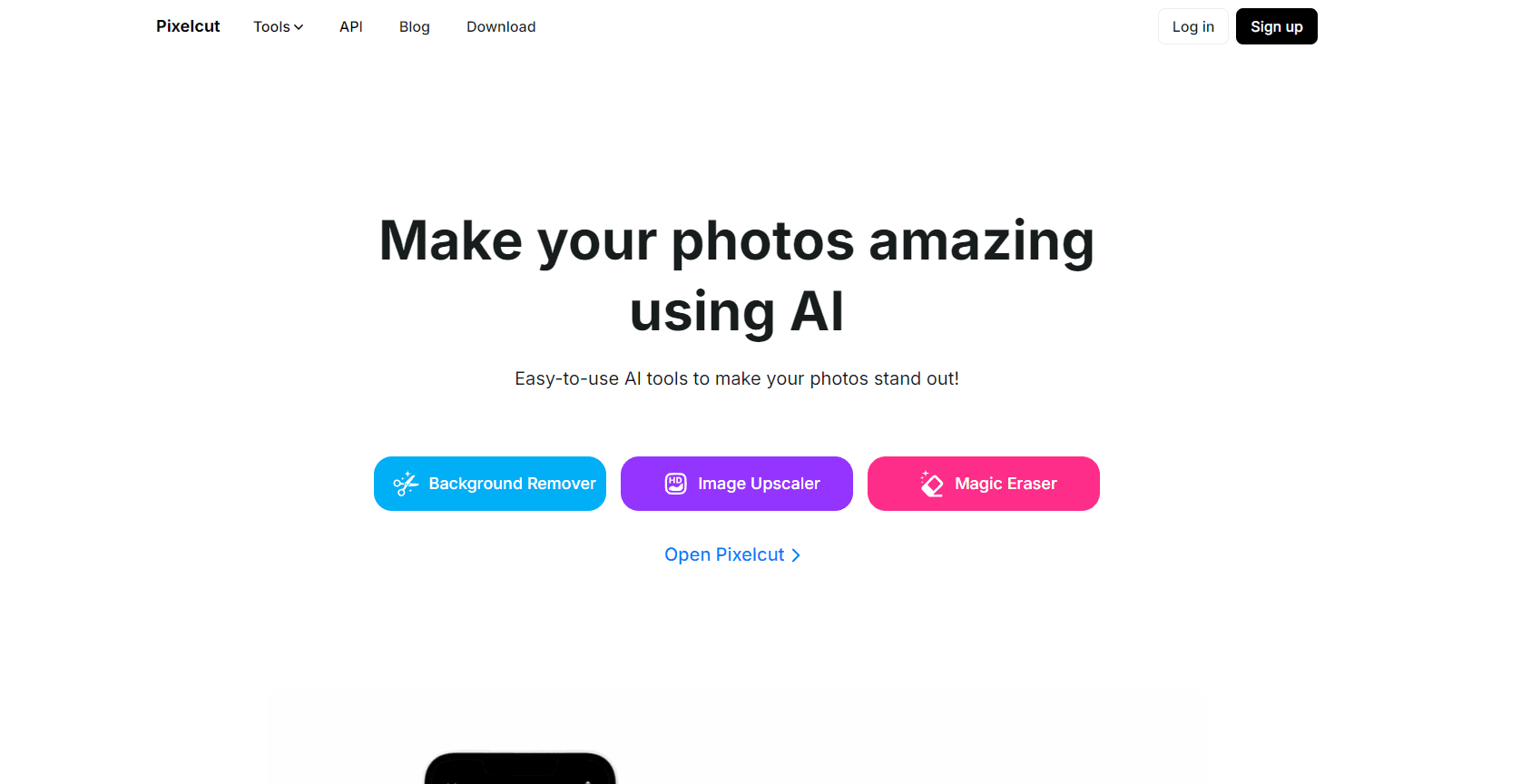
Pixelcut is an AI photo and video editor for online sellers. It cuts backgrounds, upscales images to 16x, and turns a prompt into product shots and UGC ads. Web, iOS, Android.
About Pixelcut AI Photo Editor
What Is Pixelcut
Pixelcut is a browser and mobile studio for product imagery. You upload a photo of something you sell, and the app hands back a listing-ready image with a clean background, a shadow that reads as light from a window, and the crop your marketplace wants. Millions of images move through it every day, mostly from small shops and solo sellers with no photographer on staff.
Under the hood it works like a switchboard for image models. Pixelcut runs its own background removal and expand tools, then routes heavier jobs to outside models such as Flux, Nano Banana Pro, Seedream, and Sora 2 for video. Paid plans meter those jobs in AI Credits, so a single cutout costs a fraction of a studio shoot.
The limit is depth. This is an AI photo editor for volume work, not a retouching suite. There's no curves panel, no layer stack, no CMYK export for offset printing. If you need to rescue a blown highlight by hand or match a Pantone swatch across a print run, you'll still open Photoshop.
Getting Started
- Sign up at pixelcut.app with an email address or a Google account. The iOS and Android apps use the same login.
- Pick a workflow from the left rail: Background Removal, Upscale, Expand, Retouching, Product Photos, or UGC Ads.
- Upload a photo, or describe the shot you want in the prompt box and let the agent choose a model for you.
- Export as PNG, JPG, or MP4, or drop the file into a folder so your team can reuse it.
Product Information
A quick look at Pixelcut AI Photo Editor's pricing, supported platforms, and performance.
Best for
The users, tasks, and scenarios where this tool fits best.
Users
- Marketplace sellers
- Social media managers
- Two-person brand teams
Tasks
- Cleaning up supplier photos
- Making UGC-style ads
- Rescuing low-resolution files
- Keeping a catalog consistent
Scenarios
- Forty SKUs shot on a kitchen table the night before a launch
- A seasonal campaign that needs 1
- A dropshipping test with no sample on hand
Key features
Background Removal for Stills and Video
The background remover is the reason most people open the app. It handles hair, fur, glass, and the messy edges that break cheaper cutters, and the same model now works on video frames so a clip keeps a steady cutout. Output is a transparent PNG or a new backdrop from the built-in library.
Upscaling up to 16x
The image upscaler pushes a small file to 16x resolution and lets you pick which model does the work, including Topaz options for photos with fine texture. It's the practical fix for supplier images that arrive at 800px and need to survive a 2x retina hero slot.
Expand and Reframe
Expand extends the canvas past the original edges and generates what should be there. Portrait shots become wide banners, and square product photos fill a 9:16 story without cropping the label. It's Pixelcut's own model, not a rented one, so it runs on every paid plan.
Retouching and Shadows
Retouching pairs generative fill with a brush, so you erase a scuff, clone a missing button, or repaint a wrinkled sleeve by describing the change. The shadow tool places a soft contact shadow under the subject, which is the difference between a cutout that looks pasted on and one that looks photographed.
Personas and AI Product Photos
A persona is a saved character that stays the same across shots. You build one, then place your product in their hands, on their table, or in their apartment, and the face, build, and styling carry over from image to image. For AI product photography at catalog scale, that consistency is the hard part.
Batch Edits and Team Folders
Batch editing runs one recipe across hundreds of files: same backdrop, same shadow strength, same export size. Folders hold brand assets and finished sets, and teammates can pull from them without asking you for the logo file again. Pro allows 1,000 batch exports a month, Business 2,000.
Pros and cons
Pros
- Background removal quality holds up on hard edges like hair, fur, and clear glass, which is where free tools usually fail.
- The model roster is broad for the price. One Pro subscription reaches Flux, Seedream, Nano Banana Pro, Kling, and Veo without separate accounts.
- Video sits in the same workspace as stills, so a product clip and its thumbnail come out of one session.
- Batch editing and shared folders turn a one-off edit into a repeatable catalog workflow.
- Free plan exports without a watermark, which is rare enough to be worth mentioning.
Cons
- AI Credits vanish fast on premium models. A 30-shot campaign on Nano Banana Pro can eat most of the 600 credits in a Pro month.
- No layer stack or manual masking. Anything the model gets wrong has to be redone with a new prompt, not patched by hand.
- The team cap is tight. Pro stops at 3 seats, so a studio with five freelancers has to pay for Business.
- Mobile apps lag the web app on new workflows, and some batch tools are desktop-only for a while after launch.
Frequently asked questions
Yes. The free plan covers limited background removal and upscaling with watermark-free exports. Pixelcut pricing runs from that free tier to $10 a month for Pro and $30 for Business, so heavy use runs into credit and export caps before it costs you anything.
Related content
Explore related tools, skills, and articles for Pixelcut AI Photo Editor.
Pixelcut AI Photo Editor Alternatives

Google EmbeddingGemma 2
Google DeepMind · Writing · Image · CodingGoogle EmbeddingGemma 2 is a 740M-parameter open model that turns text, code, images, audio, and video frames into vectors in one 768-dimension space, running on phones and laptops.

Tractionwave
TractionWave · Image · MarketingTractionWave is an AI attention heatmap tool for static ads. Upload a PNG or JPG and it returns predicted attention, ranked hotspots, and fixes before you spend budget.

Imejis.io
Imejis.io · Image · MarketingImejis.io is an AI design studio for agents and marketing teams. Describe an image in plain words, and it writes the copy, builds the layout, reflows it to every size, then exports a finished file.