

Pixelora.art
Pixelora · Image
Pixelora.art is an AI-powered infinite creative canvas that helps designers, marketers, and content creators generate high-quality visuals without leaving the browser. It pairs an open, pan-and-zoom workspace with features like outpainting and style control, so you can extend a scene, lock a visual direction, and keep iterating in one place. The infinite canvas design tool treats the workspace, not the prompt box, as the center of the job. If you want a visual generator that treats the canvas as the workspace rather than a single prompt box, this is the kind of tool built for that.
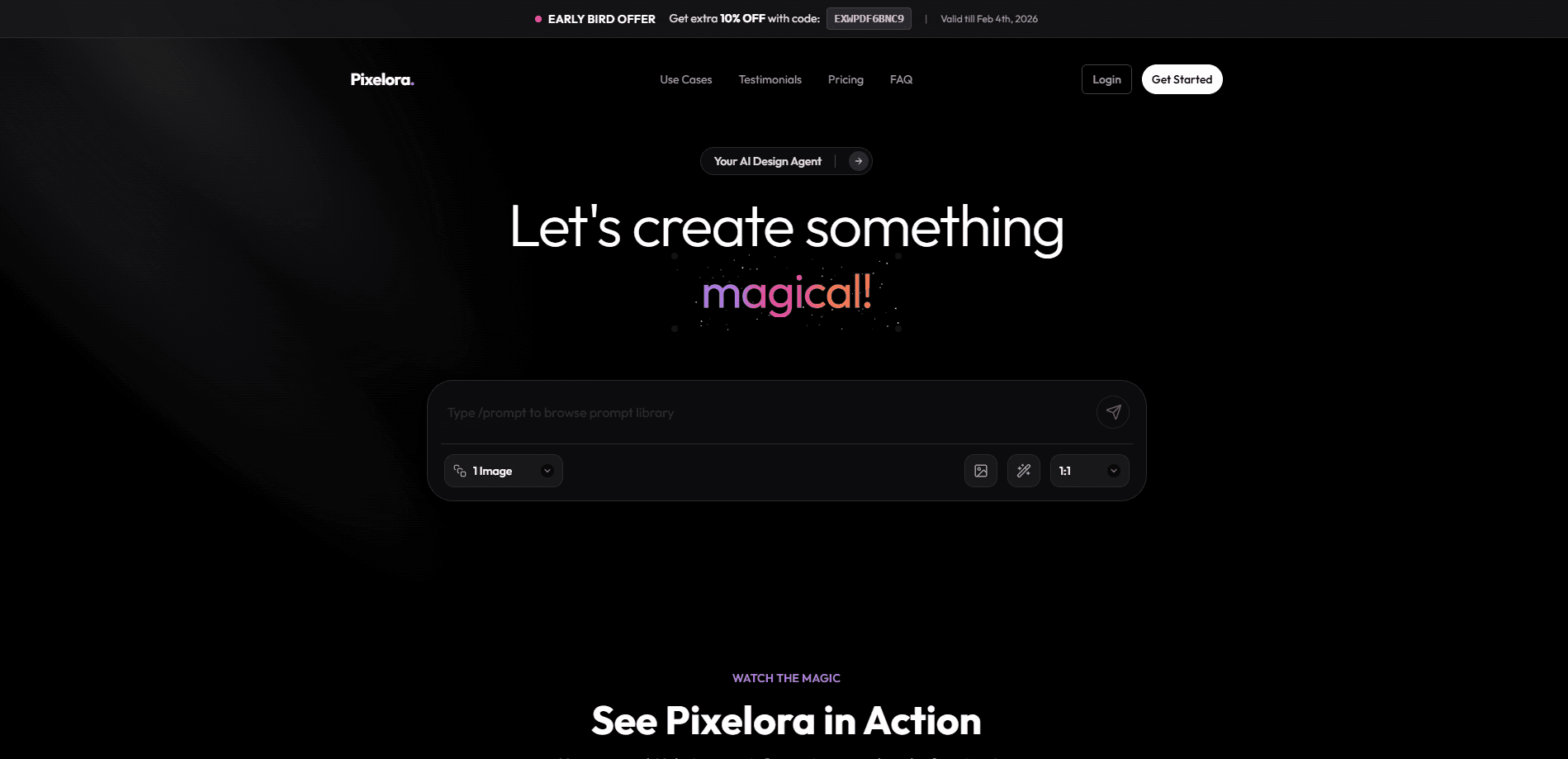
About Pixelora.art
What Is Pixelora.art
Pixelora.art is a browser-based AI creative canvas. Instead of a lone text box that spits out one image at a time, it gives you an open workspace where generated and edited visuals live together, and you can build on them as you go.
The main problem it solves is fragmentation. Most creators juggle a generator, an editor, and a file manager to get one usable asset. Pixelora.art folds generation and editing into the same canvas, which cuts down the back-and-forth. Outpainting lets you extend beyond the original frame, and style control keeps a whole set of images looking like they belong together, both of which matter when you're producing visuals for a campaign or a brand.
There are limits. It's a web tool, so it leans on a stable browser and a decent connection, and it won't replace a full desktop editor for pixel-level retouching. Pricing details aren't published in plain sight, and you'll want to confirm current plans on the site before committing.
Getting Started
- Open pixelora.art in your browser and sign in or create an account.
- Start a new canvas and enter a text prompt to generate your first visual.
- Refine the result with style control, or select an edge and use outpainting to extend the scene.
- Keep layering image-to-image edits on the same canvas until the composition works.
- Export or save your finished visuals for your project.
Product Information
A quick look at Pixelora.art's pricing, supported platforms, and performance.
Best for
The users, tasks, and scenarios where this tool fits best.
Users
- Designers
- Marketers
- Content creators
Tasks
- Extending a scene
- Keeping a consistent look
- Generating quick concepts
Scenarios
- Rapid concept rounds
- Social media batches
- Early project moodboards
Key features
Infinite Creative Canvas
The canvas is the core of the product. You pan, zoom, and place visuals freely, so a project reads as one connected space rather than a gallery of separate files. That layout makes it easier to compare ideas side by side and build on what already works. It's a different way to work. The canvas holds the context, and you don't lose it.
AI Image Outpainting
Outpainting extends an image beyond its original borders, filling in surrounding detail that matches the existing content. For creators, that means you can widen a composition or add context around a subject instead of starting the whole image over. It saves real time.
Style Control
Style control keeps a set of visuals looking related. You set a direction and apply it across images, which saves the manual matching you'd otherwise do by hand. Think of it as style control AI that holds the look for you. It's most useful when you're producing a series and need the pieces to feel like one family.
Text-to-Image Generation
You describe what you want in plain language and the tool generates the visual. The prompt box sits inside the canvas workflow, so a generated result lands right where you'll edit it next. No hunting through folders.
Image-to-Image Editing
You can feed an existing image back in and adjust it, which is how most real projects move forward. Rather than regenerating from scratch, you nudge an image toward what you actually need. That's how real projects move.
Browser-Based Workflow
Everything runs in the browser. There's nothing to install, and your work is reachable from any machine you log into. That keeps the barrier to entry low. It also ties you to a live connection. Worth knowing upfront.
Shared Visual Workspace
Because generation and editing live on the same canvas, teams and solo creators can keep one workspace per project. It reduces the file juggling that usually comes with AI image tools.
Pros and cons
Pros
- Infinite canvas keeps generated and edited visuals in one place.
- Outpainting extends scenes without rebuilding them from a new prompt.
- Style control makes it easier to keep a series visually consistent.
- Runs in the browser with no install, so onboarding is quick.
- Works well for concept rounds and social media batches.
Cons
- It's a web tool, so a weak connection or an older browser can slow you down.
- It won't match a dedicated desktop editor for fine retouching, which matters if you need pixel-level control.
- Pricing isn't clearly published on the site, so you'll need to check current plans before budgeting.
Frequently asked questions
It's an AI creative canvas for generating and editing visuals in one browser workspace. People use it to produce concept images, campaign graphics, and social content, then extend or restyle them on the same canvas.
Related content
Explore related tools, skills, and articles for Pixelora.art.
Pixelora.art Alternatives

Google EmbeddingGemma 2
Google DeepMind · Writing · Image · CodingGoogle EmbeddingGemma 2 is a 740M-parameter open model that turns text, code, images, audio, and video frames into vectors in one 768-dimension space, running on phones and laptops.

Tractionwave
TractionWave · Image · MarketingTractionWave is an AI attention heatmap tool for static ads. Upload a PNG or JPG and it returns predicted attention, ranked hotspots, and fixes before you spend budget.

Imejis.io
Imejis.io · Image · MarketingImejis.io is an AI design studio for agents and marketing teams. Describe an image in plain words, and it writes the copy, builds the layout, reflows it to every size, then exports a finished file.