

Pixlio AI
Pixlio AI · Image
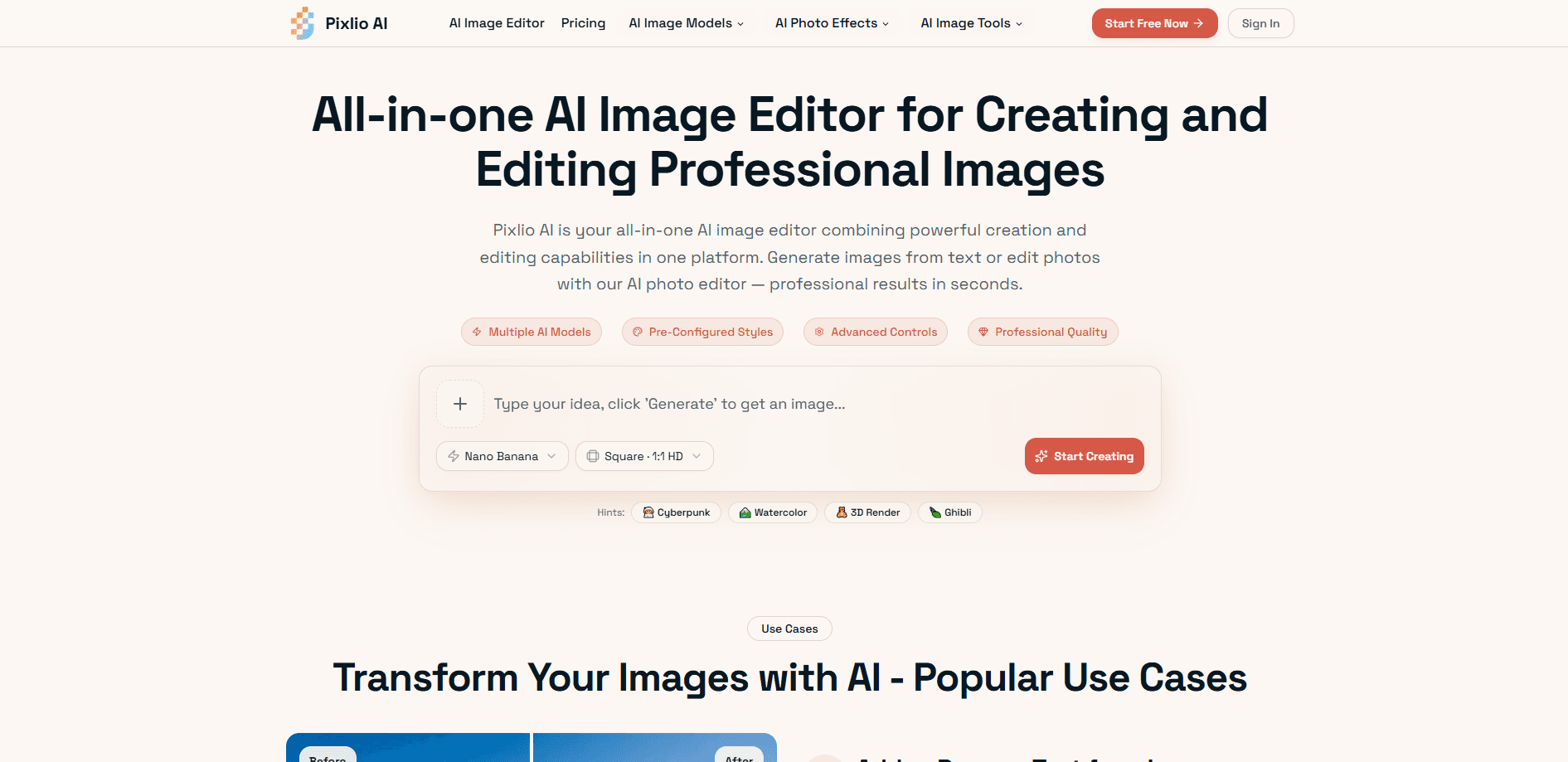
Pixlio AI is an all-in-one AI image editor and AI image generator that runs in your browser. It handles two jobs in one place: creating original visuals from text prompts and editing photos you already have, whether that means swapping backgrounds, removing objects, or restyling a shot. The platform pulls together several generation models, including Nano Banana, GPT Image, Qwen Image, and Seedream, so you can pick the one that fits the task instead of juggling separate subscriptions. One login. One credit pool. Half the friction.
About Pixlio AI
What Is Pixlio AI
Pixlio AI is a browser-based creative studio built around image work. It combines a text-to-image AI image generator with an AI photo editor, so you can start from a blank prompt or an uploaded file and still land in the same workspace. The appeal is convenience. Instead of paying for a generator here and an editor there, you get both in one account with a shared credit system.
That saves real money. It also saves time.
The product targets people who need usable images fast: marketers building ad visuals, designers exploring concepts, and small business owners producing product shots. It also handles the smaller chores that eat up time, like clearing old text off a photo so it fits a new caption. Everything runs in the browser, so there's nothing to install and no GPU to worry about.
The main limitation is the credit model. Every generation and edit spends credits, and unused subscription credits don't roll over to the next month. Heavy users on a low tier can burn through an allowance faster than they expect, especially once they start testing different models on the same idea. It adds up quietly.
Getting Started
- Create a free Pixlio AI account in the browser and collect the complimentary credits handed out on signup.
- Open the AI image generator or the AI image editor. Pick the one that matches your starting point: a prompt or an existing photo.
- Pick a model such as Nano Banana or Seedream, then set your aspect ratio, style preset, and any negative prompts.
- Generate the image, refine it with editing tools like background removal or object addition, and export in the format you need.
Product Information
A quick look at Pixlio AI's pricing, supported platforms, and performance.
Best for
The users, tasks, and scenarios where this tool fits best.
Users
- Marketers
- Content creators
- Small business owners
Tasks
- Restyling a photo
- Removing clutter
- Generating from scratch
- Quick touch-ups
Scenarios
- Building a batch of social media posts when a campaign needs fresh visuals on short notice.
- Mocking up a product image for a client before a real photoshoot is booked.
- Creating a custom illustration for a blog header or slide deck without hiring an artist.
Key features
Multi-Model Image Generation
Pixlio AI doesn't lock you into a single engine. You can generate with Nano Banana and Nano Banana Pro for character consistency, GPT Image for strong prompt adherence, Seedream 4.5 for cinematic output, or Grok Imagine Image for more aesthetic-heavy results. That range matters when one model keeps missing your prompt and another nails it on the first try. No wasted credits.
Image-to-Image Editing
Upload a JPG, PNG, or WebP file up to 10MB and describe the change you want. The editor swaps backgrounds, alters styles, adds elements, or shifts the whole look while keeping the parts you liked. Some models accept multiple input images, which helps with composite shots that need a consistent character or object. Handy for series work.
Style Presets and AI Art Styles
Pre-built styles cover the looks people actually ask for: Studio Ghibli anime, Pixar 3D animation, pixel art, photorealistic, fine art, and cartoon. You can apply an AI art style while generating or push an existing photo through the same filter later. It's a shortcut for anyone who knows the vibe they want but not the prompt terms to get there.
Professional Controls
Beyond the one-click options, there are the knobs pros expect: custom prompts, aspect ratios for square, portrait, or wide shots, seed values for reproducible results, negative prompts, and guidance scales. Seeds are the quiet hero here. Set one and you can tweak a prompt while keeping the same underlying composition. That's a big deal for iteration.
Editing Toolbox
The AI photo editor includes background removal, object and text removal, add or remove objects, upscaling, unblur, colorization, and an outpainting tool for extending an image past its original frame. Each one handles a specific annoyance that would otherwise mean opening separate software. Less tab-hopping.
High-Resolution, Fast Output
Most operations finish in under 20 seconds, and exports hold up at resolution suited to print, web, and commercial work. Video generation is also on the platform, capped at 30 seconds with output up to 4K on paid tiers. If you're making static images all day, the speed adds up. Twenty seconds beats two minutes.
Pros and cons
Pros
- Generation and editing live in one browser workspace, so no install or GPU is needed.
- Multiple AI models let you match the engine to the task instead of settling for one.
- Style presets handle common looks like Ghibli and Pixar without prompt crafting.
- Commercial use is included on paid plans, which matters for client and marketing work.
- Video generation up to 30 seconds and 4K is bundled in, useful if you also post clips.
Cons
- Subscription credits don't roll over, so unused credits are gone at the end of each month.
- No public API, so teams that want to automate image generation have to work through the web interface.
- No dedicated mobile app, which means phone users are limited to a browser.
Frequently asked questions
Pixlio AI is an AI image editor and generator used to create images from text prompts and to edit existing photos. Common uses include marketing visuals, product shots, social media posts, and quick photo cleanups.
Related content
Explore related tools, skills, and articles for Pixlio AI.
Pixlio AI Alternatives

Google EmbeddingGemma 2
Google DeepMind · Writing · Image · CodingGoogle EmbeddingGemma 2 is a 740M-parameter open model that turns text, code, images, audio, and video frames into vectors in one 768-dimension space, running on phones and laptops.

Tractionwave
TractionWave · Image · MarketingTractionWave is an AI attention heatmap tool for static ads. Upload a PNG or JPG and it returns predicted attention, ranked hotspots, and fixes before you spend budget.

Imejis.io
Imejis.io · Image · MarketingImejis.io is an AI design studio for agents and marketing teams. Describe an image in plain words, and it writes the copy, builds the layout, reflows it to every size, then exports a finished file.