

PixMaker AI
Pixmaker · Image · Video · Business
Pixmaker is an AI tool that turns photos of products and clothing into professional e-commerce images, model shots and videos.
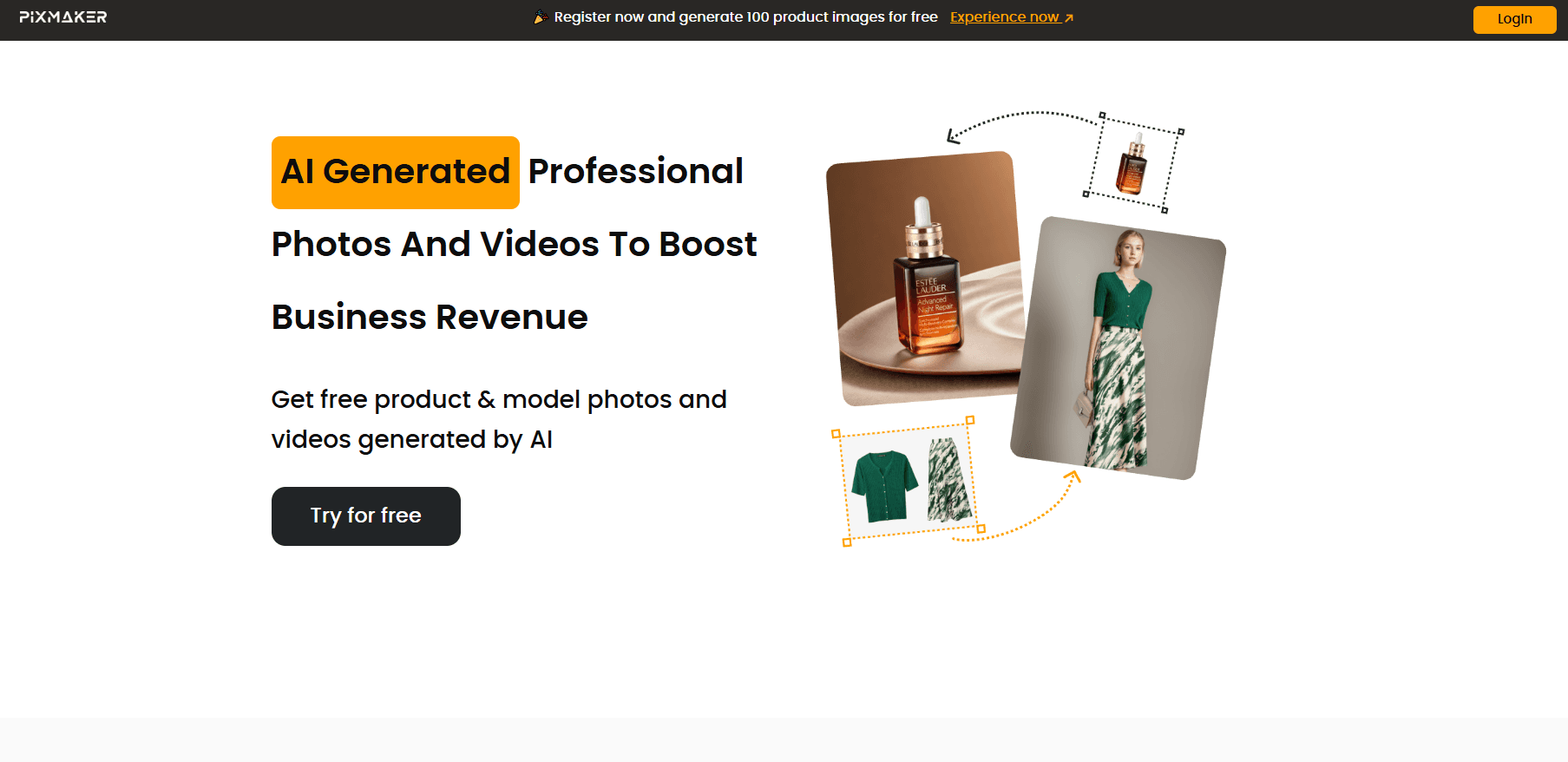
About PixMaker AI
What Is Pixmaker
Pixmaker is an AI photo and video tool built for online sellers. You upload a picture of a product or a piece of clothing, and the system generates a studio-quality image with a realistic background or a person wearing the item. The point is to skip the model, the studio and the retoucher.
The tool targets small e-commerce shops and apparel brands that sell across several markets and need fresh visuals fast. Instead of booking a photo shoot for every new listing, you generate the shots and swap the backdrop, the pose or the model when a campaign changes.
The catch is control. AI outputs still drift from what a real photographer would frame, and you often regenerate a few times before a shot looks right. Pixmaker also works from a flat product photo, so it inherits the lighting and angle of whatever you upload.
Getting Started
- Create a free account at pixmaker.ai and claim the 50 starter credits.
- Upload a clean photo of the product or garment you want to present.
- Pick a tool: product backgrounds, AI models, custom model templates or background removal.
- Generate, then edit or regenerate until the image matches your store's style.
- Download the result and publish it to your listing or ad.
Product Information
A quick look at PixMaker AI's pricing, supported platforms, and performance.
Best for
The users, tasks, and scenarios where this tool fits best.
Users
- Small e-commerce sellers
- Apparel and clothing brands
- Social media and marketing teams
Tasks
- Creating product photos with realistic backgrounds
- Generating model photos for clothing
- Removing image backgrounds
Scenarios
- Launching a new product line quickly
- Adapting visuals for different markets
- Refreshing a storefront from flat photos
Key features
AI product backgrounds
Pixmaker generates realistic backgrounds around a product photo instead of leaving it on a plain white sheet. You can also combine several products into one composite shot, which suits bundle listings and gift sets. Reference images let you copy a background style you already like, so a catalog stays visually consistent.
AI generated models
The model tool produces images of people wearing a garment or holding a product, with generated backgrounds. It covers a range of poses, so a single item can appear in several lifestyle shots. This is the feature that replaces a booked model for clothing sellers.
Custom model templates
Instead of choosing from preset faces, you upload a photo of your own model and Pixmaker builds a reusable template from it. That keeps a brand's look consistent across a whole catalog and avoids using the same stock faces as every other store.
Background removal
The tool removes backgrounds automatically in seconds. You get a transparent PNG to place on any backdrop, or you let Pixmaker fill in a new one. It is the fastest of the three tools and works on both product and people photos.
Product videos and dynamic content
Pixmaker also lists video output among its main functions, turning static product photos into moving visual content. That helps listings and social ads that need motion, without booking a video shoot.
Free starter credits
New accounts get 50 credits to test the tools before paying. It is enough to run several generations across the three main features, which lets you judge output quality on your own products first.
Pros and cons
Pros
- Replaces studio and model photography for routine listing images, which cuts both the cost and the waiting time.
- Starts free with 50 credits, so you can test output on your own products before spending anything.
- The custom model template keeps a brand's visuals consistent instead of reusing the same stock faces.
- Handles product shots, clothing model shots and background removal in one place.
Cons
- Output quality depends on the photo you upload, so a badly lit product shot leads to a weak result.
- Generated images often need a few regenerations before they look right, which eats credits and time.
- Pricing is not published on the site, so you cannot compare cost without contacting the team.
- No native mobile app, so the tool runs in a browser only.
Frequently asked questions
Pixmaker generates professional product and model photos for e-commerce. You upload a photo of a product or garment and the AI produces studio-style images, lifestyle shots with models, and clean background removals for listings and ads.
Related content
Explore related tools, skills, and articles for PixMaker AI.
PixMaker AI Alternatives

Google EmbeddingGemma 2
Google DeepMind · Writing · Image · CodingGoogle EmbeddingGemma 2 is a 740M-parameter open model that turns text, code, images, audio, and video frames into vectors in one 768-dimension space, running on phones and laptops.

Tractionwave
TractionWave · Image · MarketingTractionWave is an AI attention heatmap tool for static ads. Upload a PNG or JPG and it returns predicted attention, ranked hotspots, and fixes before you spend budget.

Imejis.io
Imejis.io · Image · MarketingImejis.io is an AI design studio for agents and marketing teams. Describe an image in plain words, and it writes the copy, builds the layout, reflows it to every size, then exports a finished file.