

PixNova Face Swap
PixNova AI (YiMeta HK / SAVETO LTD UK) · Image · Video
PixNova Face Swap is a free online AI face swap tool that replaces faces in photos, videos, and GIFs, aimed at casual users and content creators.
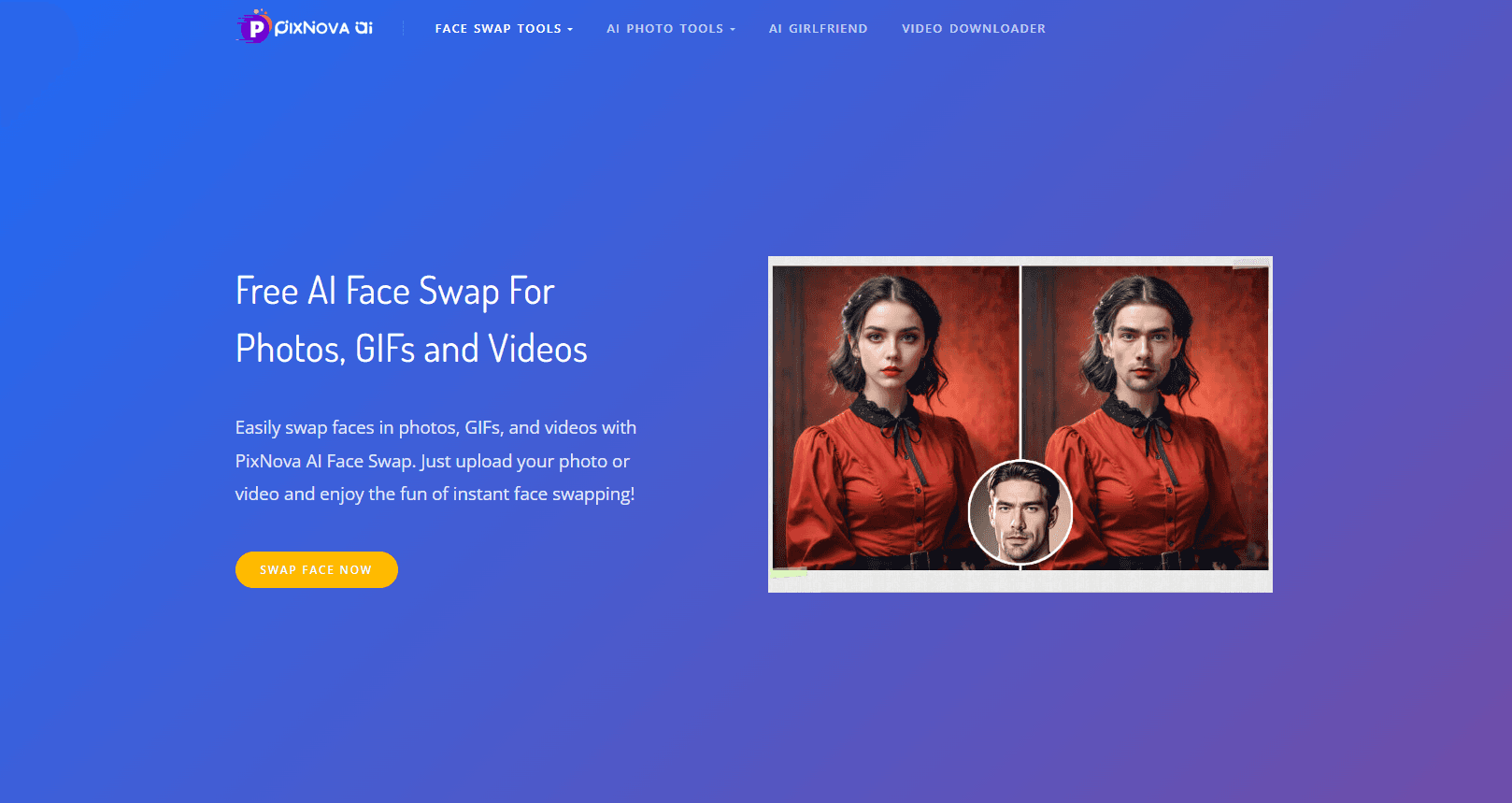
About PixNova Face Swap
What Is PixNova Face Swap
PixNova Face Swap is a browser-based face swap tool from PixNova AI. It runs entirely online, so you don't install anything, and the whole workflow lives in a single page. You upload a photo, video, or GIF, add the face you want to use, and the tool handles the rest.
The appeal is speed and low effort. Most photo swaps take a few seconds, and you don't need editing skills to get a natural-looking result. You can swap one face or several at once, which covers group shots and short clips alike, and the tool fits your face to the pose and lighting without you touching a single slider.
The limits matter too. Video swaps currently cap at 10 seconds, multi-face swaps handle up to 5 faces, and uploads stay under 30 MB per file. Free credits reset daily and don't roll over, so anyone swapping in bulk will eventually run into paid credit packs.
Getting Started
- Open the PixNova Face Swap page in your browser and skip the sign-up, since the free tier works without an account.
- Upload your source image or video in the Source Image field, then upload the face you want to swap in as the Face Image.
- Pick a single-face or multiple-face swap, and for videos trim the clip you want to use. If you don't have material ready, pick a template from the general, Christmas, superhero, or model sets.
- Click Start face swapping and wait a few seconds for the result.
- Download the finished photo or video, or share it straight from the page.
Product Information
A quick look at PixNova Face Swap's pricing, supported platforms, and performance.
Best for
The users, tasks, and scenarios where this tool fits best.
Users
- Content creators
- Casual users and home users
- Social media posters
Tasks
- Swapping faces in photos
- Swapping faces in short videos
- Replacing faces in GIFs
Scenarios
- Making a quick meme for a group chat
- Trying on a template look, like a superhero or holiday theme, without a design tool.
- Building short, eye-catching clips for a social channel when you need volume over polish.
Key features
Free, No Sign-Up Face Swaps
The core tool runs free with no account and no watermark on photos. You land on the page, upload your files, and swap. Daily free credits cover light use, and you only hit paid packs if you swap a lot in one day.
Photo, Video, and GIF Support
One tool covers stills, clips, and GIFs. A photo face swap returns a result in seconds, and a video face swap keeps the source quality while replacing the face. GIF face swap works on GIF and WebP files too, which sets it apart from tools that only handle images. Ever wanted to put your face on a looping meme? This handles that.
Multiple Face Swap
Group photos don't force you to go face by face. The tool swaps up to 5 faces in a single pass, which saves time on team shots, family photos, and crowded scenes.
Video Face Swap With Quality Retention
Video swaps keep the original resolution while fitting your face into the clip. The catch is the 10-second length cap on free use, which suits short social clips more than long footage.
Built-In Face Swap Templates
A curated template library covers Christmas, superheroes, models, business, and sports looks. Click a template and the tool swaps your face onto it, which is the fastest route to a fun result when you have nothing prepared and don't want to hunt for source images.
HD Results and 2K Support
Free results come out clean, and paid tiers add 2K high-resolution output. For social posting the free quality is usually enough, while 2K helps if you plan to print or enlarge.
One-Click Share and Download
Finished swaps download directly or share straight from the page. There's no export dialog to fight with, so the loop from upload to post stays short.
Pros and cons
Pros
- Free to use with no watermark on photos and no sign-up required.
- Handles photos, videos, and GIFs in one place, so you don't juggle three tools.
- Multiple face swap covers group shots, up to 5 faces in one run.
- Photo results arrive in a few seconds, which keeps casual use painless.
- Credit packs are one-time purchases, not recurring subscriptions.
Cons
- Free video swaps cap at 10 seconds, so longer clips are out of reach.
- Free daily credits reset each day and don't accumulate, which limits batch work.
- Paid credits don't include refunds, so you commit once you buy, and there's no way to test a large batch before spending on a pack you might not finish.
- No public API, which rules it out for developers who want to automate swaps.
Frequently asked questions
Yes. The core tool is free, needs no account, and leaves no watermark on photos. Daily free credits cover light swapping, and paid credit packs are there for heavier use.
Related content
Explore related tools, skills, and articles for PixNova Face Swap.
PixNova Face Swap Alternatives

Google EmbeddingGemma 2
Google DeepMind · Writing · Image · CodingGoogle EmbeddingGemma 2 is a 740M-parameter open model that turns text, code, images, audio, and video frames into vectors in one 768-dimension space, running on phones and laptops.

Tractionwave
TractionWave · Image · MarketingTractionWave is an AI attention heatmap tool for static ads. Upload a PNG or JPG and it returns predicted attention, ranked hotspots, and fixes before you spend budget.

Imejis.io
Imejis.io · Image · MarketingImejis.io is an AI design studio for agents and marketing teams. Describe an image in plain words, and it writes the copy, builds the layout, reflows it to every size, then exports a finished file.