

PixPark AI : AI Image to Image Generator
PixPark AI · Image
PixPark AI is a browser-based creative platform that combines AI image generation, AI video generation, and photo editing in one place. It pulls in top engines like Nano Banana, Seedream, and Midjourney V7, so you can move from a text prompt or a reference image to a finished asset without juggling five different tools. Pricing runs on one-time credits rather than a monthly subscription, and you can start without paying anything. That setup suits people who create in bursts instead of every single day.
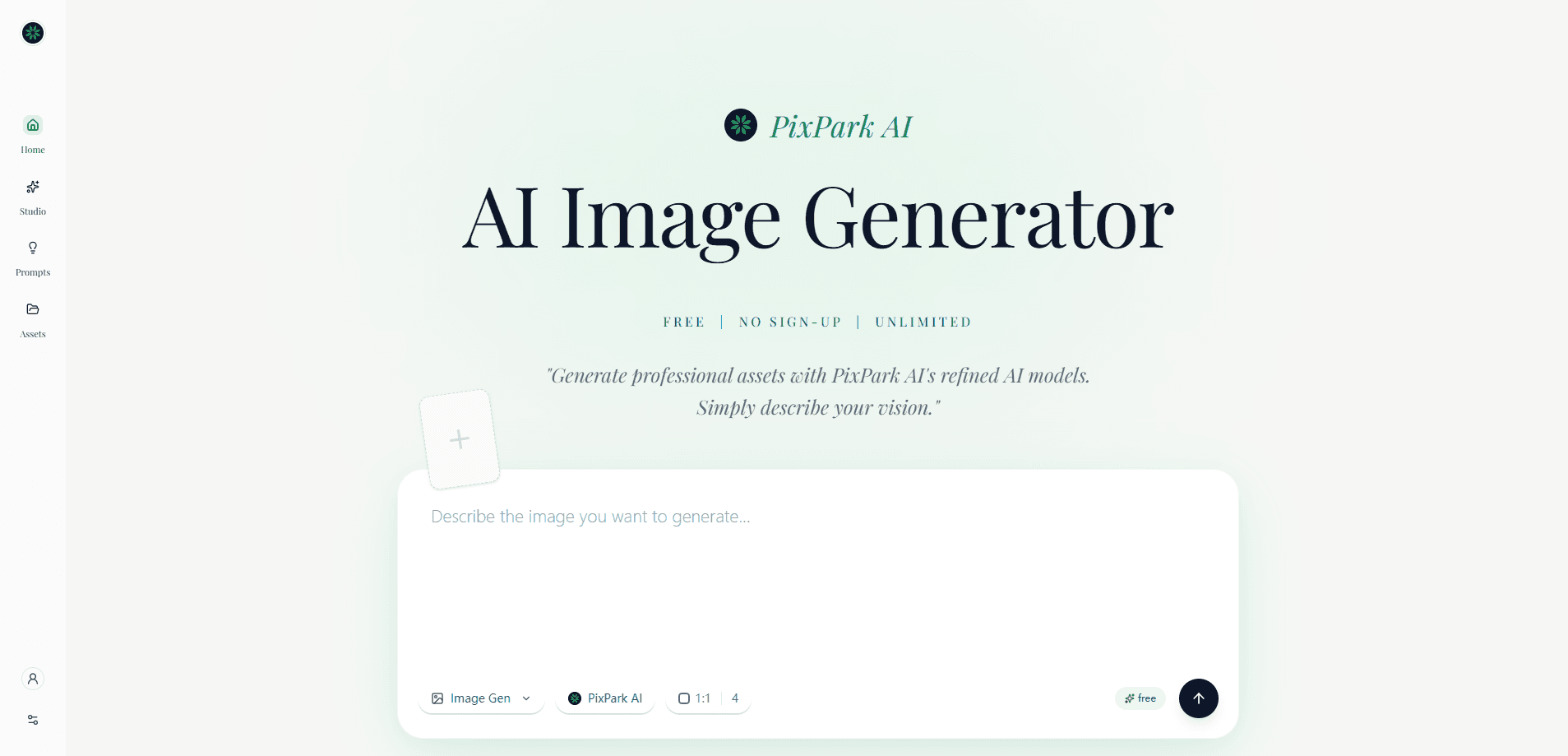
About PixPark AI : AI Image to Image Generator
What Is PixPark AI
PixPark AI is an AI image to image generator for people who need visual assets fast. You describe what you want, upload a reference, or start from an existing picture, and the platform turns it into a new image or a short video. It's built around a model library rather than a single engine, which means you can pick Midjourney for art direction, Nano Banana for quick iterations, or Seedream for higher-resolution output and grouped generation. One tool. Many engines.
What draws people in is the all-in-one angle. Instead of subscribing to three services, you get generation, editing, and video in one workspace. According to the official site, generated images are stored temporarily for 24 hours, so you'll want to download anything you plan to keep. You also own what you create, and paid credits remove watermarks and add a commercial license.
The main limitation is the credit model. There's no flat monthly plan, so heavy users pay per batch of credits. If you generate hundreds of images a week, the cost adds up faster than a fixed subscription would. Worth knowing before you commit.
Getting Started
- Open pixpark.ai in your browser. No installation is needed.
- Pick a model from the library, such as Nano Banana, Seedream, or Midjourney V7.
- Type a text prompt, or upload a reference image for image to image work.
- Adjust style and resolution options, then generate.
- Download your results before the 24-hour storage window closes.
Product Information
A quick look at PixPark AI : AI Image to Image Generator's pricing, supported platforms, and performance.
Best for
The users, tasks, and scenarios where this tool fits best.
Users
- Indie game developers
- Social media creators and hobbyist AI art generator users
- Small marketing teams
Tasks
- Turning a rough sketch or photo into a polished image
- Generating short video clips from a still or a prompt
- Batch asset production
Scenarios
- Prototyping a game world
- Restocking a content calendar on a deadline
- Testing a campaign concept
Key features
Multi-Model Library
PixPark AI doesn't lock you into one engine. The model library spans Nano Banana (mapped to Gemini 2.5 Flash Image), Seedream 3.0 through 4.5, and Midjourney V7, V6.1, and Niji 7. Each one has a different strength, from art direction to fast conversational edits to resolution up to 4K. You switch models depending on the job rather than paying for separate accounts.
AI Image to Image Generation
This is the core of the product and its namesake. Upload a reference image, describe what you want changed, and the model produces a new version, keeping the parts you liked about the original while reworking the rest. Seedream 4.0 adds image-conditioned and grouped generation, so a single source can seed a whole set of related images. It's the feature you'd use to keep a character or product looking consistent across a campaign.
Text to Image Creation
Type a prompt and get an image. The site pitches this for everything from photorealistic product mockups to abstract backgrounds. Speed depends on the model. Midjourney V7 runs around 18 seconds in turbo mode and roughly 40 seconds in fast mode, while Nano Banana leans on low-latency iteration for back-and-forth editing.
AI Video Generation
Beyond stills, PixPark AI generates short videos from text or images. It's aimed at creators who need motion for social content, teasers, or animated posts without learning a video editor. Exact clip lengths and output specs vary by model, so check the current options before planning a project around it.
AI Photo Editor
Editing sits alongside generation rather than behind a separate paywall. Think of it as a built-in AI photo editor: you don't leave the page to clean up a result. You refine visuals, adjust outputs, and iterate on existing images in the same workspace. This matters for image to image workflows, where the first result is rarely the final one and you need to keep tweaking rather than restarting from a fresh prompt every time.
Credit-Based Pricing
There's no auto-renewal and no subscription. You buy permanent credits: 500 credits for $39.90, which works out to about $0.08 per credit. Paid credits remove watermarks, come with a commercial license, and never expire. The site also extends creation history to 100 days on the paid tier.
Game Asset Production
One of the more specific use cases is game development. PixPark AI markets itself for texture maps, sprite generation, and isometric views, with a claim that it understands spatial depth for rapid prototyping. For solo devs and small studios, that can replace a chunk of outsourced concept art.
Pros and cons
Pros
- Several leading image models live under one login, so you can match the engine to the task.
- One-time credit purchases avoid a recurring subscription you might forget to cancel.
- Commercial license and no-watermark exports come with paid credits.
- Paid credits never expire, so you're not racing a monthly reset.
- Image, video, and editing cover most creative needs in a single workspace.
Cons
- No monthly plan means cost scales with use, which can run higher than a flat subscription for heavy generators.
- Generated images are only stored for 24 hours, so forgetting to download means losing the file.
- Cropped to a web browser: there's no dedicated desktop or mobile app for offline or on-the-go work.
- Video generation specs are less clearly documented than the image side, so it takes some experimenting to find limits.
Frequently asked questions
It works as an AI image and video generator for creating visual assets. You can produce images from prompts, rework existing pictures with image to image editing, and generate short videos, all from a browser.
Related content
Explore related tools, skills, and articles for PixPark AI : AI Image to Image Generator.
PixPark AI : AI Image to Image Generator Alternatives

Google EmbeddingGemma 2
Google DeepMind · Writing · Image · CodingGoogle EmbeddingGemma 2 is a 740M-parameter open model that turns text, code, images, audio, and video frames into vectors in one 768-dimension space, running on phones and laptops.

Tractionwave
TractionWave · Image · MarketingTractionWave is an AI attention heatmap tool for static ads. Upload a PNG or JPG and it returns predicted attention, ranked hotspots, and fixes before you spend budget.

Imejis.io
Imejis.io · Image · MarketingImejis.io is an AI design studio for agents and marketing teams. Describe an image in plain words, and it writes the copy, builds the layout, reflows it to every size, then exports a finished file.