
Planelo: Project & Task Plan
David Tereba · Productivity
Planelo: Project & Task Plan is an idea-first planner built for developers and makers who want to catch a thought before it disappears. Instead of forcing every note into a ticket or a board, it lets ideas live freely, then helps you graduate the good ones into structured projects with AI-assisted task breakdown. It runs on iPhone, iPad, and Mac with encrypted sync, and its REST API lets scripts, CI/CD pipelines, and AI agents push ideas in without opening the app.
About Planelo: Project & Task Plan
What Is Planelo
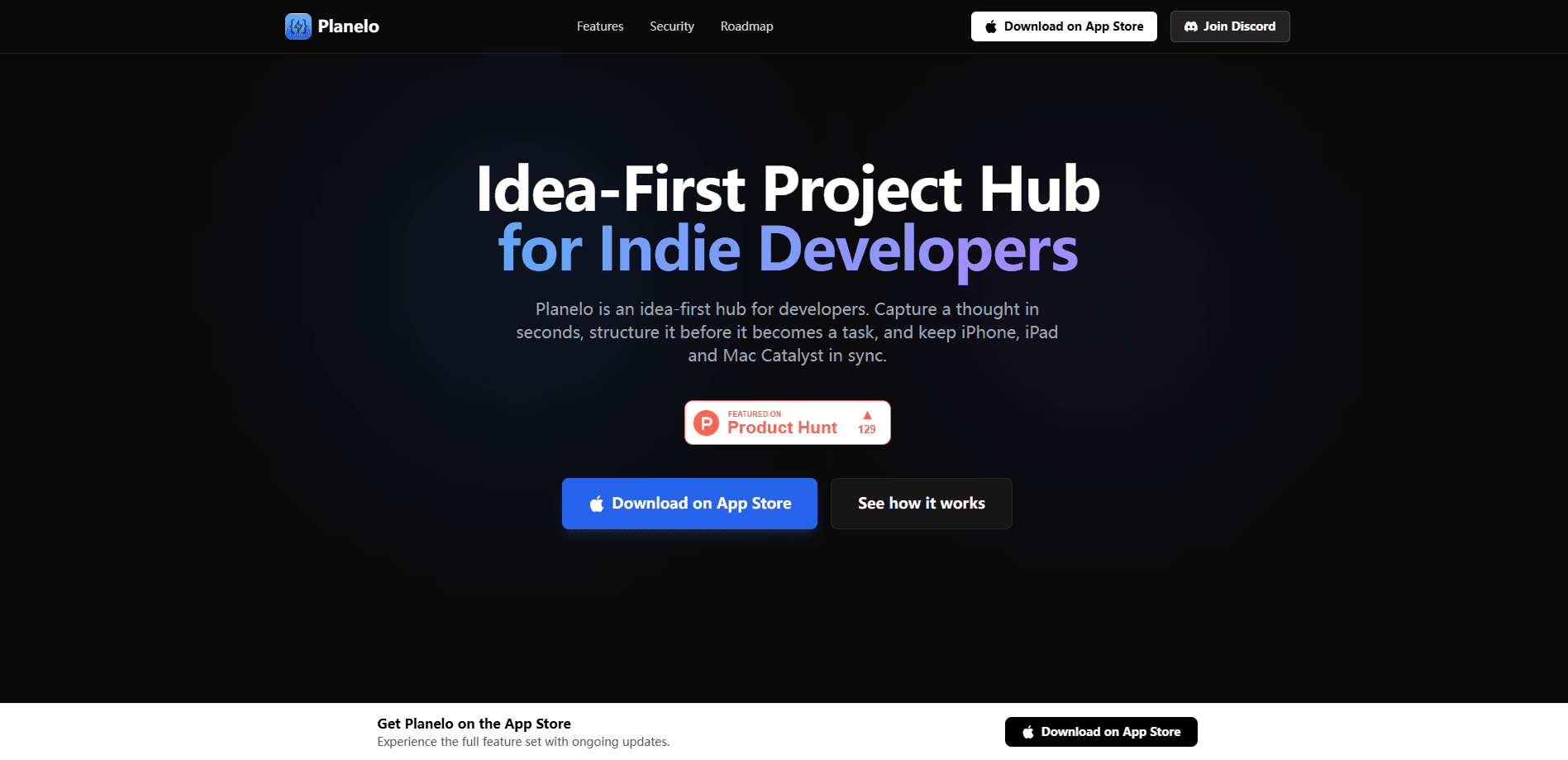
Planelo is a project and task planning app that starts where your notes app ends. Most productivity tools assume you already know what you're building and just need a place to track it. Planelo flips that. It treats the raw idea as the unit worth saving, and only asks for structure once you decide an idea is worth pursuing. That order matters.
The app is made by developer David Tereba and it's aimed squarely at people who think fast and build often. Ideas sit in a Smart Inbox with tags and priorities until you're ready to act on them. When you're set, Planelo's AI can split a big goal into clear subtasks, and idea phasing lets you break a single idea into stages rather than one flat lump.
The biggest limitation is scope. Planelo isn't a full project-management suite with Gantt charts, team permissions, or resource planning (at least not yet). If you need to run a large team with sprints and reporting, this isn't the tool. It's built for individuals and small makers who need their own thinking organized, and it works best when you treat it as the front door for ideas rather than the whole house.
Getting Started
- Download Planelo from the App Store on your iPhone, iPad, or Mac, then open it. No credit card is needed to start on the free plan.
- Create your first idea in the Smart Inbox by typing or dictating a rough thought. Don't over-structure it; that's the point.
- Add tags and a priority if the idea matters, or leave it loose and come back later.
- When an idea is ready, use the AI task breakdown to split it into subtasks, or set up phases to spread it across stages.
- Sign in on a second device to confirm cross-device sync, and generate an API key if you want to push ideas from your own scripts.
Product Information
A quick look at Planelo: Project & Task Plan's pricing, supported platforms, and performance.
Best for
The users, tasks, and scenarios where this tool fits best.
Users
- Independent developers and solo makers who collect more ideas than they can act on and need a place to keep them alive without turning each one into a ticket.
- Product managers juggling feature backlogs who want a fast capture step that later feeds into real tasks.
- Students and researchers tracking half-formed project directions across multiple devices.
Tasks
- Capturing a messy thought the moment it hits, then refining it at your own pace instead of during a meeting.
- Turning a vague goal like "add offline mode" into a list of concrete subtasks with an AI pass.
- Pushing ideas from a script, a CI/CD pipeline, or an AI agent through the REST API so nothing gets lost in a chat thread.
- Organizing a side project into phases so you can see what belongs in the first release versus later.
Scenarios
- Late-night idea dumps on a phone, reviewed the next morning on a Mac.
- Keeping a personal feature backlog that doesn't slow down with stale tasks you'll never do.
- Working offline on a train or a plane, with sync catching up once you're back online.
Key features
Idea-First Workflow
Planelo doesn't start with tickets, boards, or due dates. It starts with the idea itself. A thought lands in the Smart Inbox and lives there as a plain idea, not a task pretending to be one. Tags and priorities add just enough organization to find things again without forcing a decision you're not ready to make. It's a simple shift. Still, it changes everything about how the tool feels. This suits anyone whose best ideas show up at inconvenient times and who resents losing them to a rigid system.
AI Task Breakdown
When an idea graduates into a project, Planelo's AI can take a broad goal and split it into clear, workable subtasks. The point isn't to replace your judgment, it's to skip the blank-page moment. You know what you want, but not where to start. We've all been there. You still get to edit or delete anything the AI suggests, so the final plan reflects your thinking rather than a template.
API-First Design
Planelo is built with an API-first mindset, which is unusual for a personal planning app. A REST API lets you send ideas in from scripts, CI/CD pipelines, or AI agents, so a deployment that fails or a log that flags an issue can become an idea automatically. No copy-paste required. For developers who live in a terminal more than a GUI, this is the feature that makes the app fit an existing workflow instead of adding another tab to babysit.
AES-256 Encryption and Cross-Device Sync
Your data is encrypted at rest with AES-256, and the developer states plainly that it isn't sold. Not bad for a free app. Ideas sync across iPhone, iPad, and Mac, so a thought captured on a phone is waiting on a desktop later. For anyone keeping proprietary product ideas in one place, the encryption is the reassurance that the convenience of sync isn't coming at the cost of leaving everything readable.
Smart Inbox and Idea Phasing
The Smart Inbox groups incoming ideas with automatic organization once tags and priorities are in play, so the capture step stays fast. Idea phasing then lets you break a single idea into structured stages, which fits work that unfolds over weeks rather than days. Two ends, one loop. Together they cover both ends of the idea lifecycle: getting it in quickly, and moving it forward in steps.
Offline-Ready Capture
Planelo keeps working without a connection. No signal? No problem. You can capture ideas anywhere and the app syncs once you're back online, which matters for anyone who thinks best on a commute or a flight. It's a small promise that removes the anxiety of losing a thought to a dead zone, and it keeps the app usable in the moments when ideas tend to show up.
Pros and cons
Pros
- Idea-first capture means you never have to invent a task just to save a thought.
- REST API support lets developers push ideas in automatically from scripts or AI agents.
- AES-256 encryption at rest plus cross-device sync covers both privacy and convenience.
- Free plan with no credit card makes it easy to try before committing.
- Runs across iPhone, iPad, Mac, and Apple Vision from one account.
Cons
- Not a full project-management suite: no Gantt charts, team permissions, or resource planning for larger teams.
- iOS and macOS only, so Android and Windows users can't use it at all.
- AI task breakdown and phasing depend on paid features, so the free plan shows the concept rather than the full workflow.
Frequently asked questions
Planelo is an idea and project planner that captures raw thoughts first and structures them later. You save ideas in the Smart Inbox, then turn the good ones into projects with AI-generated subtasks and phases when you're ready.
Related content
Explore related tools, skills, and articles for Planelo: Project & Task Plan.
Planelo: Project & Task Plan Alternatives

Base Code
Base44 (Wix) · Coding · ProductivityBase Code is a shared cloud development environment from Base44. Teammates describe changes to an existing GitHub codebase in chat, preview them live and send them back as pull requests.

Knocket
Knocket (Tencent RTC team) · Productivity · Business · ChatbotKnocket is a free live chat and contact page tool that lets visitors message you from your website, app, or a shareable link, with every reply handled from Telegram or one inbox.

FloorGen
Vinit Kumar (FloorGen) · Productivity · China AIFloorGen is a browser-based floor plan maker that turns a sentence or a sketch into an editable 2D plan and a 3D walkthrough. Export to PDF, DXF or video, and draw without an account.