

Plansom
Plansom, Inc. · Productivity
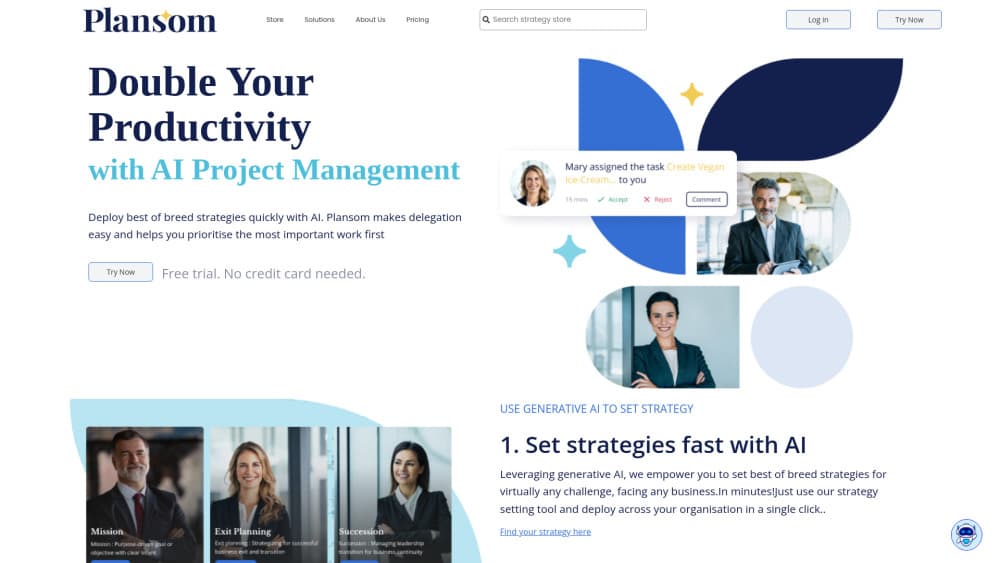
Plansom is an AI work simplifier that pulls tasks from email, Slack, meetings, and AI tools into one goal-led plan, ranks what matters with PlansomScore, and hands work to teammates or AI agents.
About Plansom
What Is Plansom
Plansom is a web app from Plansom, Inc., a Dublin-based company. It calls itself an AI work simplifier, and the label fits better than AI project management platform: the product starts from your goal and the work already happening in your inbox, not from a board you have to fill in. You tell it what you want to achieve, connect the tools where work already happens, and it builds the plan around those goals.
Most goal tracking software stops at a dashboard that someone has to update. The problem Plansom targets is scattered work. Requests arrive by email, decisions get made in Slack, commitments come out of meetings, and none of it lands in the same list. Plansom reads those sources, pulls out the items that need action, and files them under the goal or task they belong to. Ranking is handled by PlansomScore, the company's own prioritisation algorithm, which weighs new requests against deadlines and existing goals instead of sorting by newest message.
The limits are worth knowing before you sign up. Plansom leans on connected sources, so an empty inbox and a quiet Slack channel leave it with little to work from. The free plan caps goals at five and tasks at 100, and hands out one AI Plan per month with no AI Execute or AI Reporting. There's also no public API, so teams that want to build their own pipelines should look elsewhere. Data from connected tools isn't used to train the underlying models, and the company states it is SOC 2 ready and GDPR compliant.
Getting Started
- Sign up at plansom.com with an email address or a Microsoft account. The free plan starts without a card, and Pro comes with a 14-day trial.
- Tell Plansom what you want to achieve, or skip that step and connect a source such as Gmail, Outlook, or Slack first.
- Review the tasks Plansom finds in that source. Keep what belongs, move the rest, and connect more tools when you're ready.
- Invite your team, assign owners, then open My Day each morning to see the three items that need attention.
Product Information
A quick look at Plansom's pricing, supported platforms, and performance.
Best for
The users, tasks, and scenarios where this tool fits best.
Users
- Team leads juggling several projects
- Founders and operators without a project manager
- People already paying for ChatGPT or Claude
Tasks
- Turning meeting commitments into tracked tasks
- Deciding what to work on first
- Handing repeatable work to an AI agent
Scenarios
- A five-person agency running client work across email and Slack
- A product team that already lives in Jira or Asana
- A weekly leadership review
Key features
PlansomScore Prioritisation
PlansomScore is the ranking engine behind the product, and it's the clearest example of what AI prioritisation means here. It looks at incoming requests, commitments, deadlines, and the goals you set, then decides which work needs attention now. You're not scrolling a reverse-chronological feed and guessing; the list arrives sorted, and you can still drag items around when you disagree.
My Day With Three Priorities
My Day is the screen you open first. It shows three items, not thirty, on the theory that a short list gets acted on and a long one gets ignored. The three change as work closes and new requests land, so the view stays honest without you maintaining it by hand.
AI Plan From a Single Goal
Type what you want to achieve and AI Plan returns goals broken into tasks, with an order you can rearrange. It's the fastest way to get from a sentence in a strategy doc to something a team can pick up. Free accounts get one AI Plan a month; Pro removes that cap and adds AI Manage for ongoing steering.
AI Execute and Built-In Agents
AI Execute takes a task and does it, using files and transactional data you attach, with recurring schedules and an audit trail of what ran. Built-in agents cover common jobs, and you can register your own agents and workflows so their output lands next to human work. Every run leaves a record you can check before accepting the result.
Reporting and Bottleneck Alerts
Automated reporting compiles progress against goals and success metrics on a schedule, which removes the Friday afternoon slide-building ritual. Bottleneck alerts flag work that's stuck across people and agents, so a lead hears about a blockage from the app rather than in a one-to-one three weeks later.
Integrations With Work Tools
Plansom connects to Gmail, Outlook, Slack, Notion, HubSpot, Granola, Zoom, Jira, Asana, ClickUp, monday.com, Pipedrive, Zoho, Zapier, and Make, plus AI tools such as ChatGPT and Claude. Start with one source and add the rest over time; each connection gives the prioritisation more context to work with.
Pros and cons
Pros
- Goals, tasks, and agents share one context, so a delegated item keeps its reason and owner instead of turning into a bare ticket.
- PlansomScore and the three-item My Day cut the daily sorting ritual, which is the part most tools leave to you.
- It reads from tools you already use, including Jira, Asana, and Slack, so nobody has to migrate their work.
- The audit trail on AI Execute makes agent output reviewable, which matters when the result goes to a client.
Cons
- The five-goal and 100-task ceiling applies to paid Pro accounts too, which gets tight for teams running many parallel projects.
- Value depends on connected sources; a team that keeps work in spreadsheets and phone calls won't get much from it.
- There's no public API, so custom automation has to run through Zapier or Make rather than direct calls.
Frequently asked questions
Plansom is an AI work simplifier for teams. You state a goal, connect email, Slack, meetings, or project tools, and it builds a plan, finds work in those sources, ranks priorities with PlansomScore, and tracks progress across people and AI agents.
Related content
Explore related tools, skills, and articles for Plansom.
Plansom Alternatives

Base Code
Base44 (Wix) · Coding · ProductivityBase Code is a shared cloud development environment from Base44. Teammates describe changes to an existing GitHub codebase in chat, preview them live and send them back as pull requests.

Knocket
Knocket (Tencent RTC team) · Productivity · Business · ChatbotKnocket is a free live chat and contact page tool that lets visitors message you from your website, app, or a shareable link, with every reply handled from Telegram or one inbox.

FloorGen
Vinit Kumar (FloorGen) · Productivity · China AIFloorGen is a browser-based floor plan maker that turns a sentence or a sketch into an editable 2D plan and a 3D walkthrough. Export to PDF, DXF or video, and draw without an account.