

PLG OS
Questera · Productivity
PLG OS is a growth platform for React apps that lets teams ship onboarding, in-app support, surveys and gamification components in minutes.
About PLG OS
What Is PLG OS
PLG OS is a growth platform built by Questera for teams that run product-led growth. Instead of building onboarding tours, surveys and loyalty features from scratch, you drop prebuilt React SDK components into your app and ship them the same day.
The pitch is simple. Most product teams lose users in the first session because the setup work needed to guide them never gets prioritized. PLG OS turns that work into ready-made UI blocks you can configure, target and measure.
The main trade-off is platform fit. The SDK is React-first, so teams on other stacks face more work to adopt it. The free tier also caps monthly tracked users and limits you to a single component and one integration.
Getting Started
- Create a PLG OS account and pick a plan from the free tier upward.
- Install the SDK into your React project and connect at least one integration.
- Add a component, such as an onboarding quiz or a product tour, and set who should see it.
- Launch the campaign, watch the analytics dashboard, and adjust targeting as activation improves.
Product Information
A quick look at PLG OS's pricing, supported platforms, and performance.
Best for
The users, tasks, and scenarios where this tool fits best.
Users
- Product managers
- Growth leads choosing a product-led growth tool
- Growth and lifecycle teams
- Startup founders
Tasks
- Building multi-step onboarding flows
- Collecting in-app feedback
- Running loyalty and gamification
Scenarios
- Raising user activation
- Launching a new feature to existing users
- Reducing first-session drop-off
- Boosting weekly active usage
Key features
Prebuilt React UI Components
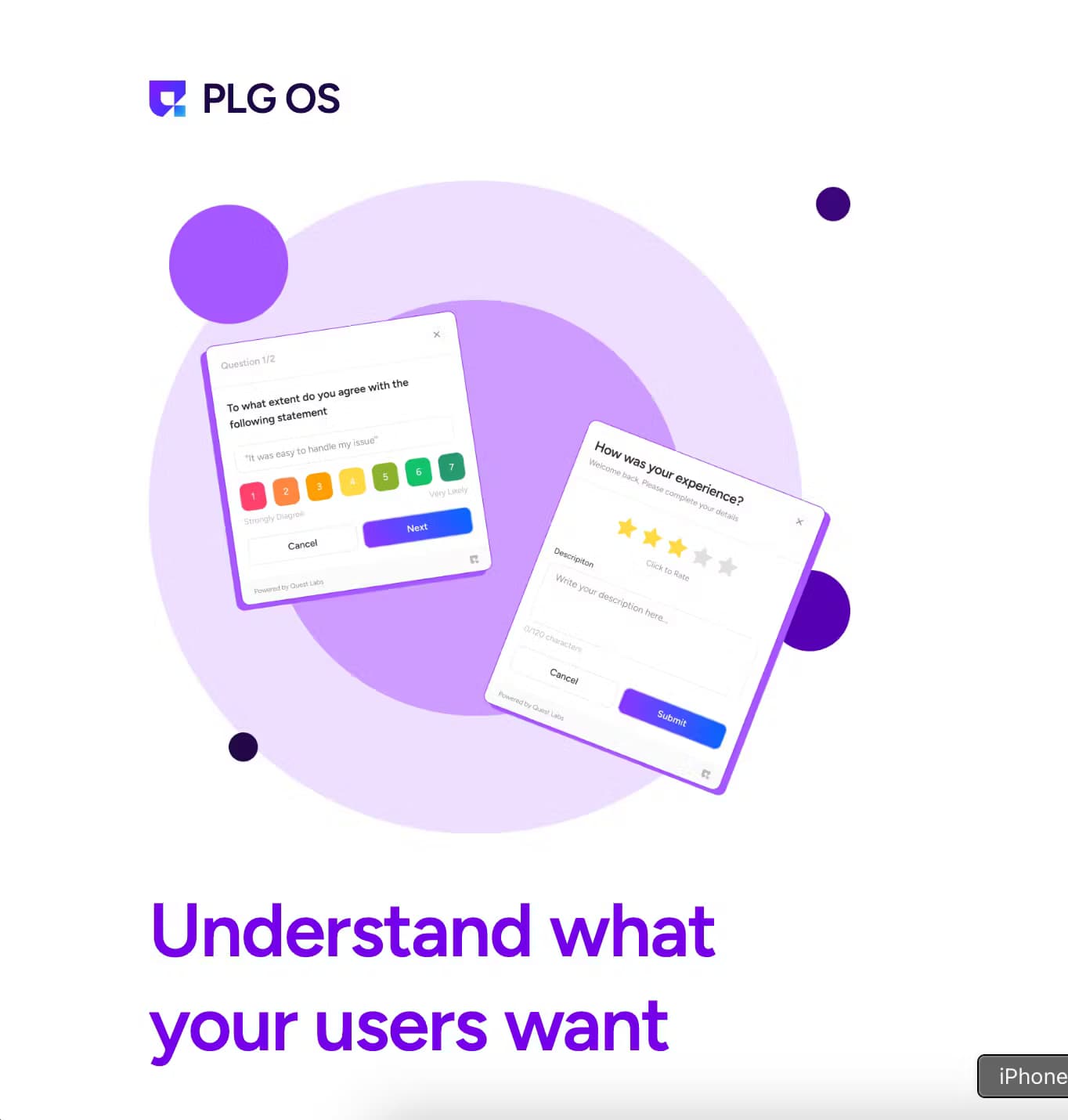
PLG OS ships a library of ready-made components that cover onboarding, user assistance, gamification and expansion. You pick a component, style it to match your app, and drop it into your flow. The library spans quizzes, walkthroughs, checklists, help hubs, feedback tools and loyalty widgets, so most of the screens you would otherwise build by hand already exist.
No-Code Campaign Targeting and Rules
Components run inside campaigns, and campaigns decide who sees what. You can target by user attributes, custom events and feature flags, then segment audiences so a power user and a brand-new signup get different experiences. That targeting layer is what keeps onboarding from feeling like the same wall for everyone.
In-App Surveys and Feedback Workflows
The platform includes NPS, CSAT, feature-usage and product-improvement surveys. Each one can trigger on a specific event or page rather than firing at random. Feedback workflows route responses into a queue so teams can act on them, which turns a survey from a vanity metric into something that actually changes the product.
Gamification and Loyalty Components
Streaks, badges, dynamic membership cards, leaderboards, challenges and spin-the-wheel components are built in. These map to retention and weekly active usage goals, and they all pull from the same user data as your onboarding and survey tools, so a reward can follow a real milestone instead of an arbitrary click.
Targeted Integrations and Workflows
PLG OS connects to the tools you already run and lets you fire targeted campaigns based on what happens inside them. The Growth plan raises the ceiling to five components and five integrations, and Scale removes the component and integration limits entirely.
SDK Entry Points and Analytics
The SDK offers several entry points, from sidebar items and top icons to floating buttons and popups, so a component can live where users already look. A built-in analytics view tracks how components perform, and webhooks plus alerts keep your team notified when something changes.
Pros and cons
Pros
- Ships onboarding, surveys and gamification from one dashboard, which cuts the number of tools a growth team manages.
- The free tier lets a team test real components before committing budget.
- Component library covers the full journey, so you rarely build a custom screen from zero.
- Targeting by events, attributes and feature flags keeps campaigns relevant instead of generic.
- Webhooks and alerts make it easy to tie in-app moments to the rest of your stack.
Cons
- The SDK is React-first, so teams on Vue, Angular or native mobile face extra integration work.
- The free and Starter tiers cap tracked users and integrations, which limits what you can test at scale.
- Deep customization beyond the provided components still requires engineering time.
Frequently asked questions
PLG OS is used to ship in-app user experiences for product-led growth. Teams use it for onboarding flows, in-app support, surveys and gamification without building each feature from scratch.
Related content
Explore related tools, skills, and articles for PLG OS.
PLG OS Alternatives

Base Code
Base44 (Wix) · Coding · ProductivityBase Code is a shared cloud development environment from Base44. Teammates describe changes to an existing GitHub codebase in chat, preview them live and send them back as pull requests.

Knocket
Knocket (Tencent RTC team) · Productivity · Business · ChatbotKnocket is a free live chat and contact page tool that lets visitors message you from your website, app, or a shareable link, with every reply handled from Telegram or one inbox.

FloorGen
Vinit Kumar (FloorGen) · Productivity · China AIFloorGen is a browser-based floor plan maker that turns a sentence or a sketch into an editable 2D plan and a 3D walkthrough. Export to PDF, DXF or video, and draw without an account.