

Plus AI Presentation Agent
Plus Docs, Inc. · Productivity
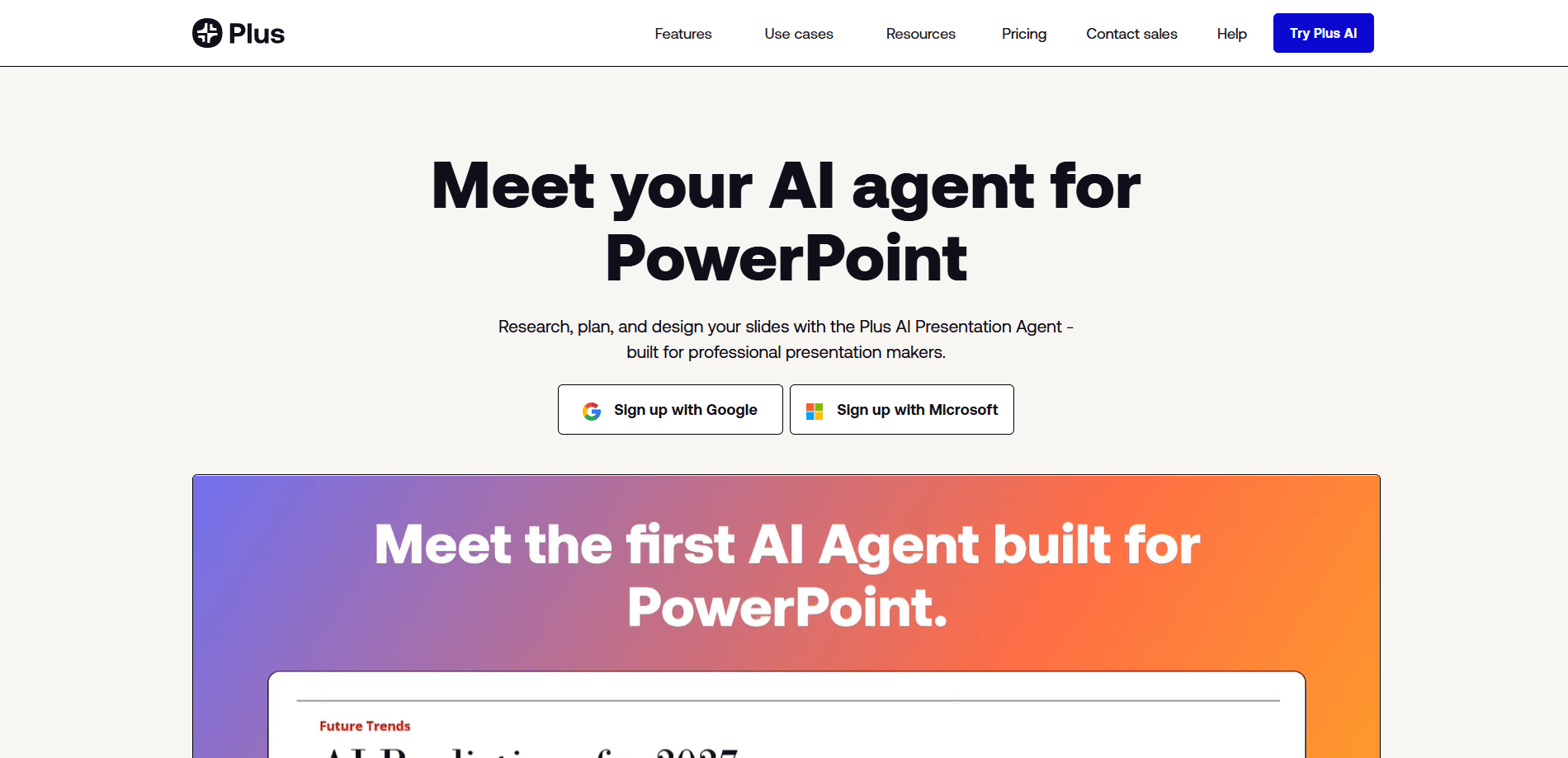
Plus AI Presentation Agent is an AI presentation maker that works inside PowerPoint. You describe what you need in plain language, and the agent plans the deck and then builds new slides or edits existing ones using your own templates, icons, and slide libraries. It's aimed at people who make professional decks for a living and want an AI agent for presentations that respects the files they already have, rather than one that dumps generic slides into a brand-new app.
About Plus AI Presentation Agent
What Is Plus AI Presentation Agent
Plus AI Presentation Agent is an AI slide generator built by Plus Docs, Inc. as an agent mode inside its existing Plus AI add-in. The difference between this agent and the older "generate a deck" button is planning. The agent can take a multi-step request, decide which slides to touch, and then execute the changes in PowerPoint on its own without you clicking through each slide by hand.
That matters because most AI presentation tools hand you a finished file you then have to fix. Plus AI works the other way around. It reads your existing deck and custom template, then applies your styling as it writes. Everything you generate is yours forever, and it stays as a native PowerPoint file with no exports or reformatting to clean up afterward.
There's one big catch. As of the last check, the agent doesn't work in Google Slides. It can output native PPTX files that you upload to Google Slides yourself, but the agentic editing runs in PowerPoint only. If your team lives in Slides, that's a real limitation worth knowing before you start a trial.
Does that rule it out for Slides users? Not entirely. It just means the agent's best work happens somewhere else.
Getting Started
- Install the Plus AI add-in for PowerPoint from the official site and sign in with your Plus AI account.
- Open a deck, then open the agent from the editing menu and click "Agent mode."
- For best results, set up a custom template in Plus AI so the agent can pull from your pre-selected slides and approved icon and image libraries.
- Describe what you want in plain language, like turning notes into a deck or reformatting existing slides, and let the agent plan the steps.
- Review the changes in PowerPoint, then edit anything by hand since the output stays as a normal editable file.
Product Information
A quick look at Plus AI Presentation Agent's pricing, supported platforms, and performance.
Best for
The users, tasks, and scenarios where this tool fits best.
Users
- Consultants and analysts
- Sales and marketing teams
- Course creators and teachers
Tasks
- Turning notes, transcripts, or documents into a full deck using your real template.
- Reformatting a messy existing slide into a polished layout with alternate design variants.
- Generating charts, images, and icon-based visuals from data or a short prompt.
- Rewriting and condensing slide text for a different audience or tone.
Scenarios
- A consultant rebuilding a client deck the night before a review, reusing the firm's own slide master rather than starting blank.
- A sales lead converting a product memo into a pitch deck for a morning call.
- A teacher reformatting a long document into slide-by-slide lecture notes.
Key features
Agent Mode Inside PowerPoint
Agent mode adds a planning layer on top of the Plus AI add-in. It doesn't run one command and stop. Instead, it breaks a request into steps and acts on multiple slides in sequence. Ask it to shorten a deck and reorganize it, and it works through each slide rather than returning a single rewritten block.
Works With Your Custom Templates
The agent builds slides using your organization's actual slides and slide masters. Set up a custom template in Plus AI, and it pulls pre-selected slides from your slide library and matches your fonts, colors, and logo. Skip that setup and the output is more generic. It's the single biggest factor in how good your results look.
Approved Asset Libraries
You can point the agent at your existing resource slides, approved images, and icon sets. That keeps visuals consistent with what your team already uses instead of pulling stock art that clashes with your brand. For brand-sensitive work, this is the feature that separates it from a general-purpose chatbot asked to make slides.
Data to Charts and Images
The agent helps turn raw data into readable charts and graphs. It can also generate visuals for social posts, product sketches, and similar needs. Numbers are sitting there. You just don't have time to build the visual. That's the gap it fills.
Reformat and Remix Slides
It converts existing slides into new layouts and generates alternate versions of a slide. Drop in a slide that's just a wall of text. Ask for a cleaner structure. You get options to compare rather than one take-it-or-leave-it result.
Purpose-Built Tooling, No Arbitrary Code
Unlike general AI agents, Plus AI only runs purpose-built presentation tools rather than opening a shell and executing whatever the model writes. It doesn't execute arbitrary or unreviewed code on your machine or cloud infrastructure, which closes off a whole class of risk that general agents carry. That's a real difference. For IT and security reviewers, it matters when comparing this against a general coding agent told to script PowerPoint.
Presentation Agent API and MCP Server
Plus AI exposes a Presentation Agent API and an MCP server, so teams can run agentic slide actions through their own systems. That opens the door to automating deck generation as part of a larger workflow. It's a developer-facing option, not something casual users will touch.
Pros and cons
Pros
- Builds slides inside PowerPoint using your real templates, so no export or formatting loss.
- Reuses approved icons, images, and resource slides for consistent branding.
- Handles multi-step requests through agent mode, not just one-shot generation.
- Runs only purpose-built presentation tools, avoiding arbitrary code execution.
- Every slide you generate is yours to keep and edit as a normal PPTX file.
Cons
- Doesn't work in Google Slides yet, so Slides-first teams get no agentic editing and must upload PPTX files manually.
- No free plan, only a 7-day trial with 1,000 credits and a credit card required, so testing carries a cost.
- Full value depends on setting up a custom template first, which is extra work before you see the best output.
Frequently asked questions
It's an AI presentation maker that creates and edits slides inside PowerPoint. You use it to turn notes or documents into decks, reformat existing slides, and generate charts and images, all while keeping your own template and branding.
Related content
Explore related tools, skills, and articles for Plus AI Presentation Agent.
Plus AI Presentation Agent Alternatives

Base Code
Base44 (Wix) · Coding · ProductivityBase Code is a shared cloud development environment from Base44. Teammates describe changes to an existing GitHub codebase in chat, preview them live and send them back as pull requests.

Knocket
Knocket (Tencent RTC team) · Productivity · Business · ChatbotKnocket is a free live chat and contact page tool that lets visitors message you from your website, app, or a shareable link, with every reply handled from Telegram or one inbox.

FloorGen
Vinit Kumar (FloorGen) · Productivity · China AIFloorGen is a browser-based floor plan maker that turns a sentence or a sketch into an editable 2D plan and a 3D walkthrough. Export to PDF, DXF or video, and draw without an account.