

Plus AI Presentations API
Plus Docs, Inc · Coding · Productivity
Plus AI Presentations API is a REST service from Plus Docs that generates editable, native PowerPoint presentations on demand. Feed it a prompt, an existing deck, or your own data, and it returns a real PPTX file your team can open, edit, and share without any conversion step. It fits teams that already work in PowerPoint or Google Slides and want to produce on-brand decks automatically inside their own apps and workflows.
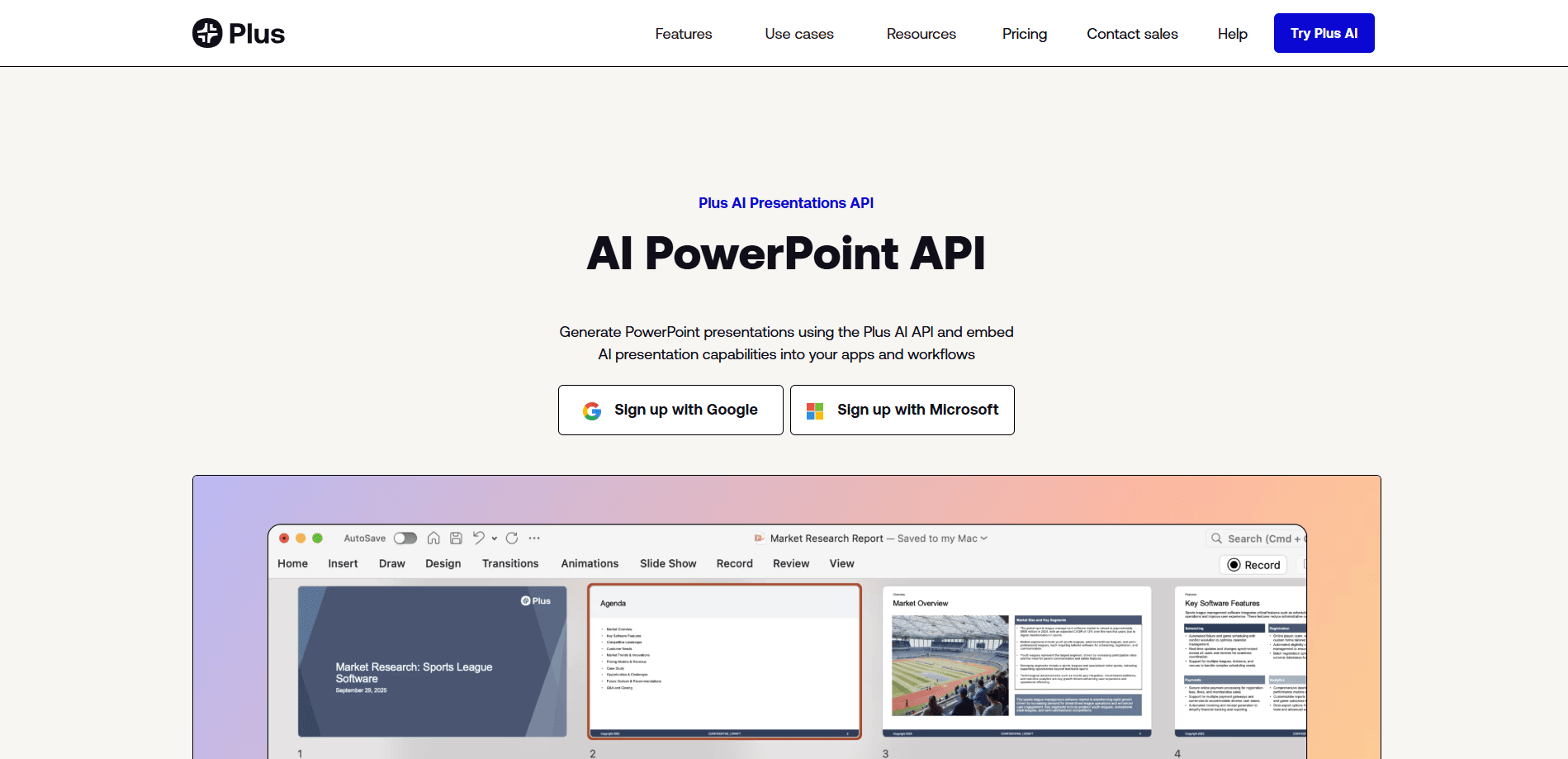
About Plus AI Presentations API
What Is Plus AI Presentations API
Plus AI Presentations API lets developers create PowerPoint presentations programmatically instead of building slides by hand. You send a request, and the service returns a native PPTX file built through an Open XML renderer, so the output opens directly in Microsoft PowerPoint. That means the slides are real, editable files, not screenshots or images.
It works best for teams that already use the Plus AI add-in and now want the same slide generation available to their software. Picture a sales platform that pulls CRM data into a customer deck. An internal tool can turn a report into a presentation. A support workflow can spin up training slides on a schedule. The API is an AI presentation generator you call from code, not a website you click through.
The biggest catch is scope. This is an API, so someone on your side needs to write and maintain the integration, and that work keeps going long after the first request succeeds because auth tokens expire, rate limits shift, and error handling has to be tested properly. The design-heavy output, custom templates, and asset libraries are tied to paid Plus AI plans, and advanced custom templates sit behind an Enterprise agreement.
Getting Started
- Sign up for a Plus AI account and start a paid plan, since API access runs on top of an existing subscription.
- Contact Plus Docs to get your API credentials and confirm the plan tier that matches your template and volume needs.
- Send your first request with a prompt, a source deck, or structured data, and specify the template you want the slides to follow.
- Download the returned PPTX file and open it in PowerPoint or Google Slides to review, edit, and share.
- Wire the call into your product or workflow tool, such as Zapier, n8n, or an MCP server, to run generation automatically.
Product Information
A quick look at Plus AI Presentations API's pricing, supported platforms, and performance.
Best for
The users, tasks, and scenarios where this tool fits best.
Users
- Software developers building presentation features into an app, who need a REST API and are comfortable handling auth and error states.
- Sales and marketing engineers who want customer-ready decks generated from CRM or ERP data without manual slide work.
- Teams already on a Plus AI paid plan that want the same AI slide output inside their own automation stack.
Tasks
- Generating on-brand PPTX decks from a text prompt or an existing presentation template.
- Turning CRM and ERP records into customized customer materials automatically.
- Pulling the best slides out of an existing presentation library to assemble a new deck.
- Translating an existing set of slides into another language while keeping the layout.
Scenarios
- A sales platform that issues a personalized pitch deck the moment a deal moves stage.
- An internal reporting tool that converts weekly data into a shareable slide summary.
- A Slack or Teams workflow that produces a kickoff deck without leaving the chat app.
Key features
Native PPTX Output
The API returns editable, native PPTX files rather than images or PDFs. You can open the result in PowerPoint and keep working on it. No conversion step sits between generation and delivery. For teams that live in Office, that removes a whole category of cleanup work. Want a deck that behaves like one you built by hand? This is how you generate PowerPoint with AI without landing in a walled garden.
Open XML Rendering for Advanced Slides
Plus Docs built its own Open XML renderer to handle complex slide layouts. That support covers charts, images, and structured design elements that simpler tools flatten or drop. The practical result is generated decks that hold up next to hand-built ones. Simple tools cheat here. They flatten the design.
Custom Templates
You can generate slides with one of Plus AI's own templates or apply your organization's presentation template. Custom templates let the API match your slide masters and brand rules, which matters when a deck goes out under a company name. No brand drift.
Workflow and Low-Code Integration
Beyond direct API calls, Plus AI connects through Zapier, n8n, Make, and an MCP server for trigger-based automation, which matters because most teams that want automated decks don't have engineers sitting around waiting to build a bespoke backend service from scratch. That opens the API to teams that would rather drag a few actions together than write a full backend service. This matters for small teams. No backend needed.
CRM and ERP Data Pipelines
The API can pull data from your CRM and ERP systems and turn it into customized customer materials. Instead of exporting numbers and pasting them into slides, you feed the data in and get a finished deck back. That's the whole point.
Slide Library and Asset Reuse
Plus AI can choose the best slides from your existing presentations and reuse your resource slides, approved images, and icons. That keeps generated decks consistent with what your team has already produced and approved, which saves a review cycle every time a new deck goes out. Reuse beats rebuilding.
Custom Images and Icons
You can set custom AI image styles or connect the API to your existing image libraries, and generate slides with your own icons and pictographs. It's the difference between generic stock visuals and slides that match your brand's look. Same assets, every deck.
Any-Language Generation
The API creates new presentations in any language and can translate existing slides too. For global teams, that means one source deck can serve several markets without a separate design pass. One deck. Five markets.
Pros and cons
Pros
- Returns native, editable PPTX files, so output works directly in PowerPoint and Google Slides.
- Supports custom templates and slide masters, which keeps generated decks on brand.
- Handles complex elements like charts and images through its Open XML renderer.
- Connects to Zapier, n8n, Make, and MCP servers for low-code automation.
- Covers data-driven pipelines from CRM and ERP sources.
Cons
- No free plan, and API access depends on an active paid subscription.
- Advanced custom templates require an Enterprise agreement, so smaller teams may hit a ceiling on just how far they can push branding and slide-master customization without signing a bigger contract.
- Building the integration is on you, meaning a developer needs to maintain auth, retries, and error handling. That's real work.
Frequently asked questions
It returns a native, editable PPTX file, the same format PowerPoint uses. You can open, edit, and share the file without converting it, and the AI generation happens through Plus Docs' Open XML renderer.
Related content
Explore related tools, skills, and articles for Plus AI Presentations API.
Plus AI Presentations API Alternatives
Forefront
Forefront · CodingForefront is a web platform for building with open-source AI. It lets you fine-tune leading open-source language models on your own data, evaluate how they perform, and run them through an API or export them to host yourself. Developers who want the convenience of a closed-source platform but insist on owning their models and data are the target audience here.

Startkit
StartKit.AI · CodingStartkit is a boilerplate for building AI SaaS and AI wrapper products. Think of it as an AI startup boilerplate with the boring parts already wired up: authentication, Stripe and Lemon Squeezy payments, usage limits, transactional email, and an AI API starter that talks to OpenAI, Anthropic, Groq, or Llama. You clone the repo, set your price, and start on the part of your product that people actually pay for. It's Next.js under React and Tailwind, so most of the boilerplate code already feels familiar.
Testim
Tricentis · CodingTestim is an AI-powered test automation platform for building and running end-to-end tests across web, mobile, and Salesforce applications. It leans on machine learning to keep tests stable when an interface changes, so teams spend less time fixing broken selectors. Not bad for an automated testing tool you can start using today. You create tests by recording actions in a browser, then optionally add JavaScript when you need more control. It's a solid pick for busy QA teams.