

PopAi - AI Chat & Presentation
01.AI Pte. Ltd. · Productivity · Other
PopAi is an all-in-one AI workspace for presentations, ChatPDF, AI chat and image generation. It turns a topic or a file into an editable slide deck you can export.
About PopAi - AI Chat & Presentation
What Is PopAi
This PopAi review covers a workspace that bundles an AI presentation maker, a ChatPDF reader, an AI chat, AI Sheets and an image generator into one account. You give it a topic, a prompt, or a file you already have, and it drafts the output for you. Around 16 million people use it, and 01.AI Pte. Ltd. runs the platform from Singapore.
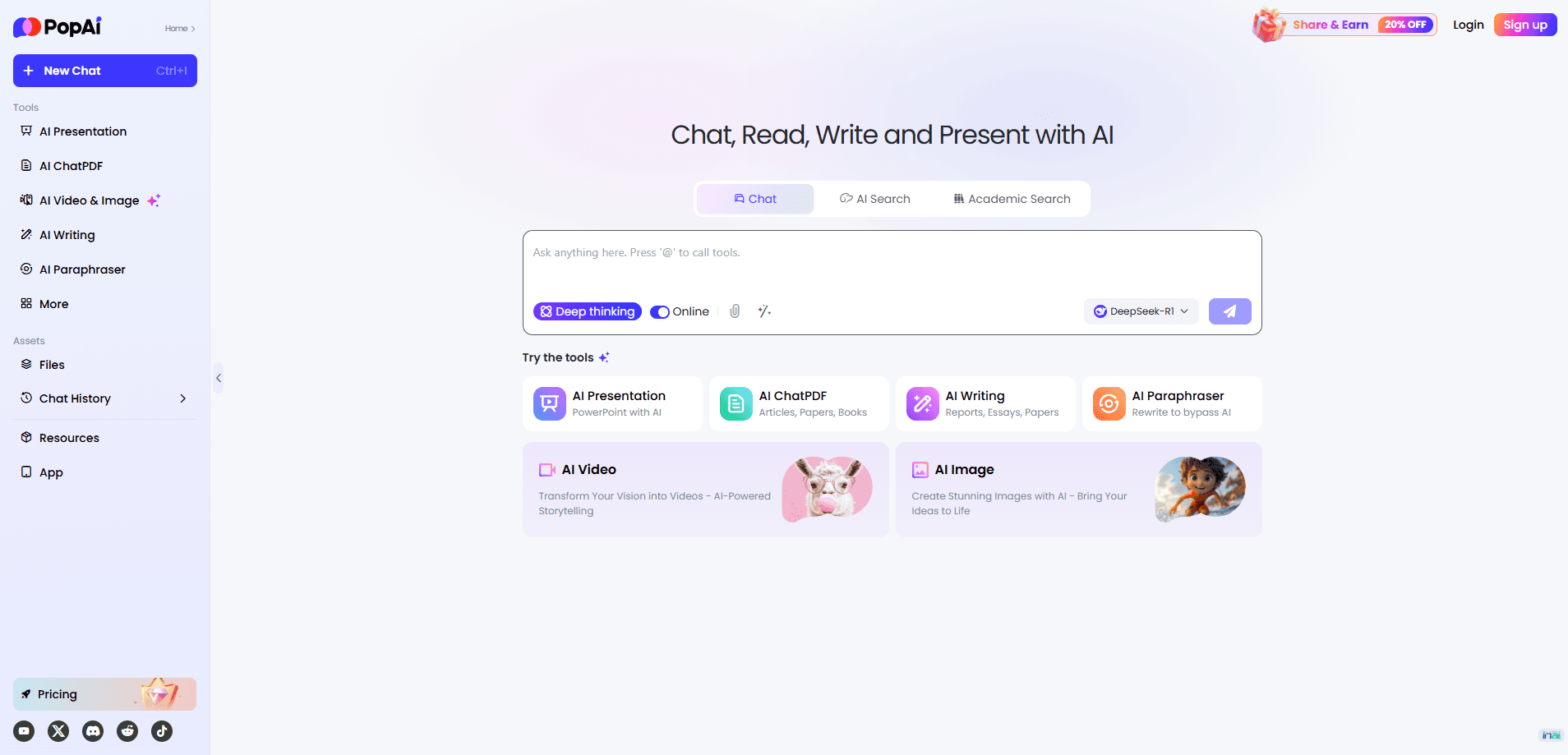
Most people reach PopAi through the presentation tool, which works as an AI PowerPoint generator and slide builder. Instead of starting from a blank slide, you describe what you need or upload a PDF, a Word document, a PPTX file or a webpage, and PopAi builds an outline first. You review the structure, pick a template, then export the deck as PPTX or PDF. The same account handles the rest: reading long PDFs, asking questions about them, writing drafts, and generating images.
Two limits matter before you sign up, and both show up in PopAi pricing. The free plan runs on a small monthly credit pool, so heavy presentation use burns through it fast. And AI Sheets is sold as a separate web product, so a Pro subscription doesn't include it.
Getting Started
- Sign up at popai.pro with an email or a Google account, then confirm the free credits on your plan
- Pick a tool from the sidebar: AI Presentation, AI ChatPDF, AI Chat, or AI Image
- For slides, type your topic or upload a PDF, Word document, PPTX file or webpage, then review the outline the AI proposes
- Choose a template or style, edit the slides in the online editor, and export as PPTX or PDF or share through a link
Product Information
A quick look at PopAi - AI Chat & Presentation's pricing, supported platforms, and performance.
Best for
The users, tasks, and scenarios where this tool fits best.
Users
- Students
- Teachers and trainers
- Knowledge workers and researchers
- Small teams without a designer
Tasks
- Turning notes or a brief into a slide deck
- Converting a document to slides
- Reading and questioning a PDF
- Writing and brainstorming
- Generating images and posters
Scenarios
- A class presentation is due tomorrow
- A quarterly report lands as a 60-page PDF
- A training session needs fresh material
- A market stall owner needs a poster
Key features
AI Presentation Maker
This is the feature most people come for. You feed PopAi a topic or a source file, it proposes an outline, and you approve or edit the structure before any slides are drawn. From there it generates layouts, text and visuals, and you keep editing in the browser. Finished decks export as PPTX or PDF, and paid plans remove the watermark.
Document to Presentation
PopAi accepts PDF, Word, PPTX and webpage inputs, so a report, a lesson plan or an older deck can become the source for a new one. The tool reads the material and pulls out the main ideas, which saves the slowest part of deck building: rereading everything to decide what belongs. For long or technical documents, check what the AI kept and what it dropped before you present.
AI ChatPDF and Document Reading
ChatPDF lets you upload a paper, book or report and talk to it. It summarizes sections, answers questions with citations back to the source text, and can translate or explain dense passages. Notes and annotations save automatically, so a research session doesn't disappear when you close the tab.
AI Chat
The chat handles everyday questions, drafting and brainstorming. It runs on current models and returns answers with search integration, so you can check facts that changed recently. It's the part that makes PopAi useful between presentations: quick summaries, email drafts, explanations of a hard concept.
AI Image Generator
You describe what you want, and PopAi generates an image or poster. It also reads images back the other way, which helps when you need to explain a chart or pull text out of a screenshot. The output feeds straight into slides and documents, so visuals stay in the same workspace as the text.
Credit-Based Plans and Model Access
PopAi runs on a credit system. The free plan gives a small monthly pool, Plus grants 10,000 credits a month with around 15 to 20 presentation generations, and Pro grants 50,000 credits with 75 to 100 generations. Higher plans unlock stronger models, watermark-free exports and PPTX and PDF download. Because credits cover every tool, heavy presentation use leaves less room for chats.
Pros and cons
Pros
- One account covers presentations, ChatPDF, chat and image generation, so you don't juggle separate subscriptions
- File-to-deck workflow accepts PDF, Word, PPTX and webpages, not just a typed prompt
- The outline step lets you fix the structure before the AI spends credits on slides
- Exports as PPTX and PDF, so decks keep working in PowerPoint or a fixed share format
- A free plan and cheap entry tier make it easy to test before paying
Cons
- The credit model hides the real cost of heavy use, since presentations and chats draw from the same pool
- Free exports carry a watermark, which rules out client or classroom use until you pay
- AI Sheets sits outside the subscription, so data work means a second product and a second fee
- Generated slides still need a fact check and layout tweaks, so it's a fast first draft rather than a finished deck
Frequently asked questions
PopAi is an AI workspace for making presentations, reading and questioning PDFs, chatting with an assistant, and generating images. You give it a topic or a file, and it produces an editable draft you refine and export. It's built for students, teachers and professionals who want one tool instead of several.
Related content
Explore related tools, skills, and articles for PopAi - AI Chat & Presentation.
PopAi - AI Chat & Presentation Alternatives

Base Code
Base44 (Wix) · Coding · ProductivityBase Code is a shared cloud development environment from Base44. Teammates describe changes to an existing GitHub codebase in chat, preview them live and send them back as pull requests.

Knocket
Knocket (Tencent RTC team) · Productivity · Business · ChatbotKnocket is a free live chat and contact page tool that lets visitors message you from your website, app, or a shareable link, with every reply handled from Telegram or one inbox.

FloorGen
Vinit Kumar (FloorGen) · Productivity · China AIFloorGen is a browser-based floor plan maker that turns a sentence or a sketch into an editable 2D plan and a 3D walkthrough. Export to PDF, DXF or video, and draw without an account.