

Portia AI
Portia AI · Coding · Other
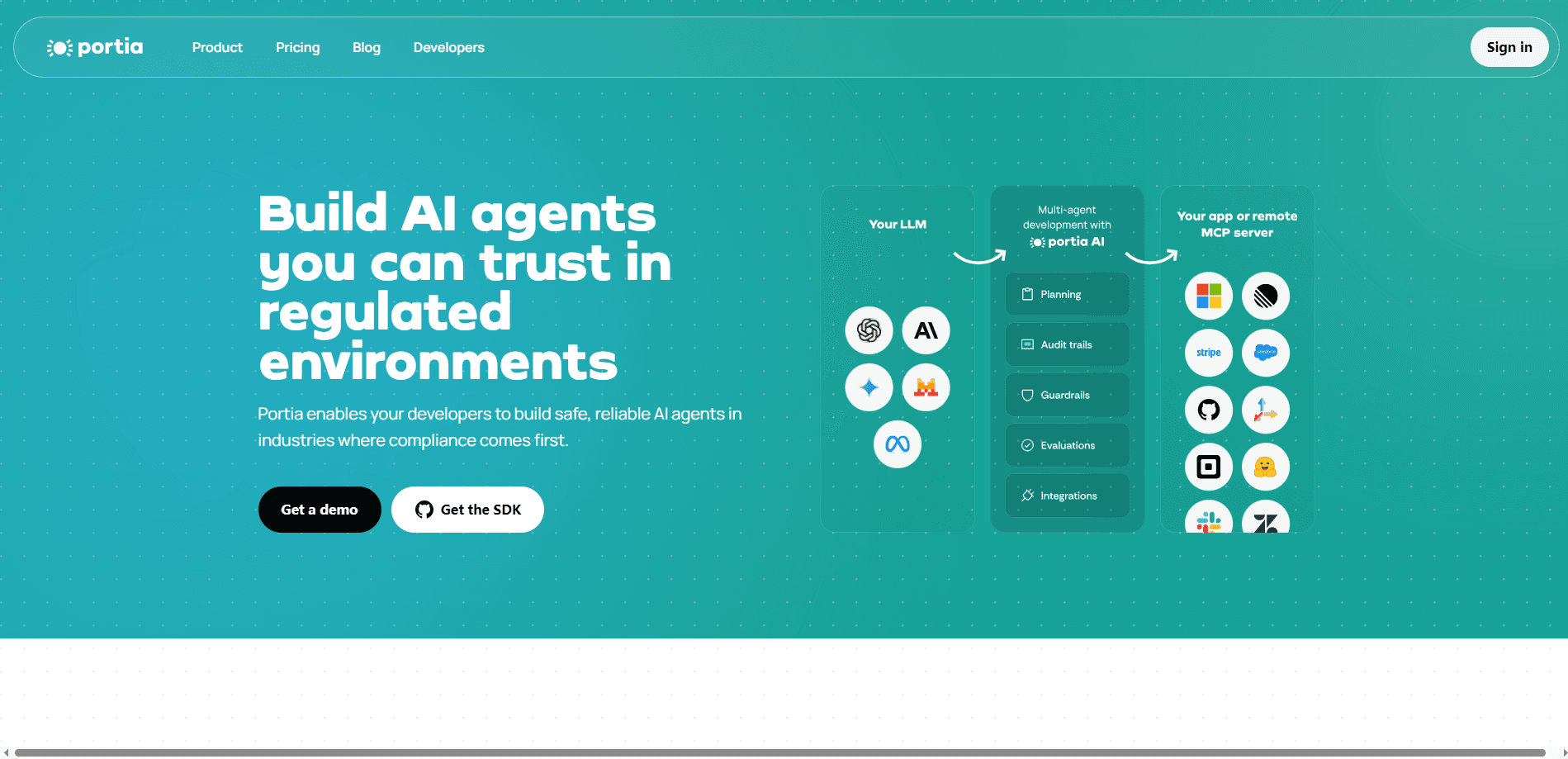
Portia AI is an open source framework for building predictable, authenticated AI agents that share a plan before they act and pause for human input when it matters.
About Portia AI
What Is Portia AI
Portia AI is an open source developer framework from a London team that wants agents to be predictable, controllable and authenticated instead of clever but unpredictable. You describe a task, the framework generates an explicit multi-agent plan, and you can read, edit or approve that plan before a single tool call runs. That one design choice is what separates it from frameworks that let an agent improvise its way to an answer.
The pitch is aimed at teams who tried agents, liked the demo, and then watched those same agents fall apart in production. Portia AI gives agents a run state they report back as they work, so you always know what step they reached and why. Human checkpoints are a first class idea rather than a bolt-on: an agent can stop, ask for a credential or an approval, and wait, which is the sort of behavior regulated industries need before they let software touch real accounts.
It's open source and Python first, so the free path is genuinely usable, but the tradeoff is that you're a developer who lives in code. If you want a no-code chatbot builder, this isn't it. The cloud layer adds a hosted runtime, more than 1,000 prebuilt tools with built-in authentication, and a dashboard, which is where the paid side of the product lives.
Getting Started
- Install the Python SDK with pip install portia-sdk-python, and make sure you're running Python 3.11 or higher
- Set an LLM API key such as OPENAI_API_KEY, or grab a free Portia API key from the app dashboard if you want cloud tools and run logging
- Describe the task, then let the planning agent generate a structured plan; you can inspect or adjust it before approving
- Attach a tool registry (local tools, a private set, or the 1,000+ cloud and MCP tools), then run the plan and review each step
Product Information
A quick look at Portia AI's pricing, supported platforms, and performance.
Best for
The users, tasks, and scenarios where this tool fits best.
Users
- Backend developers
- Fintech and compliance teams
- Startups shipping automation
- Enterprise IT teams
- AI engineers managing multiple agents
Tasks
- Generating a structured plan
- Human in the loop approvals
- Authenticated tool calls
- Stateful long-running work
- Cross-system data gathering
Scenarios
- A refund needs approval
- Onboarding under compliance rules
- A workflow hits a login page
- Monitoring transactions
- Scheduling across tools
Key features
Predictable Multi-Agent Plans
Instead of letting an agent figure out its approach as it goes, Portia AI generates a structured plan first and shows it to you. You can build that plan conversationally or assemble it by hand with the PlanBuilder, then review the steps before execution starts. For teams burned by agents that go off script, seeing the plan ahead of time is the whole point.
Human in the Loop Controls
Portia AI treats human oversight as a design feature, not an exception handler. Agents can pre-express their actions, share progress and be interrupted mid-run. An ExecutionHook lets you insert deterministic tasks, and clarifications create a clean handoff where a person supplies input or a credential and the agent resumes.
Built-In Authentication
Agents usually break when they hit a wall that needs a password. Portia AI handles credentials for both API tools and browser sessions through its clarification interface, so an agent can request what it needs without you baking secrets into code. On the cloud side, more than 1,000 prebuilt tools ship with authentication already wired up.
1,000+ Cloud and MCP Tools
You connect tool registries from any MCP server, local tools, or another provider such as ACI.dev. The Portia cloud adds a library of 1,000+ cloud and MCP tools with out-of-the-box auth, so agents reach common SaaS apps without custom glue. An open source browser tool also lets agents navigate sites, including the captchas and logins that stop most automation.
Stateful Execution and Agent Memory
Long tasks need somewhere to put their data. A PlanRunState enriches during execution to track progress, and large inputs and outputs are stored and retrieved automatically in agent memory at runtime. That's what lets an agent handle big files or paginated APIs without losing the thread between steps.
Bring Any LLM and Your Own Cache
Portia AI connects to OpenAI, Anthropic, Mistral, Gemini, Bedrock and Azure OpenAI, and it also supports custom or self-hosted models such as Llama. You can point runs at your own Redis server for caching, and attribute multi-agent runs and auth at an EndUser level so usage stays organized across a team.
Pros and cons
Pros
- Plan-first design means you see and approve what an agent will do before it happens, which builds trust fast
- Human in the loop and clarifications are native, not an afterthought, so approvals and logins fit real workflows
- Open source Python core with a free tier lets you test in production-like conditions before paying
- 1,000+ prebuilt cloud and MCP tools with built-in auth cut a lot of integration work
- Works with most major LLMs plus self-hosted ones, so you aren't locked to a single model vendor
Cons
- It's a developer framework, so there's no drag-and-drop builder for non-coders
- You need Python 3.11 or higher, which rules out older environments without an upgrade
- The most useful cloud tools and run logging pull you toward the paid seats over time
- Enterprise-scale deployments take some setup work around tools, auth and hosting
Frequently asked questions
Portia AI is used to build AI agents that need to be reliable in production, especially in regulated settings. Developers use it to generate explicit multi-agent plans, run them with state tracking, and add human approval steps before an agent takes a sensitive action.
Related content
Explore related tools, skills, and articles for Portia AI.
Portia AI Alternatives

Udon
Udon · Coding · ProductivityUdon turns an Apple Silicon Mac into a home server you run from a browser, with container controls, file shares, and an optional AI sysadmin.

offstage
offstage cloud · Coding · Productivityoffstage gives AI coding agents and CI jobs a real Mac: a fresh macOS account on Apple silicon, driven over an API and billed by the second.

BotBus
Chengdu Tuyang Tusen Technology Co., Ltd. · Coding · ProductivityBotBus lets you control AI coding agents from your phone and watch: approve commands, start tasks and read results while the code stays on your desktop.