

PPT.AI
PPT.AI · Productivity
PPT.AI is an AI presentation maker that turns a topic, document, PDF, website or video into editable PowerPoint slides in minutes, with a free plan and paid tiers from $7.9 per month.
About PPT.AI
What Is PPT.AI
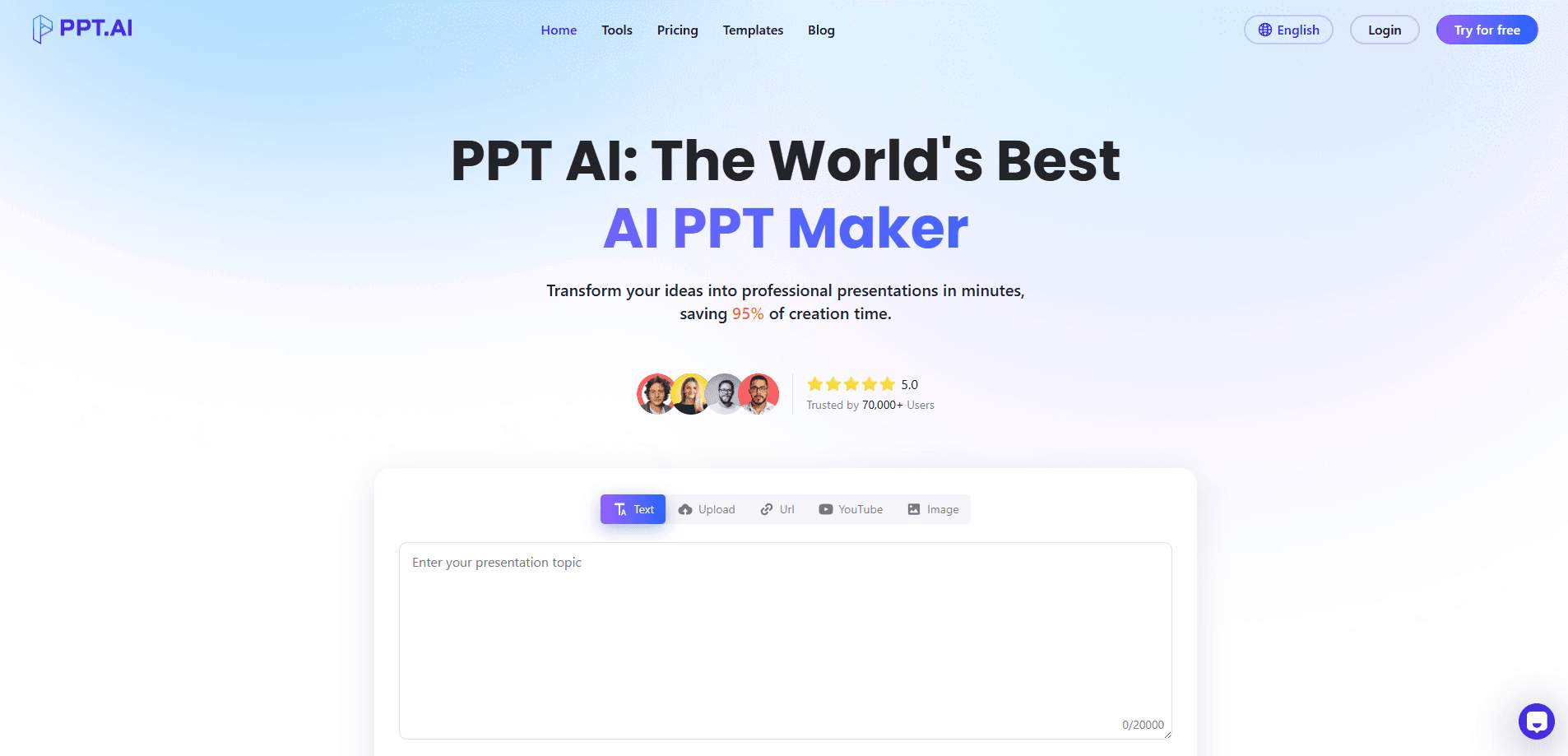
PPT.AI is a web based AI PowerPoint generator that builds slide decks for you. You type a topic or upload source material, and the system writes the outline, arranges the layout and picks the visuals. The output opens as a normal PPT, PPTX or PDF file that you can keep editing in the browser or in PowerPoint.
The core promise is speed. A 20 slide deck that used to eat an afternoon shows up in under two minutes, which is why students, sales teams and trainers make up most of its user base. The company says its algorithms were trained on millions of professional decks and reports a 95 percent time saving over building slides by hand.
Nothing here replaces a designer. The templates look clean, but the AI still guesses at emphasis and structure, so anything client facing will need a pass from a human before you present it.
Getting Started
- Create a free account with an email address or a Google login.
- Paste a topic, or upload a Word file, PDF, TXT or Markdown document as the source.
- Pick a template style and set the slide count you want.
- Let PPT.AI generate the deck, then edit text, colors, fonts and images in the built in editor.
- Export to PPT, PPTX or PDF, or share a link with your team.
Product Information
A quick look at PPT.AI's pricing, supported platforms, and performance.
Best for
The users, tasks, and scenarios where this tool fits best.
Users
- Students and teachers
- Sales and marketing staff
- Small business owners
Tasks
- Turning a document into slides
- Building a quick pitch deck
- Translating an existing deck
Scenarios
- A weekly team update due the next morning
- A conference talk where the visuals matter less than the argument
- A classroom lesson prepared the night before
Key features
Text and Document to Slides
Paste a topic or drop in a Word file, PDF, TXT or Markdown document, and PPT.AI reads the structure and breaks it into slides. It writes the headings and body copy for each page, so the first draft is done before you open an editor. This is the feature most people come for, because it removes the blank page problem entirely.
Smart Template Matching
The maker ships 50 or more templates and picks a layout that fits your content. Business, education and creative styles each have their own starting points, and the tool adjusts color and spacing to match the theme. You can swap templates after generation without losing your text, which makes it a real text to slides converter rather than a one shot guess.
Built In Editing Tools
Every deck stays editable in the browser. You change fonts, colors, images, layout and text by hand, or ask the AI to rewrite a section for you. Decks also export cleanly to PowerPoint, so you can finish the job in software you already know.
Multi Language Generation
PPT.AI supports 15 major languages, including English, Chinese, Japanese, Korean, Spanish, French and German, with native level handling rather than word for word translation. That matters if your audience reads a language other than the one you draft in.
Fast Generation
A presentation generator lives or dies on how quick the first draft lands, and PPT.AI delivers here. A full deck comes out in roughly 30 to 90 seconds for a typical brief. Longer documents take more time. You review and tweak after, so the tool fits into a short work session rather than a full planning block.
Content Organization
The system groups related points, orders sections into a logical flow and suggests where a chart or image earns its place. You end up with a read of the argument rather than a pile of text blocks, which cuts down on the rewriting you'd otherwise do.
Pros and cons
Pros
- Generates a usable first draft in under two minutes from a topic or an uploaded file.
- Free plan lets you test the full pipeline before you pay anything.
- Accepts Word, PDF, TXT and Markdown as input and exports to PPT, PPTX and PDF.
- Templates and editing tools keep the deck editable long after generation.
- Supports 15 languages, so it works beyond an English only audience.
Cons
- Free decks download with a watermark, so polished client work needs a paid plan.
- The free plan caps slides at 15 and decks at 3 a month, which runs out fast for regular users.
- Templates, not custom design: anything that needs a specific brand look will still take manual work.
- No public API, so it can't be wired into an automated workflow.
Frequently asked questions
It builds slide decks from a topic, document or website, then lets you edit and export them. Most people use this AI slide maker to skip the layout and formatting stage of making a presentation.
Related content
Explore related tools, skills, and articles for PPT.AI.
PPT.AI Alternatives

Base Code
Base44 (Wix) · Coding · ProductivityBase Code is a shared cloud development environment from Base44. Teammates describe changes to an existing GitHub codebase in chat, preview them live and send them back as pull requests.

Knocket
Knocket (Tencent RTC team) · Productivity · Business · ChatbotKnocket is a free live chat and contact page tool that lets visitors message you from your website, app, or a shareable link, with every reply handled from Telegram or one inbox.

FloorGen
Vinit Kumar (FloorGen) · Productivity · China AIFloorGen is a browser-based floor plan maker that turns a sentence or a sketch into an editable 2D plan and a 3D walkthrough. Export to PDF, DXF or video, and draw without an account.