
PRDKit
Chordio, Inc. · Productivity
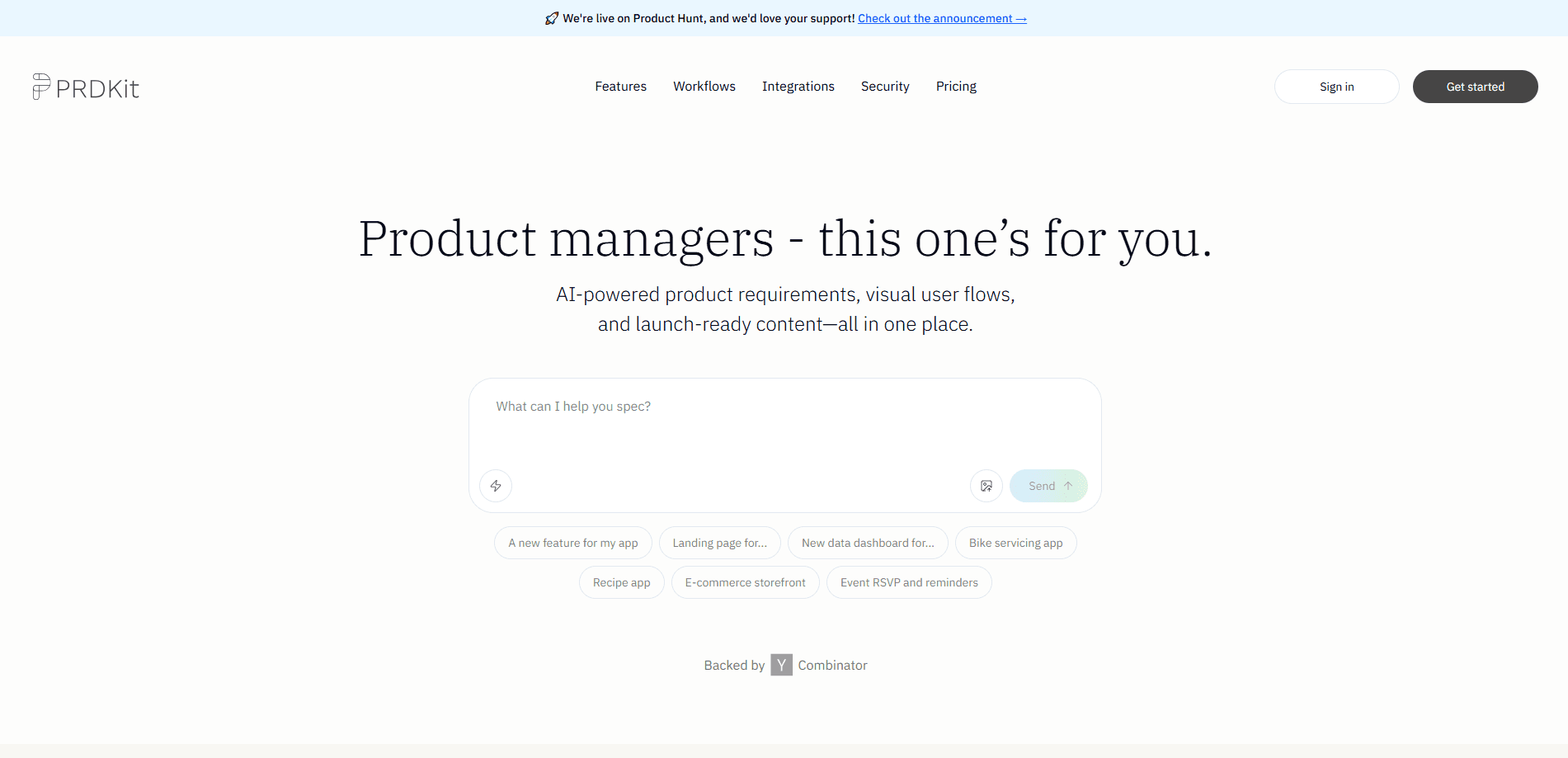
PRDKit is an AI tool from Chordio that turns a conversation about your idea into a structured product requirements document, plus user flows, wireframes, and launch content.
About PRDKit
What Is PRDKit
PRDKit is a web app for product managers, founders, and small teams who need a real product requirements document (PRD) without spending days writing one. You describe what you're building in a chat, and the tool drafts a structured PRD you can edit, expand, and share.
The main problem it targets is the slow, solitary work of turning a rough idea into something a team can act on. Instead of starting from a blank template, you answer questions and PRDKit fills in the structure. It also generates supporting pieces, such as user flow diagrams, wireframes, and social posts, so the same chat feeds more than one deliverable.
The biggest limits are scope and trust. Output quality depends on how much context you give it, so a vague chat produces a vague PRD. Several headline features, including press releases, demo scripts, and Microsoft Teams, are still marked "Soon" on the official site. The company also states that your data is never used to train public AI models. Even so, you should check the privacy page for details before sharing sensitive specs.
Getting Started
- Sign up on the PRDKit website with an email or a work account.
- Start a chat and describe your product idea, target users, and goals in plain language.
- Review the generated PRD and ask PRDKit to expand sections, tighten wording, or add missing details.
- Generate supporting artifacts, like wireframes or user flows, from the same PRD.
- Copy a shareable link or paste the output into Notion, Confluence, or your team workspace.
Product Information
A quick look at PRDKit's pricing, supported platforms, and performance.
Best for
The users, tasks, and scenarios where this tool fits best.
Users
- Product managers
- Early-stage founders
- Small product teams
Tasks
- Drafting a first-pass PRD
- Mapping user flows
- Preparing launch content
Scenarios
- Validating an idea before build
- Iterating on a live product
- Aligning cross-functional teams
Key features
Conversational PRD generation
You describe your product in a chat and PRDKit builds a structured PRD around it. You can keep asking it to clarify sections, add features, or rewrite parts until the document reads the way you want. This is the core of the tool, and the quality of the result tracks directly with how much detail you provide.
Supporting content from one PRD
Beyond the document itself, PRDKit generates wireframes, user flows, and social posts from the same source. That means you don't rewrite the same idea for different formats. Some items, including press releases and demo scripts, are listed as coming soon.
Live prototyping export
PRDKit exports your PRD in an LLM-optimized format for live prototyping with tools like Bolt, Lovable, v0, and Cursor. You move from requirements to a working prototype without manually reworking the text. It's aimed at teams that already build with AI coding tools.
Automated context gathering
Paste your homepage URL and PRDKit pulls in signals about your product, audience, and business goals. This matters most when you're specing a feature for an existing product rather than starting from zero. It reduces the setup work before the first draft.
Product screen analysis
Upload screenshots of your product and PRDKit maps the flows, features, and interface elements it finds. Teams use this to rebuild context for large products where no one person holds the full picture. The accuracy depends on how clear the screens are.
Knowledge Hub
PRDKit builds product knowledge for you, generating personas, user journeys, and business objectives automatically. These assets feed the PRD and stay reusable across projects. It's most useful for teams handling more than one product at a time.
Works where you already are
You can reach PRDKit on the web and, per the official site, in Slack, with Microsoft Teams listed as coming soon. Sharing is built in through links or a paste into Notion, Confluence, or another workspace. The company says it doesn't use your data to train public AI models.
Pros and cons
Pros
- Turns a plain-language chat into a structured PRD quickly, cutting the blank-page problem.
- Generates user flows, wireframes, and social posts from the same PRD, so you avoid rewriting for each format.
- Exports to an LLM format for prototyping tools like Bolt, Lovable, v0, and Cursor.
- Has a free plan with 10 credits, and Premium runs $15 per seat per month billed yearly.
- States that your data is not used to train public AI models, which matters for confidential product plans.
Cons
- Output quality depends heavily on the context you give, so thin input means a thin PRD.
- Press releases, demo scripts, and Microsoft Teams are still marked "Soon", so you can't rely on them today.
- No public API is documented, which limits automated or large-scale use.
- The free tier's 10 credits are easy to burn through if you iterate a lot.
Frequently asked questions
PRDKit is used to draft product requirements documents and related artifacts. You chat about your idea, and it produces a structured PRD along with user flows, wireframes, and launch content.
Related content
Explore related tools, skills, and articles for PRDKit.
PRDKit Alternatives

Base Code
Base44 (Wix) · Coding · ProductivityBase Code is a shared cloud development environment from Base44. Teammates describe changes to an existing GitHub codebase in chat, preview them live and send them back as pull requests.

Knocket
Knocket (Tencent RTC team) · Productivity · Business · ChatbotKnocket is a free live chat and contact page tool that lets visitors message you from your website, app, or a shareable link, with every reply handled from Telegram or one inbox.

FloorGen
Vinit Kumar (FloorGen) · Productivity · China AIFloorGen is a browser-based floor plan maker that turns a sentence or a sketch into an editable 2D plan and a 3D walkthrough. Export to PDF, DXF or video, and draw without an account.