

Premast
Premast · Productivity
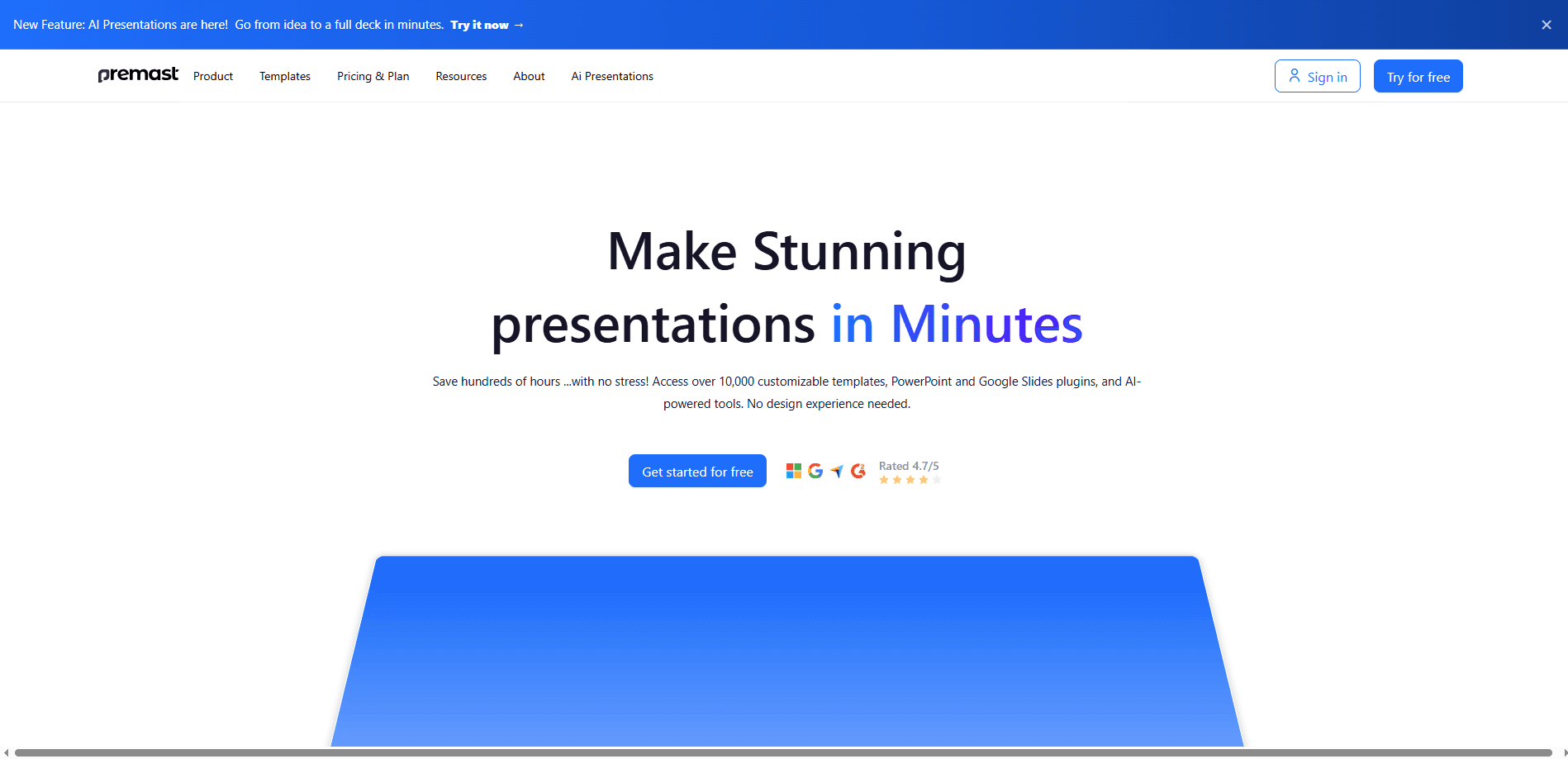
Premast is the presentation design platform built around a library of over 10,000 customizable slides and assets. Think of it as a presentation design tool that lives inside the app you already use: you install a plugin in PowerPoint or Google Slides, browse the library without leaving your slide deck, and drag the pieces you like onto a canvas. Teams that keep a fixed house style get brand kits and preset layouts. Anyone who'd rather describe a slide than build it can lean on AI generation for text and images. Everyone wants a deck that looks like a designer made it. Few people want to spend the weekend learning one. The result is a deck that looks deliberate instead of assembled, usually in a few minutes.
About Premast
What Is Premast
Premast solves a narrow but real problem: most people can write a presentation, but they can't design one. Building a deck that looks sharp usually means juggling separate design tools, exporting images, and pasting everything back, and that constant switching between a design app and your slide software is where the whole afternoon disappears. Premast skips that loop. Its template library and plugins live inside the app you already present from, so the design work happens on the slide itself.
The catalog is big. Templates span business, education, marketing, pitch decks, and internal reports. So what does five figures of templates actually buy you? Range, mostly. Every deck design platform lives or dies on that range. Each template comes as editable slides rather than flat images. You can recolor a template to match a logo, swap fonts, or restructure the whole layout. For teams, brand kits lock those choices down so a shared deck doesn't drift into five different looks.
The limits are worth knowing up front. Premast is a design layer rather than a full presentation app, so it won't host your slides, run a webinar, or manage your audience for you. There's no Google Play app. Everything runs through the web, the desktop plugin, or the workspace marketplace. And the richest AI options sit toward the paid end. If you present a couple of times a year with a plain deck, the free tier is probably enough.
Getting Started
- Go to premast.com and create a free account with your email or a Google sign-in.
- Install the Premast plugin for PowerPoint, Google Slides, or the Microsoft and Google Workspace marketplaces.
- Open the plugin panel inside your presentation app and browse templates by category, color, or industry.
- Drag a template or asset onto a slide, then swap the text and images for your own content.
- Save your slide as a reusable template, or export the finished deck in PPTX or PDF.
Product Information
A quick look at Premast's pricing, supported platforms, and performance.
Best for
The users, tasks, and scenarios where this tool fits best.
Users
- Small business owners
- Marketing and sales teams
- Students and teachers
- Freelancers and consultants
Tasks
- Building a pitch deck from scratch
- Rebranding an existing deck
- Generating slide content with AI
- Creating one-off presentation assets
Scenarios
- A last-minute investor meeting, where the deck has to look finished today and there's no time to open a design tool, learn it, and rebuild every slide from scratch.
- A recurring monthly report where the layout should stay identical from one month to the next.
- A team handoff, where one person starts a deck and a colleague finishes it without breaking the design.
Key features
In-App Plugin for PowerPoint and Google Slides
The plugin is the core of how Premast works. Instead of opening a separate design site, you browse the template library from a side panel inside PowerPoint or Google Slides, then drag elements straight onto the slide you're editing, which means you never have to leave the document you're presenting from. That keeps your workflow in one window and avoids the usual export-and-paste routine. Setup takes a couple of minutes through the marketplaces.
A Library of 10,000+ Editable Templates
The catalog covers pitch decks, business reports, lesson plans, marketing presentations, and more, and every template is fully editable rather than a locked image. You can change colors, fonts, spacing, and layout, or pull individual slides out of a large pack and use only what fits. For people who make decks often, that range usually means starting from something close instead of from zero. That saves real hours.
Brand Kits and Design Consistency
Brand kits let you store a set of colors, fonts, and logos and apply them across slides. Think of it as brand kit software that keeps everyone honest. On a team, this is the difference between five slightly different decks and one recognizable style. It matters most when several people build slides for the same company. The rules travel with the template rather than living in someone's head. Nobody has to chase the latest logo file. Nobody has to chase the latest logo file.
AI Content and Image Generation
Premast includes AI tools for generating slide content and images. You describe roughly what a slide should say or show, and the tool drafts a starting point you edit. It works as a straight AI presentation maker too, drafting text and images when you'd rather not start blank. It's most useful for breaking a blank-slide block or roughing out an outline. It won't replace your own copy. Good enough for a draft. Richer AI generation tends to sit on the paid plans.
Premast Studio for Custom Design Work
Beyond the self-serve library, Premast runs a studio service for teams that need tailor-made presentations. If a template gets you 80% of the way but a launch or keynote needs something original, the studio handles full presentation redesign. It's a service layer on top of the product. Picture it as an in-house design team you rent by the project.
Export to PPTX and PDF
Finished work exports in common formats, so a deck stays editable in PowerPoint or shareable as a fixed PDF. That flexibility matters when the same presentation has to be emailed as a read-only file and also reopened later for edits. No lock-in. That's the point.
Pros and cons
Pros
- Works inside PowerPoint and Google Slides, so there's no separate design app to learn.
- Large, genuinely editable template library that covers most common deck types.
- Brand kits keep multi-person decks visually consistent without manual checking.
- Free tier is usable for occasional presentations, with paid plans scaling to team needs.
- AI generation helps clear a blank slide when you're short on time or ideas.
Cons
- No standalone mobile app, so everything depends on the web and a desktop presentation tool.
- It's a design layer, not a hosting service, so it won't present or share decks for you.
- Offline use is limited, since browsing templates and AI features need a connection.
- The strongest AI and brand features sit behind paid plans, so free users hit limits quickly.
Frequently asked questions
Premast is used to design presentations faster. You pull editable PowerPoint templates, Google Slides templates, assets, and AI-generated content into your presentation app through a plugin, then customize the slides to fit your topic. It's mainly for people who want a polished deck without doing the design work manually.
Related content
Explore related tools, skills, and articles for Premast.
Premast Alternatives

Base Code
Base44 (Wix) · Coding · ProductivityBase Code is a shared cloud development environment from Base44. Teammates describe changes to an existing GitHub codebase in chat, preview them live and send them back as pull requests.

Knocket
Knocket (Tencent RTC team) · Productivity · Business · ChatbotKnocket is a free live chat and contact page tool that lets visitors message you from your website, app, or a shareable link, with every reply handled from Telegram or one inbox.

FloorGen
Vinit Kumar (FloorGen) · Productivity · China AIFloorGen is a browser-based floor plan maker that turns a sentence or a sketch into an editable 2D plan and a 3D walkthrough. Export to PDF, DXF or video, and draw without an account.