

Preprocess
Preprocess · Productivity · Business
Preprocess was a document chunking API that split PDFs, Office files and HTML into RAG-ready text chunks. The service has since been discontinued.
About Preprocess
What Is Preprocess
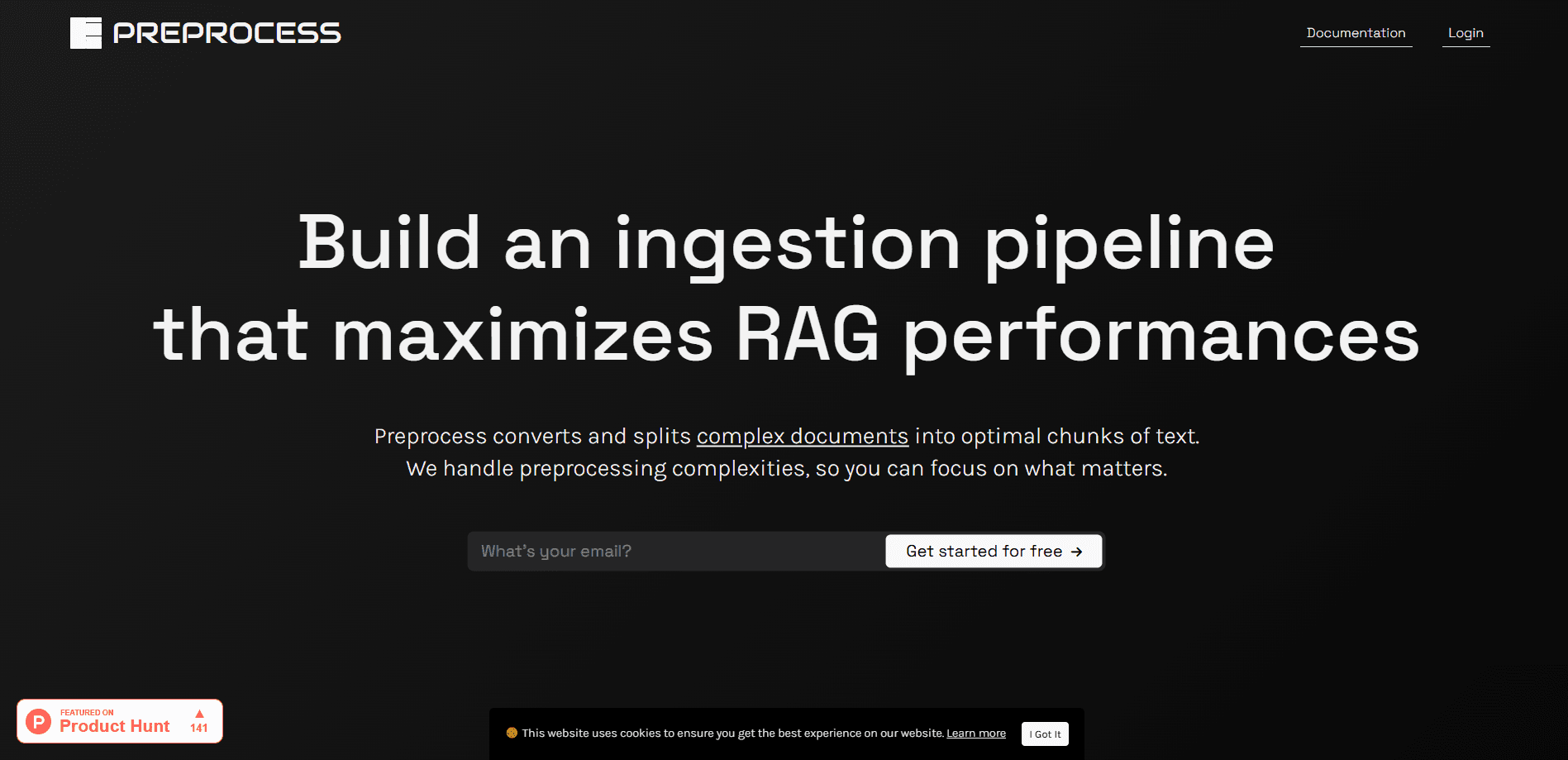
Preprocess was a PDF parsing API at its core, and it turned long, complex documents into text chunks built for retrieval. Instead of cutting a file every few hundred words, it parsed titles, sections, paragraphs, tables, images and lists, then split the content along the document's own layout and meaning. The company pitched the output as RAG-ready data: clean pieces you could embed, index and drop into a vector database without cleaning them up first.
The problem RAG data preprocessing set out to solve was real. Most teams split documents on a fixed word count, and that method hands the model whatever happens to fall inside the window. A table row gets glued to an unrelated heading, a definition loses its list, and the language model answers from fragments. Preprocess claimed the layout-aware route could improve RAG performance by up to 10x, which is the company's own figure rather than an independent benchmark.
One thing matters more than any feature now. The preprocess.co service is no longer available. The official site serves an empty directory, the vendor shut the service down, and the Python SDK and LlamaIndex reader both carry a note that the project is discontinued and should be removed from projects. If you land here while shopping for a chunking API, treat this page as a record of what the tool did and what to look for instead.
Getting Started
These were the steps when the service was live.
- Sign up at the Preprocess app and buy a credit package to unlock an API key
- Send a document to the parse endpoint by upload or through the Python SDK
- Let the asynchronous parse finish, then either receive the result on your webhook or pull it with a GET call within 24 hours
- Feed the returned chunks straight into your vector store, skipping a separate text splitter
Product Information
A quick look at Preprocess's pricing, supported platforms, and performance.
Best for
The users, tasks, and scenarios where this tool fits best.
Users
- AI engineers building RAG pipelines
- Backend developers without an in-house parser
- Product teams shipping an AI assistant
Tasks
- Chunking long PDFs
- Extracting tables and lists
- Handling scanned documents
- Processing Office and HTML files
Scenarios
- A legal or finance team feeding dense contracts into a search tool
- A support bot built from product manuals and help pages
- A startup with no parsing team
- A batch ingestion job
Key features
Layout-Aware Intelligent Chunking
The core feature split documents by following titles, sections, paragraphs, tables, images and lists, then grouped long passages by meaning. That approach aimed each chunk at one topic, so an embedding captured a single idea. The company argued this alone lifted retrieval quality and cut hallucinations, since the model stopped receiving mismatched fragments.
Broad Format Support
The API took PDFs, Microsoft Office files, OpenOffice files, HTML and plain text through one endpoint. Scanned PDFs worked too, because text extraction ran before chunking. For teams pulling from mixed sources, that meant one integration instead of a parser per file type.
Asynchronous API and Webhooks
Parsing a long document takes time, so the API ran asynchronously. A parse call confirmed receipt, then the finished chunks arrived on a webhook or could be fetched with a GET request for 24 hours. That design fit batch jobs where dozens of files process at once and nothing waits in line.
Python SDK and LlamaIndex Integration
A pypreprocess SDK wrapped the API in a few lines of Python, and a LlamaIndex reader loaded chunked files or retrieved past results by process ID. The reader also handled whole-document text when a team wanted to run its own pipeline. Both the SDK and the reader are now marked discontinued.
Credit-Based Pricing Without Subscriptions
Preprocess skipped monthly fees. You bought a package of credits and topped up when they ran out. A page of a document or presentation cost one credit, a sheet in a spreadsheet cost one credit, and HTML or text files were converted to PDF before counting. That model suited teams with uneven workloads.
Enterprise Controls
Higher tiers added image export, chunk boundary control, zero data retention agreements, on-prem deployment and custom processing pipelines. Those options targeted regulated industries where document data cannot leave a company's own infrastructure.
Pros and cons
Pros
- Chunked by layout and meaning, so retrieval pulled passages that stayed on topic
- One endpoint covered PDFs, Office files, HTML and plain text, scanned files included
- No subscription, just credit packages that fit bursty workloads
- Webhooks and a Python SDK fit existing ingestion pipelines without extra glue
- A LlamaIndex reader meant it dropped into a common RAG stack
Cons
- The service is discontinued, so there is no way to sign up, buy credits or call the API today
- The up-to-10x performance claim came from the vendor, and no independent benchmark backed it
- Pricing was prepaid credits rather than a metered plan, which meant paying up front for capacity you might not use
- Advanced controls like chunk boundaries and on-prem deployment sat behind the enterprise tier
Frequently asked questions
Preprocess was a document chunking API for RAG pipelines. It parsed PDFs, Office files, HTML and plain text, then split them into text chunks that followed the document's layout and meaning, so each piece could be embedded and indexed on its own.
Related content
Explore related tools, skills, and articles for Preprocess.
Preprocess Alternatives

Base Code
Base44 (Wix) · Coding · ProductivityBase Code is a shared cloud development environment from Base44. Teammates describe changes to an existing GitHub codebase in chat, preview them live and send them back as pull requests.

Knocket
Knocket (Tencent RTC team) · Productivity · Business · ChatbotKnocket is a free live chat and contact page tool that lets visitors message you from your website, app, or a shareable link, with every reply handled from Telegram or one inbox.

FloorGen
Vinit Kumar (FloorGen) · Productivity · China AIFloorGen is a browser-based floor plan maker that turns a sentence or a sketch into an editable 2D plan and a 3D walkthrough. Export to PDF, DXF or video, and draw without an account.