
PREQUEL
Prequel Inc. · Image
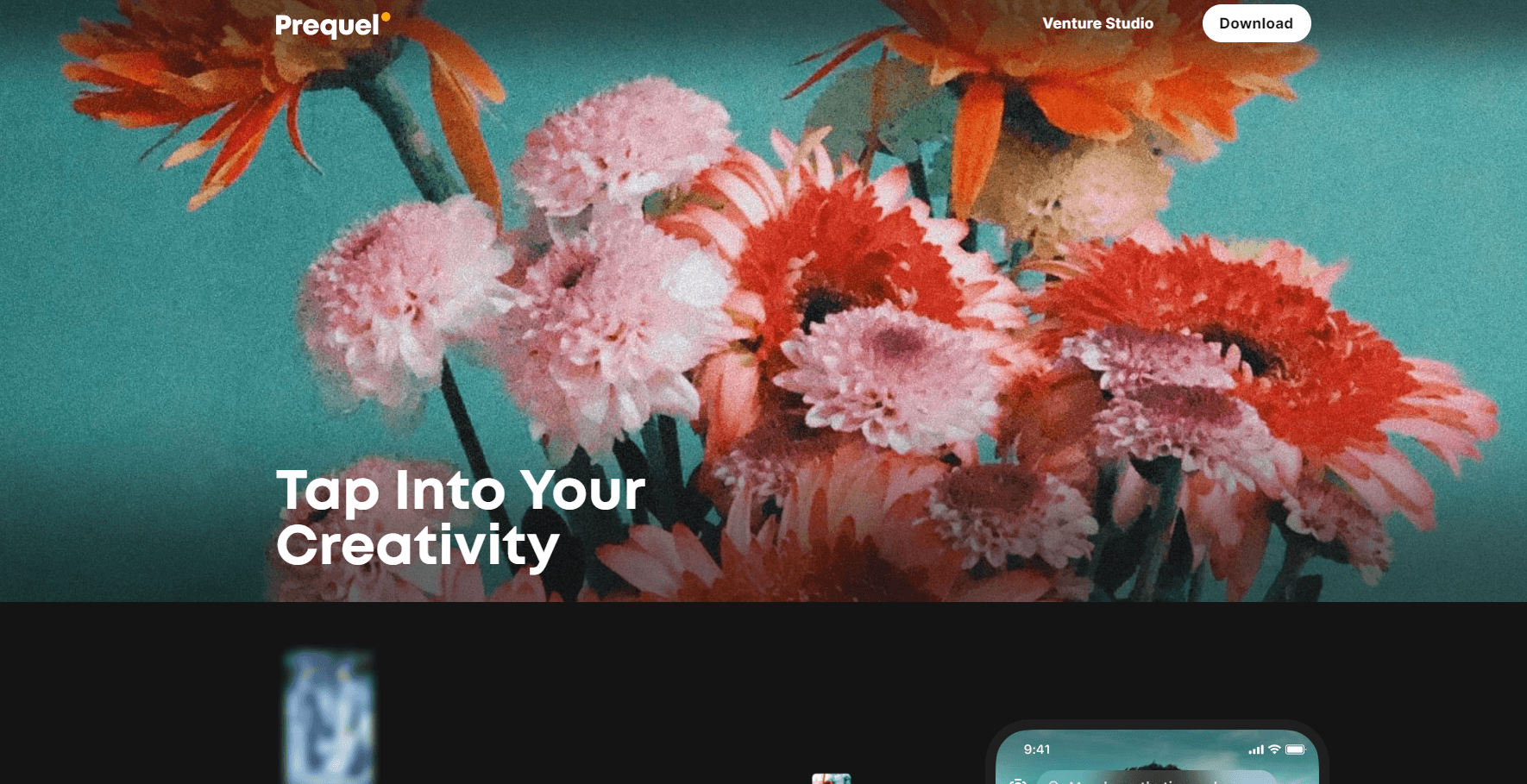
PREQUEL is a photo and video editor from Prequel Inc. that puts 800+ filters, retro film looks, AI portrait styles and one-tap video templates on your phone, free to start.
About PREQUEL
What Is PREQUEL
PREQUEL is a camera and editing app built around a single idea: you shouldn't need a desktop suite to make a photo or a short clip look like it came out of a film lab. It ships a large library of effects, film filters and video templates, and it wraps the technical part in sliders and presets. The company is Prequel Inc., and the app first landed on the App Store in March 2018.
The app solves a narrow, common problem. Phone cameras produce clean, flat images, and the social platforms people post to reward a strong visual style instead. PREQUEL gives you that style in taps instead of layers, which is why it sits next to Instagram and CapCut on a lot of home screens rather than next to Lightroom.
The limits matter too. Everything runs on the phone, there's no web or desktop version, and the strongest looks sit behind a paid subscription called Prequel Gold. Free users get a workable set of effects, but they'll notice the locked tiles quickly.
Getting Started
- Install PREQUEL from the App Store or Google Play. No account is needed to open the editor.
- Pick a photo or video from your library, or shoot one inside the app.
- Choose a look from the effects, filters or templates row, then layer text, stickers or music on top.
- Fine tune contrast, warmth, saturation or sharpening with the adjustment sliders.
- Export to your camera roll and post. Gold removes the limits on locked filters and templates.
Product Information
A quick look at PREQUEL's pricing, supported platforms, and performance.
Best for
The users, tasks, and scenarios where this tool fits best.
Users
- Casual social posters
- Selfie and portrait shooters
- Small creators on a phone budget
- Nostalgia hunters
Tasks
- Turning a plain portrait into a profile picture
- Cutting a 15 second clip for Reels or Shorts
- Batch editing a set of photos with the same film look, so a feed stays visually consistent across a week of posts.
Scenarios
- Posting daily to Instagram or TikTok and needing fresh looks that don't repeat
- Preparing a trip recap
- Testing a brand aesthetic before paying a designer
Key features
Effects and Film Filters
The effects library is the reason most people install the app. Prequel lists 800+ effects across the paid catalog, with 300+ available in the free tier, covering D3D, AR objects, captions and film styles named after the eras they imitate. Filters come grouped by mood, so you can jump from vintage to retro to Y2K without hunting through a flat list. It works as a retro camera app and a film filter app on the same screen. Each one renders on device in a second or two.
AI Portrait Styles
The AI photo editor side turns selfies into something else entirely. Point the camera at a face and you get comic book panels, painted portraits and stylized avatars built for profile pictures. It's the feature that made the app spread on social platforms, and the output is good enough to post without a second app. Portraits with strong side lighting come out cleaner than flat indoor shots.
Retouch Tools
Retouching stays manual, which is the right call. You choose how much smoothing goes on the skin, how white the teeth get, and whether the jaw line moves at all. Nothing is applied automatically, so a face still looks like a face when you're done. Most selfie editor apps guess at all three, and the guessing shows. Anyone who has watched an auto beauty filter erase a freckle will appreciate the control.
Manual Adjustments
Under the preset layer sits a normal set of sliders: contrast, brightness, saturation, warmth, sharpening and grain. They're enough to rescue an underexposed shot or pull a preset back when it goes too far. It won't replace a raw workflow on a mirrorless camera, and it isn't trying to.
Video Templates
Video templates are the part that saves the most time. Each one bundles an intro, an outro, transitions, text placement and a music slot, so a clip becomes a finished vertical video in a couple of taps. You still pick the footage and the track. For anyone posting short form video weekly, that's the difference between editing and not editing.
Text, Stickers and Music
Captions run on 30+ custom fonts, and the sticker set includes animated and emoji overlays that move with the clip. Music is picked from a built-in library and attached to the timeline, which keeps the licensing question inside the app instead of sending you to a stock site. It's a small thing until you've spent twenty minutes hunting for a track that fits.
Pros and cons
Pros
- The effect library is genuinely deep, and the film looks are distinctive rather than generic color washes.
- Everything runs on the phone, so edits export in seconds and you can work on a train with no signal.
- AI portrait effects produce postable results without a second editing app or a paid avatar service.
- Video templates cover the whole short form workflow, from intro to music bed.
- The free tier is usable on its own, which is rare for an aesthetic photo app with this many paid tiles.
Cons
- Prequel Gold is a subscription, and the filters people actually want sit behind it, so the free tier runs dry fast for heavy users.
- Billing can be weekly, which costs more over a year than most people expect when they tap through the trial.
- There's no desktop or web editor, so anyone editing on a laptop has to move files back to the phone.
- No public API or plugin support means it can't be wired into an automated content pipeline.
Frequently asked questions
Yes, the app is free to download and the free tier includes 300+ effects and filters plus the basic adjustment tools. Prequel Gold unlocks the rest of the library and the advanced editing suite.
Related content
Explore related tools, skills, and articles for PREQUEL.
PREQUEL Alternatives

Google EmbeddingGemma 2
Google DeepMind · Writing · Image · CodingGoogle EmbeddingGemma 2 is a 740M-parameter open model that turns text, code, images, audio, and video frames into vectors in one 768-dimension space, running on phones and laptops.

Tractionwave
TractionWave · Image · MarketingTractionWave is an AI attention heatmap tool for static ads. Upload a PNG or JPG and it returns predicted attention, ranked hotspots, and fixes before you spend budget.

Imejis.io
Imejis.io · Image · MarketingImejis.io is an AI design studio for agents and marketing teams. Describe an image in plain words, and it writes the copy, builds the layout, reflows it to every size, then exports a finished file.