

Prisful Carousel
Prisful (powered by MindPal) · Image · Marketing
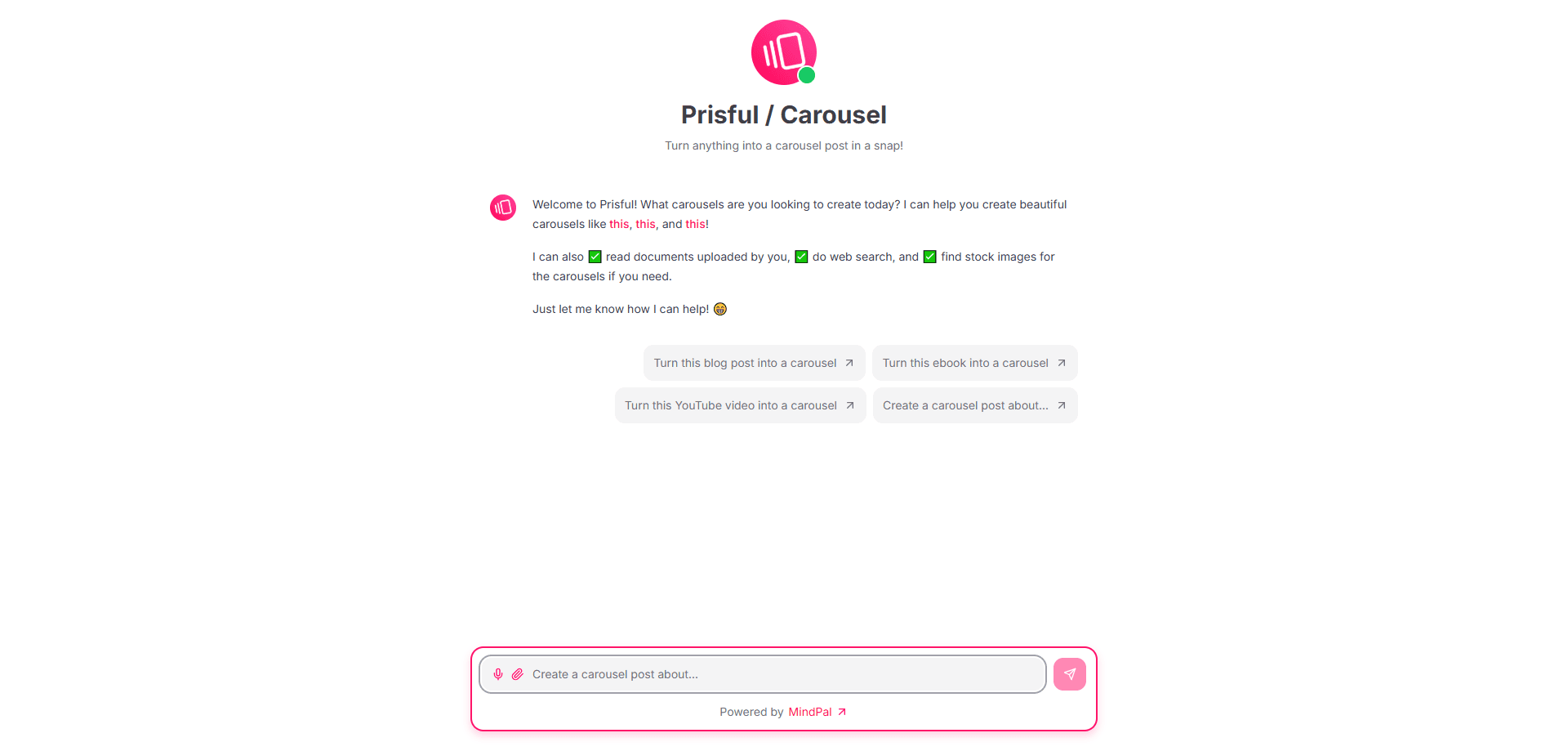
Prisful Carousel is an AI carousel maker that turns blog posts, ebooks, videos, or a short prompt into swipeable carousel posts for LinkedIn, Instagram, and TikTok.
About Prisful Carousel
What Is Prisful Carousel
Prisful Carousel is an AI tool for making carousel posts, the swipeable image decks that perform well on LinkedIn, Instagram, and TikTok. You give it source material, and it writes the copy and lays out the slides, so you don't need design skills or a template library to publish something that looks finished.
It sits on the Prisful platform, which is built on MindPal's agent technology, and you reach it straight from a browser. The pitch is speed: the makers point to making a carousel from a document, a web page, or a video in one pass, rather than writing each slide by hand. You can paste a blog post, upload an ebook, drop in a YouTube link, or start from a plain topic and let the tool draft the sequence.
The tool leans on agent features that Prisful ships across its products. It can read uploaded files, search the web for supporting facts, and pull in stock images for slides. That range is the main draw for creators and marketers who already produce long-form content and want to recycle it into short-form visuals.
The clearest limit is that this is a young, lightly documented product. There is no public pricing page just for the carousel tool, no mobile app, and no published API of its own, so the free features matter when you weigh whether to try it. It also inherits whatever limits the wider Prisful plan puts on credits and advanced models.
Getting Started
- Open the carousel tool at prisful.ai/carousel in a desktop browser and sign in through the Prisful or MindPal account.
- Paste a blog post, upload a document or ebook, share a YouTube link, or type a topic you want the carousel to cover.
- Let the agent draft the slides, then review the order and the text on each one.
- Swap in your own images or use the built-in web search and stock image lookup to fill slides.
- Export or publish the finished carousel to LinkedIn, Instagram, or TikTok.
Product Information
A quick look at Prisful Carousel's pricing, supported platforms, and performance.
Best for
The users, tasks, and scenarios where this tool fits best.
Users
- Content creators and newsletter writers
- Social media managers
- Solopreneurs and coaches
- Marketers recycling long-form assets
Tasks
- Turning a blog post into a carousel
- Making a carousel from a video
- Writing copy for each slide
- Finding images to fill the slides
Scenarios
- A marketer with one popular article to reuse
- A creator posting on a fixed weekly schedule
- A small team without a designer
- A consultant turning a webinar into slides
Key features
Source-to-Carousel Conversion
Prisful Carousel takes a blog post, an uploaded document, an ebook, a YouTube video, or a plain prompt and turns it into a slide sequence. The agent reads the source, picks the main points, and writes a short line for each slide, which is the core reason to use it over a manual template.
Web Search Built In
The agent can search the web while it works, so it can pull supporting facts, statistics, or examples into the slides. That matters for carousels built around a topic rather than an existing document, where the draft needs outside references to stand on its own.
Stock Image Lookup
The tool can find images to fill the slides, which removes a common blocker for people who don't have a photo library. You still control the final set, but the first pass comes back with visuals already placed instead of empty frames.
Agent Platform Behind It
Prisful Carousel runs on the Prisful platform, which is built on MindPal's agent technology. The same engine powers Prisful's wider content workflows, so the carousel tool benefits from the platform's model access and automation features rather than being a standalone gadget.
Browser Based
The tool runs in a web browser, so there is nothing to install. You can start from any machine with a login, which suits people who switch between computers or work from a client's office.
Reusable Across Networks
A finished carousel is sized and written for social feeds, so the same output can go to LinkedIn, Instagram, or TikTok. You adjust the copy per channel, but the slide structure carries over, which is what makes batching worth it.
Pros and cons
Pros
- Turns existing blog posts, ebooks, and videos into carousels without design work.
- Built-in web search and stock image lookup cover copy and visuals in one place.
- Runs on Prisful's agent platform, so it shares model access with the wider toolkit.
- Browser based with no install, and a free tier to test before you pay.
Cons
- There is no dedicated pricing page, mobile app, or published API for the carousel tool, so its standalone limits are hard to pin down.
- Output quality depends on the source: a thin blog post or a vague prompt produces a weak set of slides.
- Carousel styling is generated, so matching a strict brand kit likely means manual edits afterward.
- Usage runs on Prisful's credit system, so heavy volume can push you onto a paid plan.
Frequently asked questions
Prisful Carousel is an AI carousel maker that turns a blog post, document, ebook, video, or prompt into a swipeable carousel post for social media. It writes the slide copy and lays out the slides for you.
Related content
Explore related tools, skills, and articles for Prisful Carousel.
Prisful Carousel Alternatives

Google EmbeddingGemma 2
Google DeepMind · Writing · Image · CodingGoogle EmbeddingGemma 2 is a 740M-parameter open model that turns text, code, images, audio, and video frames into vectors in one 768-dimension space, running on phones and laptops.

Tractionwave
TractionWave · Image · MarketingTractionWave is an AI attention heatmap tool for static ads. Upload a PNG or JPG and it returns predicted attention, ranked hotspots, and fixes before you spend budget.

Imejis.io
Imejis.io · Image · MarketingImejis.io is an AI design studio for agents and marketing teams. Describe an image in plain words, and it writes the copy, builds the layout, reflows it to every size, then exports a finished file.