
ProfBot: Your Personal Digital Tutor
ProfBot.ai · Leaning
ProfBot is an AI digital tutor for university courses. It quizzes students one on one on instructor-supplied tests and rubrics, works on any device, and costs nothing for instructors and schools.
About ProfBot: Your Personal Digital Tutor
What Is ProfBot
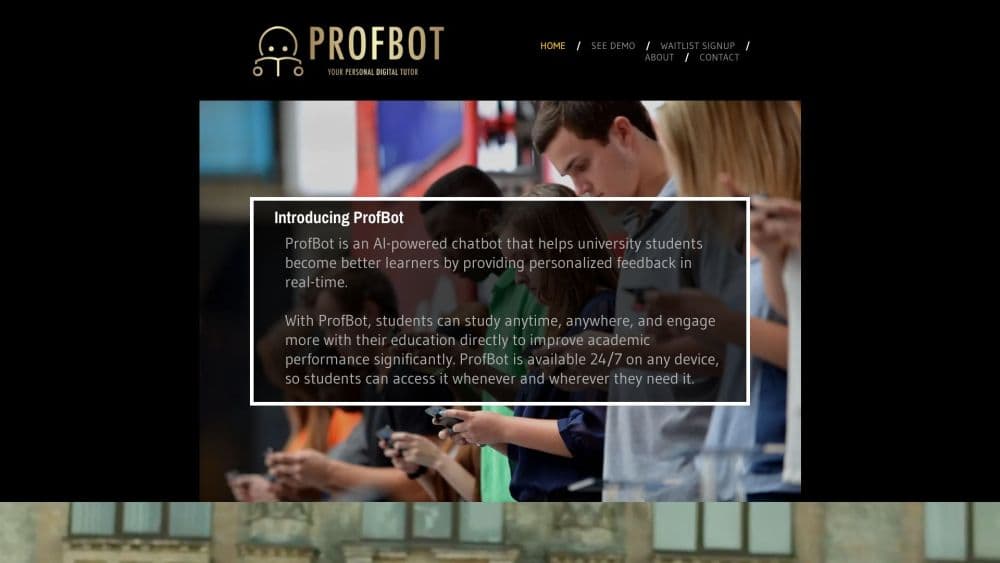
ProfBot is a digital tutor chatbot for higher education, built by ProfBot.ai and co-founded by Dr. Sean Wise, a professor of entrepreneurship. The idea is narrow on purpose: rather than another general chatbot you type questions into, ProfBot quizzes a student on the specific tests their own instructor wrote, then tells them where the answer fell short.
The site describes it as a professor quiz bot rather than a search engine. A student gets personalized learning feedback at any hour, on a phone, tablet, or laptop, aimed at the next attempt.
Two limits matter before you sign up. The product is in beta, and its own About page calls the site a work in progress. There's no public pricing page or app store listing, and the AI layer runs on OpenAI, so answers are generated text rather than a fixed answer key.
Getting Started
- Go to profbot.ai and join the waitlist. Instructors enter a name, email, course name and number, school, and the semester they want to start in.
- Submit course material. The How It Works page asks you to email a PDF of your test with the answers and grading rubric to [email protected].
- Wait for setup. The ProfBot team connects your material to the chatbot, and the site says it will follow up once the waitlist form clears.
- Share the quiz link with students. They open it on any device and start a one-on-one session, no install needed.
- Review student feedback. Students see individualized notes on how to improve, and instructors check the flow with the ProfBot team before term start.
Product Information
A quick look at ProfBot: Your Personal Digital Tutor's pricing, supported platforms, and performance.
Best for
The users, tasks, and scenarios where this tool fits best.
Users
- University students prepping for instructor-written tests
- Teaching assistants leading review sessions
- Professors teaching large lecture sections
Tasks
- Rehearsing answers before an exam
- Checking understanding after a lecture
- Preparing for short-answer and essay-style questions
Scenarios
- Late-night study when campus support is closed
- First-year courses with hundreds of enrollees
- Instructors testing AI tutoring before a department-wide rollout
Key features
Instructor-Built Quiz Banks
Each instructor-built quiz starts with the course's own test, because ProfBot doesn't invent the questions. Instructors send in their own test as a PDF, answers included, along with the grading rubric. The bot then quizzes students against that material, which keeps practice inside the bounds of the course.
Rubric-Based Feedback
This academic feedback tool differs from a generic chatbot in the loop it closes. Because ProfBot knows what a full-credit answer looks like on that rubric, it can tell a student which part of an answer was thin rather than just marking it wrong.
One-on-One Quiz Sessions
A course quiz chatbot like this one runs sessions as a back-and-forth conversation rather than a static quiz sheet. The student answers, the bot responds, and the exchange continues until the question is covered, which mimics the pace of a tutor sitting beside them.
Any Device, Any Hour
ProfBot runs in a browser on phones, tablets, and laptops, with no app install. The site pitches 24/7 study help, which matters most in the hours before an exam when campus resources are shut.
No Cost for Instructors or Schools
The waitlist page states plainly that instructors and schools pay nothing to use ProfBot. That pricing choice makes it easy for a single professor to try the tool without a procurement cycle.
OpenAI-Backed Conversation Layer
The company confirms integration with OpenAI for the conversation side. That's what lets the bot handle free-text answers and explain things in plain language instead of matching keywords.
Pros and cons
Pros
- Grounded in the instructor's own tests and rubrics, so practice aligns with grading.
- Free for instructors and schools, which removes the budget conversation.
- Browser-based on any device, so students don't install anything.
- Available 24/7, covering late-night and weekend study gaps.
- Individualized feedback gives students a concrete next step, not just a score.
Cons
- Still a beta product, and the company describes the site as a work in progress.
- Setup goes through email and a waitlist, so nothing starts the same day.
- No public pricing page or app store listing makes it hard to judge long-term cost and reliability.
- Feedback comes from a generative model, so students should check it against the rubric and their instructor's guidance.
Frequently asked questions
ProfBot is an AI chatbot built for university courses. It quizzes students one on one on material from tests their instructor wrote, then gives feedback on their answers. The company markets it as a personal digital tutor.
Related content
Explore related tools, skills, and articles for ProfBot: Your Personal Digital Tutor.
ProfBot: Your Personal Digital Tutor Alternatives

HireKey
HireKey · Voice & Language · Productivity · LeaningHireKey is an AI job search copilot built by a former tech recruiter. It checks role fit, tailors resumes, runs interview practice and tracks every application.

Lune
Retrograde Labs · Productivity · LeaningLune is a research search engine for scientific AI agents. It runs as an MCP server that lets Claude, ChatGPT and Cursor search peer-reviewed computer science papers and cite them.
Coddy
Coddy · Coding · LeaningCoddy is a gamified platform to learn to code through short interactive lessons in 20+ languages, with a browser editor, an AI tutor and free certificates.