

PromeAI
Team LibAI · Image · Video
PromeAI is an AI image and video generator for designers and creators. It turns sketches, photos, and text prompts into realistic renders, product shots, and short clips through 40+ tools.
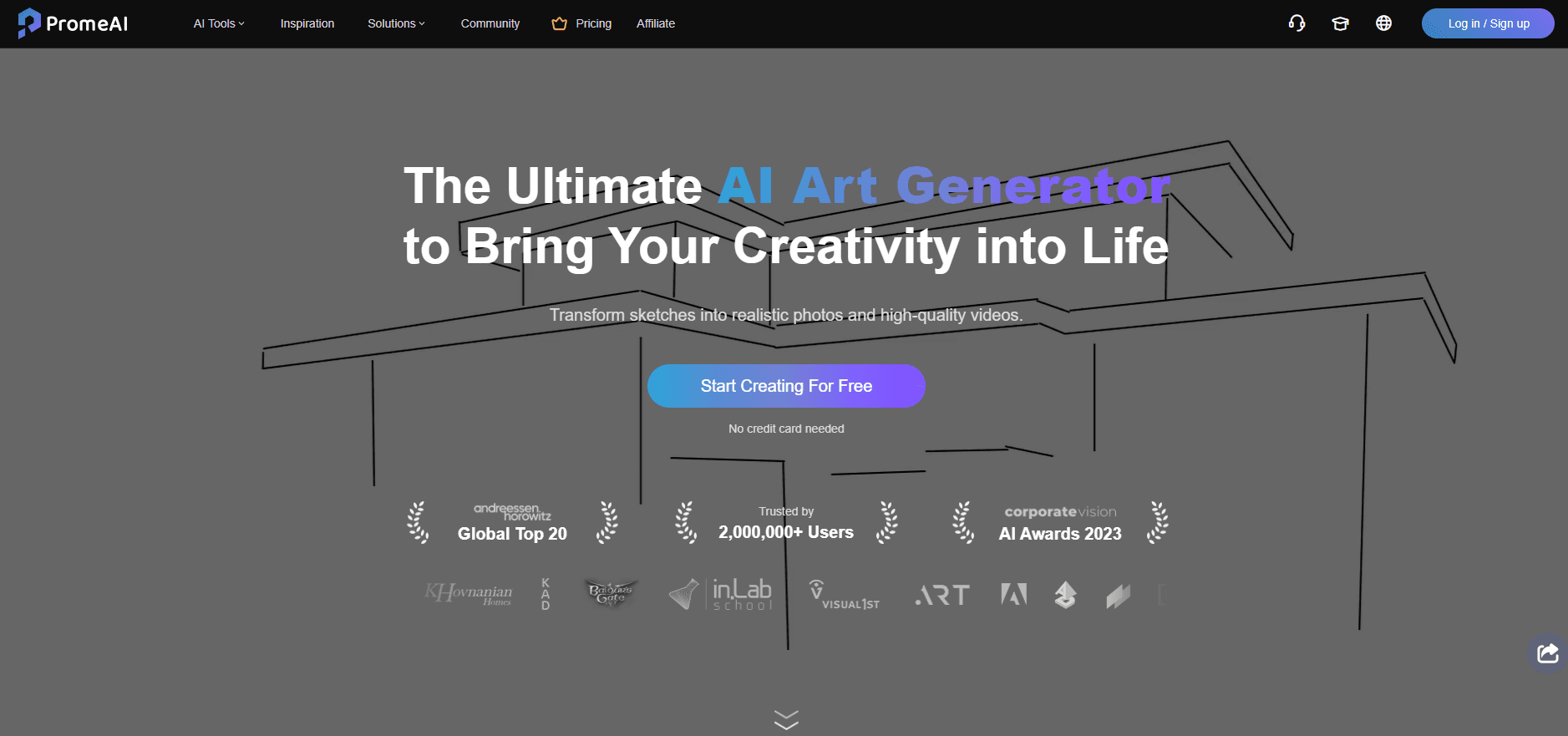
About PromeAI
What Is PromeAI
PromeAI is a design-focused AI image and video generator built by Team LibAI, the studio behind the background-removal service cutout.pro. Think of it as an AI design assistant rather than a plain text-to-image app: the name comes from combining "Pro" and "Me," a nod to Prometheus, and the pitch is simple. Hand it a rough idea and get back a finished-looking visual.
What sets it apart from a generic text-to-image tool is where the images come from. Most generators start from words. PromeAI also starts from line drawings, 3D model screenshots, and photos, then renders them into photo-like output. Architects use it to turn hand sketches into building concepts, interior designers empty out and refill rooms, and product teams mock up packaging without a studio shoot.
The catch is that PromeAI is tuned for design work, not illustration or art. If you want painterly images or cartoon characters, a general generator fits better. Its output also runs on a coin system, so heavy batches cost more as you go.
Getting Started
- Open promeai.pro and create a free account, or log in with an existing one.
- Pick a tool from the library, such as Sketch Rendering, Interior Remodel, or Image to Video.
- Upload your base image, drawing, or 3D screenshot, then type a short prompt to steer the result.
- Choose a style and adjust settings like aspect ratio or render mode, then generate.
- Download the output, or upscale and edit it with tools like HD Upscaler or Magic Editor.
Product Information
A quick look at PromeAI's pricing, supported platforms, and performance.
Best for
The users, tasks, and scenarios where this tool fits best.
Users
- Architects
- Interior designers
- Ecommerce sellers
- Game and animation artists
Tasks
- Sketch to render
- Image to video
- Photo to sketch and back
- Consistent character output
Scenarios
- Early design reviews
- Product launch visuals
- Concept art sprints
Key features
Sketch rendering
This is PromeAI's signature tool. You upload a hand sketch, a design draft, or a screenshot from modeling software, and the model returns a photo-like render with lighting, materials, and depth added. Architects and interior designers use it to make a rough napkin idea presentation-ready, which is where the tool saves the most time.
Consistency rendering and custom models
Consistency Rendering lets you train a small AI model on your own images so the output keeps a steady look. Train it on a set of product photos or a character design, and later generations reuse the same style, layout, and facial features. It's the feature that turns one-off images into a repeatable workflow, and training a model takes minutes rather than hours.
Interior and architecture workflows
PromeAI ships dedicated tools for built spaces rather than one general generator. Interior Remodel fills an empty room with furniture and finishes, Exterior Renovator redesigns an old building, and the AI Architecture Generator works from text alone. Panorama Generator and Scene Changer add range for walkthroughs and staging shots.
Image editing with Magic Editor and Erase & Replace
Magic Editor changes a picture through a text prompt, so you describe the fix instead of painting it by hand. Erase & Replace selects any region and drops in new content, which covers everything from swapping furniture to removing a stray object. HD Upscaler adds detail beyond a simple resize, and Outpainting extends an image past its original borders.
Image to video and text to video
The video tools animate stills and generate clips from prompts. Image to Video takes a render or photo and adds motion for presentations or short ads, Text to Video starts from a written idea, and Video Enhancer sharpens existing footage. The Pro and Ultimate plans lean into video, since higher tiers include 4K generation and a video discount.
A library of 42 tools
Beyond the core set, PromeAI bundles niche generators: logos, stickers, patterns, headshots, pixel art, low-poly art, PNG cutouts, vector conversion, and 3D models. The breadth means one subscription covers jobs that would otherwise need three or four separate apps. Each tool still draws on the same coin balance.
Community gallery and remixing
The site hosts a public gallery where users share prompts and results, and a Remix button rebuilds a new image from an existing one. For people learning the tools, seeing the prompt behind a finished render is faster than reading documentation, and remixing gives a working starting point.
Pros and cons
Pros
- Starts from sketches and 3D screenshots, not just text, which fits real design workflows.
- 40+ tools under one account cover rendering, editing, video, and 3D without extra subscriptions.
- Free plan gives 200 relaxed generations a month, enough to test the core tools.
- Consistency Rendering keeps characters and products stable across a whole set of images.
- Works in a browser and on iOS and Android, so a render can start on a phone and finish on a desktop.
Cons
- Fast generations are capped on lower plans, and Pro tops out at 3000 fast generations a month, so heavy users still wait.
- Coins run out as you batch, and topping up adds cost beyond the base plan.
- The design focus means it's weaker for illustration, anime, or fine-art styles than general generators.
- No public API is documented, so it can't drop into a custom automation pipeline.
- Training a consistency model and learning 40+ tools takes time before output gets predictable.
Frequently asked questions
PromeAI generates and edits images and short videos from sketches, photos, 3D screenshots, and text prompts. It's aimed at design work like architecture renders, interior mockups, product shots, and concept art.
Related content
Explore related tools, skills, and articles for PromeAI.
PromeAI Alternatives

Google EmbeddingGemma 2
Google DeepMind · Writing · Image · CodingGoogle EmbeddingGemma 2 is a 740M-parameter open model that turns text, code, images, audio, and video frames into vectors in one 768-dimension space, running on phones and laptops.

Tractionwave
TractionWave · Image · MarketingTractionWave is an AI attention heatmap tool for static ads. Upload a PNG or JPG and it returns predicted attention, ranked hotspots, and fixes before you spend budget.

Imejis.io
Imejis.io · Image · MarketingImejis.io is an AI design studio for agents and marketing teams. Describe an image in plain words, and it writes the copy, builds the layout, reflows it to every size, then exports a finished file.