

Prompt Blaze
LeadsClick LTD (Publishing Altitude) · Productivity · Other
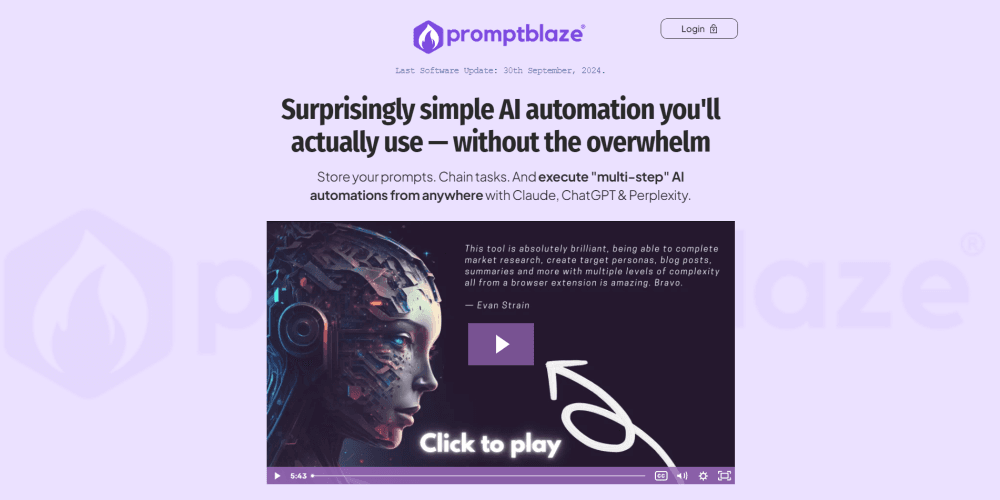
Prompt Blaze is a browser extension for AI power users who want to save, chain, and run multi-step prompts across ChatGPT, Claude, and Perplexity without coding.
About Prompt Blaze
What Is Prompt Blaze
Prompt Blaze is a browser extension that turns scattered AI prompts into a reusable, chainable prompt management extension you trigger from any web page. Instead of retyping the same instructions into ChatGPT, Claude, or Perplexity, you store each prompt once, group it into categories, and fire it off with a right-click. It works as a lightweight AI automation tool. Built by LeadsClick LTD and marketed through Publishing Altitude, it targets freelancers, marketers, and small business owners who lean on AI daily but don't want to wire up their own automation stack.
The core idea is prompt chaining. You link several prompts into one sequence, pass data between the steps with {{placeholders}}, and let the extension walk through the whole thing for you. A research step can feed a draft step, which can feed a rewrite step, all without copy-pasting between tabs. That's the part that saves real time. The learning curve is mild. The deeper webhook and variable features reward people who put in an afternoon of tinkering.
The biggest restriction is where your prompts live. Everything is stored in your browser's local storage, which is great for privacy but means nothing syncs automatically. Switch computers or reinstall your browser without exporting first, and your prompt library is gone. Prompt Blaze is also desktop-only, so there's no mobile or iPad version.
Getting Started
- Buy the extension from the official Prompt Blaze site and install it in Chrome, Firefox, Brave, Edge, or another Chromium browser.
- Log in to the AI model websites you plan to use, such as ChatGPT, Claude, or Perplexity, before running anything.
- Open the extension menu, add your own prompts, and sort them into categories and groups with the drag-and-drop interface.
- Link two or more prompts into a chain, then drop in placeholders like
{{text}}or{{user-input}}where you want live context inserted. - Highlight text on any page, right-click, and pick your prompt or chain to run it against the model you choose.
Product Information
A quick look at Prompt Blaze's pricing, supported platforms, and performance.
Best for
The users, tasks, and scenarios where this tool fits best.
Users
- Freelance writers and marketers
- Small business owners
- AI power users without coding skills
Tasks
- Content research and drafting
- Repetitive client work
- Multi-model comparisons
- Workflow handoffs
Scenarios
- Turning a long article into a summary, then a social post, then a hashtag set in one pass.
- Pulling a YouTube transcript or Amazon book details straight into a prompt using site-specific placeholders.
- Automating a daily review of product pages or listings without manually copying text into a chat window.
Key features
Prompt Chaining
Prompt Blaze lets you link multiple prompts into a step-by-step sequence, so one action runs an entire workflow. Data flows between steps using placeholders. The output of step one becomes the input for step two. No manual copying. This is the feature that separates it from a plain bookmarking tool for prompts.
Placeholder Variables
You can inject live context into any prompt through variables. The basics are {{text}} for whatever you've highlighted, {{title}} for the page title, and {{url}} for the current address. Site-specific variables pull richer data, like YouTube transcripts or a list of book titles from an Amazon results page. Then {{user-input}} lets you answer a question mid-chain to steer the model. It's a small feature with a big payoff.
Quick Reply Menu
Highlighting text on a page brings up a quick reply menu, and you decide what lives in it. You can add unlimited custom options, so the actions you use most sit a click away instead of buried in a settings panel. It's the feature that makes the extension feel fast rather than merely convenient.
Local-Only Storage
Every prompt and chain is saved in your browser's own storage, and the company says it can't see any of it. That's a genuine privacy win for people working with client material or sensitive strategies. The trade-off is real, too: nothing syncs between devices, so you're on the hook for regular exports.
Webhook Integrations
Through webhooks, any context the AI produces can be pushed to thousands of apps using platforms like Make.com and Zapier. A common setup sends finished output straight to Dropbox or a CRM. This is aimed at users who want their AI steps to feed a wider business workflow rather than dead-end inside a chat window.
Multi-Model Support
Prompt Blaze works on the free and paid tiers of ChatGPT, Claude, Perplexity, Poe, and Grok, and it also runs against local models through Open WebUI with API providers like OpenRouter. The AI sites change often. The developer ships frequent fixes. The changelog shows updates landing nearly every week.
Drag-and-Drop Organization
Prompts live in categories and groups you arrange yourself, so a growing library stays navigable. You can view and edit any prompt, including the bonus chains and marketplace packs, since everything is stored as plain text. Category and group collapse keeps the menu tidy when your collection gets large.
Pros and cons
Pros
- One-time $49 payment with no monthly subscription and a 60-day money-back guarantee.
- Local-only storage keeps your prompts private and off the vendor's servers.
- Prompt chaining with placeholders handles multi-step workflows without any coding.
- Runs across ChatGPT, Claude, Perplexity, Poe, and Grok from any web page.
- Text-based prompts stay viewable and editable, so nothing is locked in a black box.
Cons
- Nothing syncs between devices, so a browser reinstall without an export wipes your prompt library.
- Desktop browsers only; there's no mobile or iPad option.
- The extension needs constant maintenance to keep up with frequent AI site changes, and sequences can break until a fix ships.
- API availability is unclear, so developers who want to call Prompt Blaze programmatically will be disappointed.
Frequently asked questions
It's a browser extension that stores your AI prompts, links them into multi-step chains, and runs them against models like ChatGPT, Claude, and Perplexity from any web page. Think of it as a prompt manager plus a lightweight automation layer. No code required.
Related content
Explore related tools, skills, and articles for Prompt Blaze.
Prompt Blaze Alternatives

Base Code
Base44 (Wix) · Coding · ProductivityBase Code is a shared cloud development environment from Base44. Teammates describe changes to an existing GitHub codebase in chat, preview them live and send them back as pull requests.

Knocket
Knocket (Tencent RTC team) · Productivity · Business · ChatbotKnocket is a free live chat and contact page tool that lets visitors message you from your website, app, or a shareable link, with every reply handled from Telegram or one inbox.

FloorGen
Vinit Kumar (FloorGen) · Productivity · China AIFloorGen is a browser-based floor plan maker that turns a sentence or a sketch into an editable 2D plan and a 3D walkthrough. Export to PDF, DXF or video, and draw without an account.