

Prompt Hunt
Prompt Hunt Inc. · Image
Prompt Hunt is a web AI art generator and text to image generator built around Chroma, the company's own model, plus a template library that turns plain prompts into finished images.
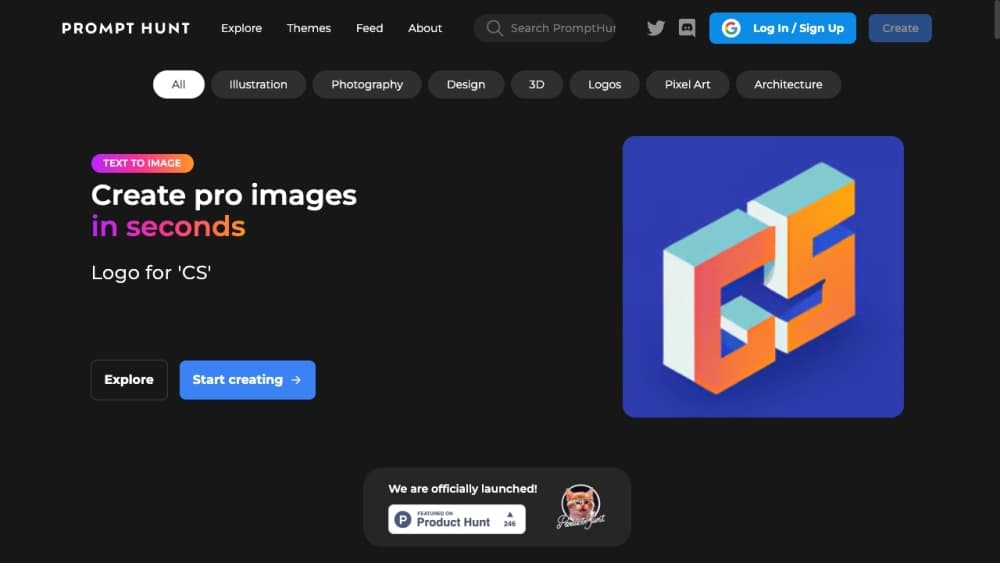
About Prompt Hunt
What Is Prompt Hunt
Prompt Hunt is an AI art platform for creating, exploring, and sharing images generated from text prompts. It runs in the browser and centers on Chroma, a model built in-house for creative work, with support for Stable Diffusion and DALL·E as well.
The product solves a narrow but real problem. Most people know what they want to see but not how to phrase the prompt that produces it. Prompt Hunt answers that with templates: preset styles and modifiers you apply with a click instead of writing raw parameters yourself. The library mixes official templates with community submissions, so a first-time user and a seasoned prompt engineer can work in the same place.
The biggest limitation is fidelity at high resolutions. Chroma is trained on 512 x 512 images, and pushing output beyond that size can duplicate objects such as heads. You mostly fix this by staying near the recommended size and upscaling afterward, which costs extra images from your daily quota.
Getting Started
- Create a free account with an email or a linked login, then open the create workspace.
- Pick a template from the library, or start from a blank prompt if you already know what you want.
- Type your subject, choose a model and resolution, and generate up to four images at once.
- Refine favorites with upscaling, variations, or pose controls, then download or share the results.
Product Information
A quick look at Prompt Hunt's pricing, supported platforms, and performance.
Best for
The users, tasks, and scenarios where this tool fits best.
Users
- Beginners who want AI art without learning prompt syntax
- Designers and marketers who need consistent assets
- Prompt engineers who want a faster loop
Tasks
- Generating social media visuals and thumbnails
- Building a private concept before a client review
- Producing a set of matching illustrations
Scenarios
- A solo creator testing an idea on a phone or laptop between other work
- A small team standardizing its brand artwork
Key features
Chroma, the In-House Model
Chroma is Prompt Hunt's own image model, positioned for creative work rather than general photography. The company says it targets high-quality visuals with speed and detail, and it is the default engine behind new creations. Its training resolution is 512 x 512, which sets the practical sharpness you get before upscaling.
Prompt Templates and Styles
A template is a ready structure that hides the prompt engineering. You enter a subject, and the template applies the styles and modifiers behind the scenes. Templates come from Prompt Hunt and from the community, so the range keeps widening. You can also build your own and choose to share it or keep it private.
Privacy Mode
Privacy mode keeps your creations out of public galleries until you choose to publish them. It is available on every plan, including the entry tier. For anyone working on unreleased campaigns or personal projects, that removes the worry of a draft surfacing before it is ready.
Upscaling, Variations, and Detail Boost
After an image is generated, you can enlarge it by doubling or tripling the size and create variations of the result. Extra tools such as Boost Details add clarity where it is needed. These run on top of the base model, so the starting resolution stays modest and the polish comes after.
Pose Control with OpenPose
Prompt Hunt offers pose control built on OpenPose, letting you guide body positioning instead of describing it in words. It is aimed at figures and characters, where a written prompt is a clumsy way to pin down a stance. The feature is documented in the platform's own tutorials.
Community Explore Feed
The explore feed is a browsable gallery of images made by other users, split into categories like Photography, Illustration, 3D, Logos, Anime, and Pixel Art. Each piece shows the prompt behind it, so you can study what worked and copy the approach. It doubles as a discovery engine for the AI art creator who has no idea where to start.
Pros and cons
Pros
- The template system removes prompt-writing as a barrier, which is the single biggest hurdle for newcomers to AI art.
- Privacy mode is available on the cheapest plan, not locked behind a top tier.
- You retain ownership of what you create and can use images for personal or commercial purposes under the terms of service.
- Generating four images at once makes comparison fast before you commit to downloading one.
Cons
- Large output sizes can duplicate objects such as heads, so you are pushed toward 512 x 512 and then upscaling, which spends more of your daily quota.
- The daily image allowance resets only at midnight UTC, so a heavy session can leave you waiting with no top-up option mid-day.
- There is no public API, which rules it out for teams that want to use this AI image generator from their own code or workflow.
Frequently asked questions
Prompt Hunt is used to turn text prompts into AI-generated artwork in a browser. It pairs its own Chroma model with a template library, so you can generate images by picking a style and typing a subject rather than writing full prompts.
Related content
Explore related tools, skills, and articles for Prompt Hunt.
Prompt Hunt Alternatives

Google EmbeddingGemma 2
Google DeepMind · Writing · Image · CodingGoogle EmbeddingGemma 2 is a 740M-parameter open model that turns text, code, images, audio, and video frames into vectors in one 768-dimension space, running on phones and laptops.

Tractionwave
TractionWave · Image · MarketingTractionWave is an AI attention heatmap tool for static ads. Upload a PNG or JPG and it returns predicted attention, ranked hotspots, and fixes before you spend budget.

Imejis.io
Imejis.io · Image · MarketingImejis.io is an AI design studio for agents and marketing teams. Describe an image in plain words, and it writes the copy, builds the layout, reflows it to every size, then exports a finished file.