

PuLID
PuLID · Image
PuLID is a free AI headshot generator that turns a single photo into professional portraits for students, freelancers, and job seekers.
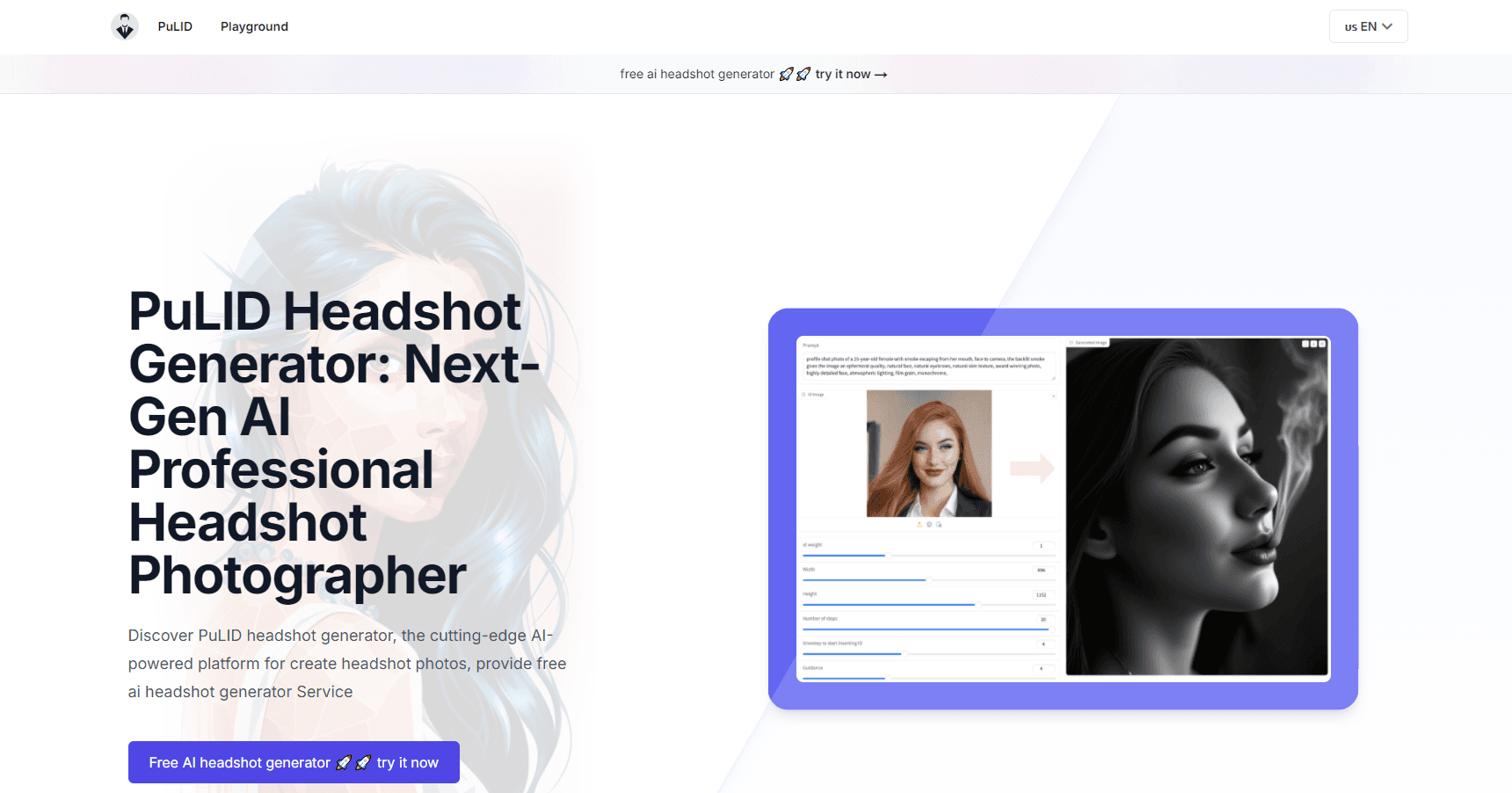
About PuLID
What Is PuLID
PuLID is a web-based AI headshot generator built around a simple promise: you give it one photo, and it gives back a polished professional portrait. There's no studio to book and no app to install. You upload an image, pick how you want to look, and the tool handles the rest in your browser. Think of it as an AI profile picture maker that doubles as a quick portrait tool when you need a photo for work, school, or social accounts.
The people it targets are practical ones. Students need a decent photo for a job application. Freelancers need profile pictures that match each platform they sell on. Anyone who dreads paying a photographer for something they'll use once can get the same result here without spending anything. According to the team behind it, that's the whole point. It's a headshot tool for people who'd rather spend an afternoon editing than a paycheck on a studio.
The main catch is the input. PuLID can only work with what you give it, so a blurry, badly lit, or side-on image leads to weak output. Their own FAQ says as much: a clear, well-lit photo facing the camera works best. Garbage in, garbage out. Beyond that, the tool leans toward headshots rather than full-body scenes, so it won't replace a general image editor if you need something more elaborate.
Getting Started
- Open pulid.org in your browser. No account, download, or plugin is required.
- Upload a single clear photo of your face, ideally well lit and looking straight at the camera.
- Choose your environment, then adjust outfits, accessories, and poses until the look matches what you need.
- Generate the headshot and let the AI process it. The site says this usually takes a few minutes.
- Review the result, tweak the values or description, and regenerate as many times as you want until you're happy.
Product Information
A quick look at PuLID's pricing, supported platforms, and performance.
Best for
The users, tasks, and scenarios where this tool fits best.
Users
- Students
- Freelancers
- Job seekers
- Budget-conscious professionals
Tasks
- Profile picture updates
- Resume and portfolio photos
- Background swaps
- Outfit and style testing
Scenarios
- Last-minute application deadlines
- Managing multiple online profiles
- Trying a new professional look
Key features
One-Photo AI Generation
PuLID builds an AI portrait from a single uploaded image rather than requiring a set of reference photos. That lowers the barrier a lot, since most people already have a decent selfie on hand. Type your details and hit generate. The model does the rest.
Customizable Backgrounds
You can change the environment behind you to suit different professional contexts. A plain studio backdrop fits a resume photo, while a themed setting works better for a personal brand or social profile. It's the feature that makes one headshot reusable across platforms. Want a studio gray one day and a warm office the next? Both are a click away.
Outfit and Accessory Customization
The tool lets you experiment with outfits, accessories, and styles without a wardrobe change. This is handy when you want a photo that matches a specific role, like a creative profile versus a corporate one. You can iterate on the look until it fits the image you're going for, which matters when a single wrong detail throws off the whole impression you're trying to make.
High-Quality Output
PuLID aims for professional-grade headshots with strong detail and realism. The results depend on the input, so the cleaner your source photo, the better the final image tends to look. For a free tool, the aim is output you'd be comfortable posting publicly.
Diverse Pose Options
Instead of one fixed framing, PuLID offers a range of natural and professional poses. You pick the one that best fits your personality rather than settling for a single stock-style angle. It's a small thing that makes the result feel more like you. And that counts. Nobody wants a company photo that looks identical to a thousand others.
Free Service
There's no paid tier and no per-image charge. The FAQ states plainly that the headshot generation service is free. For students and job seekers, that removes the usual cost barrier that comes with professional photography. No surprise bills, no credits to track.
Pros and cons
Pros
- Free to use, with no subscription or per-image fee mentioned on the site.
- Works from a single photo, so you don't need a set of reference shots.
- Background, outfit, and pose options make one headshot reusable across platforms.
- Regeneration is unlimited, so you can keep adjusting until the result fits.
- The site says uploaded photos are deleted right away and not stored.
Cons
- Output quality hinges on your input photo; a blurry or side-on shot produces weaker results.
- Built for headshots, so it won't cover full-body or complex scene editing.
- There's no public API, which rules it out for teams wanting to automate headshot generation.
Frequently asked questions
A clear photo of your face without occlusion works best. The site recommends an image where you're facing the camera and well lit, since the final headshot can only be as sharp as what you upload.
Related content
Explore related tools, skills, and articles for PuLID.
PuLID Alternatives

Google EmbeddingGemma 2
Google DeepMind · Writing · Image · CodingGoogle EmbeddingGemma 2 is a 740M-parameter open model that turns text, code, images, audio, and video frames into vectors in one 768-dimension space, running on phones and laptops.

Tractionwave
TractionWave · Image · MarketingTractionWave is an AI attention heatmap tool for static ads. Upload a PNG or JPG and it returns predicted attention, ranked hotspots, and fixes before you spend budget.

Imejis.io
Imejis.io · Image · MarketingImejis.io is an AI design studio for agents and marketing teams. Describe an image in plain words, and it writes the copy, builds the layout, reflows it to every size, then exports a finished file.